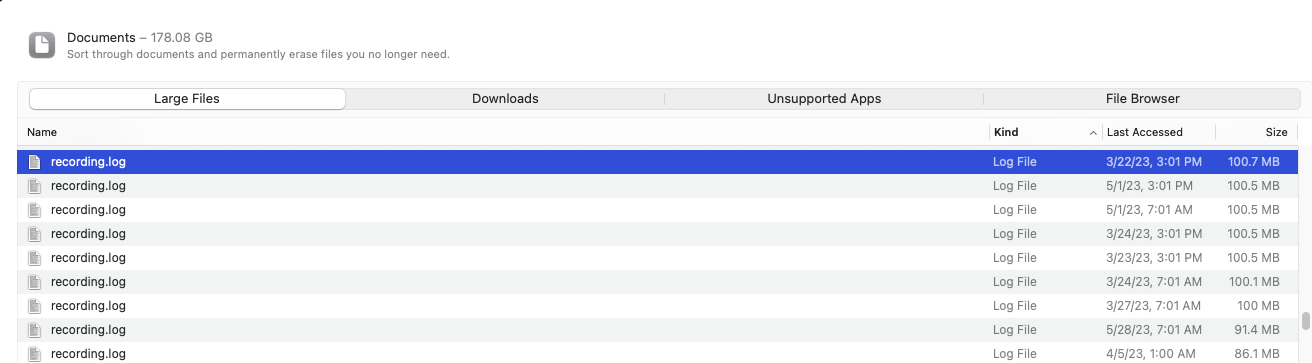
Hey Yall - I recently upgraded my mac mini to the lateset OS, Ventura. When I did that, I did not realize it was going to cause me issues with the 8TB ext hard drive that I used for recording my tv shows on Channels DVR...I originally setup that drive as NTSF...and found Ventura does not include a NTSF read/write driver or whatever...to make a very long story short, I moved what I could move off to other hard drives...so I was able to save most of my stuff....I then reformated the hard drive as a MAC ext hard drive, which I probably should have just done from the beginning.....
I say that to say, my Mac Mini is a 500GB hard drive...and for some reason the Channels DVR logs appear to be taking up a lot of space...see screen shot attached as an example....is there a way to delete these or do a cleanup via a setting from the server settings?