Channels DVR needs repairing, but is stopped by my Synology NAS

Hi all.

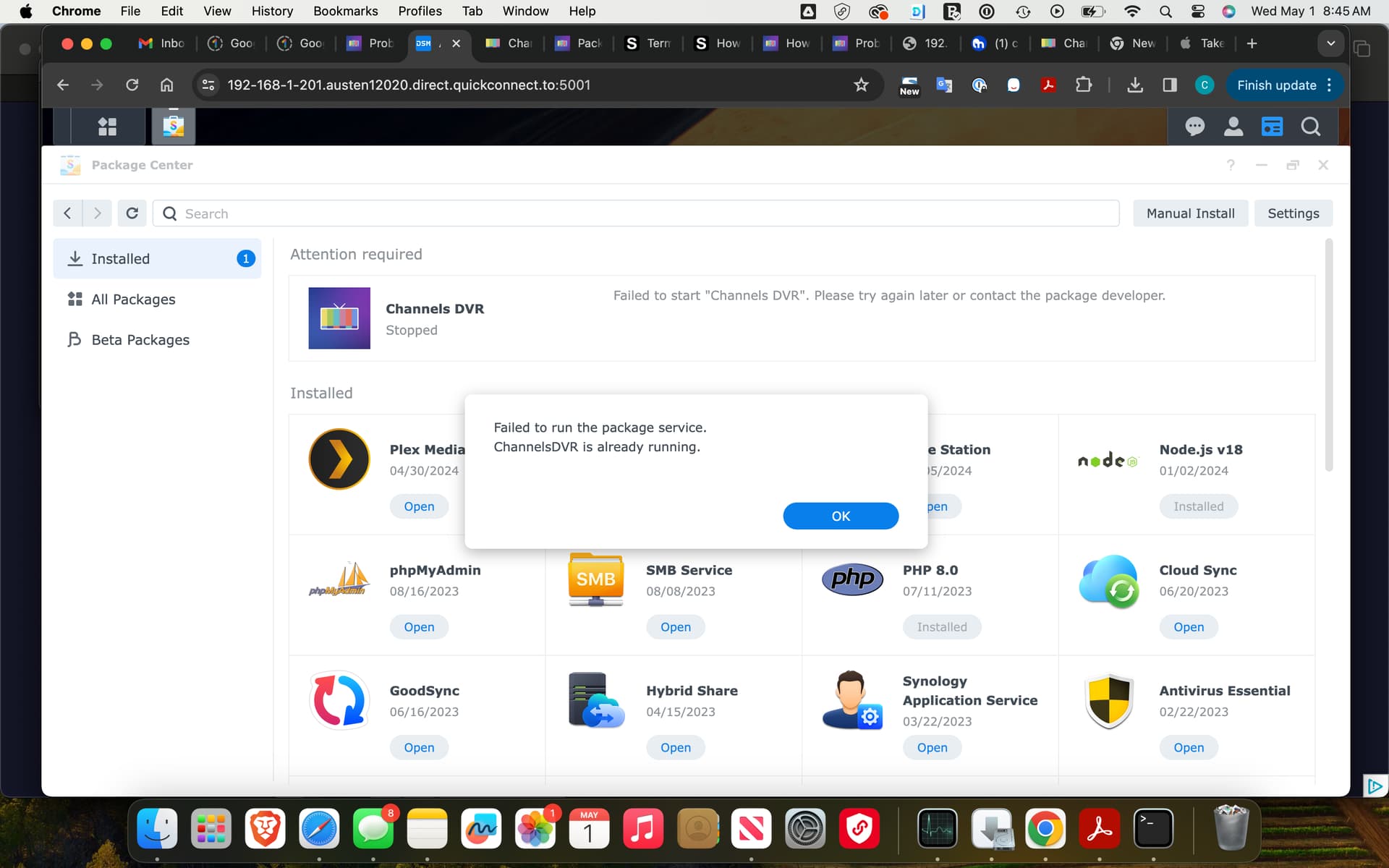
For some reason, Channels dvr needs repairing, but my Synology DS1019+ stops it from being repaired, saying that Channels dvr is already running.

I have tried to uninstall and reinstall the app, so I have the latest version (version 1.1.0), but that didn't work.

I need ideas and possible solutions

It's unclear what this is even talking about. Does the NAS explain what it means by "needs repairing"? This isn't something we're familiar with.

Additionally, don't worry about the version number of the container that installs Channels DVR Server onto your NAS, as Channels DVR Server updates itself internally. The app container that installs it onto the Synology NAS is never actually updated or versioned.

No it doesn't.

All it tells me is that Channels dvr needs to be repaired, but every time I choose the option to repair it, I get the message "can't run the service. ChannelsDVR is already running"

Accessing through Package Center.

Channels DVR Shows as Stopped. Option to Unistall or Repair.

Select Repair.

Failed to Run Package Service
Channels DVR Already Running.

Attempted Uninstall
Restart NAS
Reinstall

Same Error Message.

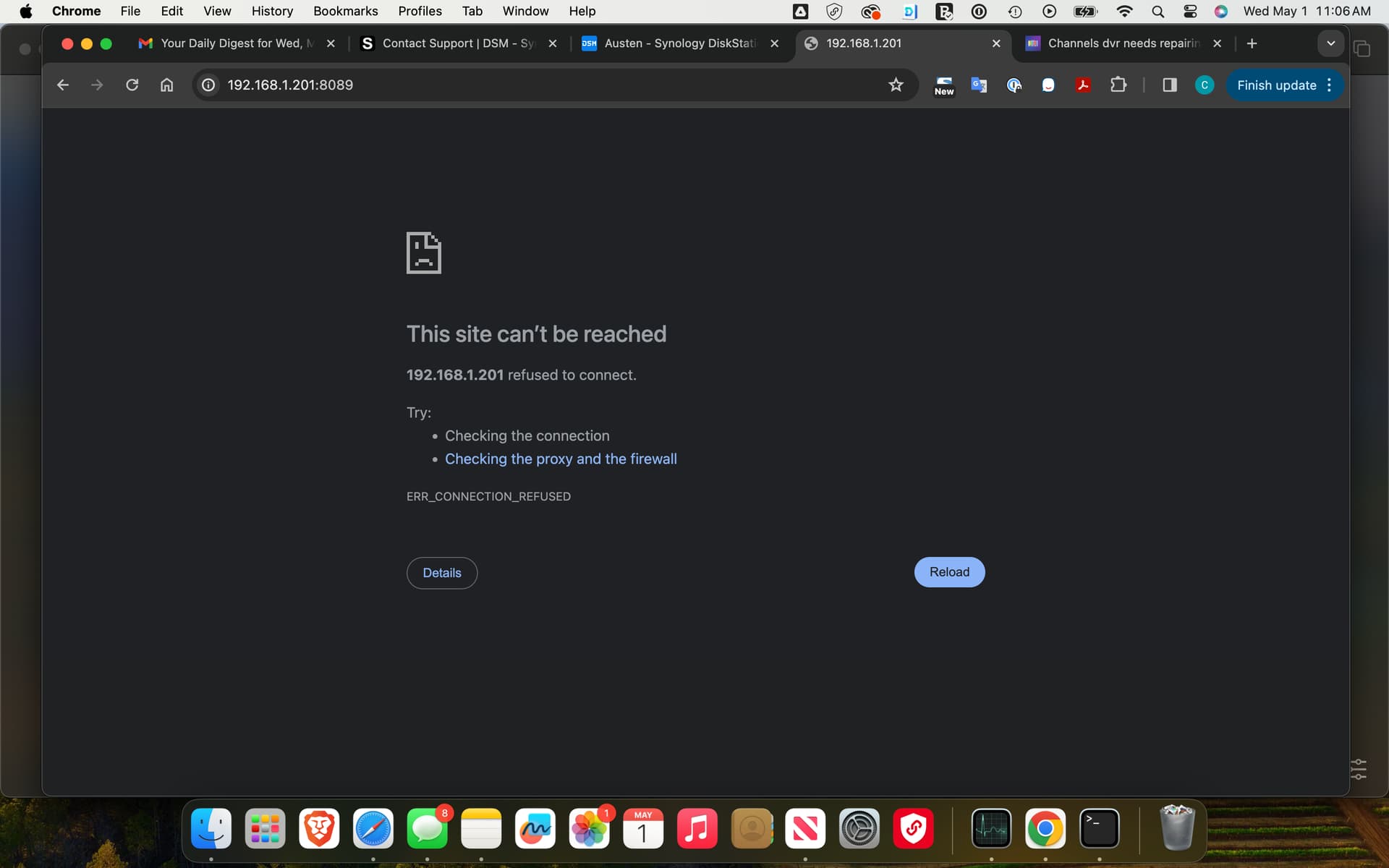
Cannot Reach From Browser

I am having the same issue. Any fixes?

It was a super easy fix. Tech support had me delete one directory and it started up as normal. I can’t remember which one. Give them a call.

What support? Channels or Synology?

Had to have been Synology since Fancy Bits here doesn't have a support phone number.

Uninstall Channels and download the latest installer for Synology.
You won't loose your data and when bringing it back, make sure to be aware of the last backup done by Channels.

Thanks for the suggestion. I did the stuff the OP did, uninstalling, rebooting, installing but fails to run and then says repair needed again. The whole thing started when I ran out of storage space. I cleared up some space but just doesn't want to start back up or repair. Wish I knew whether synology support had the guy ssh to delete files or if it was done out of file station.

Well, I tried using docker on the synology but for the life of me I couldn't get a secondary storage path to work. Not comfortable enough with docker to move all the recordings over to the default path and have it wiped out when I try updating Channels or something. So I went back to troubleshooting the package install. Found another thread on here and low and behold, got it working again tonight. So many hours...

For anyone that runs into repair not working on the Synology, what worked for me was installing it, and then enabling ssh and going in and removing a single file using following: sudo rm -f /var/packages/ChannelsDVR/var/ChannelsDVR.pid

Of course, do at your own risk.

1 Like

That file is created when you start the package and is supposed to be deleted when you stop the package from the Synology Package Center.

See /var/packages/ChannelsDVR/scripts/start-stop-status for the Package Center script
See /var/log/packages/ChannelsDVR.log for the script log