Channels DVR server ignoring .edl files on imports after latest full release update

Hello,

The lastest release update that was pushed out is causing me some problems when importing files with .edl files. I have channels dvr set to create .edl files along side recordings and verify them before copying to my NAS for importing back into channels DVR server. In the past, this worked fine and when I viewed imported content the commercials were skipped appropriately. I imported a large amount of TV series files accompanied by the .edl files after the latest release update and in all cases the server ignored the .edl files. They still show as "Verified" when viewed in the library, but when you actually watch the imports they show no commercials to skip. There were zero errors in the logs for the imports.

channels server is running on MacOS, server version 2024.01.08.2109.

I haven't checked to see if there is a beta available yet, as I haven't hit a spot where I wasn't recording and could restart the server. Let me know if this is a problem you are aware of and have beta code out for and I'll update ASAP.

Thanks
Chief

Besides showing as "Verified", does Channels think there are ad markers?

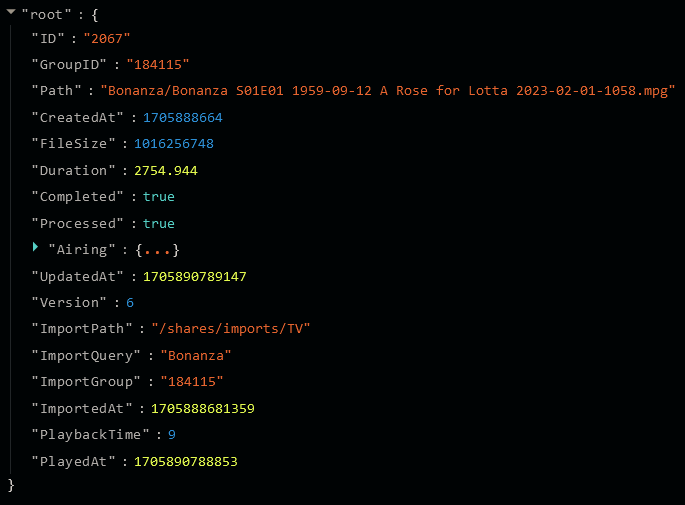
Using the Channels DVR web admin UI, look at the recorded file json.
For an episode, go to DVR > Manage > Shows, click the :gear: Options dropdown, click on View Details and then click on the File ID number
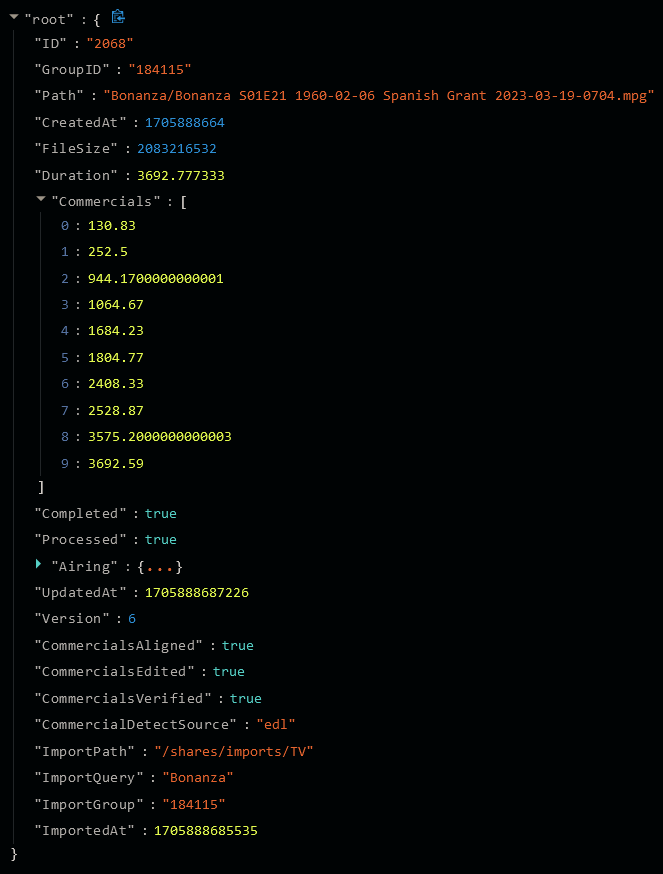
Commericals will display the time of the markers

If it displays ad markers then it's an issue with the client not getting them from the server.
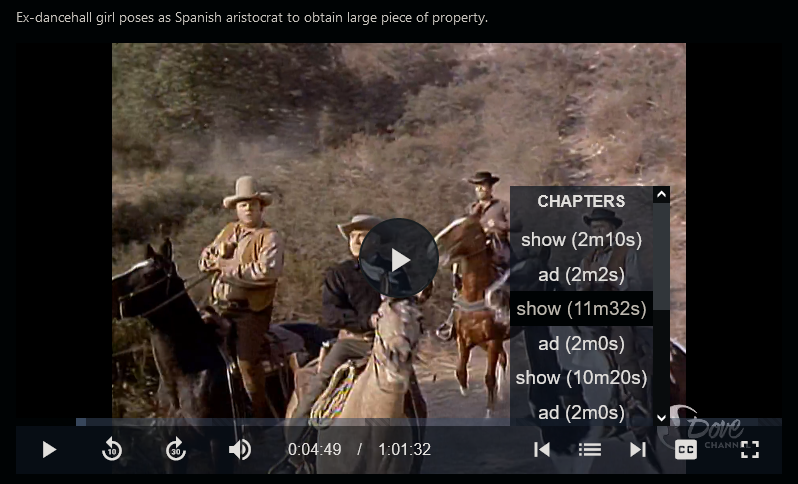
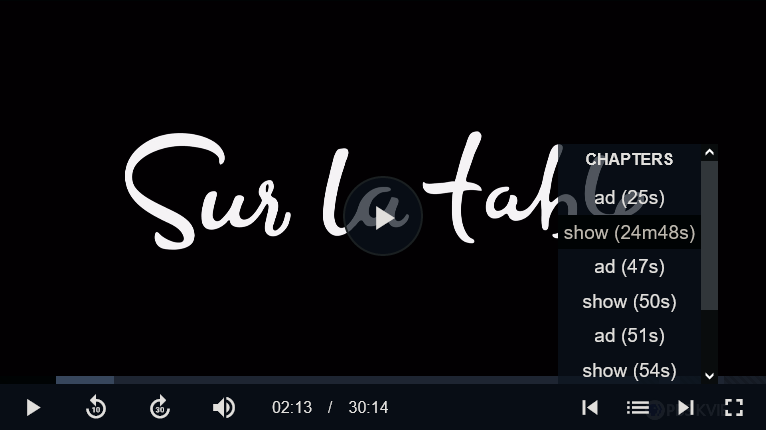
You can also see them in the dvr web UI player, where they display as Chapters

Just did a quick test and it works for me using Channels v2024.01.19.0618

I had Channels DVR create an .edl file for one of my recordings and copied it to another Channels server import directory. It imported, shows as Verified and it shows the commercial markers as I explained above.


And it displays "CommercialDetectSource" : "edl"

And here's another one. I had removed the ads from the file (with my video editor) so the .edl file Channels created is zero bytes (empty .edl file). It imported and doesn't show ad markers.

Might want to look in your .edl files with a text editor to see if there's anything in them.
Also make sure the .edl filenames are the same as the recording .mpg

Bonanza S01E01 1959-09-12 A Rose for Lotta 2023-02-01-1058.edl
Bonanza S01E01 1959-09-12 A Rose for Lotta 2023-02-01-1058.mpg

Bonanza S01E21 1960-02-06 Spanish Grant 2023-03-19-0704.edl
Bonanza S01E21 1960-02-06 Spanish Grant 2023-03-19-0704.mpg

I verified the ad markers prior to copying them to my NAS and importing them, they were fine and had commercial markers prior to that. My work flow is as follows, and has been since we were allowed to import shows: about once a month I go through movies and shows I've recorded that I want to keep and I edit and verify their commercials. I then copy them to my NAS which is setup for imported shows. Once they are done copying, I verify they copied properly and then I delete the original recording from the DVR. Until the v2024.01.08.2109 release update came out, this worked perfectly and shows imported properly with their commercial detection, after the update it was if there wasn't an .edl file at all with the imports.

I haven't been home since I posted this, and am planning on doing a update tonight in between recordings. I see that you were able to import and maintain commercial detection on version v2024.01.19.0618, so I will test again once I update tonight and post the results.

This topic was automatically closed 365 days after the last reply. New replies are no longer allowed.