
I was watching Channels and turned it off. an hour latter, I launched it to watch a program and it would not launch. Here is a screenshot.
Can you help me fix the problem? I have a mac.
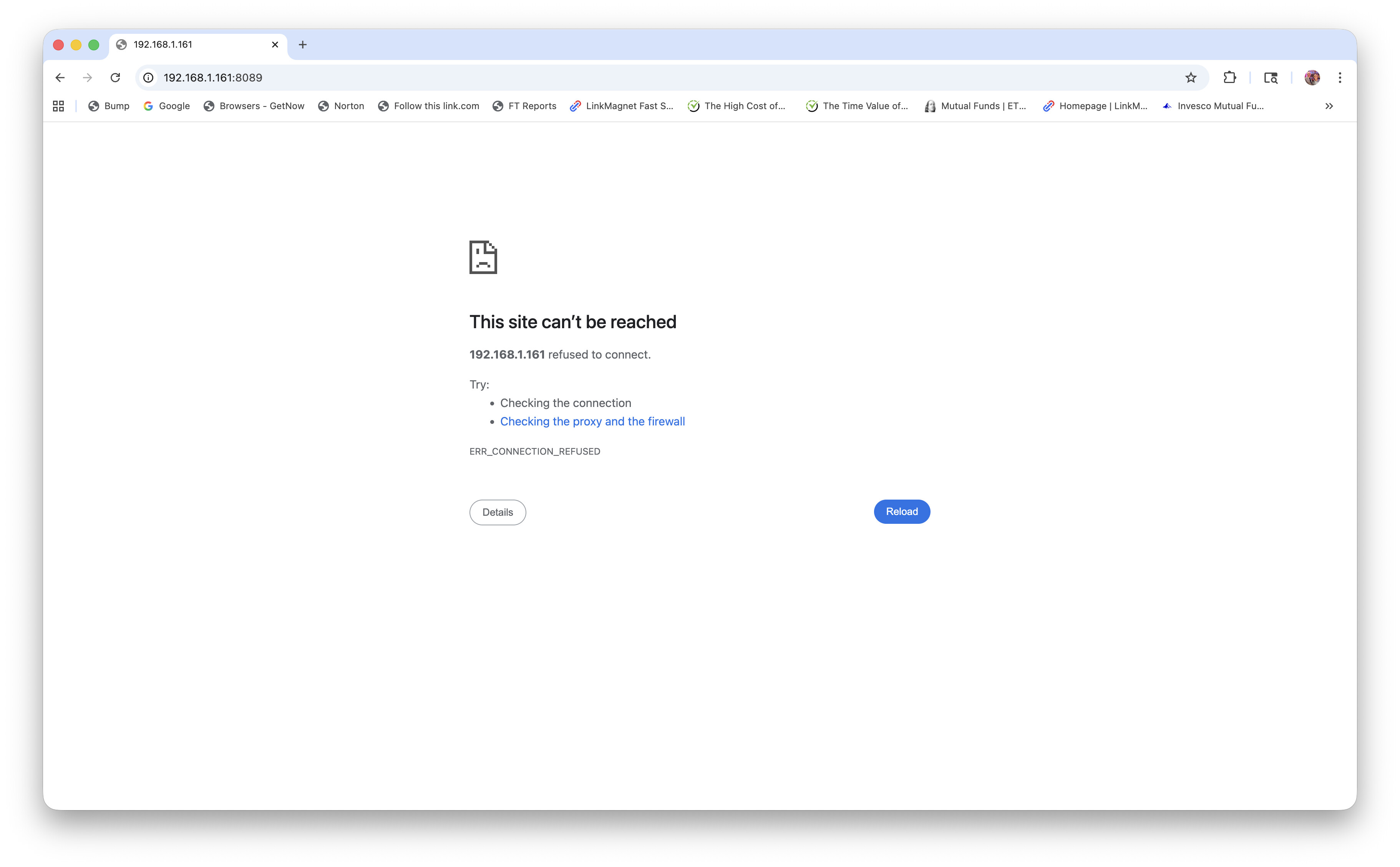
Since you said you have a Mac, are you able to login from the Mac that Channels is installed from? if so, have you tried using localhost:8089 or 127.0.0.1:8089 from the Mac to see if you have a network issue? If you can login using the local ip address, double check the IP address of the Channels DVR from the status page, perhaps your IP address changed for some reason.
If you can't connect from the Mac, make sure the app is still running (sorry, I'm a windows user so can't help with how to check on a Mac).
If you can connect from the Mac and it shows the same IP address that you used before, sounds like you have a network issue somewhere, perhaps restart your router/switch.
I have tried looging both ways with no luck. I even tried logging in using the ethernet with no luck. I can get on everything else via wiwi. Something is blocking me from getting intto channels. Maybe a setting on my computer. I checked the proxy and also the firewall. Everything looked fine. I'm at a loss. don't know what to check next. Thanks for responding. If you happen to run into anything that might help me get back on, I would appreciate it if you could let me know. Thanks again.
If from the machine the dvr is running on you can’t reach the settings at this url:
http://localhost:8089/
Then you need to make sure Norton isn’t blocking it.
Thanks for the suggestion. I tried that; didn't work. I don't have Norton I do have Express VPN. I deleted it. still don't work.
rstucker2000
If localhost doesn't work then the software is not running
You can check if Activity Monitor shows channels-dvr
Or reinstall via the latest installer
Or check under Library/Application Support in the log file for errors
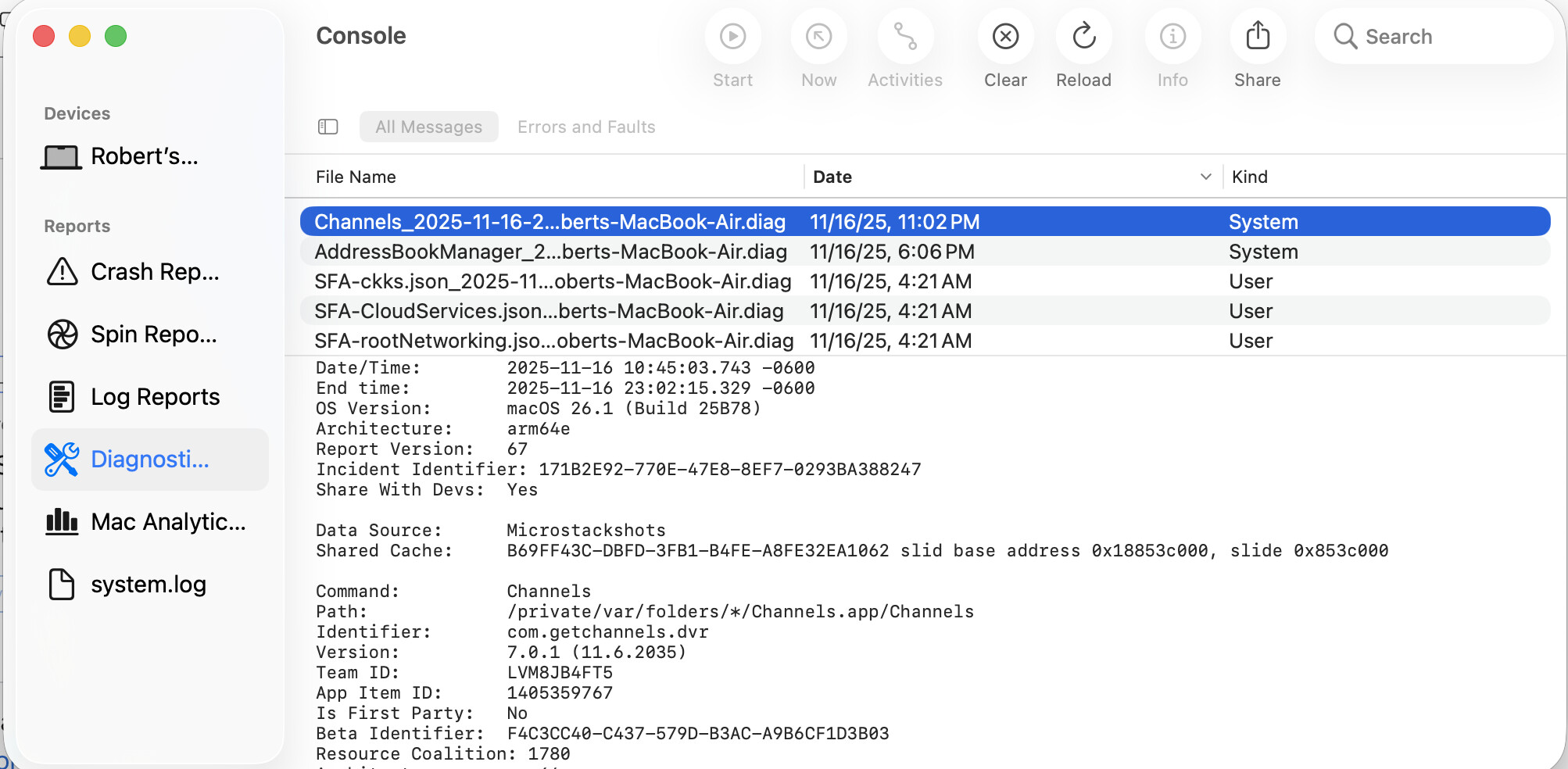
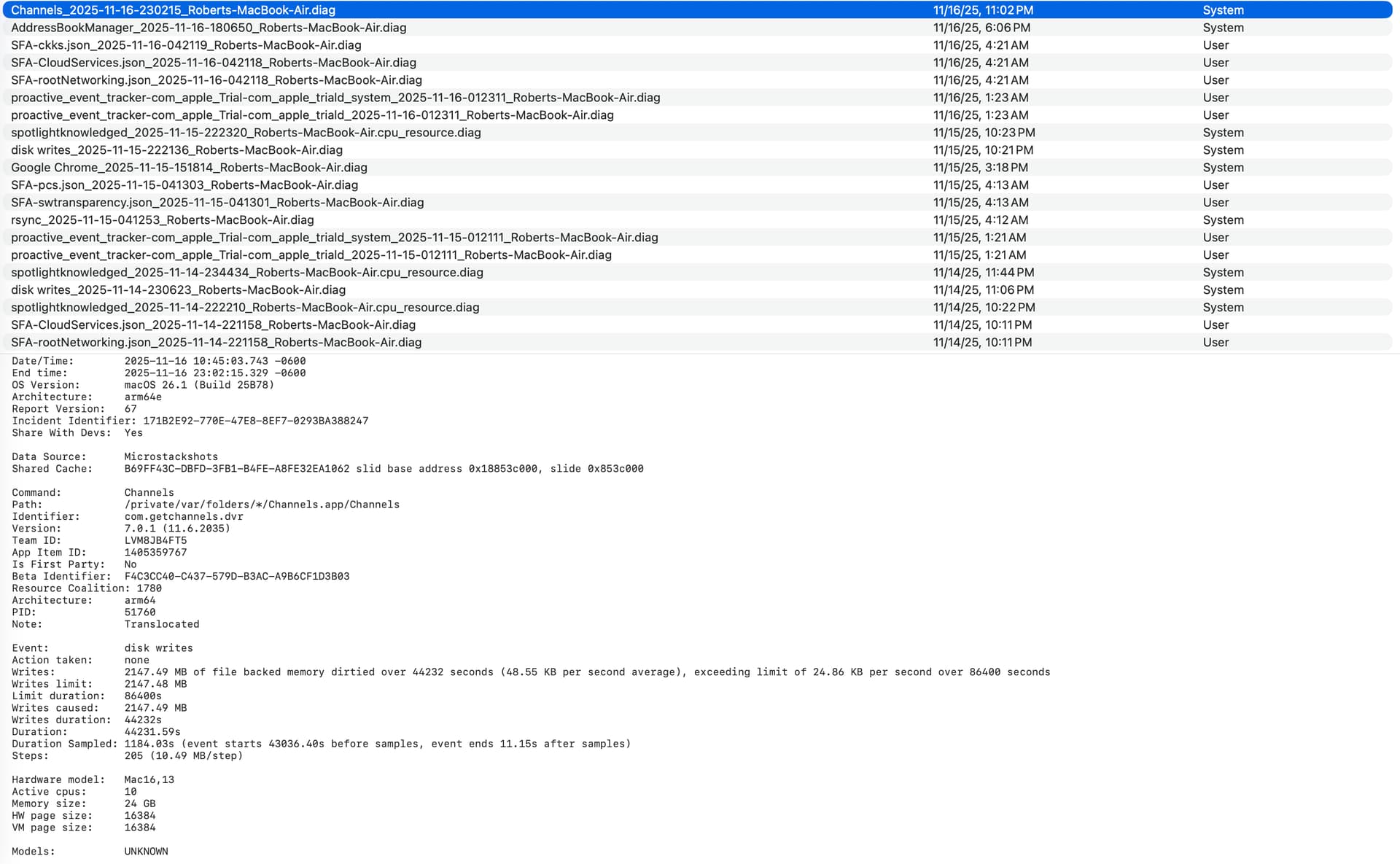
That is a crash of the iPadOS Channels app running on a Mac.
Are you running the DVR server app on the Mac, the client (iPadOS) app or both?
Did you try reinstalling or looking in Library/Application Support as @tmm1 suggested? You should see a ChannelsDVR folder in there.
I can't find Library/application support. I was looking in utilities. I am running Channels on a mac.
@rstucker2000 There are two parts of Channels: the DVR software (server, runs in the background and you access it via the Web admin) and the client (what you use to watch TV on iOS/iPadOS/Android/Apple TV/Android TV). If you do not have the DVR software installed and running then the client doesn't work. If you had it working at some point then both of them were installed.
The Library folder is available if you pull down the Go menu in the Finder while holding down Option.
I did find the library. There is no ChannelsDVR folder in the library. Here is a screenshot. Could that be the problem. If it is, how do I fix it?
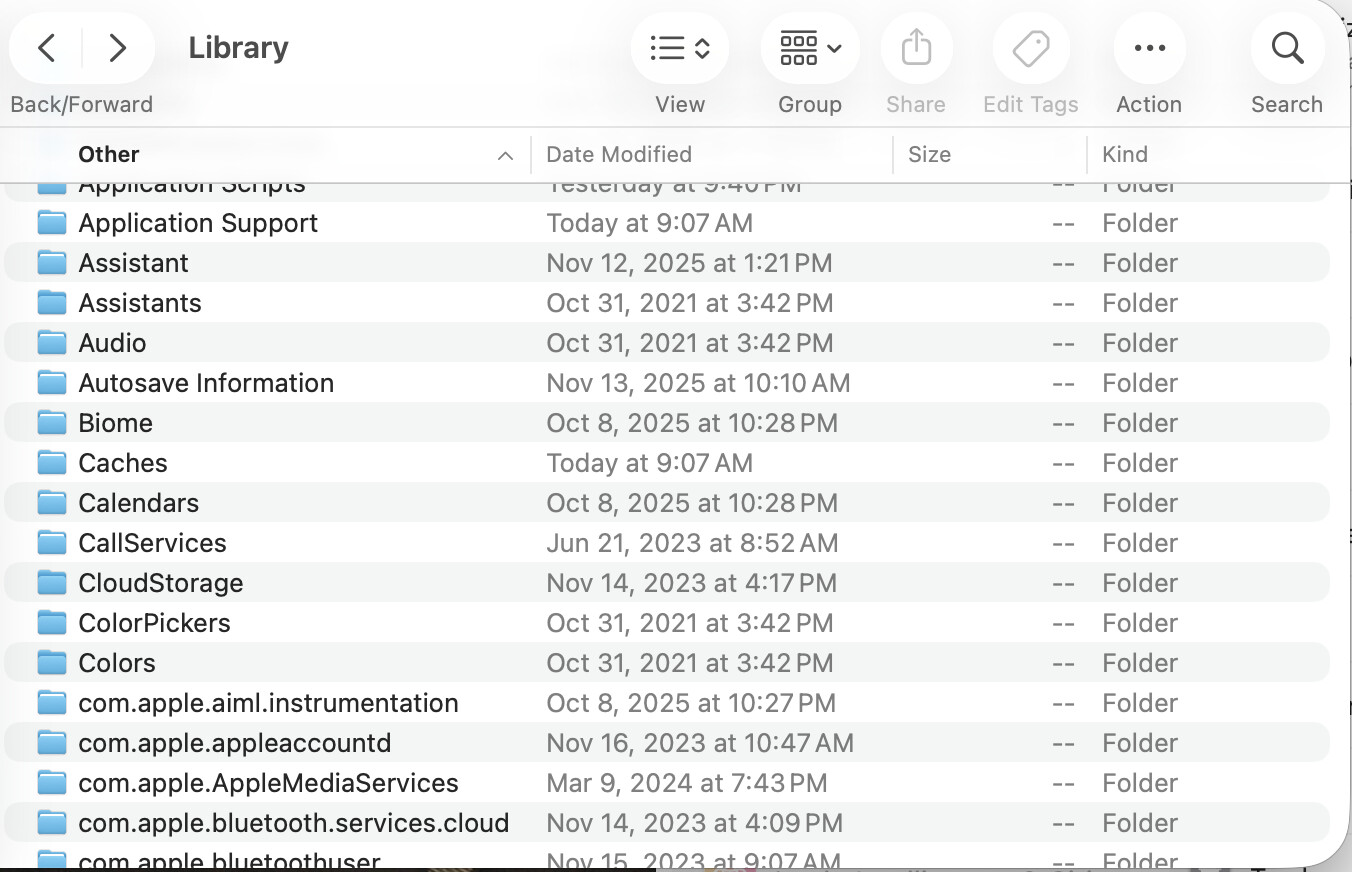
Yes, if you don’t have Channels DVR Server installed it will not work.
1 Like
Click into Application Support first
Got it to install. Looks like it is working great. Thanks to all who worked me through the process. You all were great.