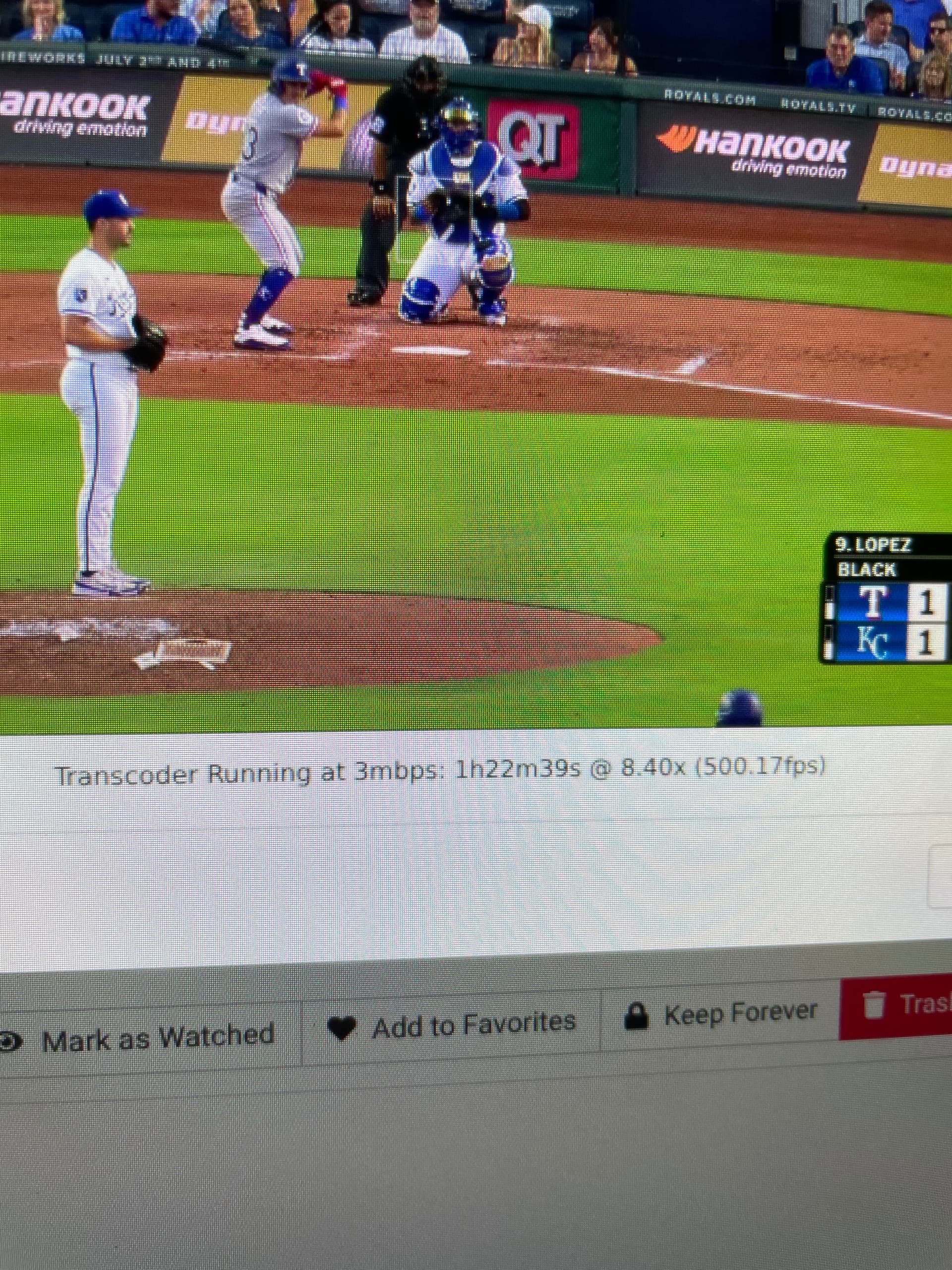
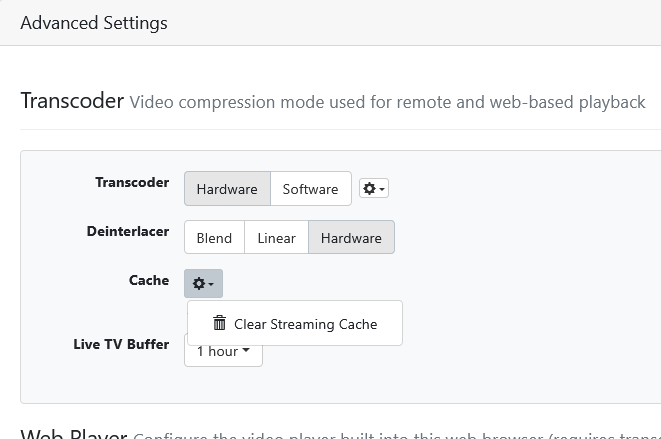
I cleared the cache and as to the video index. I'm recording new video's all them time. Doesn't matter what video I choose to playback, it's the same result, but only on the Tesla browser. Other browsers stream recorded video fine. And in the logs, it shows corruption.
2026/06/22 04:00:56.363004 [HLS] Starting transcoder for file24940-87eee5ebbecd at 9m39s from 195.252.231.69 (encoder=h264_vaapi, resolution=, deinterlacer=hardware, bitrate=4000)
2026/06/22 04:00:56.376915 [HLS] ffmpeg: file24940-87eee5ebbecd:  [mpegts @ 0xb8a7c40] Packet corrupt (stream = 1, dts = 8038547425), dropping it.
2026/06/22 04:00:56.376973 [HLS] ffmpeg: file24940-87eee5ebbecd:  [mpegts @ 0xb8a7c40] Packet corrupt (stream = 2, dts = 8038564705), dropping it.
2026/06/22 04:00:56.378690 [HLS] ffmpeg: file24940-87eee5ebbecd:  [mpegts @ 0xb8a7c40] Packet corrupt (stream = 2, dts = 8038564705), dropping it.
2026/06/22 04:00:56.378881 [HLS] ffmpeg: file24940-87eee5ebbecd:  [mpegts @ 0xb8a7c40] Packet corrupt (stream = 2, dts = 8038564705), dropping it.
2026/06/22 04:00:56.378962 [HLS] ffmpeg: file24940-87eee5ebbecd:  [mpegts @ 0xb8a7c40] Packet corrupt (stream = 2, dts = 8038564705), dropping it.
2026/06/22 04:00:57.870702 [HLS] Stopping transcoder for file24940-87eee5ebbecd after seek to 9m40s (out=408.666ms, finished=false)
2026/06/22 04:00:57.901254 [HLS] Starting transcoder for file24940-87eee5ebbecd at 9m40s from 195.252.231.69 (encoder=h264_vaapi, resolution=, deinterlacer=hardware, bitrate=4000)
2026/06/22 04:00:57.916139 [HLS] ffmpeg: file24940-87eee5ebbecd:  [mpegts @ 0xb920c40] Packet corrupt (stream = 1, dts = 8038547425), dropping it.
2026/06/22 04:00:57.916193 [HLS] ffmpeg: file24940-87eee5ebbecd:  [mpegts @ 0xb920c40] Packet corrupt (stream = 2, dts = 8038564705), dropping it.
2026/06/22 04:00:57.918147 [HLS] ffmpeg: file24940-87eee5ebbecd:  [mpegts @ 0xb920c40] Packet corrupt (stream = 2, dts = 8038564705), dropping it.
2026/06/22 04:00:57.918341 [HLS] ffmpeg: file24940-87eee5ebbecd:  [mpegts @ 0xb920c40] Packet corrupt (stream = 2, dts = 8038564705), dropping it.
2026/06/22 04:00:57.918423 [HLS] ffmpeg: file24940-87eee5ebbecd:  [mpegts @ 0xb920c40] Packet corrupt (stream = 2, dts = 8038564705), dropping it.
2026/06/22 04:00:58.090855 [HLS] Stopping transcoder session file24940-87eee5ebbecd (view: 9m40s, out: 1µs, finished: false)
2026/06/22 04:04:42.937162 [ENC] Starting encoder for CBS Evening News 2026-06-20-2329.mpg in /share/Multimedia/Channels DVR/Streaming/sessions/file24940-87eee5ebbecd-2377532593/encoder-501-1574192635 at 501 (574.959871) (encoder=h264_vaapi, codec=h264, acodec=aac, resolution=720, deinterlacer=hardware, bitrate=2744, segment_size=0.01)
2026/06/22 04:04:42.950972 [HLS] ffmpeg: file24940-87eee5ebbecd:  [mpegts @ 0xc199cc0] Packet corrupt (stream = 1, dts = 8038547425), dropping it.
2026/06/22 04:04:42.951041 [HLS] ffmpeg: file24940-87eee5ebbecd:  [mpegts @ 0xc199cc0] Packet corrupt (stream = 2, dts = 8038564705), dropping it.
2026/06/22 04:04:42.953110 [HLS] ffmpeg: file24940-87eee5ebbecd:  [mpegts @ 0xc199cc0] Packet corrupt (stream = 2, dts = 8038564705), dropping it.
2026/06/22 04:04:42.953305 [HLS] ffmpeg: file24940-87eee5ebbecd:  [mpegts @ 0xc199cc0] Packet corrupt (stream = 2, dts = 8038564705), dropping it.
2026/06/22 04:04:42.953390 [HLS] ffmpeg: file24940-87eee5ebbecd:  [mpegts @ 0xc199cc0] Packet corrupt (stream = 2, dts = 8038564705), dropping it.
2026/06/22 04:09:03.924505 [HLS] Stopping inactive session file24940-87eee5ebbecd
2026/06/22 04:09:03.947898 [ENC] Stopped encoder for CBS Evening News 2026-06-20-2329.mpg in /share/Multimedia/Channels DVR/Streaming/sessions/file24940-87eee5ebbecd-2377532593/encoder-501-1574192635 after encoding 501 to 974