ChannelWatch: Monitoring Dashboard for Channels DVR
Hey everyone!
ChannelWatch v1.6.0 is available now.
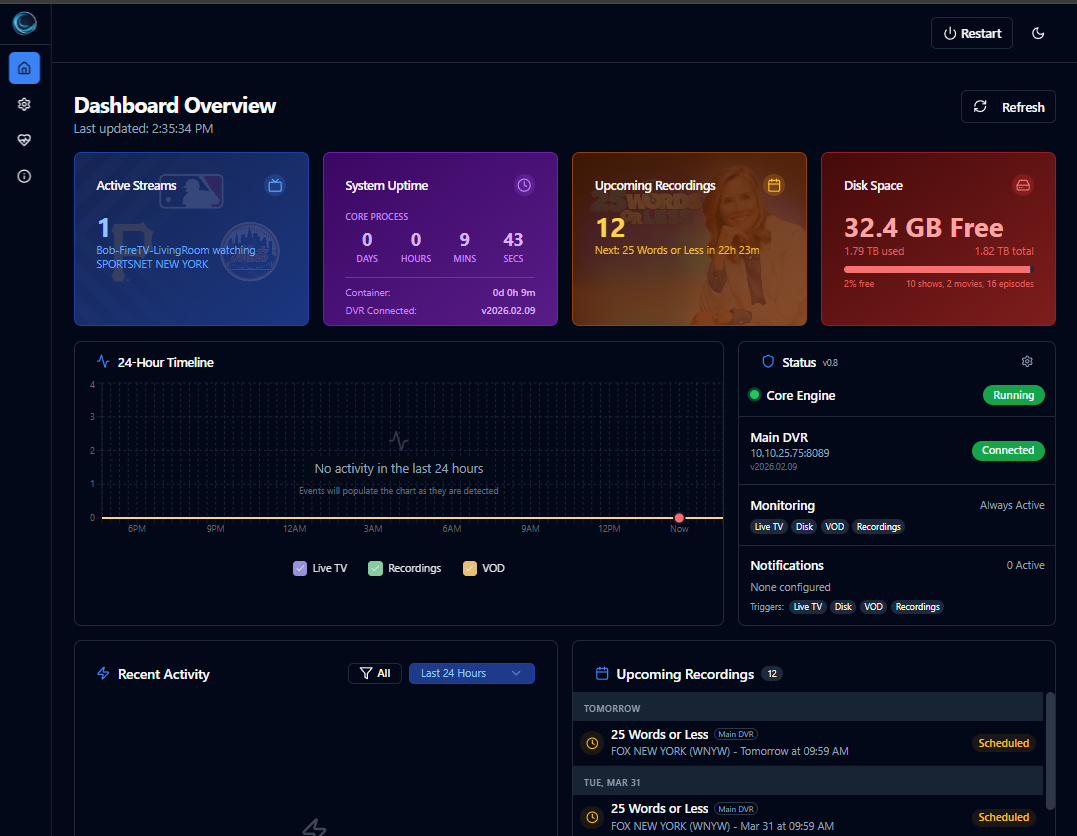
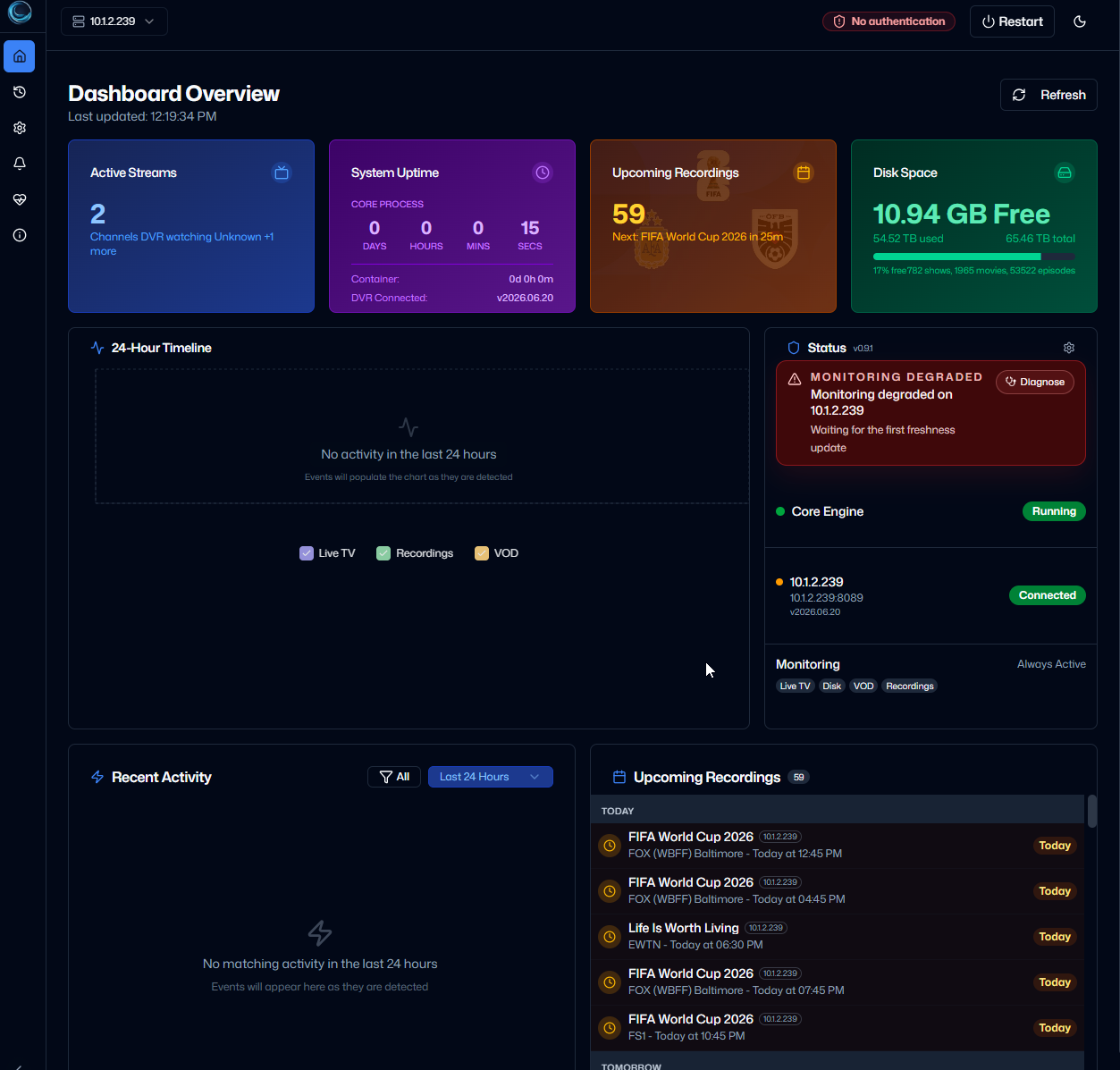
ChannelWatch is a free, open-source monitoring dashboard for Channels DVR. It runs alongside your DVR and gives you one place to see what's playing, what's recording, how much storage is left, and whether your notifications delivered.
You can monitor one DVR or several, choose the alerts you want, and check everything from your phone, tablet, or desktop.
Website · Documentation · GitHub
Why I built it
Channels DVR already handles recording and serving TV. I wanted an easier way to keep an eye on what happens around it:
- Who's watching live TV, and on which device?
- Did that recording start and finish, or did something go wrong?
- Is storage getting low?
- Are all my DVRs still reachable?
- Did an alert actually arrive, or is it retrying?
The idea is simple: run a Docker container, add your DVR, choose your notifications, and check the dashboard when you need it.
What's new in v1.6.0
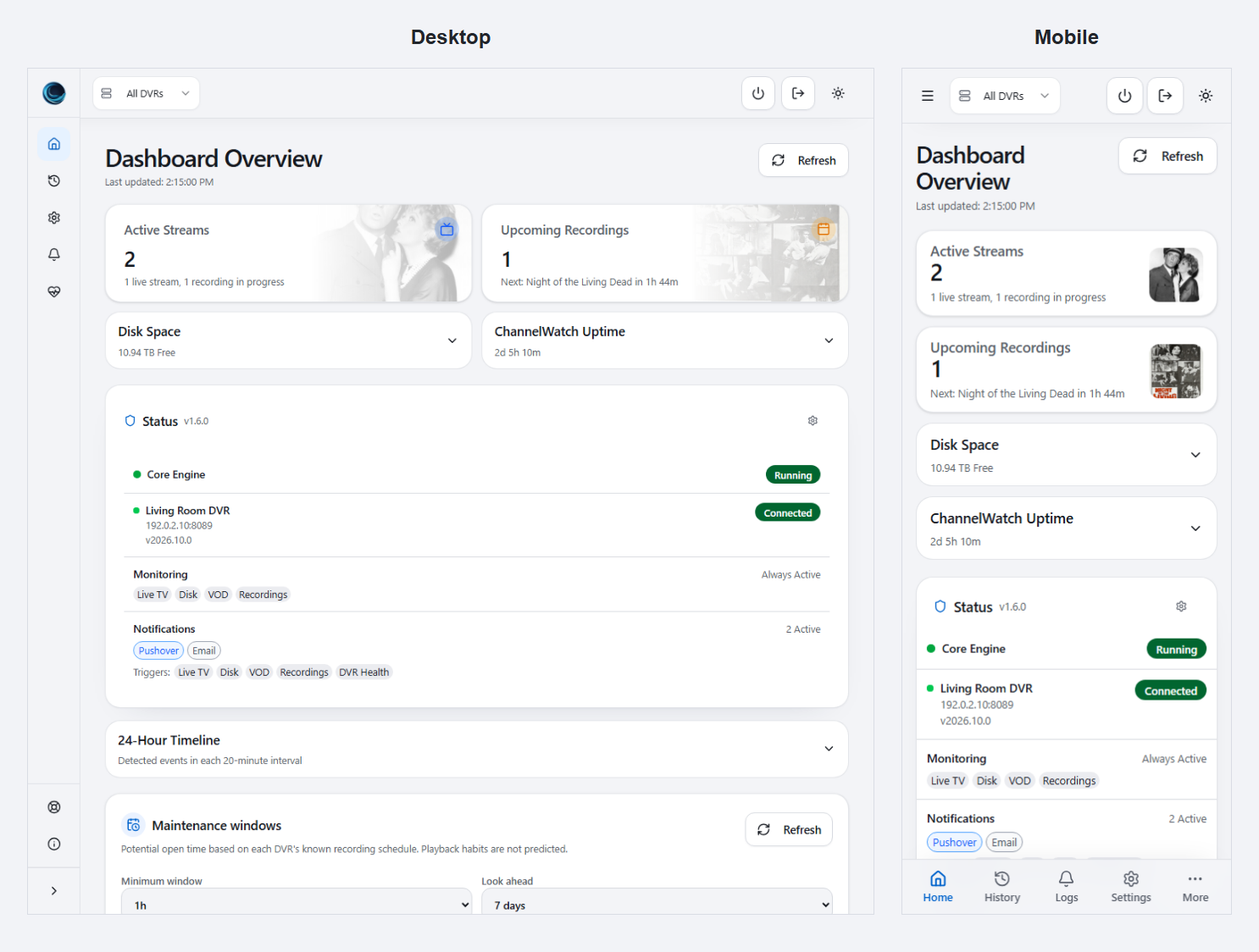
A redesigned interface for desktop, tablet, and mobile
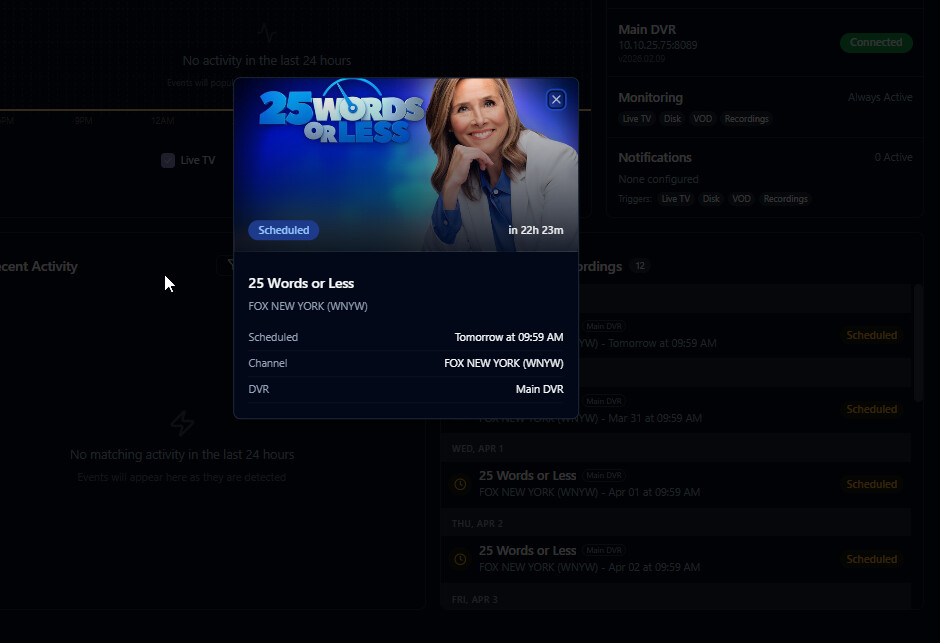
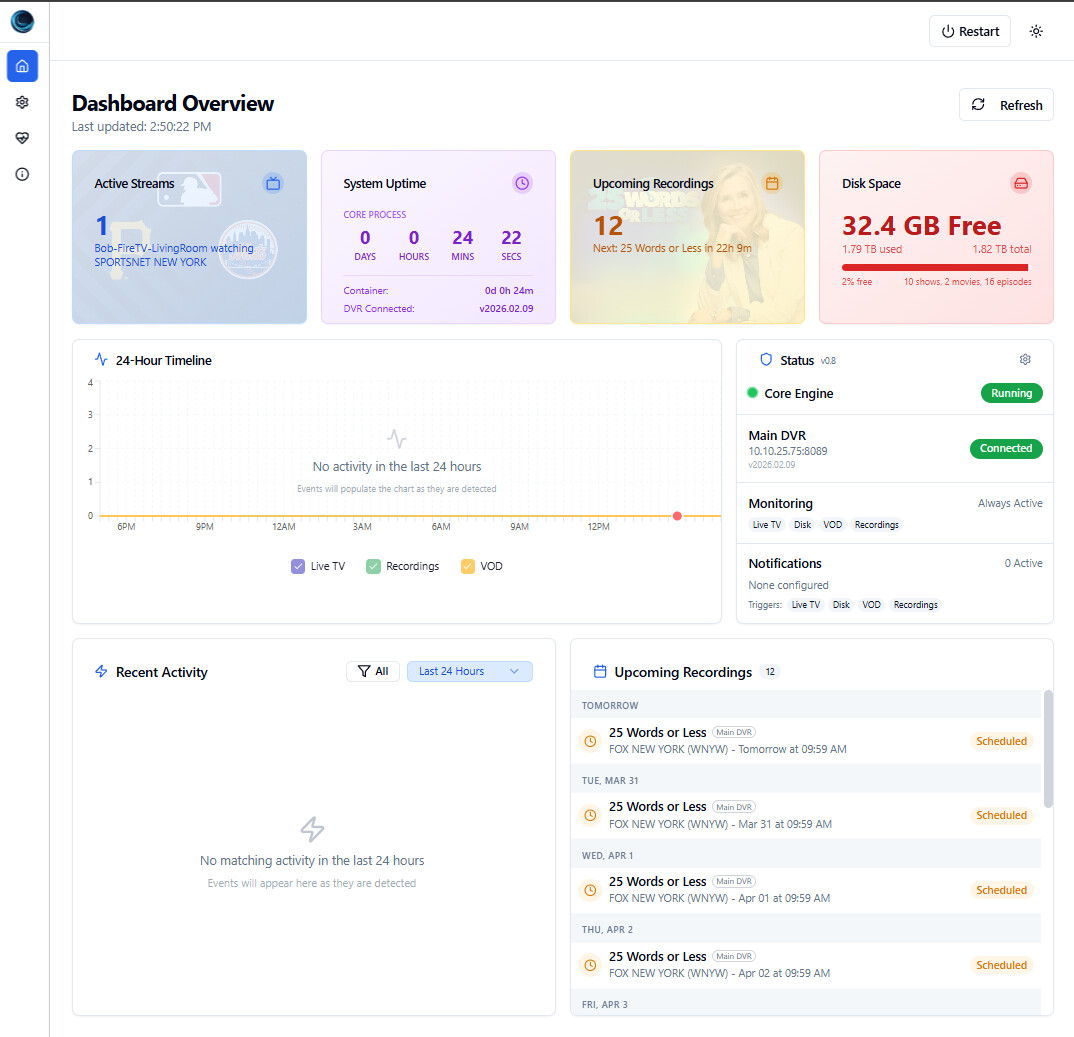
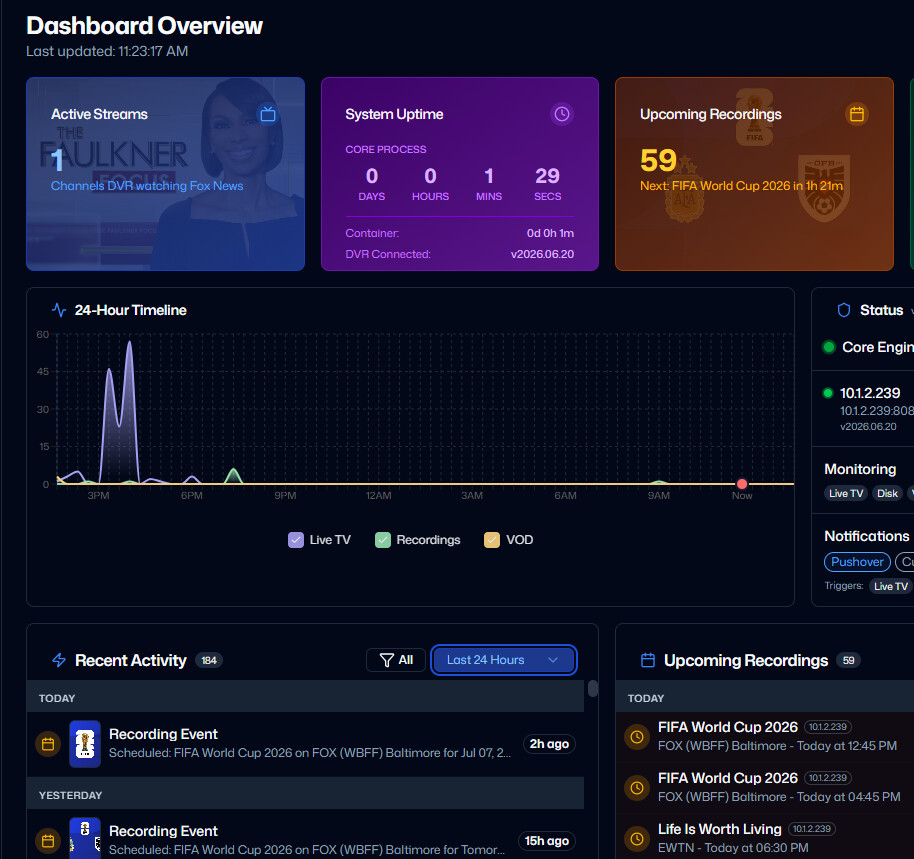
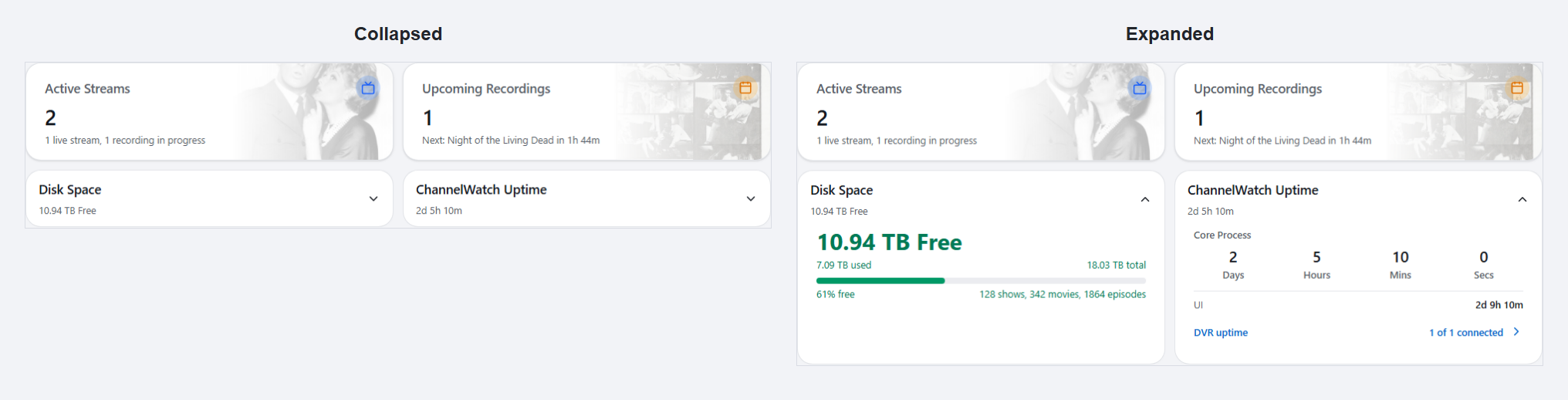
The dashboard now uses more compact cards, with extra details available when you open them. Show artwork appears where it's available, with fallbacks when it isn't.
Disk Space and ChannelWatch Uptime stay collapsed until you need the details. When both are expanded beside each other, they align. Opening one doesn't stretch its collapsed neighbor into an empty box.
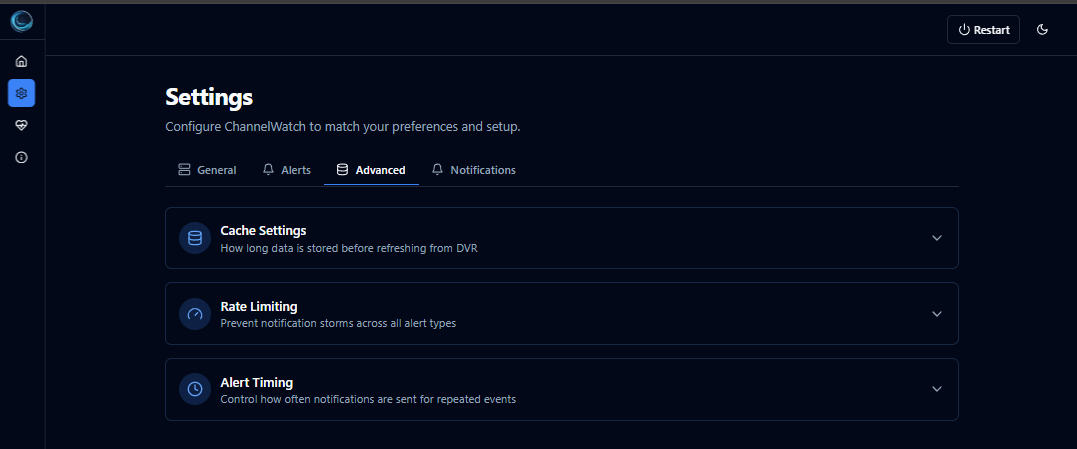
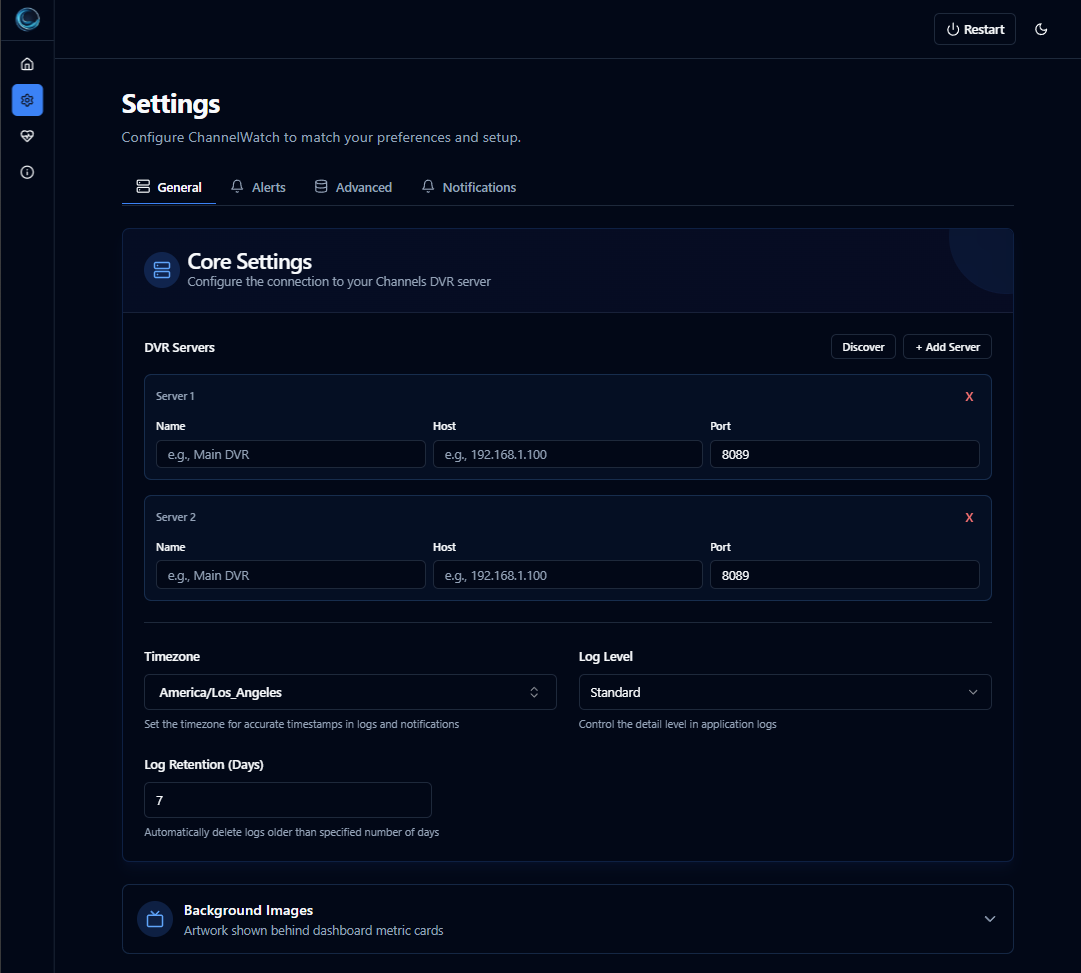
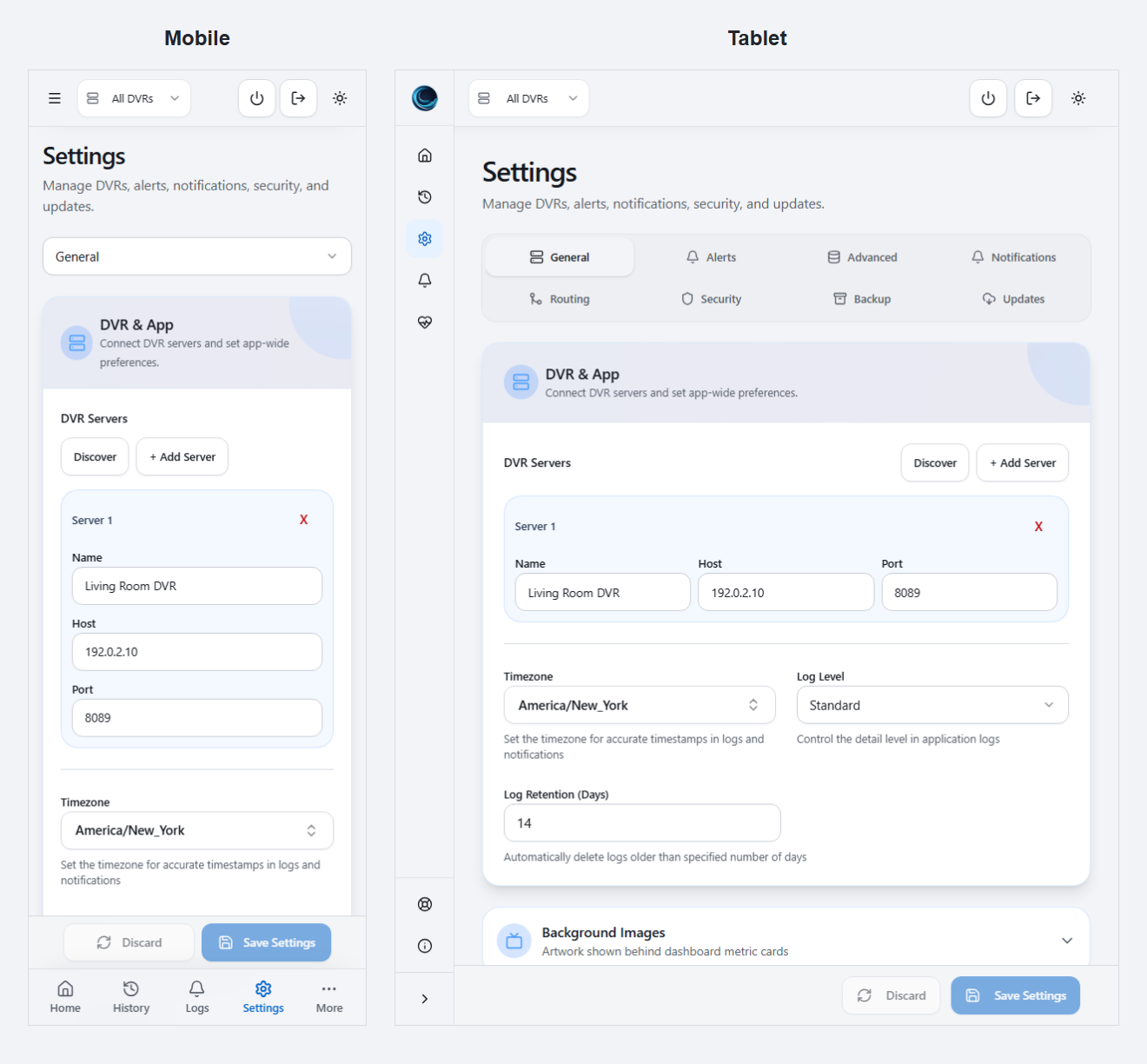
Settings navigation adapts to the screen size, including a section selector on mobile. Dropdowns, dialogs, loading states, text spacing, and artwork fallbacks have also been adjusted for smaller screens.
Update to v1.6.0 inside the app
If you're running v1.4.0, v1.4.1, v1.4.5, or v1.5.3, you can install v1.6.0 directly through Settings > Updates, without recreating your container or installing an intermediate release.
- Back up your existing
/configdata. - Open Settings > Updates and check for updates.
- Install v1.6.0 and leave the update screen open while it finishes. The app restarts during activation, so a brief disconnect is expected.
There's one difference between those starting versions:
- v1.4.0, v1.4.1, and v1.4.5: install the signed app update and keep the Python packages already in the container image.
- v1.5.3: install the signed application and Python package update together.
This v1.4.x compatibility path applies to v1.6.0. It isn't a promise that every future release can install on those older images. Python itself, operating-system libraries, and container startup tools can still require a normal image update.
Installation is manual for this release. Check and install it from Update Center; it won't install automatically in the background.
The release also improves update error messages, keeps the installation result visible when checking again, and refreshes the dashboard after a successful rollback.
A new website and handbook
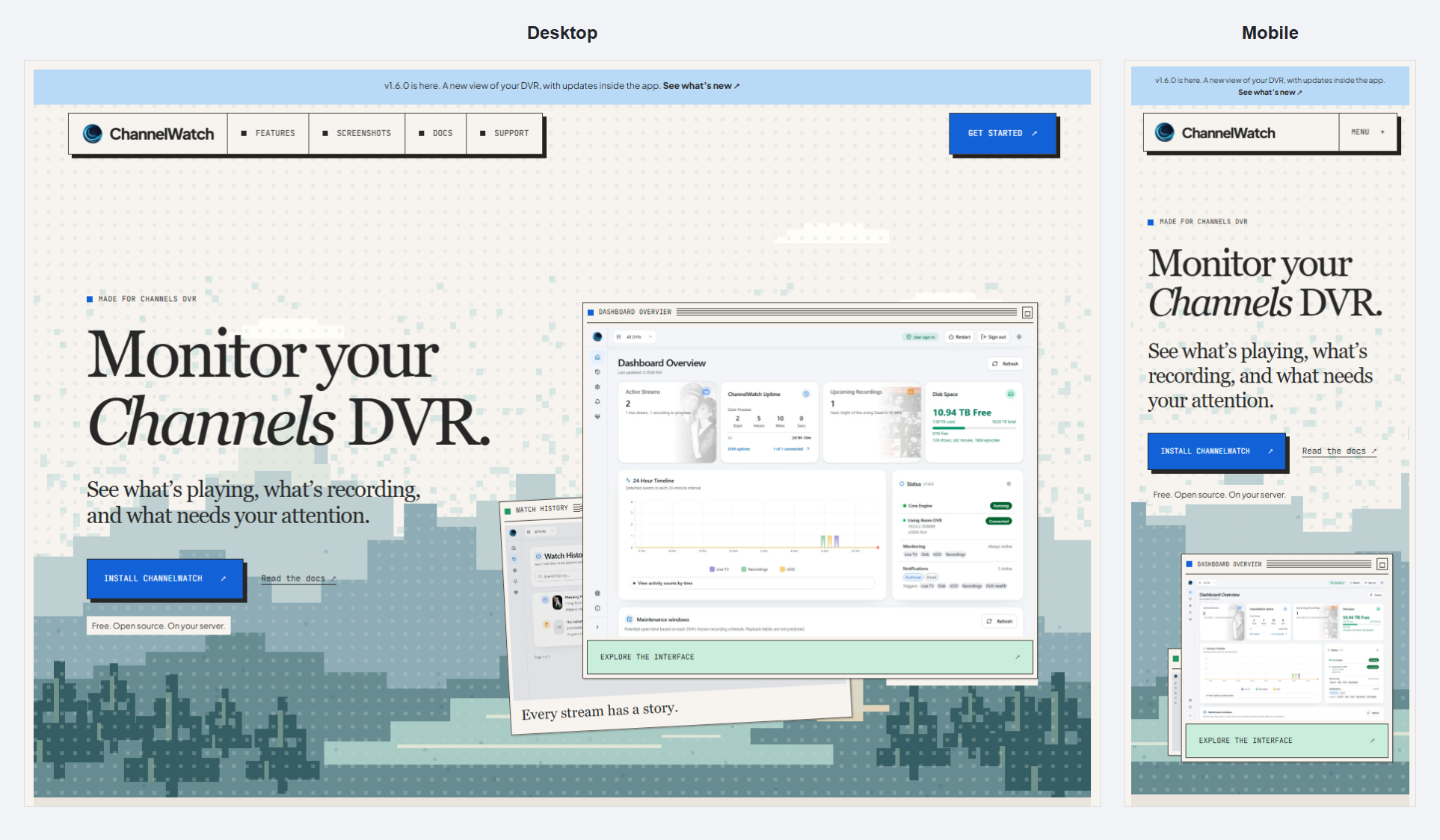
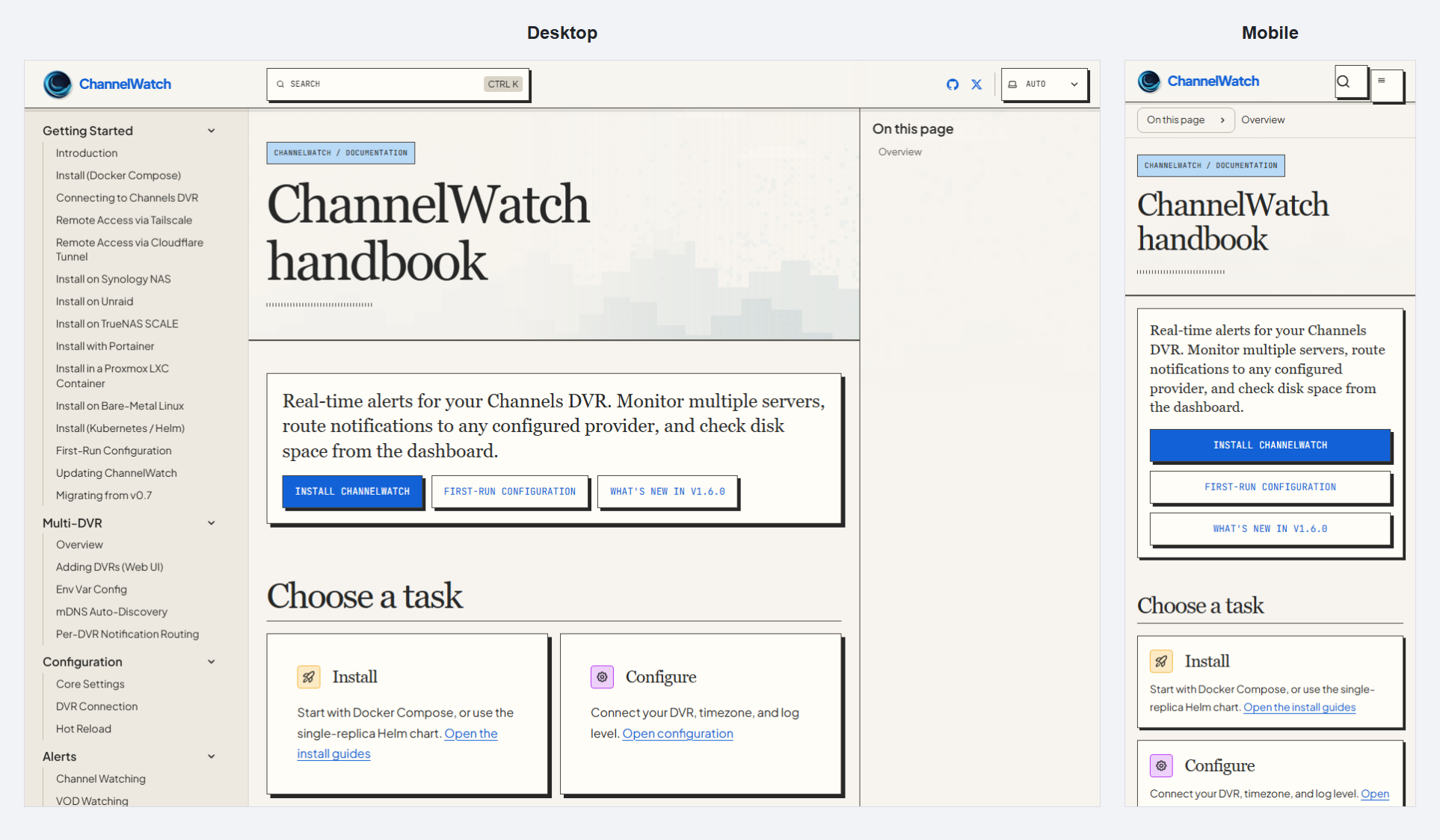
The website and documentation have also been redesigned, with install guides, notification setup, troubleshooting, and release notes in one place.
What ChannelWatch monitors
- Live TV: channel, program, device, and stream details.
- VOD and recorded playback: viewing activity with available metadata and progress.
- Recordings: scheduled, started, completed, cancelled, failed, and interrupted events.
- Storage: free space and configurable warning thresholds.
- DVR health: connection status and recovery across multiple servers.
- Notification delivery: sent alerts, retries, failures, and the route used.
The dashboard also shows potential maintenance windows based on each DVR's known recording schedule. These are planning hints, not a guarantee that nobody is watching. Live TV and playback habits aren't predicted, and offline DVRs or incomplete schedules aren't treated as free time.
Notifications and routing
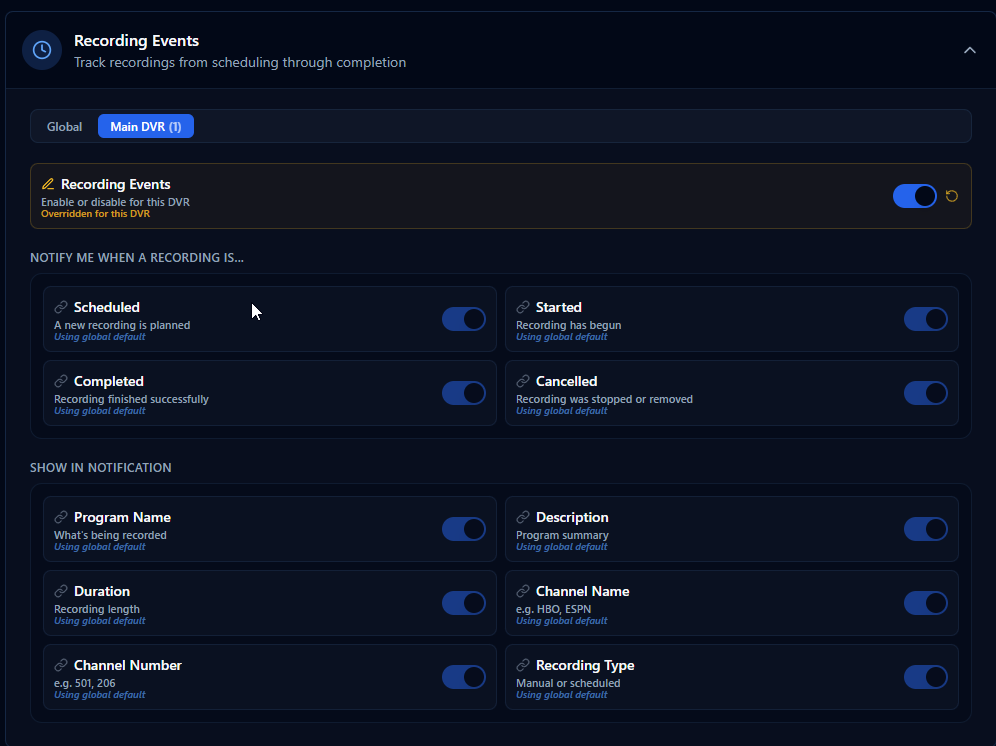
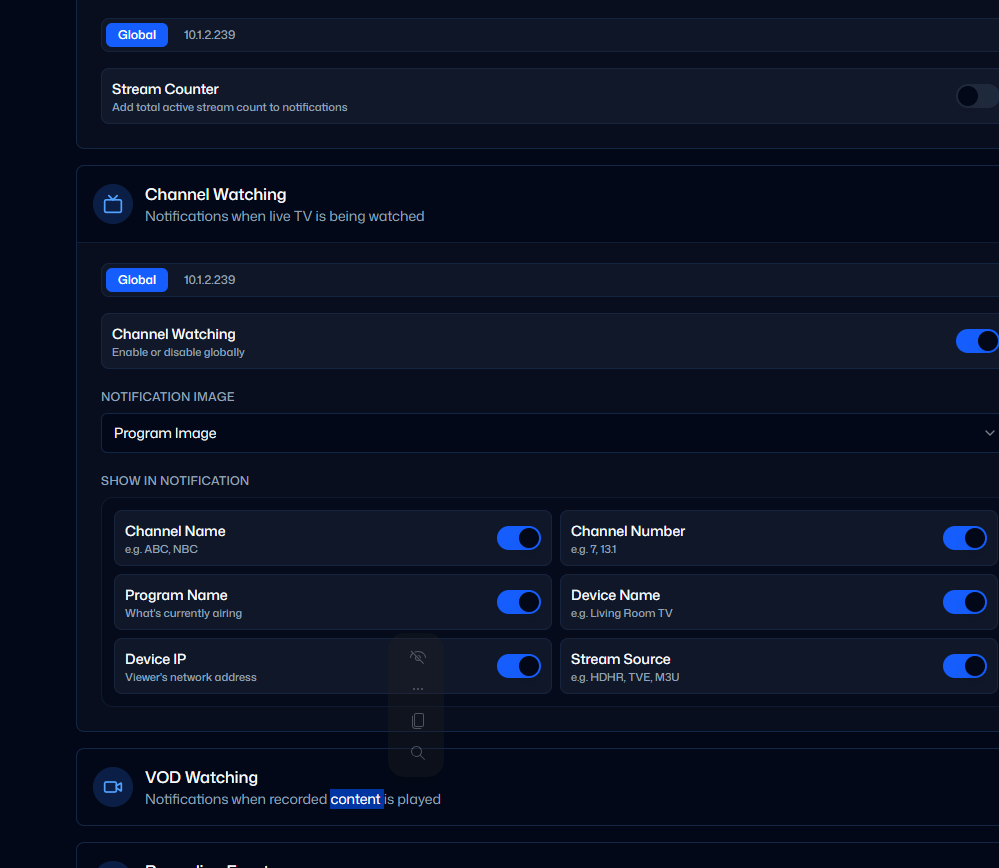
Choose notifications for live TV, VOD, recording events, disk space, and DVR health. Route them by DVR and alert type, so different events can go to different destinations.
Supported destinations include Pushover, Discord, Telegram, Slack, email, Gotify, Matrix, and custom Apprise URLs. Signed outbound webhooks are available for your own automations.
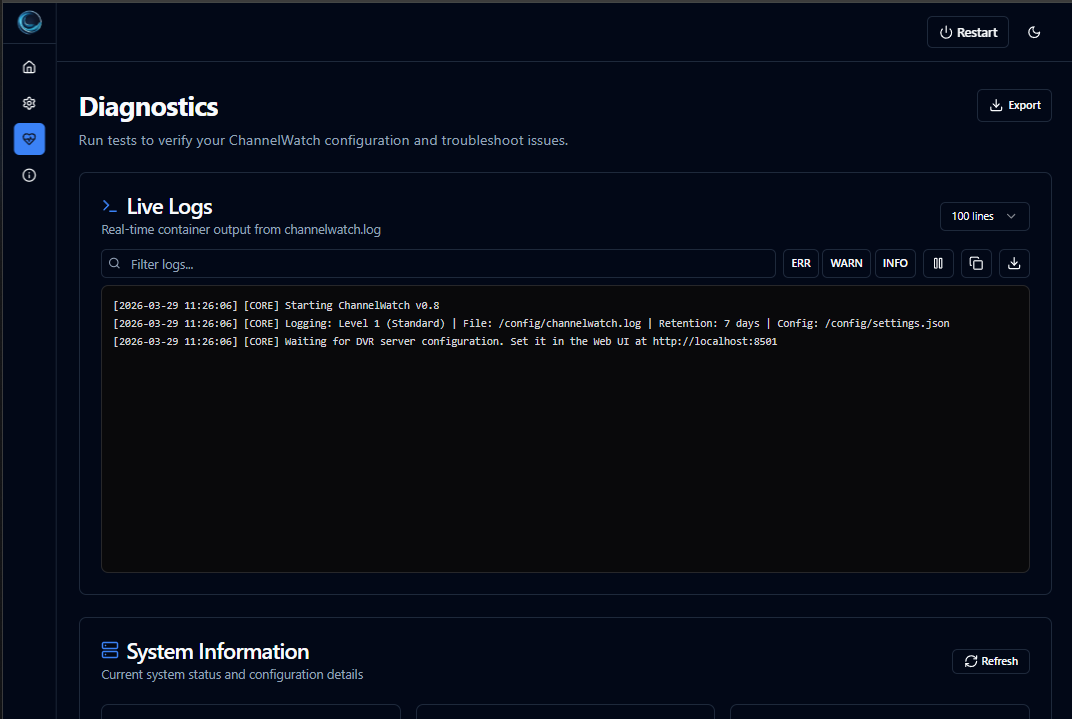
Delivery history shows what sent, what retried, and what failed. You can use Diagnostics for connection checks, logs, and troubleshooting.
Compare notification providers
Install
You'll need Docker with Docker Compose and a reachable Channels DVR server. Images are published for linux/amd64 and linux/arm64.
Here's a basic Compose setup:
services:
  channelwatch:
    image: coderluii/channelwatch:1.6.0
    container_name: channelwatch
    init: true
    network_mode: host
    volumes:
      - /your/local/path:/config
    environment:
      TZ: "America/New_York"
    restart: unless-stopped
Replace /your/local/path with your config directory and set your timezone. On Unraid, that could be /mnt/user/appdata/channelwatch. Keep that directory when updating; it holds your settings and saved data.
Then run:
docker compose up -d
Open:
http://your-server-ip:8501
First-run setup walks you through the security choice, DVR discovery or manual entry, connection testing, and alert configuration. Secure login is available; use no-auth mode only on a trusted private network.
You don't need to supply an encryption key for a fresh install. ChannelWatch manages it in /config/encryption.key; keep it with your config backups.
For bridge networking, NAS-specific instructions, or an older installation, use the guides below before changing your setup.
Container images
Docker Hub:
coderluii/channelwatch:1.6.0
coderluii/channelwatch:latest
GHCR:
ghcr.io/coderluii/channelwatch:1.6.0
ghcr.io/coderluii/channelwatch:latest
Use the versioned tag if you want to pin a release, or latest if you prefer the rolling image tag.
Docs and support
- Install with Docker Compose
- First-run configuration
- Updating ChannelWatch
- Multi-DVR setup
- Notification providers
- Migration from v0.7
- Report a Problem
- Release notes
- GitHub
- Docker Hub
If something isn't right, you can reply here or use Report a Problem in Diagnostics. You can review the report before submitting it; diagnostics aren't sent automatically. Please don't post API keys or unreviewed logs publicly.
I'd like to hear how the new layout works on your devices, especially with multiple DVRs, long program names, and different notification setups. If you're updating in the app, let me know which version you're coming from if you hit a problem.
Cheers,
CoderLuii

 v0.8 Development Starting Soon
 Bugs: something broken? Share logs or screenshots and I'll dig in.
 Features: what's missing? What would make ChannelWatch a must-have for your setup?
 Enhancements: something works but could work better? I want to know.
 Integrations: other tools or services you want ChannelWatch to play nice with?