Clients - Recently Active Client Devices

Description of issue: In v1, when clicking on Clients it presented a list of recently active clients with info such as the app version, platform, OS version, IP, Remote/Local, and last time of use.

I expected: I thought v2 would have something similar

What actually happened: v2 opens to client settings and if you want to see any information about the clients you have to click on a drop down to look at each one specifically. It would be good to have a page that showed all again.
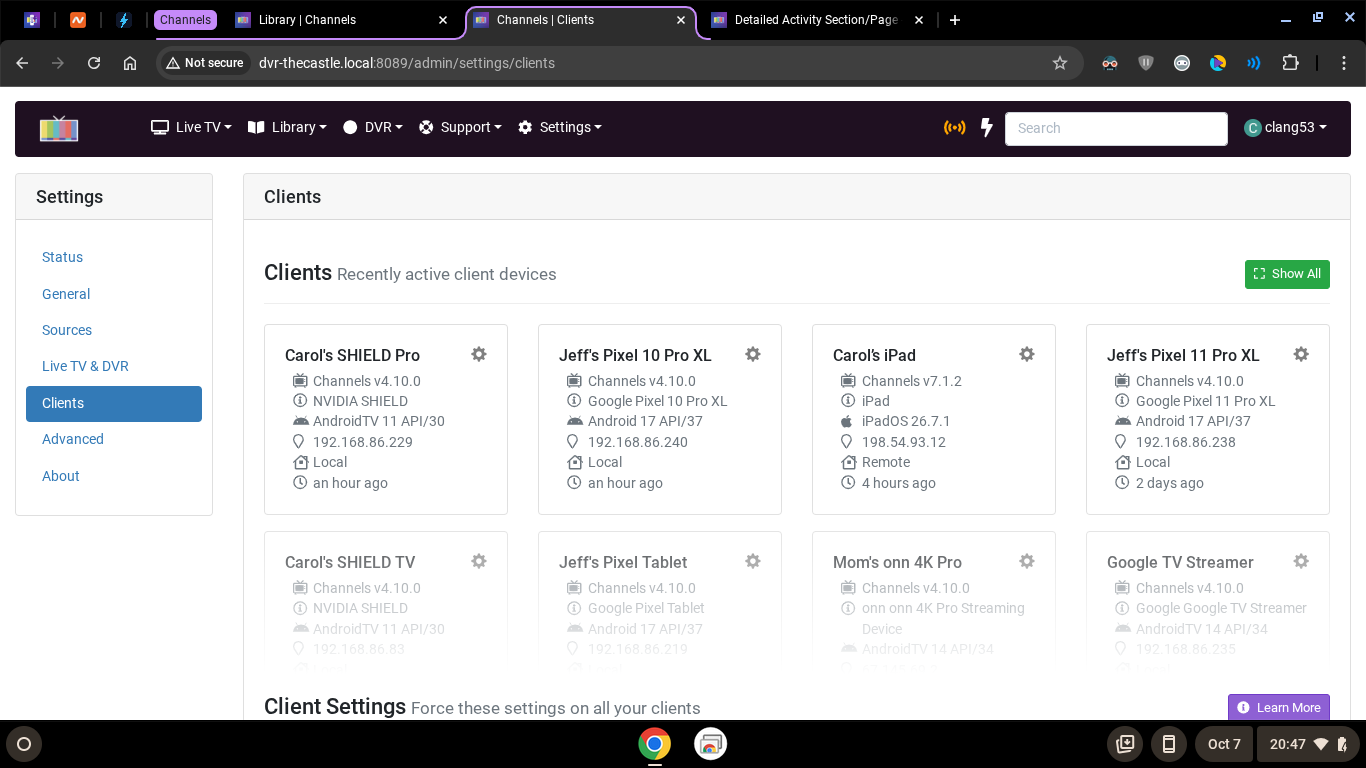
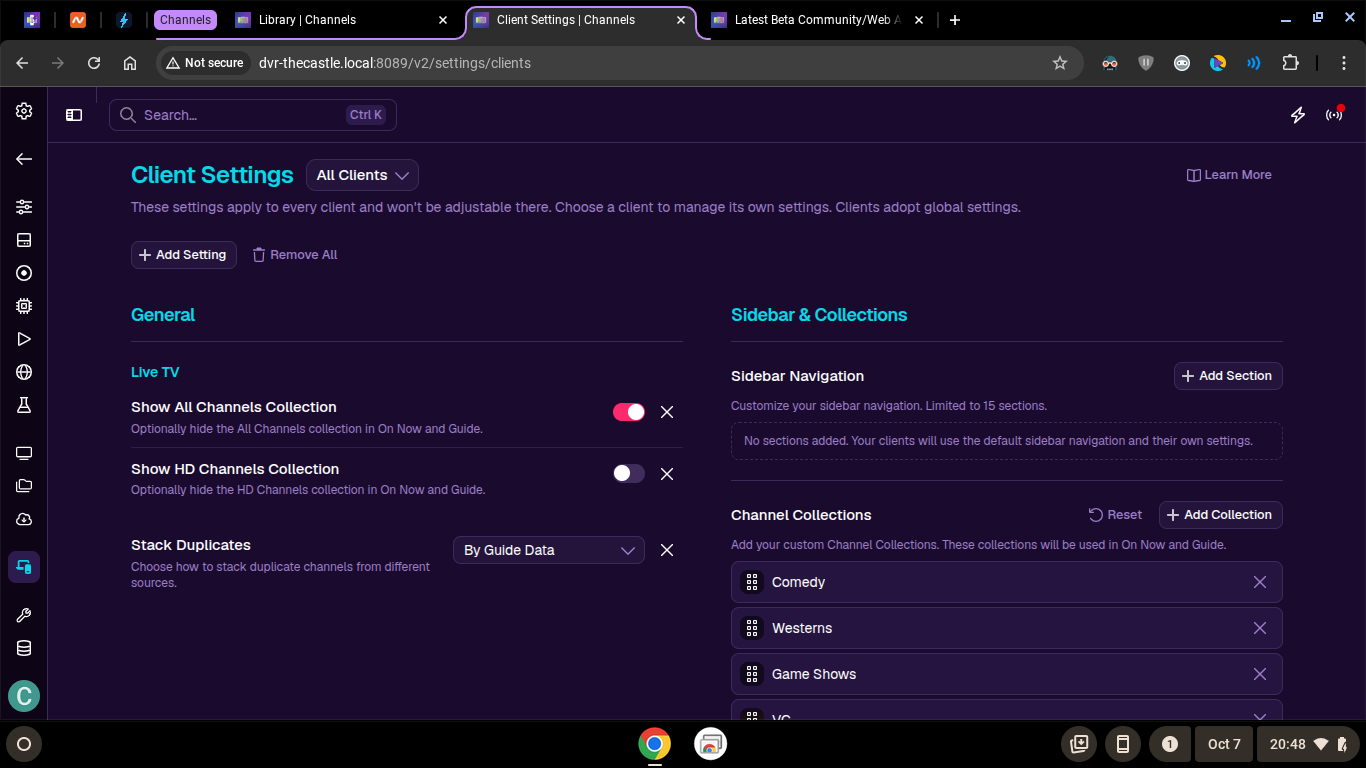
Client Settings is now a single pane that uses a dropdown context switcher.

It defaults to Global, All Clients. The settings apply to all clients:

These settings apply to every client and won't be adjustable there. Choose a client to manage its own settings. Clients adopt global settings.

The drop down is ordered by recently active. Choosing one will then let you manage its settings.

There's no plans to have the same layout that was used in legacy.

Well I hope you will reconsider as right now the client list feels like an incomplete implementation from v1. I'm finding I'm having to click more to do the same things. I know you mentioned the Command Palate is supposed to help with some of this stuff but you also mentioned that the Command Palate does't really work on the mobile view.

While on the subject of the client page, can we have an option to remove authorization for a client? I believe the current "remove" action only deletes the settings for that client.

Client's don't even work that way. So there's no way to even do that.