Can I clear out the video.mpg files in this folder? From moving to my Synology to my Mac, to a Shield, back to Mac etc. it seems like some aren’t symbolic links but are instead the actual file (some bigger than 7GB). I might not even have those files anymore either since I’ve since deleted a lot of them and just recently started keeping everything I DVR’d.
They should be symbolic links, maybe got changed to regular files when you were copying things around.
Safe to delete. You can delete the entire comskip folder too.
1 Like
Awesome thanks!
Sorry to resurrect an older thread here, but I have the same issue as the OP. Is there a setting somewhere that I can tweak so that my recordings are not occupying double the space that they should? I am running the latest stable DVR release on a Synolgy DS218+. The generic "video" files in my comskip folders are definitely not links, they are full sized files.
See below for some screen captures of the folder sizes and a sample comskip folder.
Thanks for any advice you have!

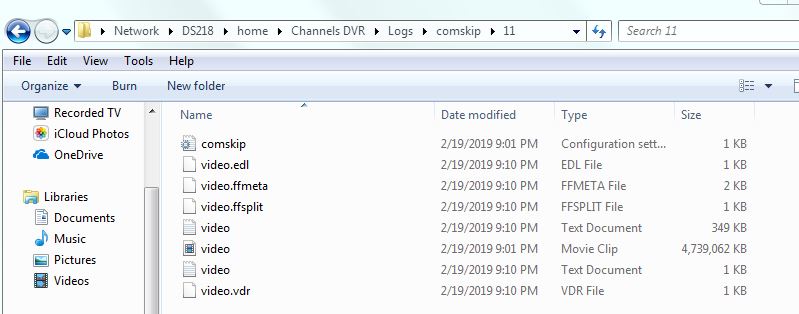
There is no space used by the video.mpg file. It is a symbolic link which is basically a shortcut file.
You might have to look on the Linux filesystem natively to check, because the smb mount on Windows doesn't know that they are links.
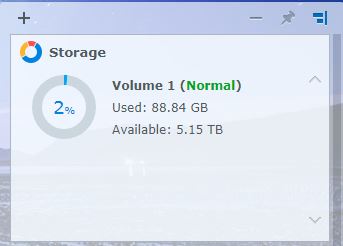
Ahhh, thanks for that explanation, that makes sense now. I logged into the DSM web access for the DS218+, and this is what it showed for disk space usage: