For years commercial editing (eg via Channels creating a .ffsplit file) has worked well.
The addition of the "Enhanced" detection, while adding nothing to this (there seemed to be no way to get the "Enhanced" detection info into the .ffsplit file) also didn't break it.
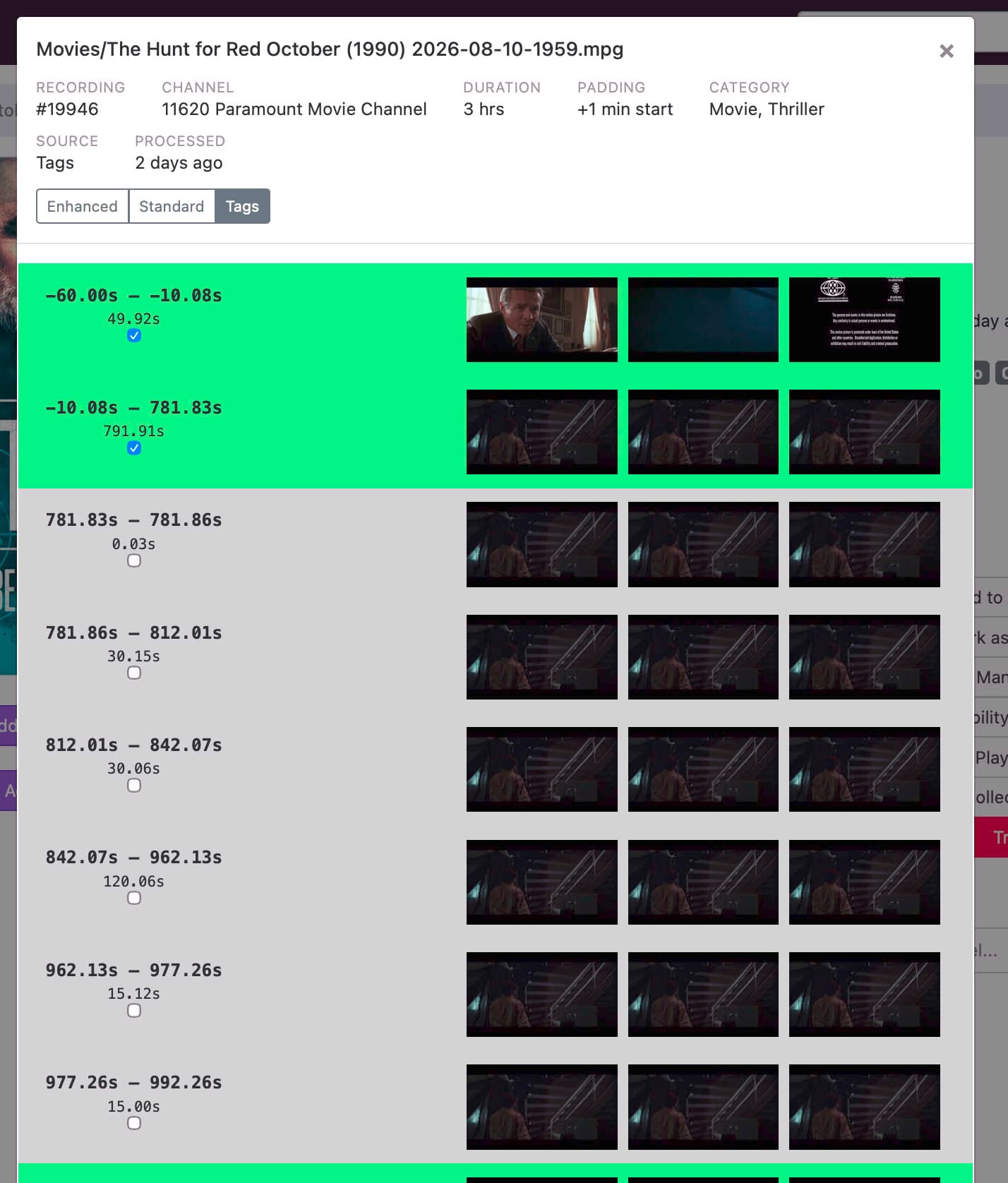
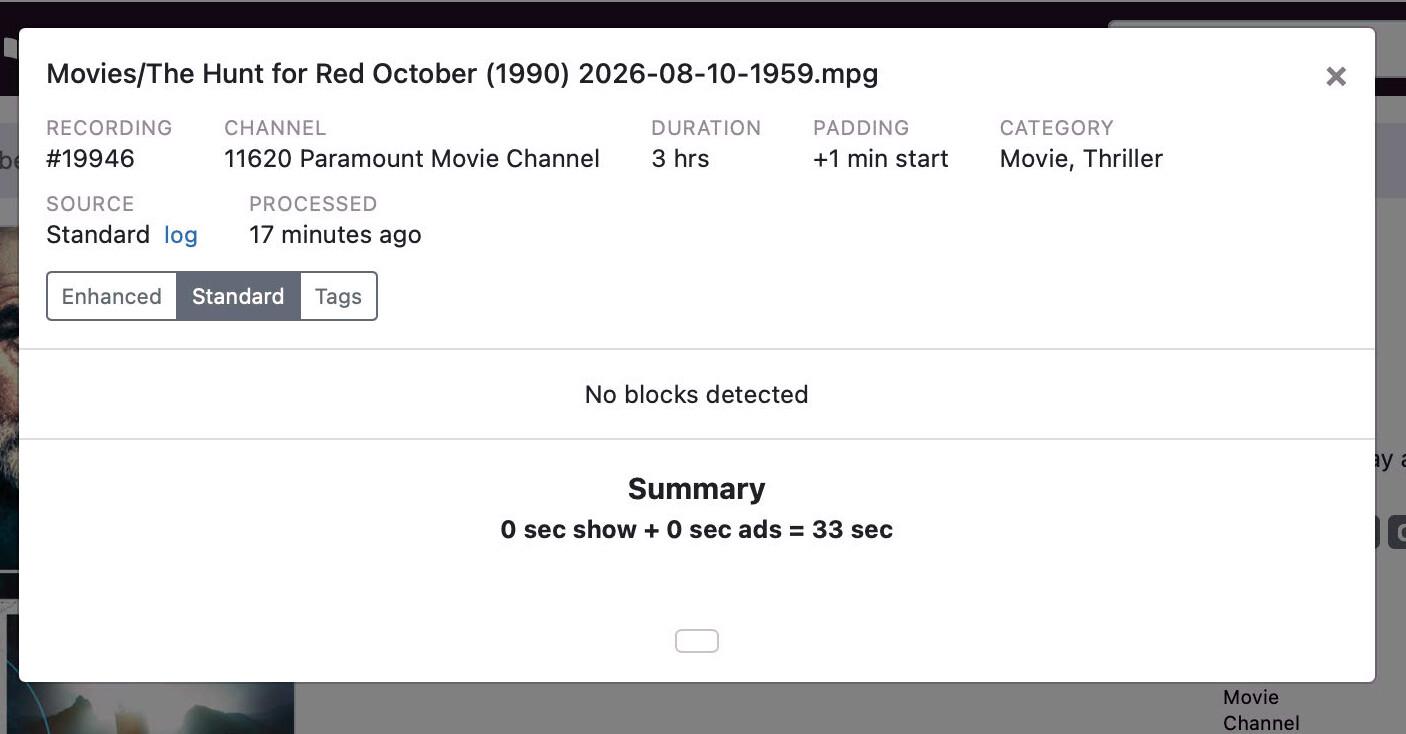
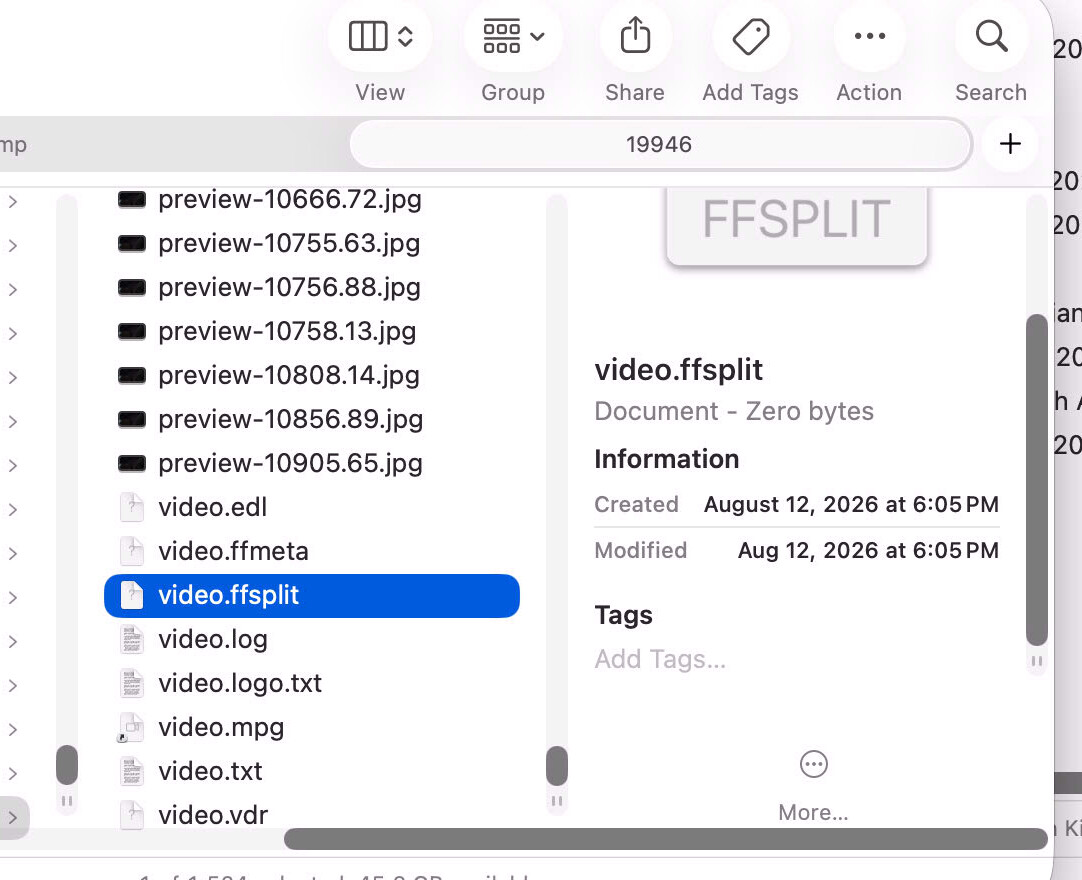
However recently this whole area has broken badly. I'm constantly seeing content for which the Tags field looks legitimate, but the .ffsplit file is empty. There's also a frequent pattern whereby the Standard pane starts off displaying as empty then, at some random point later (minutes, not like half a second later) gets populated; but . ffsplit file remains empty.
It looks (to me anyway) like the sequence in which various operations (Tag detection, commercial detection [based on tags], then . ffsplit generation) has been altered somehow and there are race conditions along with the actual . ffsplit generation being skipped over.
The video.log file looks legit, and the various files (.edl, .ffmeta etc) are created, but are all empty or have some sort of trivial header, but no actual content.
I can't see any pattern. Some content does gets the .ffsplit generated correctly, most does not. There are cases where two back to back recordings from the same channel turn out differently.
I first noticed this about our or five days ago. Pulling in the most recent server update (2026.08.13.1753) an hour ago does not fix it.