
Windows 10 PC
Very strange that it's showing each drive twice.
It is! The PC was shut down for months but this showed up when I restarted it last week. Everything seems to be working fine, recording and playing back just fine, I had to re-download the guide but ok since then.
Bring up Settings
Search for
storage usage on other drives
and see if it only shows each drive once
Can't find a category for that... under library database? Storage paths is E:\DVR\DVR, nothing else under that. Under Personal media sources it shows movie folders F:\Movies and TV show folders E:\Media\TV and there's also playon cloud
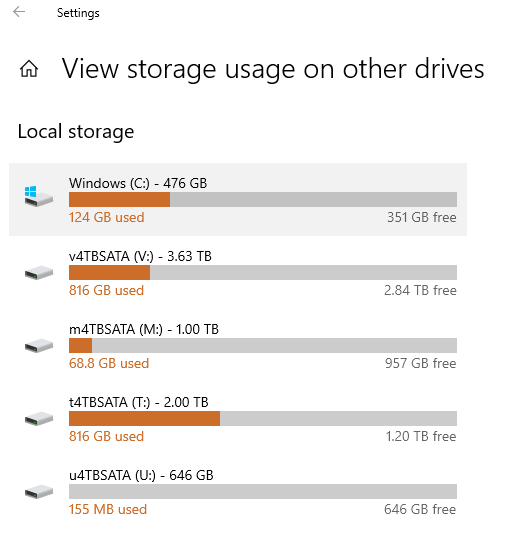
Local Storage
Local disk C: 169gb used
Passport E: 931gb used
Passport F: 15.2gb used
nothing else
maybe I should restart the PC again... there was a VERY long update when I first started it up again, maybe that screwed something up


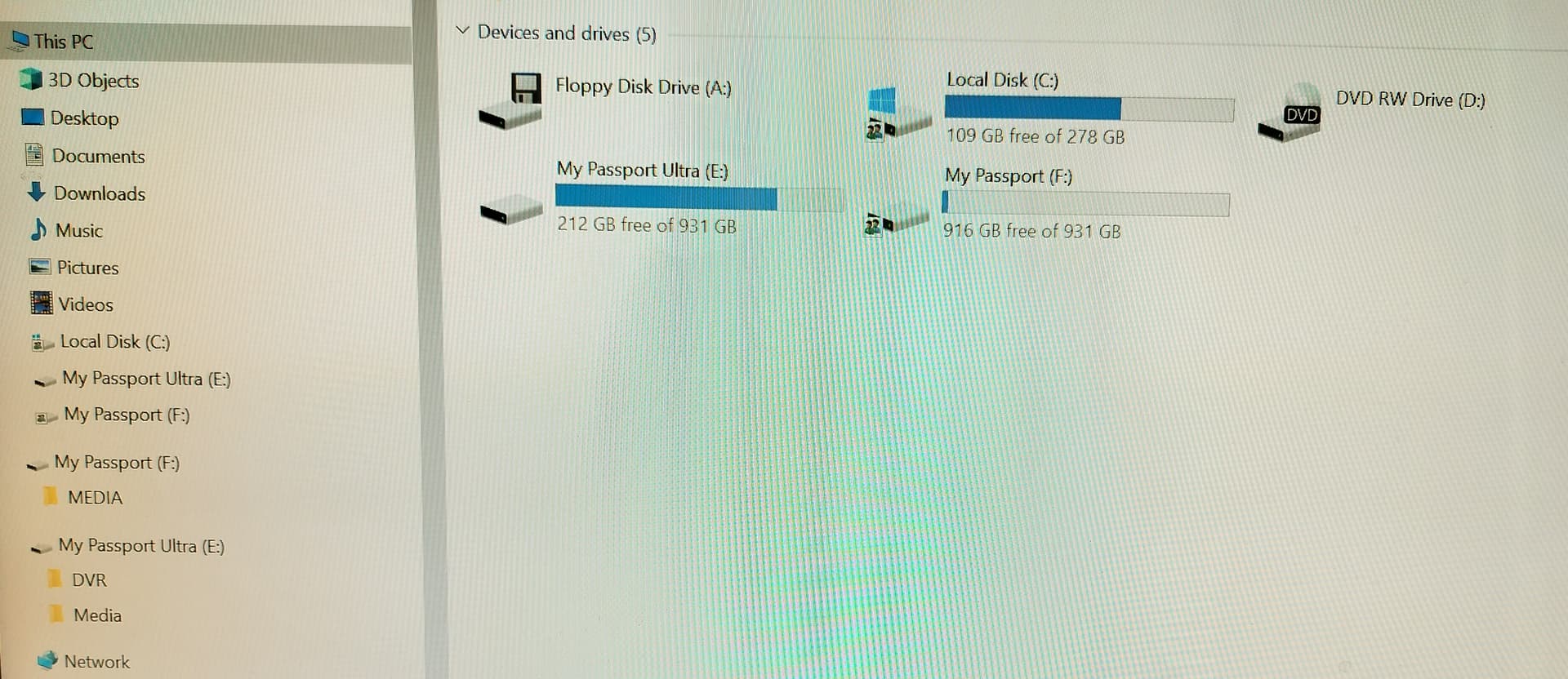
OK researching this further online... it's a Windows Explorer bug that happens when you plug in external USB drives.
from Major Geeks:
"A frustrating bug happens when you plug in an external drive, and the drive appears twice in File Explorer. A reader recently asked us about fixing this problem, and here are the steps you can take to stop seeing your external drives twice. The problem is that Windows will show your external hard drive as a separate drive as expected, but for some reason, also list the drive under This PC with your other fixed drives."
Apparently it can be fixed by editing the registry... will work on this tomorrow. It isn't at all related to the DVR function and doesn't seem to be something I screwed up myself! 
Thanks so much for helping out!