
Have had it lock up and throw the disk full error today. Sent diags after each time. Hope that helps!
I’m starting to think we’re running into a weird interaction with the android OS acting strangely. I’m still trying to wrap my head around it.
If it's pertinent, it seems to only happen with the eplusTV channels (espn+, MLB, B10+). I have some other remote onn boxes that never tune those channels and those don't seem to have the same problem.
I've used eplusTV for about a year without having this issue. It just started recently...
Have you seen any different experience with setting Original to Streaming?
2 Likes
I changed 'Original Quality Delivery' from Direct to Stream. Is that what you wanted me to try? I did and am now constantly seeing this (below). Sent diags several times...
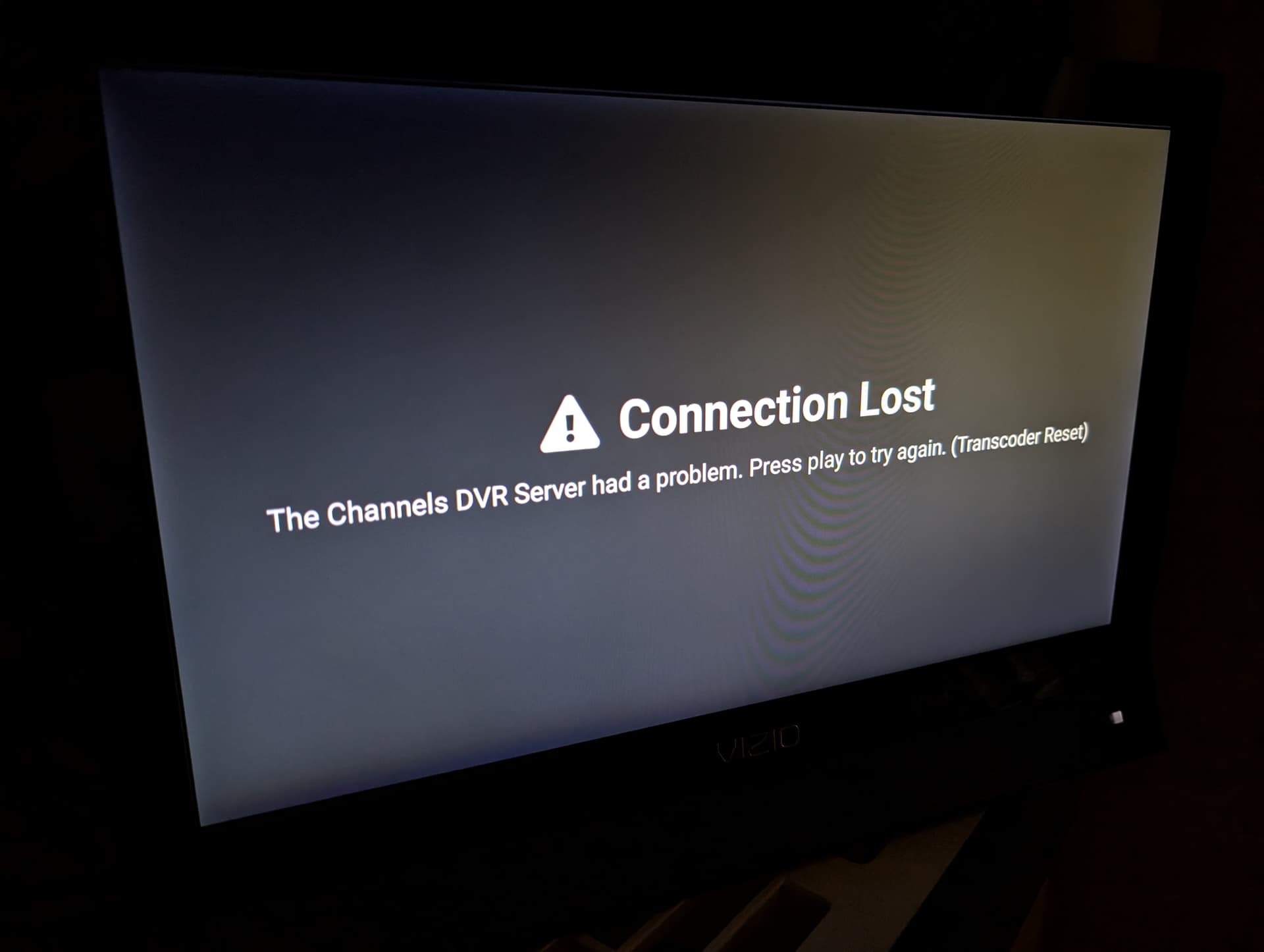
It looks like there was too long between when you had this error and when you submitted diagnostics last and too many other things in the logs pushed out the relevant info.
Could you try to catch this again and submit diagnostics as soon as it happens? Sorry for this trouble, but this issue seems to be entirely different than the last one, but is also very confusing.
I sent over 6-8 of them last night when I got the error under "Stream". None of them gave you anything? I will do it again today. Just sent the 1st one. Thanks
I've sent over several of them today. Are you seeing what you need? Shall I continue?
@troyhough you'll want to also check your logs on your DVR. All of the recent diagnostics I've reviewed have contained problems with the DVR trying to connect to your custom channel source (it's saying the connection is refused because the custom channel source isn't running or having problems).
Ya I saw that on the last one I sent. Thought before I sent it but did it thinking you would want to see it.
I just switched 1 of the 2 devices back to Direct from Stream. Got the 'disk full' error and just sent diags from it...
Please try the latest beta build with Direct. It will have more diagnostic logging that may be helpful in understanding why too much disk space is being used.
My best guess right now is that your custom source is sending more video data than can be consumed in realtime, so eventually the playback gets so far behind that it can't delete the old data (because it still hasn't been watched yet).
This is not a scenario that we had contemplated and there isn't an easy solution without some sort of disruption (either forcing the player to fast forward or otherwise losing some content).
Would this setting make any difference?
Playback > Buffer Protection > Protection Duration
Do you want me to send you the container logs to look at to see what it shows on that side?
No
No thanks. The logs from the client on the latest build will hopefully give me the missing info.
I would like to also add in and mention this is an issue with all of my devices, Android TV, Apple TV, and iOS. It started recently within maybe the past couple of weeks but got really bad today where a stream will play for maybe 10 minutes before the app completely locks up “buffering” just to give a disk full error.
Nearly unusable for me right now.
1 Like
You are getting this on your AppleTV too?
Is your situation only when using the EPlusTV/Docker source?
This happens on all my streaming devices including my Apple TV. It affects my IPTV source but not my HDHomeRun source.
You're getting a Device Disk Full error? (That's what this topic is about)
If not, create a new Topic.
Updated a couple units today and sent over the diags a few times. Sometimes Channels DVR totally locks up and I have to unplug it then plug it back in to reboot the ATV OS....