Did I renew - or not? Website implies I did, app says no

My subscription ran out 2/21 and I finally got to updating my credit card info today (3/2). I've been getting the "Subscription expired" screen on Apple TV. and the link to use in my browser to renew it.

I clicked the link in the email first (apparently the link on my Channels server on my LAN goes to the same place). I updated my credit card info and I get this:
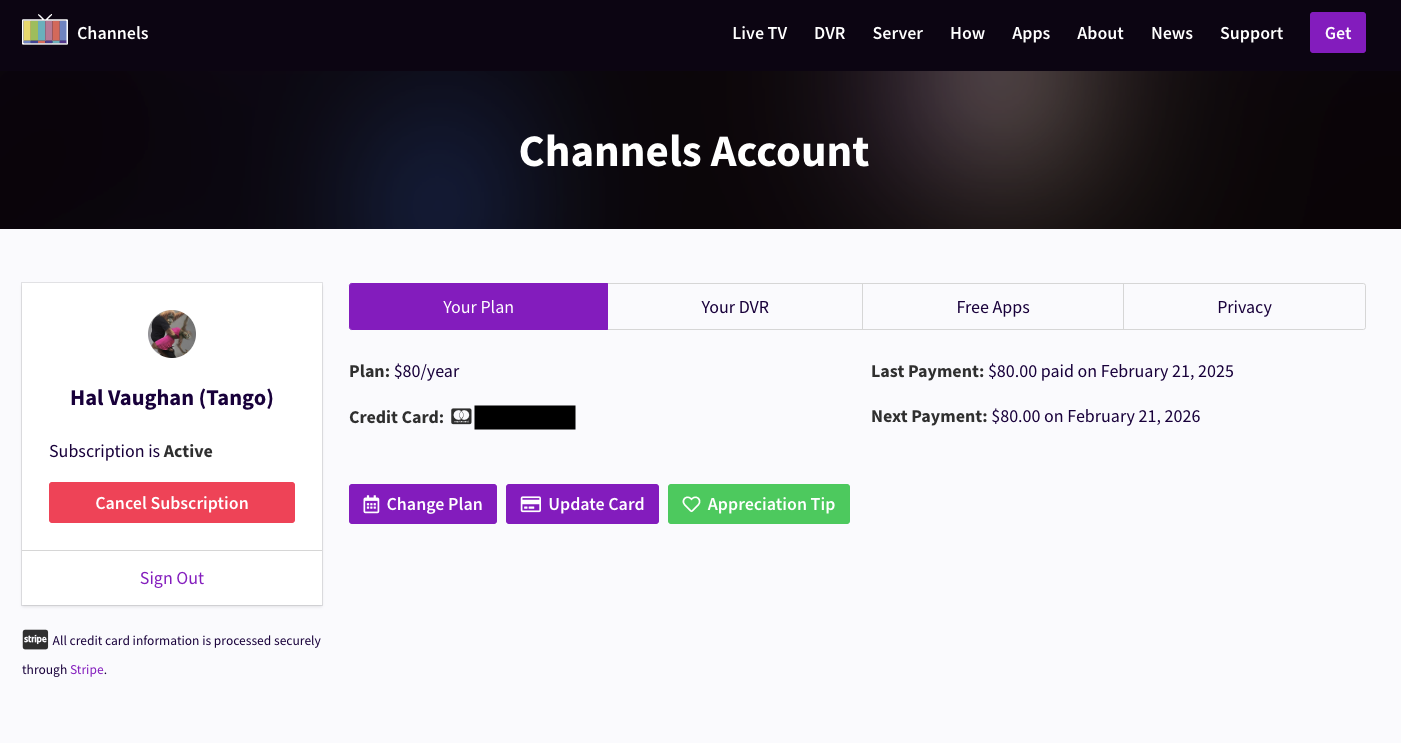
A charge like this doesn't always show immediately on my bank app. It claims I made a payment on 2/21 and one isn't due until next year. There's no clear "Make a payment" link there. I'm not clear if the payment on 2/21 is because my renewal is retroactive, or if it's just when I was first billed. Or it could be a bug reporting that as a payment, so it looks like it was paid, and it wasn't.

I go to the DVR app and I still get the expiration screen.

So what gives? I know my payment could not have been made before 3/2 and I find no way to actually make a payment now, and yet it looks like I've paid.
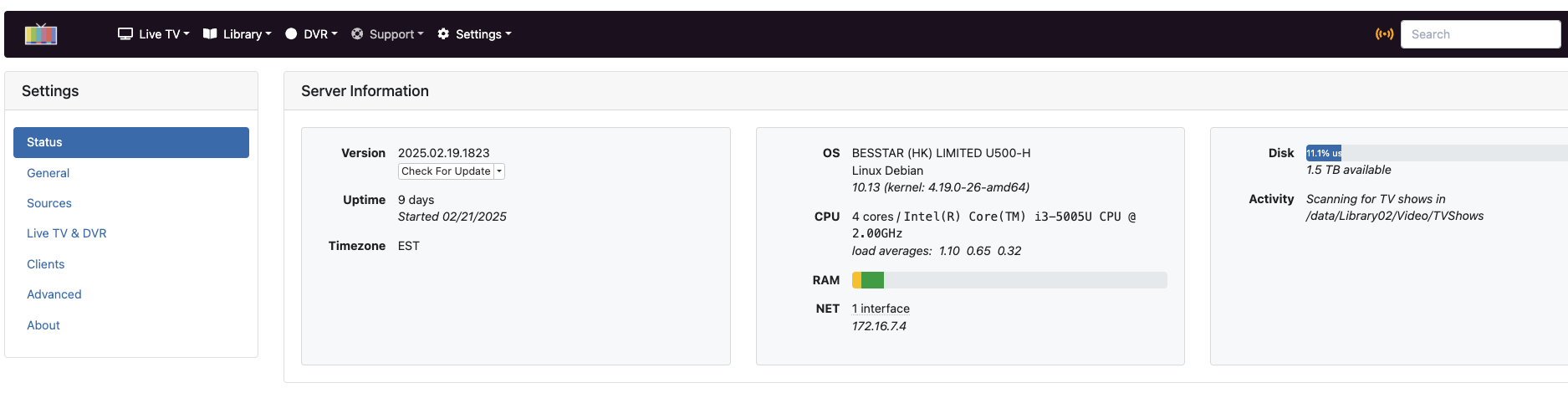
Probably means your dvr server can't reach the internet. What does it show on the dvr web UI

General status:


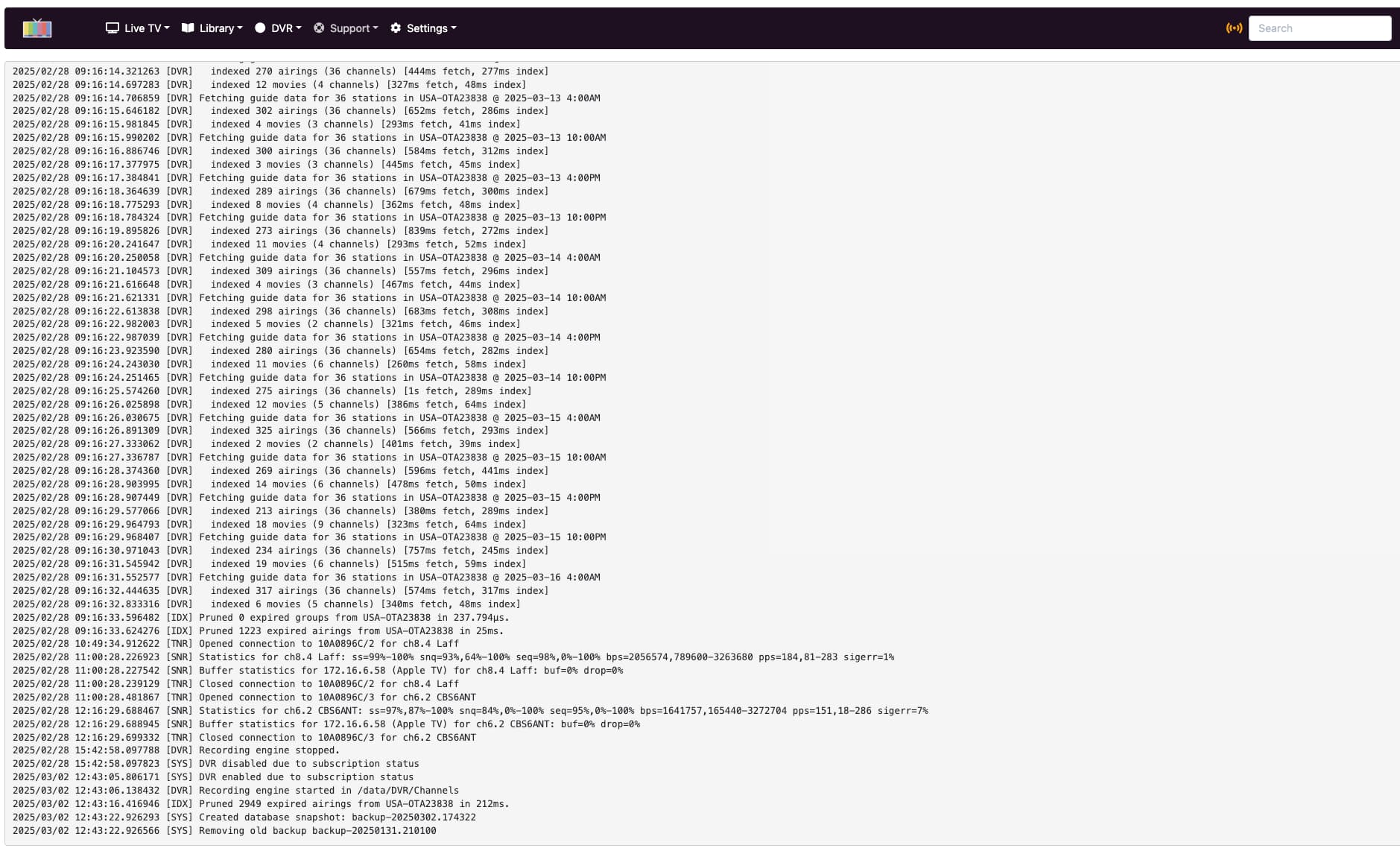
According to the logs, it's renewed:

My "normal" app (non-DVR) is working, but each time I go to check the DVR one I usually use, I get the renewal screen. (Both use the same Channels server on my LAN.)

1 Like

Could you submit diagnostics from the dvr under support

Also please submit diagnostics from one of the clients having issues.

Interesting. The Apple TV client that was whining about it is now working. So maybe there was just something that needed to propagate through the settings. So it's working now.

BUT - if submitting diags from the complaining client will help with any bug hunt or anything, I'll be glad to help with that. (I love helping find bugs!)

Eric, I got the email in response to my diagnostics and tried to reply, but for some reason, the email address would not work.

Sometimes you need to reboot the AppleTV for the ChannelsDVR app to relaunch and show changes.

I killed the Channels app and restarted it, and that didn't help. May have done it again. But I had not rebooted it. I had just left the TV and Apple TV on when I left the room. Came back and the screensaver was still on a few hours later.

This topic was automatically closed 30 days after the last reply. New replies are no longer allowed.