Which image will be updated as we move forward?
The question at hand is "dash" or "no dash"?
sunnyside1/directv-tuner? or sunnyside1/directvtuner?
I'd love to keep up with testing the most current updates. 

Which image will be updated as we move forward?
The question at hand is "dash" or "no dash"?
sunnyside1/directv-tuner? or sunnyside1/directvtuner?
I'd love to keep up with testing the most current updates.
no dash but the original
So I updated using the image sunnyside1/directvtuner:latest (no dash) and the GUI still doesn't appear. The m3u http://:7070/tve/directv/playlist.m3u still won't play, nor vod. Using Ubuntu 20.04 and testing in VLC
Messages you directly
Dang! I'm in the middle of a power outage so I can't do any testing right now!
So, an update/re-pull of this image will keep us current?: sunnyside1/directvtuner:latest
You might consider putting a version number on the GUI so that we can easily differentiate which image we are running. (I get easily confused  )
)
No problem will do we will start with version 1.0  I'll add a feature section
Just a heads-up for the folks who are testing with Channels DVR, and are easily confused, like me:
Through my own trial and error, I noticed that If you have other source(s) for the same channels by different providers, and the duplicates have a higher priority than this new source, they may play from the other source rather than this one.
I may have to disable other sources to ensure that I am only testing from this specific source.
Or, perhaps stacking duplicates by number, rather than by guide data may help me tune each channel the intended source.
Or, I may simply shove this source to the top of my list to put it in the top priority position over the others.
Does anyone know the best way to keep my test channel duplicates separated from the sources I typically use?
Have the latest pull as of 20 minutes ago
Windows 10
I get to the Settings UI (http://x.x.x.x:6080/vnc.html?autoconnect=true)
and
load and login to the vnc, I login in to Directv Stream just fine
http://x.x.x.x:6080/
I've 3 issues
the first being custom channels finds no epg
so i attempted manually: with http://x.x.x.x:7070/tve/directv/playlist.m3u
got an error of: insecure download blocked (chrome and brave)
when i allowed it to save i opened it and it read:
<tv generator-info-name="directv-epg" generator-info-url="http://localhost:3000"> </tv>
(also the Pluto/Plex/Tubi/Samsung epg for channels all work fine and have been for years)
any suggestions?
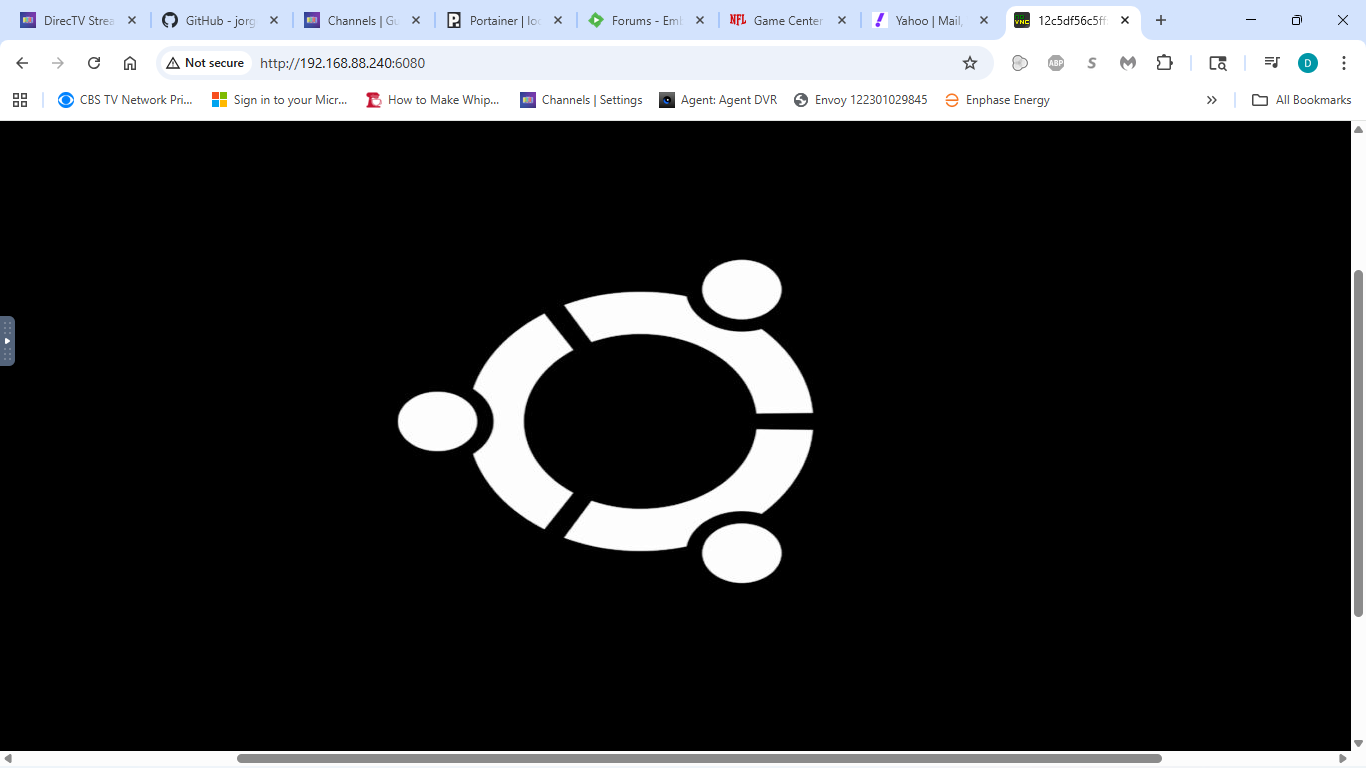
I've just pulled the new image and I'm getting the same picture on the admin page as in my post #92.
I have both of these settings in my CDVR custom source:
Source/URL: http://X.X.X.X:7070/tve/directv/playlist.m3u
XML Guide Data: http://X.X.X.X:7070/tve/directv/epg.xml
Manually opening http://X.X.X.X:7070/tve/directv/playlist.m3u and allowing download of insecure file, yielded filename: directv.m3u with contents beginning with the contents below: (full file includes all the channel info)
#EXTM3U url-tvg="http://192.168.1.100:7070/tve/directv/epg.xml"

#EXTINF:-1 tvg-id="dtv-2" tvg-name="CBS-KCBS" tvg-logo="https://dfwfis.prod.dtvcdn.com/catalog/image/imageserver/v1/service/channel/bf371dfd-d753-2555-d682-58fa39264652/chlogo-clb-guide/60/45" tvg-chno="2" group-title="Entertainment",CBS-KCBS
http://192.168.1.100:7070/stream/2

#EXTINF:-1 tvg-id="dtv-4" tvg-name="NBC-KNBC" tvg-logo="https://dfwfis.prod.dtvcdn.com/catalog/image/imageserver/v1/service/channel/f5bbe264-e39e-9b2e-a490-560be72e07e4/chlogo-clb-guide/60/45" tvg-chno="4" group-title="Entertainment",NBC-KNBC
http://192.168.1.100:7070/stream/4
Manually opening http://X.X.X.X:7070/tve/directv/epg.xml and allowing download of insecure file, yielded filename: directv-epg.xml with contents beginning with the contents below: (full file includes channel id's followed by all the program guide info)
<tv generator-info-name="directv-epg" generator-info-url="http://localhost:3000">
<channel id="dtv-2">
<display-name>CBS-KCBS</display-name>
<display-name>2</display-name>
<display-name>KCBS</display-name>
<icon src="https://dfwfis.prod.dtvcdn.com/catalog/image/imageserver/v1/service/channel/bf371dfd-d753-2555-d682-58fa39264652/chlogo-clb-guide/60/45"/>
</channel>
<channel id="dtv-4">
<display-name>NBC-KNBC</display-name>
<display-name>4</display-name>
<display-name>KNBC</display-name>
<icon src="https://dfwfis.prod.dtvcdn.com/catalog/image/imageserver/v1/service/channel/f5bbe264-e39e-9b2e-a490-560be72e07e4/chlogo-clb-guide/60/45"/>
</channel>
Following all the EPG channel ID entries is the program info beginning with:
<programme start="20251201203000 +0000" stop="20251201210000 +0000" channel="dtv-2">
<title lang="en">The Bold and the Beautiful</title>
<sub-title lang="en">The Bold and the Beautiful</sub-title>
<desc lang="en">Will and Electra reel at who ran over Luna; Steffy and Finn are committed to moving forward; Bill attempts to sway Katie to his firm.</desc>
<category lang="en">TVShow</category>
<category lang="en">Drama</category>
<category lang="en">Romance</category>
<category lang="en">Soap</category>
<episode-num system="xmltv_ns">38.53.0</episode-num>
<date>20251201</date>
<rating system="VCHIP">
<value>TV14</value>
</rating>
</programme>
<programme start="20251201210000 +0000" stop="20251201220000 +0000" channel="dtv-2">
<title lang="en">Beyond the Gates</title>
<sub-title lang="en">Beyond the Gates</sub-title>
<desc lang="en">Vanessa fires back when her business decisions are called into question; Smitty confronts Joey to protect Martin.</desc>
<category lang="en">TVShow</category>
<category lang="en">Drama</category>
<category lang="en">Soap</category>
<episode-num system="xmltv_ns">0.179.0</episode-num>
<date>20251201</date>
<rating system="VCHIP">
<value>TV14</value>
</rating>
Working or not
Yes, that is the only thing I see.
I just signed up for directv stream because of this and am getting a blank m3u. I am running truenas 25.10.0.1
I'm checking. I had to slim my channel list down to something manageable.
I picked 25 channels. Some from my MyEntertainment base package, some from the MyNews base package (which includes locals), and some from the MyCinema add on.
I have full EPG data which seems to expire after a few hours.
My client is Nvidia Shield. I am also testing on my Chromebook. Nothing plays through the CDVR GUI.
I cannot play any of the channels through CDVR. They all fail with the same message on the Shield and Chromebook clients:
Seems like some users its working some not I'm going to create a channel on telegram its hard to follow lol  n I need screenshots etc tech support coming
The channel gui yes that's correct nothing plays did you try iOS app I was able to play no issue I tested on my android tv worked
So I can help and we can chat if that's ok
I don't have any iOS devices. My testing will be limited to Android CDVR client apps on Nvidia Shield, Onn 4k boxes, and my Chromebook which also runs the Android CDVR app.
I mistakenly thought that I had a few channels playing. But, it turned out that the server was rolling over to duplicate sources. To avoid confusion, I had to disable all of my other CDVR sources.
Oh, when we pull new images, do we need to use the :latest tag?