Disabling recording shows in their own folder

Is there a way to save all recordings in a single folder rather than having each show save recordings in it's own folder?

The reason I ask is because I watch the recordings using PotPlayer (could be any player) because I want instantaneous fast forward. When I watch programs using Channels, the fast forwarding (by 10 seconds, say; by hitting the right arrow) is very slow even though I am watching on the same computer that recorded the files (the recordings are on a USB drive connected to that Windows computer / Channels server). Sometimes I record many shows in a row in case the scheduled recording goes over time (happens all the time with tennis at a grand slam). But I want to see them all sorted by date in the same folder so I can easily watch them in order. I could extend the recording time of each show I record but (a) that seems to be limited to 2 hours and sometimes I need 3 hours and (b) it is easier to record the following shows rather than extend the recording time of each recording. The reason setting up 2 hours extra time at the pass level doesn't work is, sometimes the shows are back to back on the same channel. Then the DVR records the same content twice which leads to very glitchy / messed up recordings.

Thank you in advance!
1 Like

I highly doubt the devs are going to change their file structure so that you can use a different player.

Quit watching from the web ui. It is designed for administrative tasks not for viewing. The web ui needs to transcode and that results in slow skips. If you use a real android or apple client the skips will be instant.

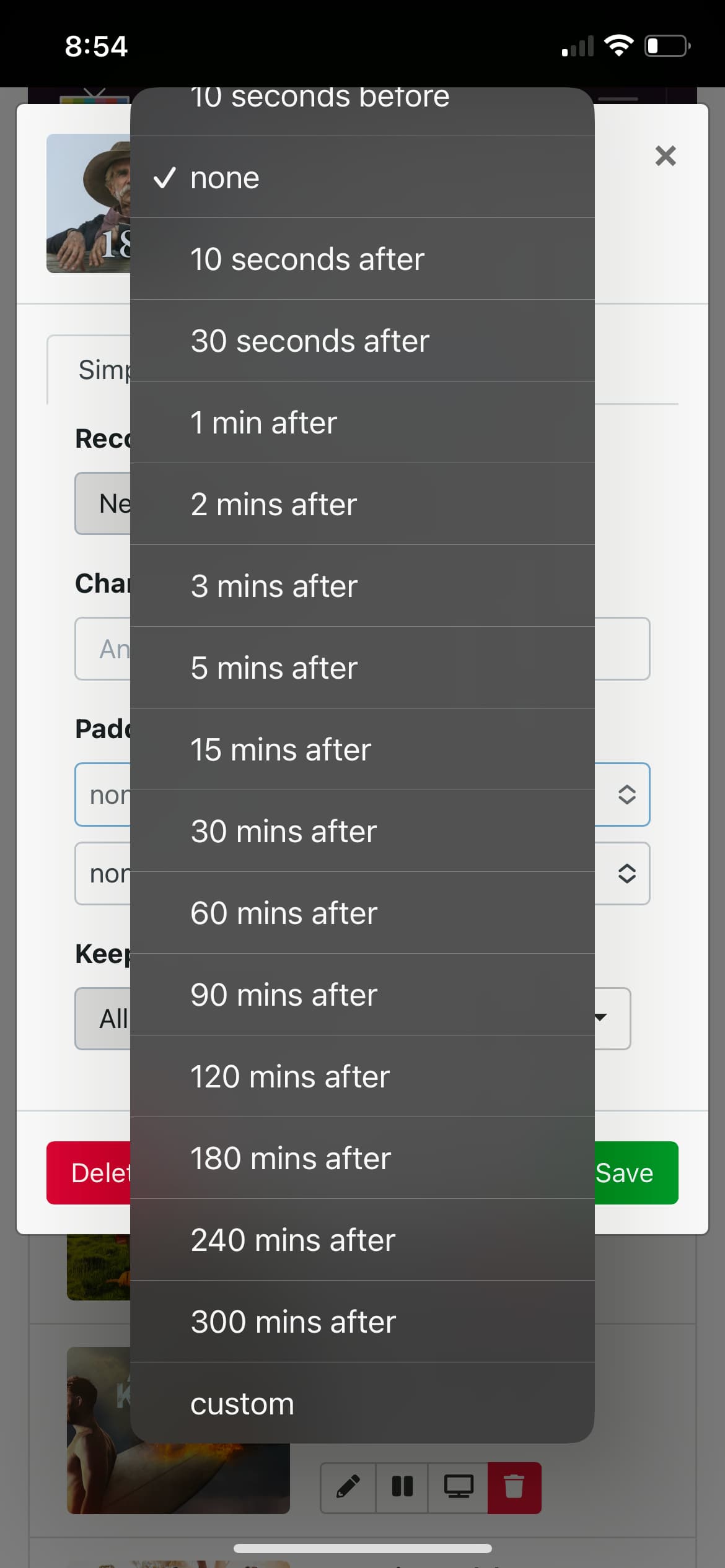
The padding options in the web ui don’t stop at 120min. You can even choose custom if you like.

I don’t experience any glitches when recording the same channel twice due to padding settings.

You have some strange recording habits, qwerks. This practice is creating issues that is easily solved by using post padding as designed so the show your pick and watch includes the whole show, not 4 different recordings with different names.

Use a real client and use pass padding as needed.

No.

As stated, the server's interface is primarily for administration. You are running into issues from your graphics and computer processors and their ability to transcode, and your web browser, not the server. If you want a good viewing experience, use a first-party supported client. (A Windows PC is not an actual "client".)

Use a search query to find all .mpg files within Channels' TV Shows and Movies directories and sort them by date.

This topic was automatically closed 30 days after the last reply. New replies are no longer allowed.