Display time

One of the best features of a set top box was the time and channel display on the front of the box.

Apple TV does not have a display and the first thing kids asked for was to display the time on the screen.

I know you can tap the remote and get the time in the timeline but can you add an option to constantly display the time at the top of the screen.
I know some STB will show the current time on the Guide view, but I’m not aware of any that will actually show a clock on top of the video player. Is this what you’re asking for?

Yes. The option to superimpose the time on the screen. Probably the top right hand corner. Maybe it’s and option when you swipe down along with CC.

Another option would be whenever the timeline at the bottom of the screen show up, show the time somewhere. That way you can just touch the pad on the remote and quickly see the time.

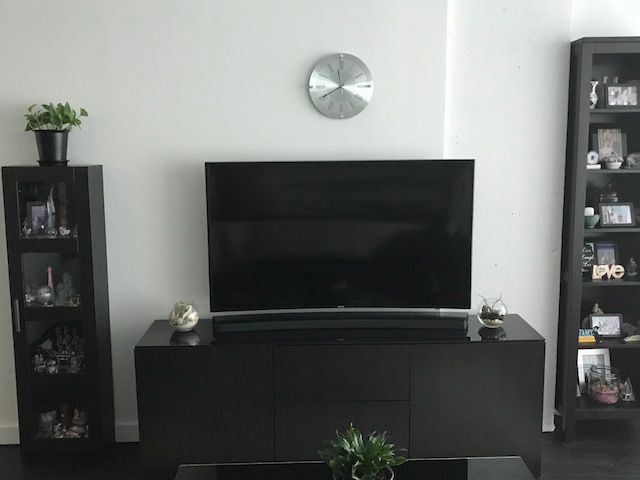
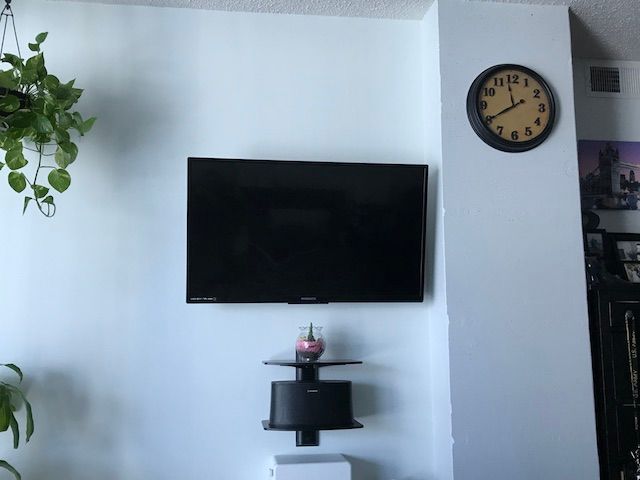
I've got a clock. I am not sure how common these are anymore, but such a device can be used to show the time, kind of like a set-top box or an on-screen display, but looks nicer.

3 Likes

Way too functional. :smiley:

That could work. The timeline only shows time in live TV playback and not DVR playback.

Haha - I have a clock on the wall too. :). However, when I’m watching at night, I keep the room pretty dark, and I can’t see it!

1 Like

To be clear, I meant to show the time somewhere else on the screen, not right at the playhead.

I can’t keep those darn clocks in sync and fresh batteries so ima call that a workaround !

2 Likes

I would, also, like to see the current time when looking at the guide (on the top right side). It’s helpful to see it right there when looking what’s on now/next (if it’s 8:50, I’m going to pay more attention to what’s on at 9 than what’s on at 8:30).

1 Like

Well played!