Hi,
I'm running into a possible issue, but I'm not sure if it's an actual problem or expected behavior.
I set up the Channels DVR NVIDIA Docker container on my unRAID server. I went through the setup process using TVEverywhere (FuboTV) as my source.
For Remote Access, I manually port forwarded as I'm using pfSense. I have Remote DVR Enabled, with Port Forwarding on Manual. Under the Troubleshooting menu, it says "Remote Access: Successfully established external connection". I am also able to stream channels via the iPhone app, both on home Wi-Fi as well as on LTE.
Questions:
- Next to URL under Remote DVR, it says "http://my.channelsdvr.net". Should it say "https"? Is there something I've misconfigured?
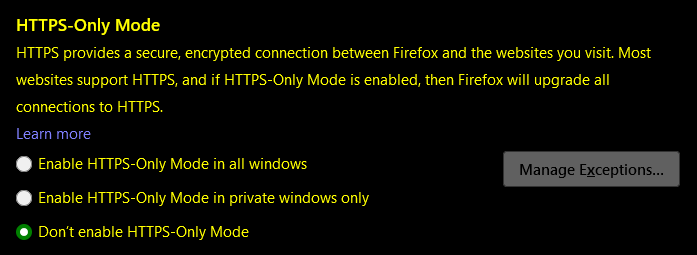
- When I click the "http://my.channelsdvr.net" link, a new tab opens. But Firefox is unable to open the page properly. Instead I get a "HTTPS-Only Mode Alert: Secure Connection Not Available" and "a HTTPS version of xxxxxxxxxxxx.u.channelsdvr.net:8089 is not available". If I click "Continue to HTTP site", Firefox still isn't able to open any webpage as the connection simply times out.
Is there something I need to reset/reconfigure myself or have reset/reconfigured on Channels DVR's end?
More importantly, have I somehow insecurely configured something?
Thanks!
P.S. Please let me know if there are any other details required from me to help diagnose.