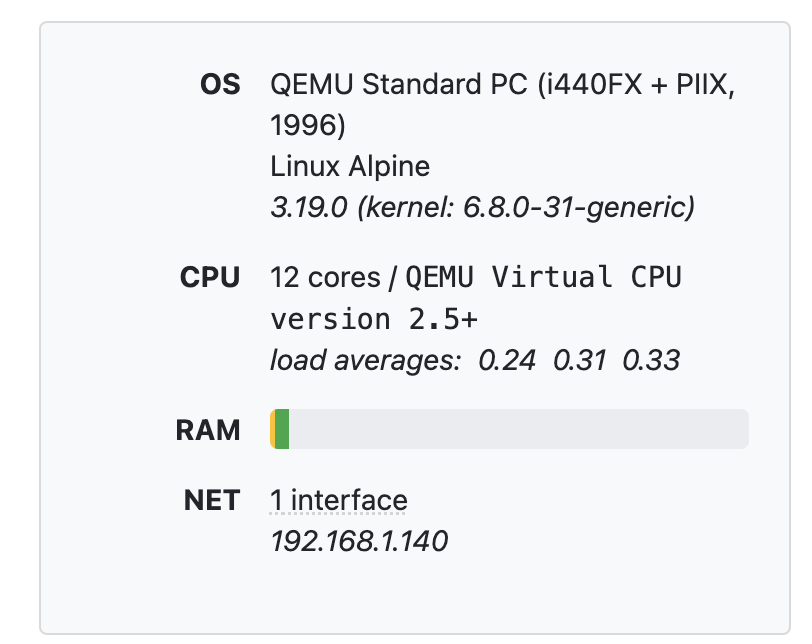
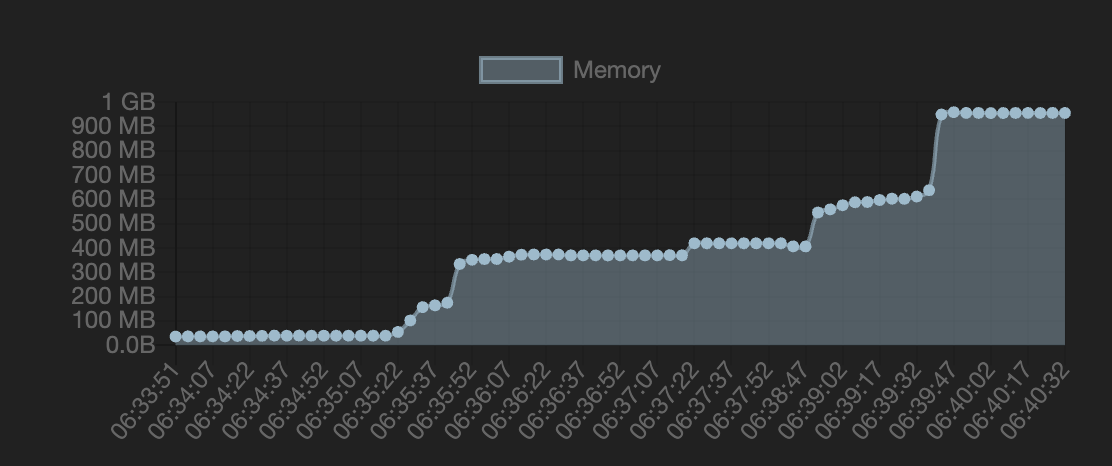
I am in the process of migrating from QNAP to a docker container, and I peeked in on my VM's memory .. and YIKES.
Took a look at the docker containers I had running and Channels had gone wild!
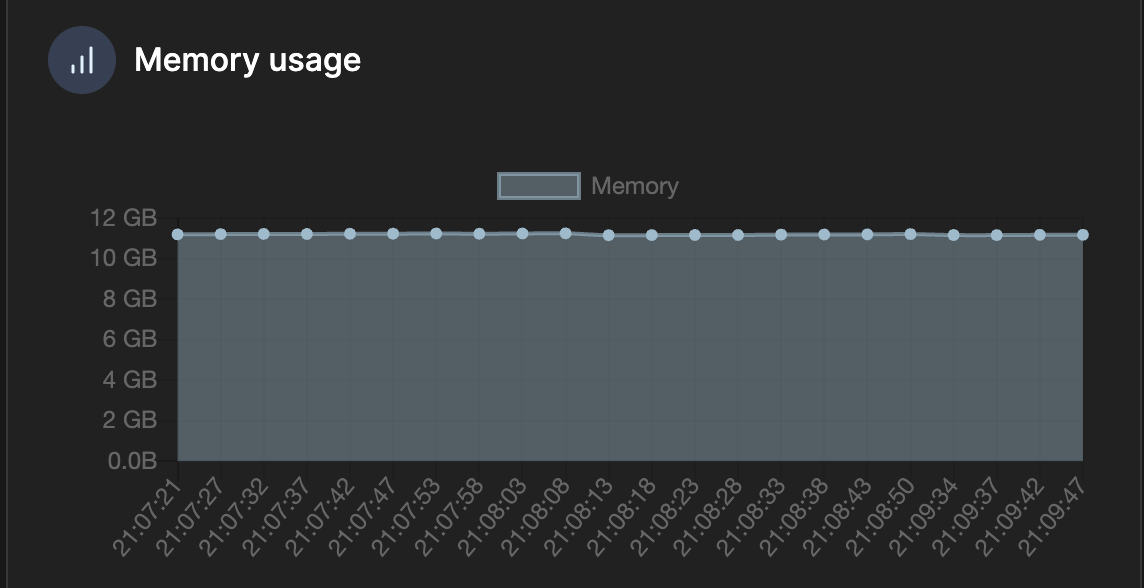
Any thoughts?

I am in the process of migrating from QNAP to a docker container, and I peeked in on my VM's memory .. and YIKES.
Took a look at the docker containers I had running and Channels had gone wild!
Any thoughts?
What does your docker run or compose statement look like?
services:
  channels-dvr:
    image: fancybits/channels-dvr:tve
    container_name: channels-dvr
    network_mode: host
    ports:
      - "8089:8089"
    restart: on-failure:10
    devices:
      - /dev/dri:/dev/dri
    volumes:
      - /data/channels-dvr/config:/channels-dvr
      - channels-dvr:/shares/DVR
volumes:
  channels-dvr:
    external: true
I was thinking maybe one of these two host directories didn't exist and it was writing into the docker file system layer instead of into a host directory and using up ram.
/data/channels-dvr/config
channels-dvr
Nope, just double checked, both the bind mount and the volume are there.
Quick update, this AM I tried to do a bit of debugging to see what might be causing the issues
I restarted the container, and the memory footprint seemed normal. Then I watched a show, and it shot up to 350MB. Stopped, and started another show, and it went to 600. I skipped ahead in the second show and it jumped to 1GB.
After closing channels the memory is never reclaimed.
UPDATE: A bit more info.
The streaming 'cache' is balooning. I wonder where the cache is being held, and if it should clear out more frequently?

UPDATE 2: Cleared the cache but the container memory usage did NOT go down
Circling back after doing some investigating. It seems that ffmpeg in docker has some strange memory behavior where it claims and does not release the memory.
I might switch to an Ubuntu LXC and install Channels in that to see if the problem goes away.
If you're up for another experiment, I always run Docker w/Portainer in Debian LXCs. This is better in terms of resource allocation, usage and management than running Docker in a VM -- highly recommended.
I'm experimented out rn, but that's good to know for the future. I'm looking at installing ADBTuner (docker) next and was just in the process of trying to figure out if I could deploy that in an LXC instead of docker.
Just a recommendation, but rather than mess around with that -- just get Docker and Portainer running in an LXC. I think I can spin-up a setup like that in about 15 minutes. It's just one of the reasons why Proxmox is so awesome -- but it does require approaching things in some new ways. 
Not to take this too far off-topic, but I've just started reading Proxmox's documentation, and they suggest / recommend running docker in a full QEMU VM, instead of an LXC. Have you had any issues running it in an LXC?
(as you might be able to tell, I'm new to the 'proxmox' world.)
No, none. And, I've had multiple Debian LXCs running Docker and Portainer 24x7 for more than a year.
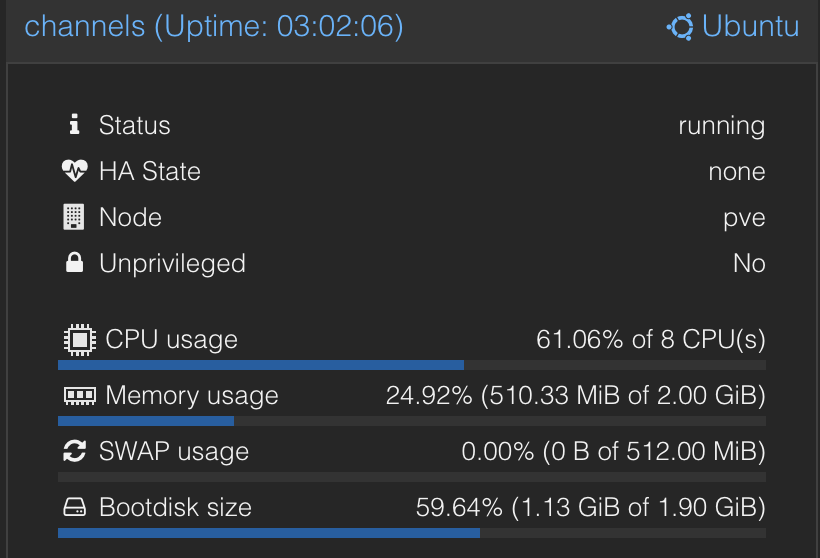
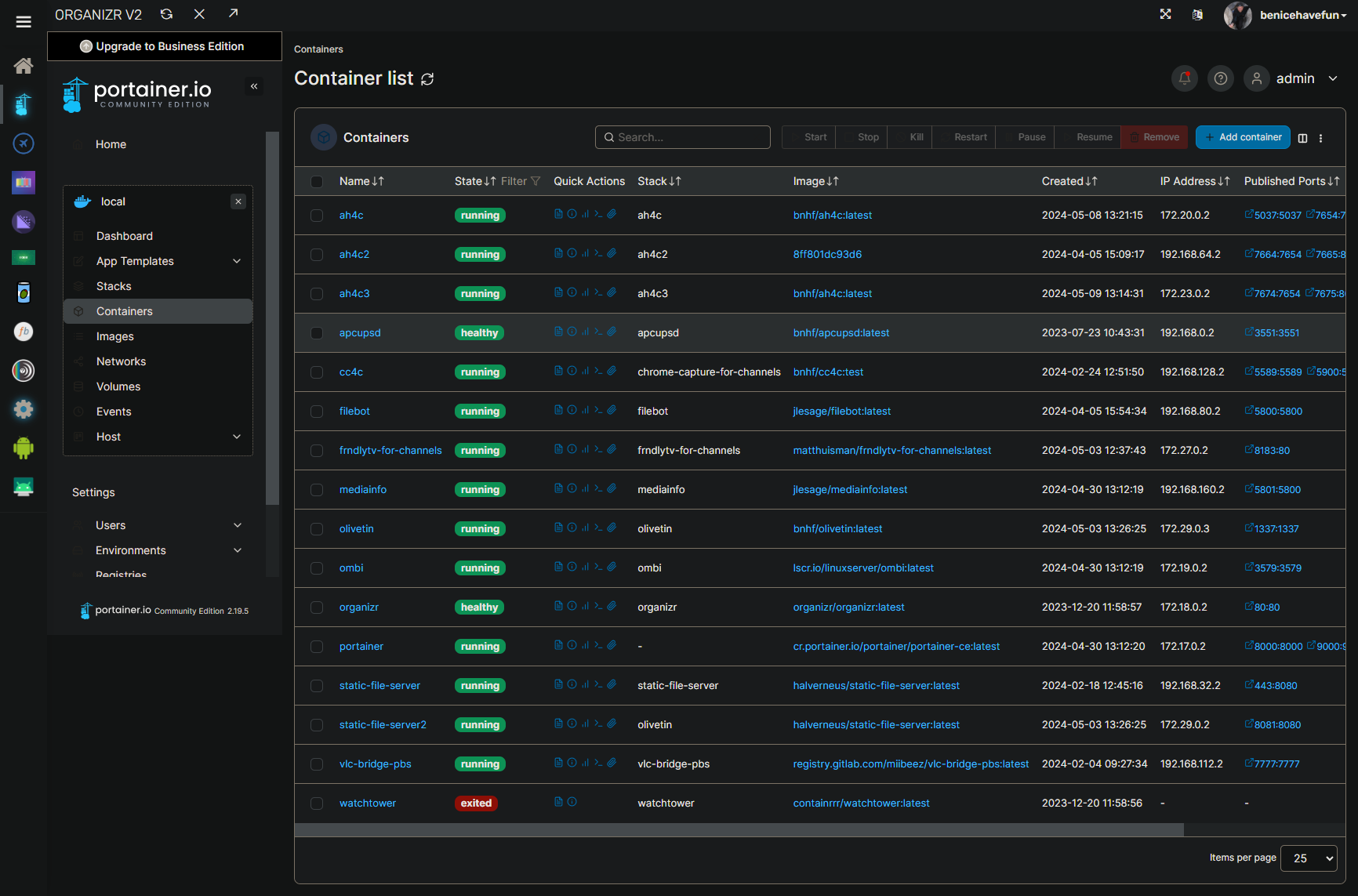
Here's an example of one LXC I run that has all of my Channels related stuff in it. You can create an LXC, add things like Docker, Portainer, Cockpit (with Navigator), and Organizr to it, and then make that into a template for future LXCs with Docker:
Which LXC template are you using? And allocations? Do you run the container priv'd and do you pass through any hardware from the host to the container?
If you're asking me...
If I'm using Proxmox 7, I use Debian 11 in the interest of having the same toolkit available. With Proxmox 8, same idea, so Debian 12.
No, never -- I've always been able to do what I want to do without resorting to a privileged LXC.
Yes, on my Proxmox 8 setup where I wanted to be able to use (and share) the Intel GPU for transcoding. I'm passing that through.
This topic was automatically closed 365 days after the last reply. New replies are no longer allowed.