Docker disk usage causing server crashes

This week, Channels DVR server has been crashing every day and, every time it happened, I was not home. Finally, I got a chance to check the log and saw that it complained about low disk space.

I just restarted the PC to try and clear things up but it's not great:

image

Before I restarted, it was down to 500 MB left.

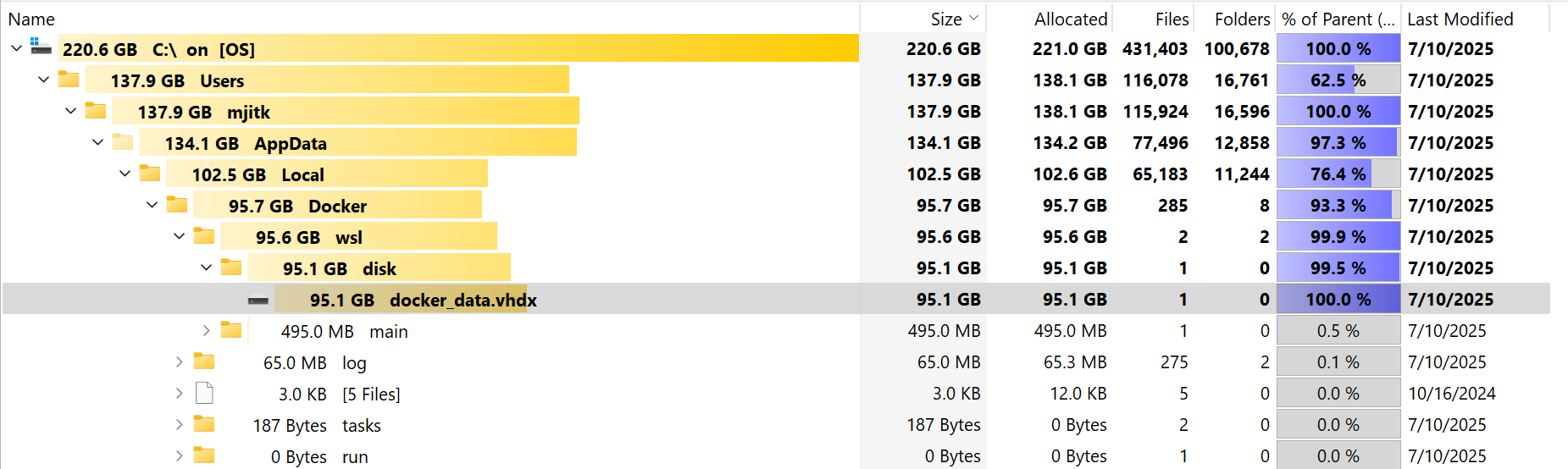
I used the Tree Size application to check the drive space and it's Docker that is eating most of the disk space:
Is there anything that can be done to reduce the amount of disk space used by Docker?

FYI, I don't have any music or videos saved on the C: drive so there is not much else I can do.

Check for unused container images in Portainer.

2 Likes

Thank you. That helped clean up a little bit but that didn't make a big dent, unfortunately.

I think I'm gonna have to uninstall it and reinstall it. Available disk space down to 300 MB now. It's a matter of time before Channels complains and dies.

That's a pretty tiny hard drive. You may want to leave the OS on C:\ and get something larger for a dedicated docker drive

1 Like

Fair statement. Thank you for the suggestion. I will look into it.

There is an issue with Docker Desktop in Windows where it will often take over space, but never give it back. Every once in a while, you need to compress the virtual drive. Just follow the directions in the top response here and you'll get back almost all your space:

https://stackoverflow.com/questions/70946140/docker-desktop-wsl-ext4-vhdx-too-large?answertab=scoredesc

Let us know how big it is afterwards! I can usually get mine down to about 25 GB.

1 Like

That did it!

image

Thank you!

This has been happening to me for a few weeks now. I am running these docker images on a Windows PC with Portainer. When I stop docker/WSL and compress the virtual drive it gets down to under 30 GB.

Less than a week later, the drive has expanded to over 300 GB and I have to do it all over again.

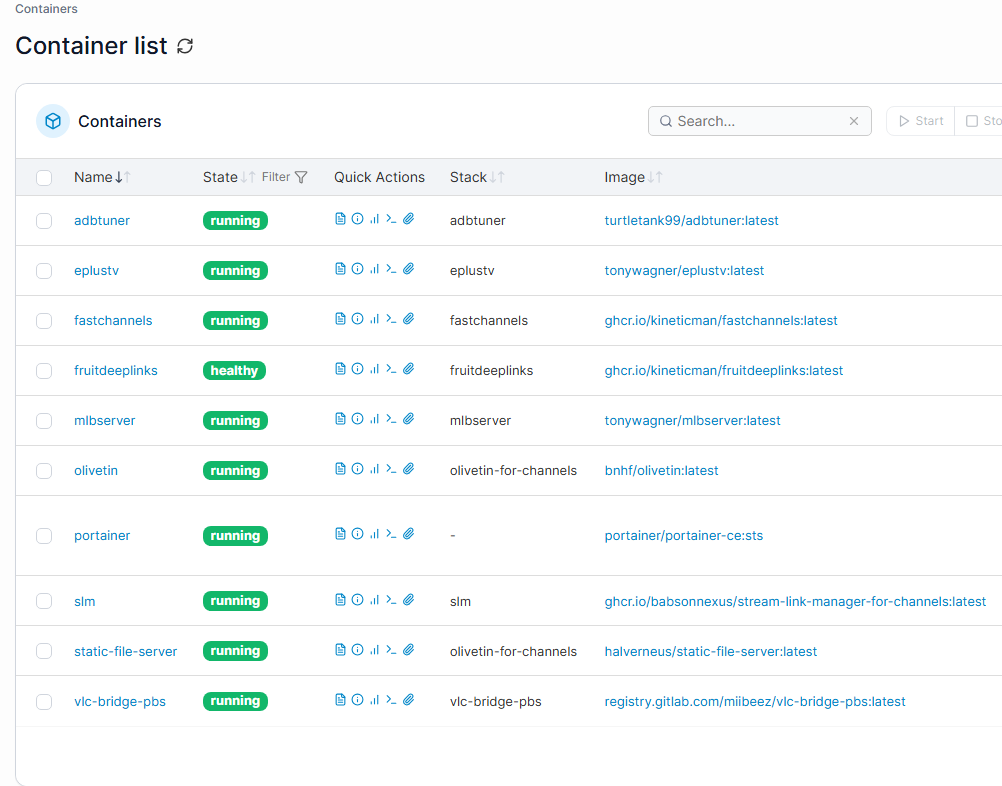
Below are the only containers that I'm running and I believe except for Portainer, OliveTin and Watchtower that everything else was set up using OliveTin.

Anyone have any tips as to what I can do to avoid this bloat?

FYI, I ended up running Docker on a Linux device instead after my Docker on Windows completely crapped out.

Happier now.

Something has happened with Docker in Windows over the past few months where the compression methods shown above (and plenty more, most notably its internal processes) no longer work. In the end, I moved my vhdx files to an external SSD with a ton of space so I could stop caring about trying to manage it. I basically have the same setup as you, and it's currently hovering at 178 GB, plus another 9 GB for Ubuntu.