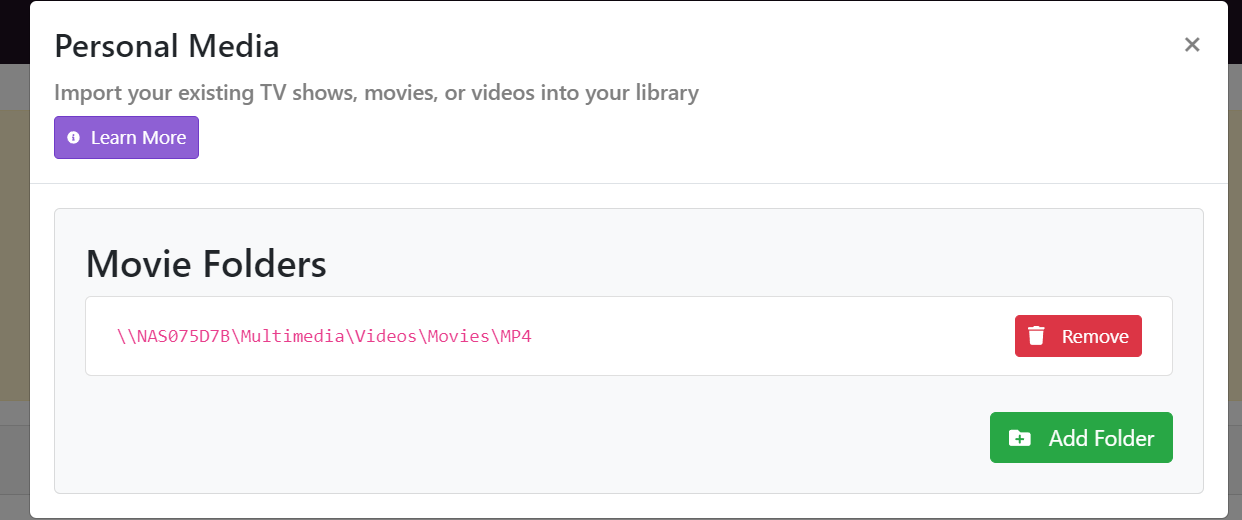
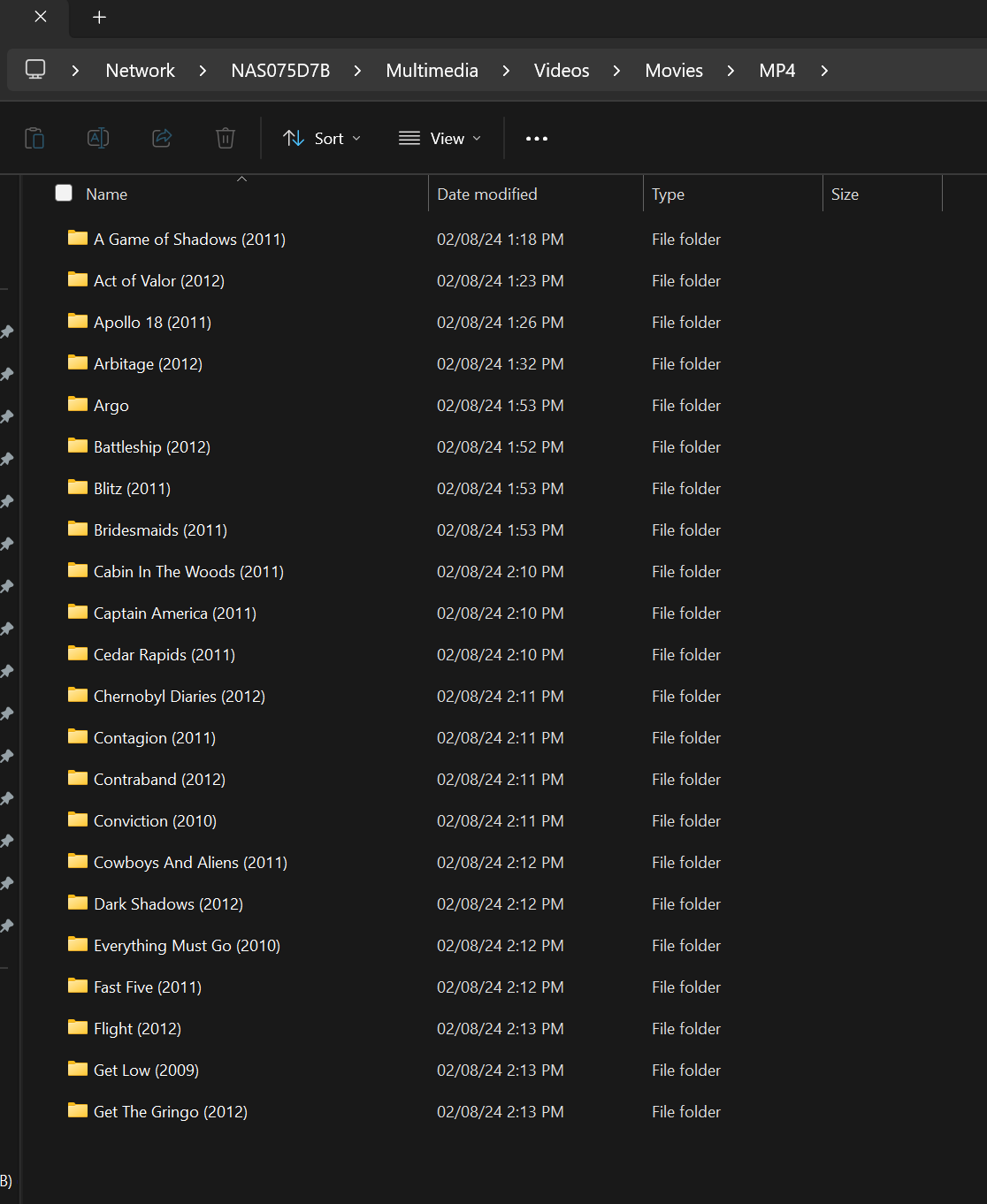
Duplicates Icons Library Movies...Personal Media

So I have been integrating a personal media DVD folder. Converting Raw DVD Files to one mp4 file. Added the networked NAS folder. As my Library populates some (30%) have duplicate movie Icons.

Why? is my first question and do I delete one of the two or should I just hide the duplicates? The individual folders are ordered correctly and both icons play the movie.

Appreciate your suggestions
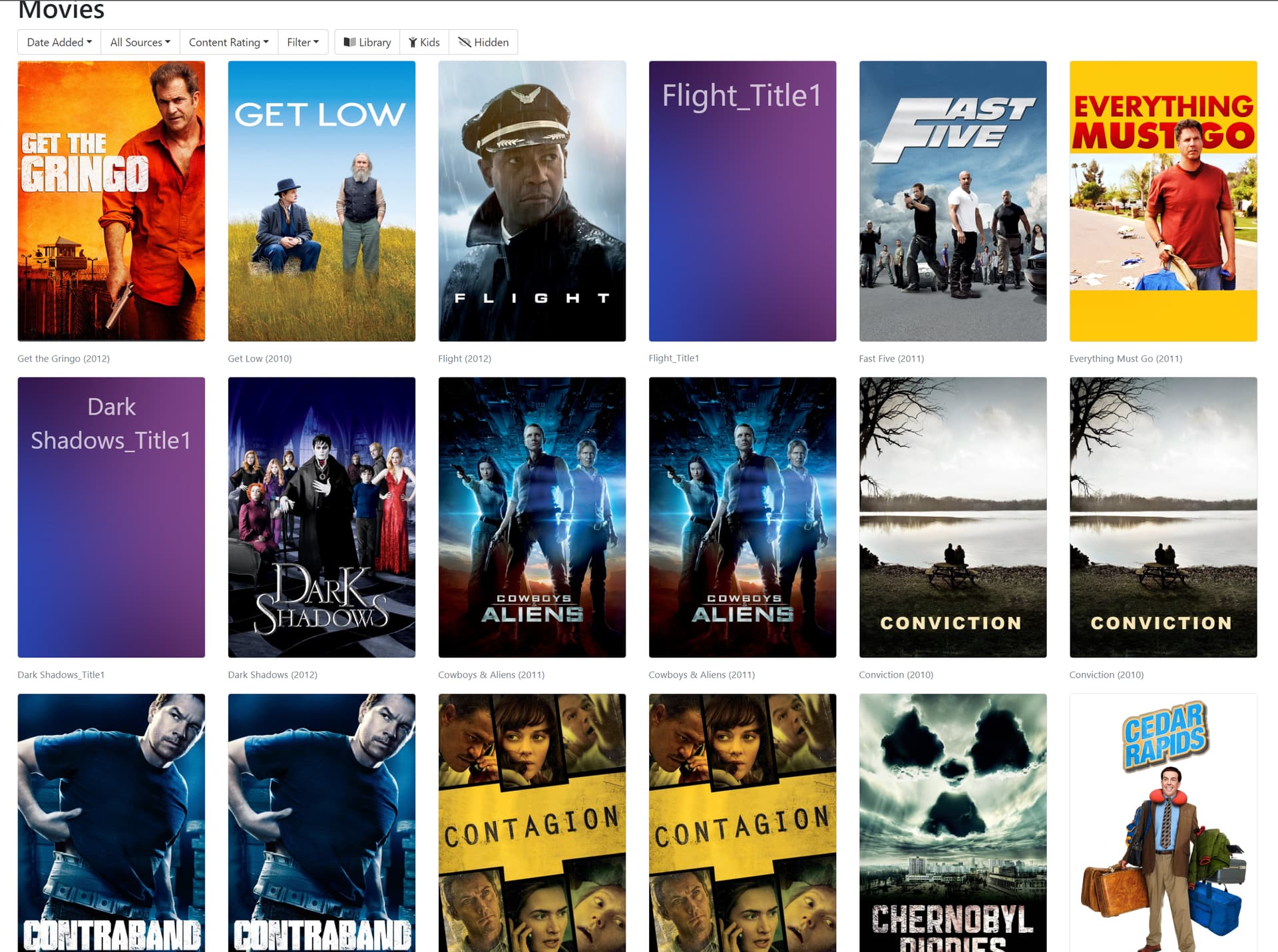
Can you explain what you mean by "duplicate movie icons"?

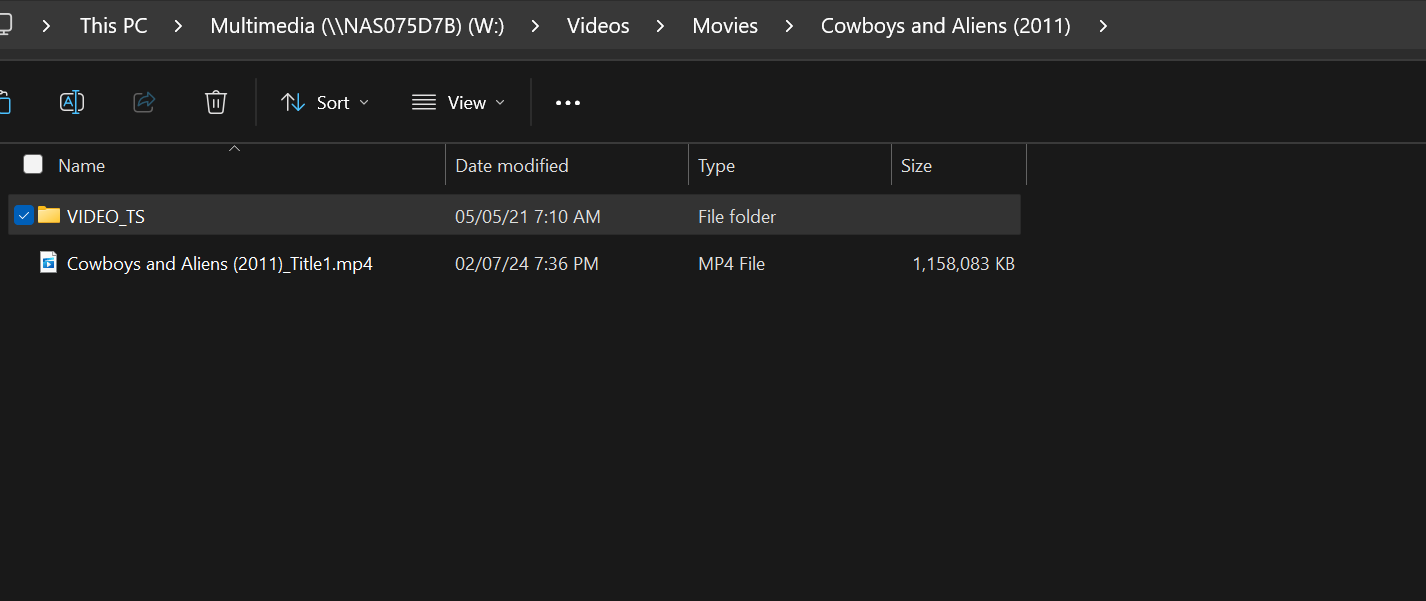
File Structure Duplicate Icon

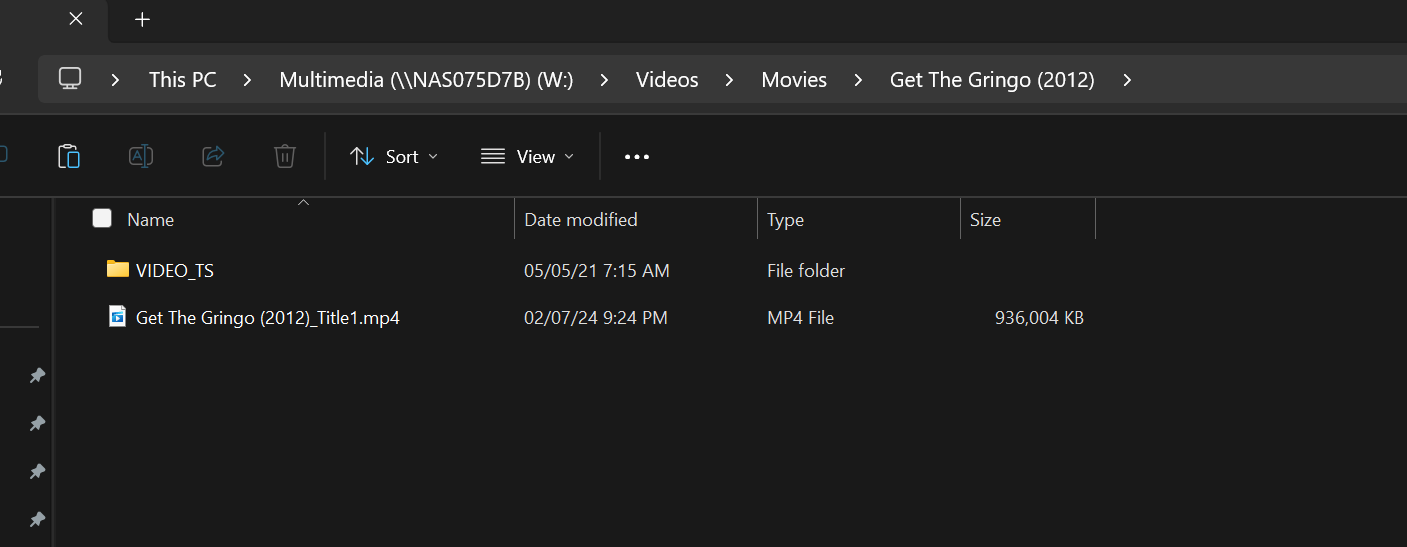
File Structure Correct single Icon

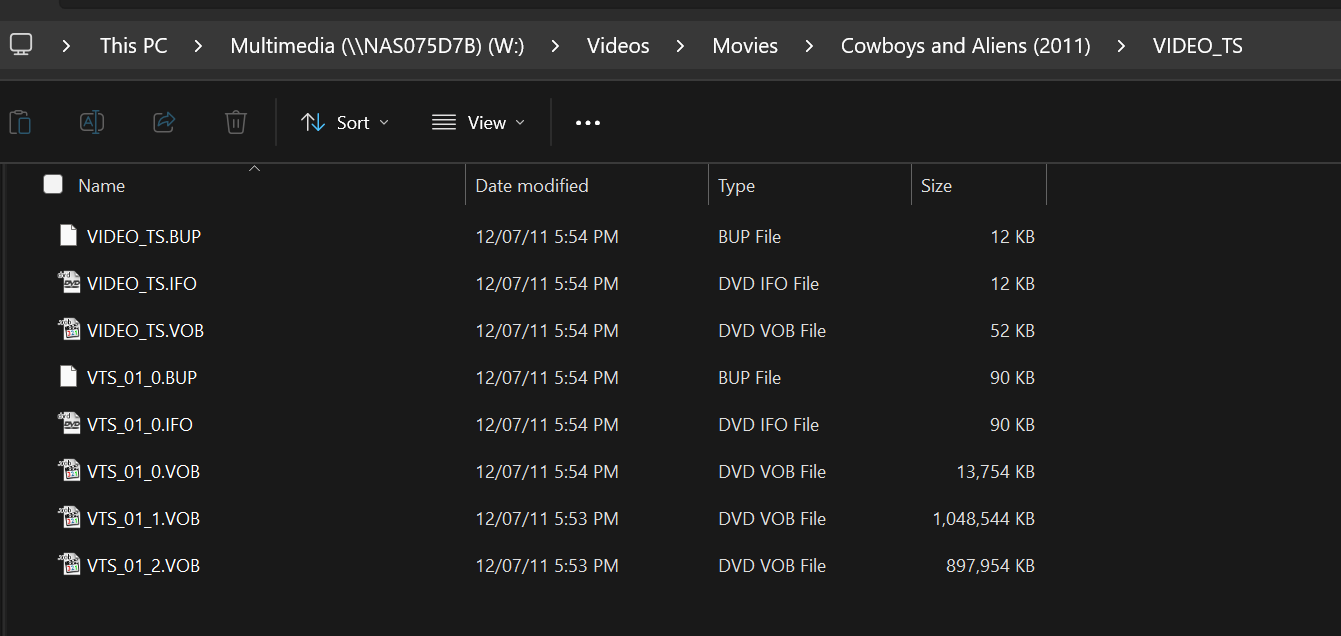
what is inside the VIDEO_TS folder?

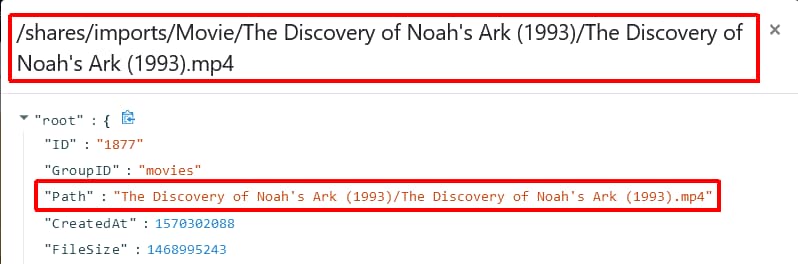
What about Manage > View Details > File ID > Path

It’s very likely finding the source TS file that you used to convert it to the MP4 file. Channels indexes directory’s recursively, so it goes into each directory.

If you use the File Details function mentioned by @chDVRuser, you’ll probably see the differing paths.

You’ll need to remove the source folders and put them somewhere else or this will always happen.

Once you’ve moved them, you can use the Prune function available in your Personal Media sources to remove any content from your library that does not exist anymore.

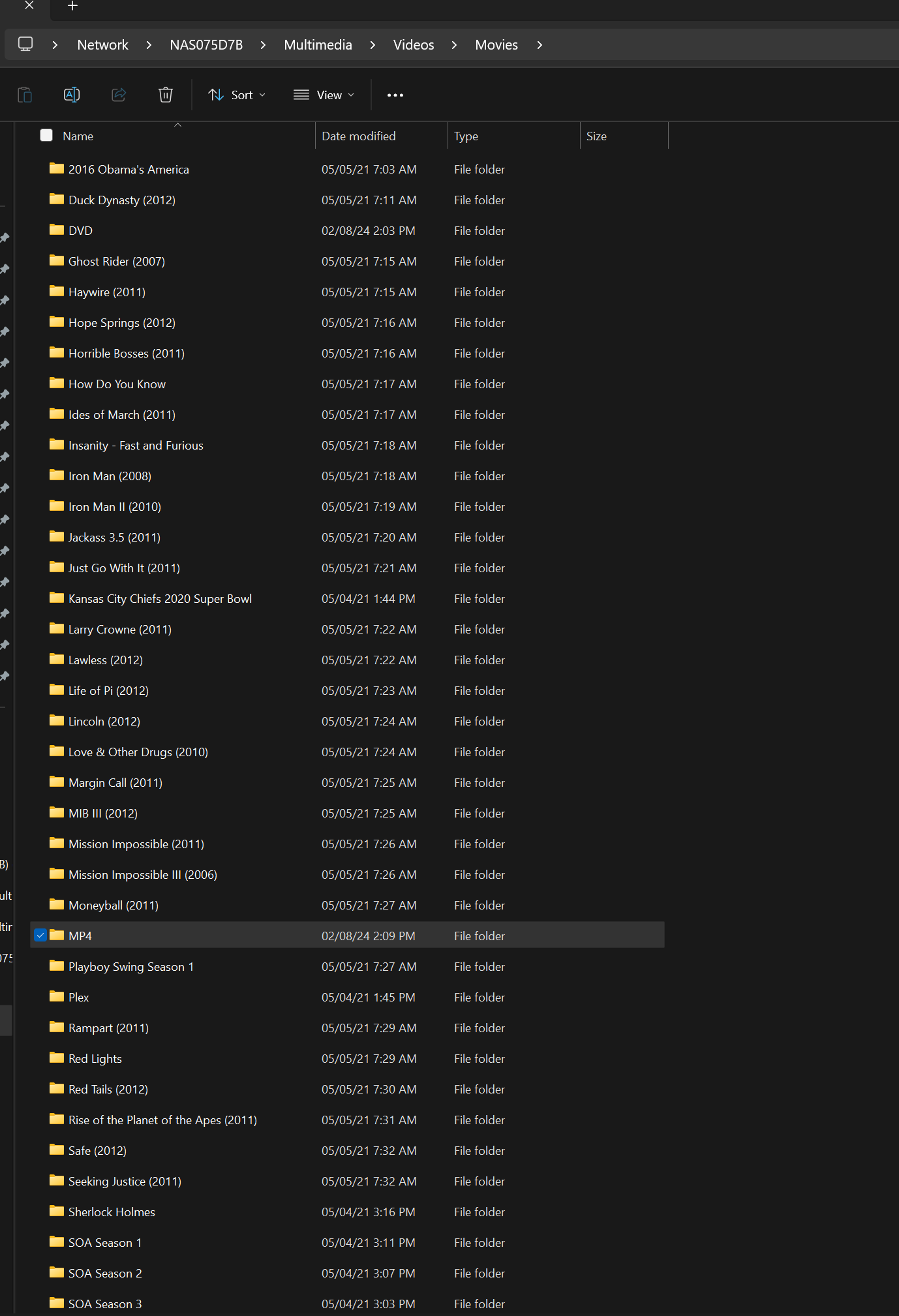
Here is the TS folder. I added this multimedia folder first and it found nothing as it was only the TS folder with the DVD image. So then I used my ripper to convert the TS files into mp4 format and it was going along perfectly well until a few hours in of conversion when the duplicates started.

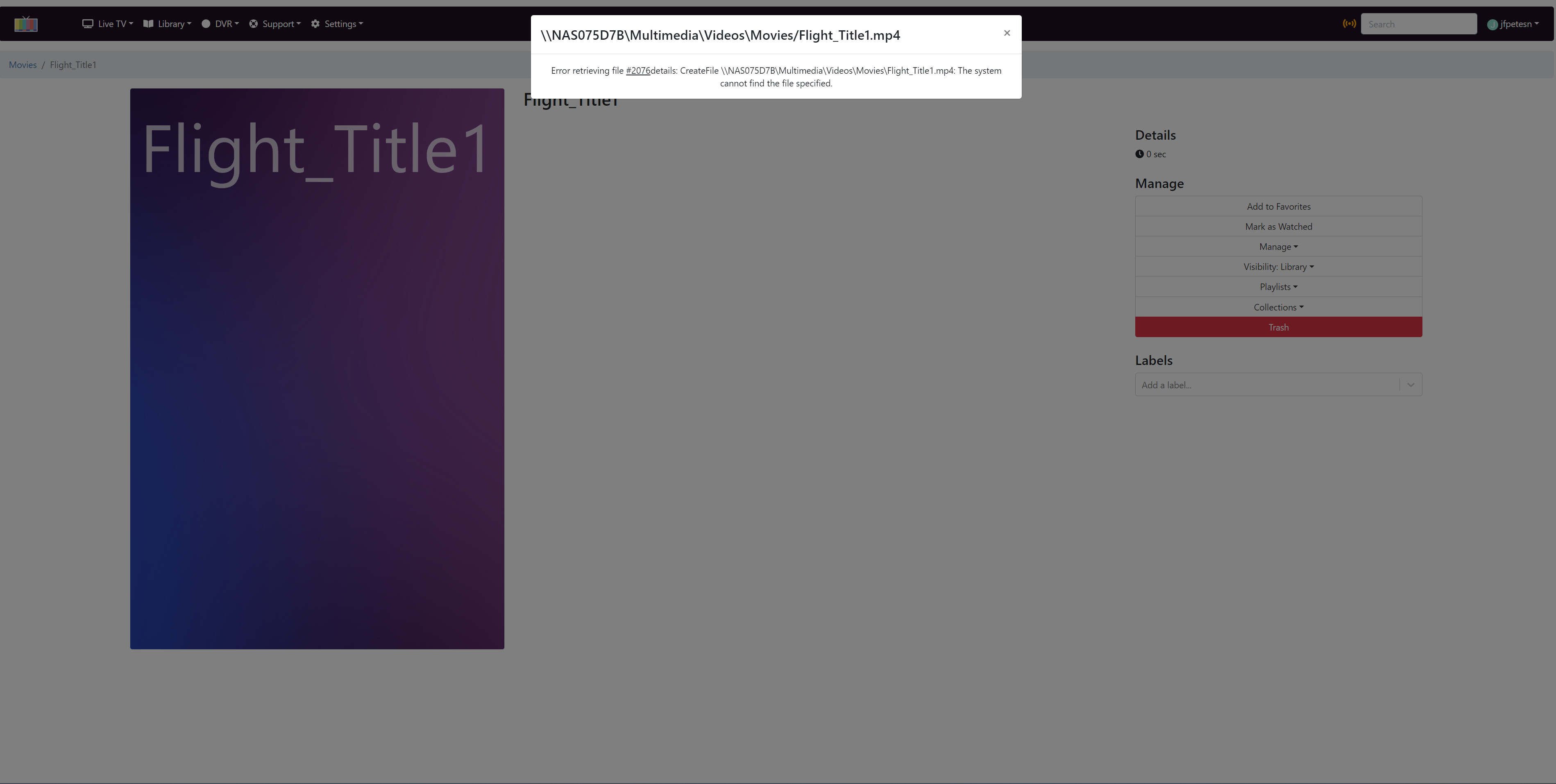
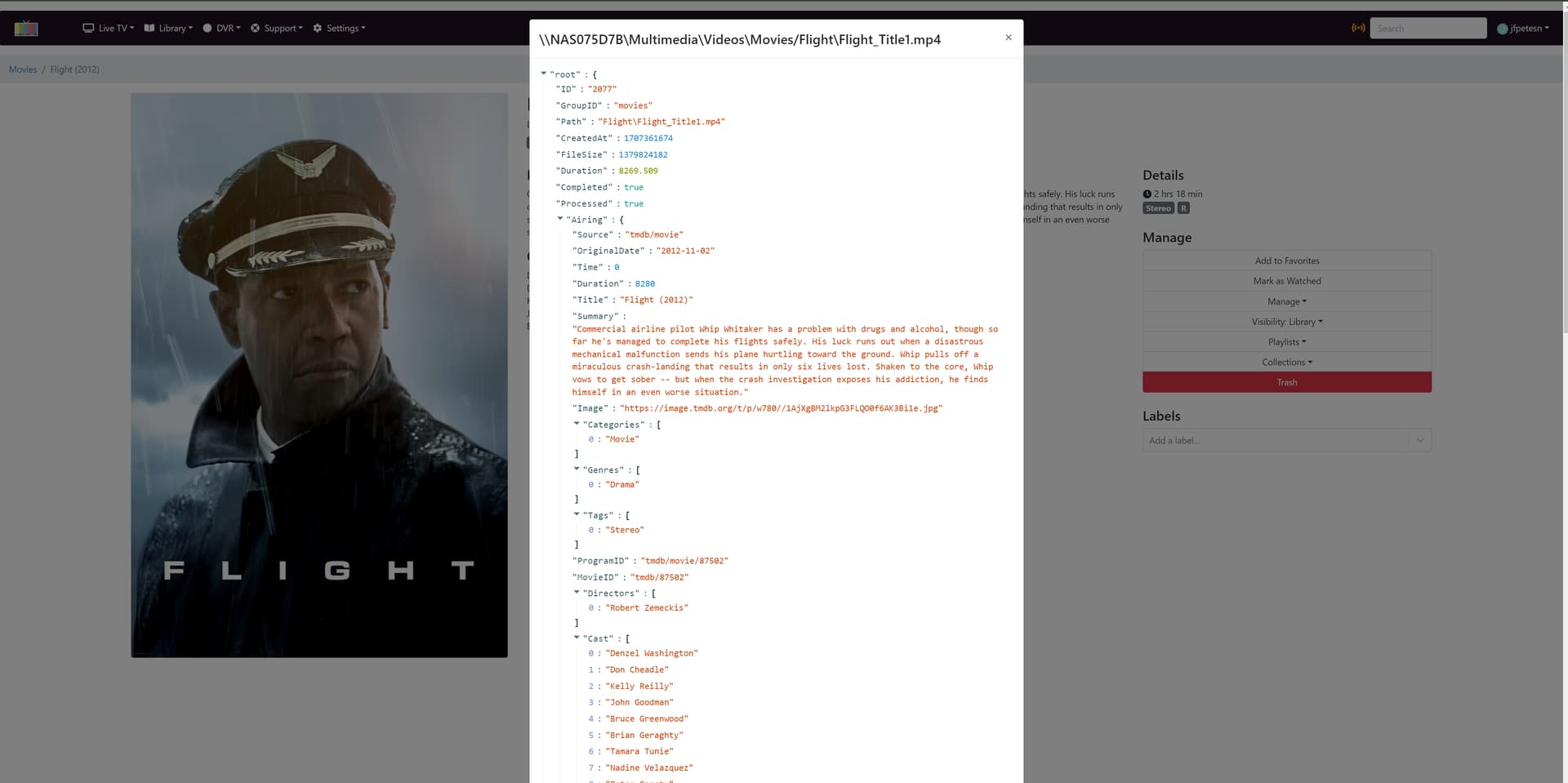
Here is the file info from two duplicates. Something not correct.


So if I separate the mp4 files and folder and remove the original source from channels and add a new source with the separate directory channels remove all the icons and rescan with single correct icons. Or is there a way to delete the entire library and recan?

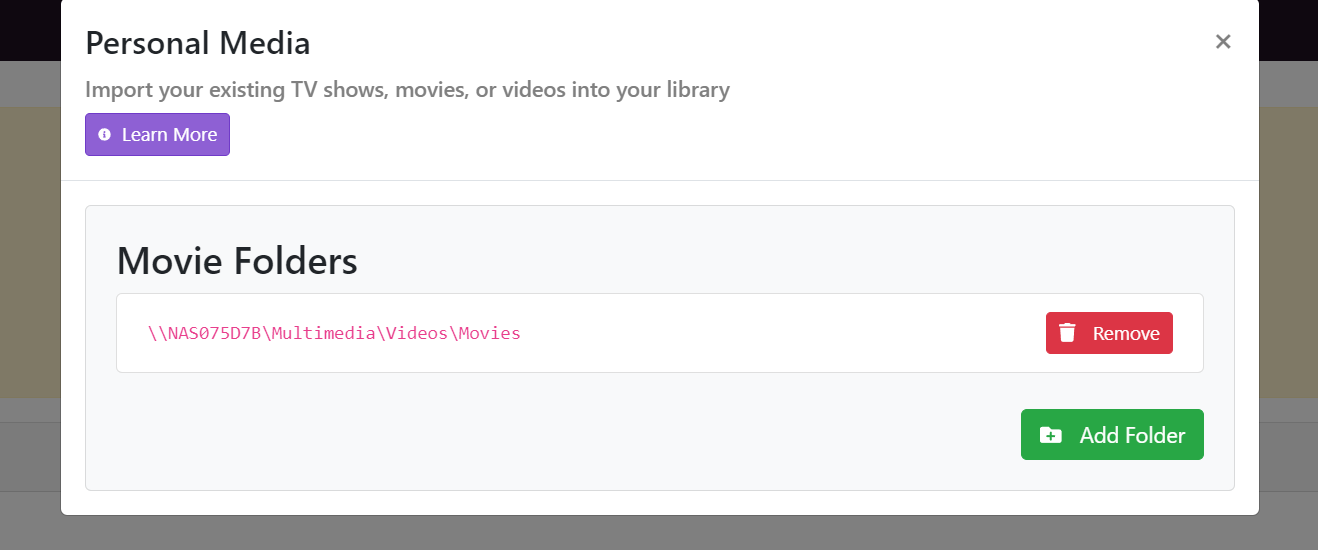
Can you screenshot your settings under Personal Media > Movies

OK I separated the DVD and the MP4 files into separate folders and directories, Deleted the old personal movies folder from Channels and then added the new personal movies folder and it looks like everything is working correctly now. Library icons are now correct.

A little more work but now organized correctly.

Thanks


This topic was automatically closed 365 days after the last reply. New replies are no longer allowed.