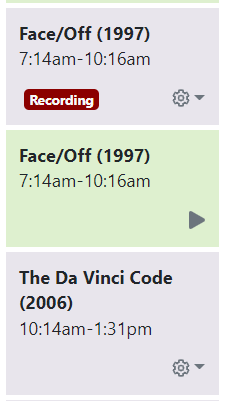
For a long time I've been seeing pages in the web UI not update/refresh automatically and have to refresh the page in the browser.
Is this something in the page/script that should be updating the page view when things change?
Current example is the new Calendar view.
If I have that view open in a browser tab and a recording finishes, it's not updated to display that.
Instead it displays it still recording and adds another entry for the completed recording.
Also if a recording starts it doesn't appear as recording.
At 1:03PM it looks like this
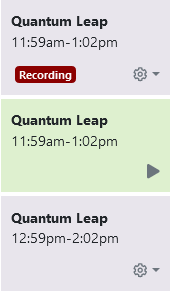
1:47PM on another DVR
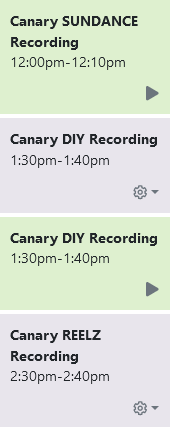
I have to refresh the browser web page to see the updates.
Happens with the following browsers
Firefox v100.0
Edge v101.0.1210.32
Brave v1.38.111 (Chromium: 101.0.4951.54)
This also happens 90+% of the time when viewing the Trash.