
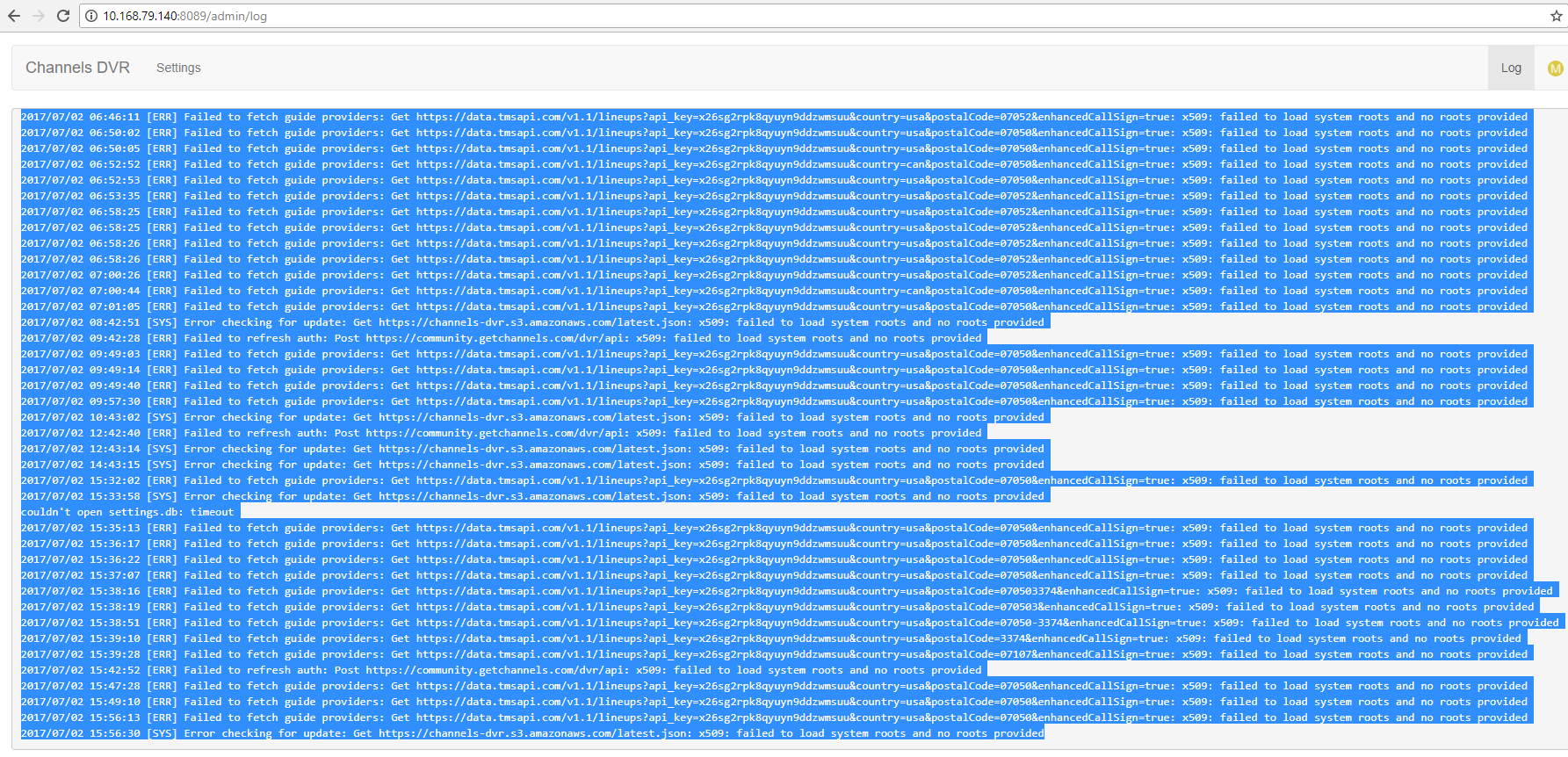
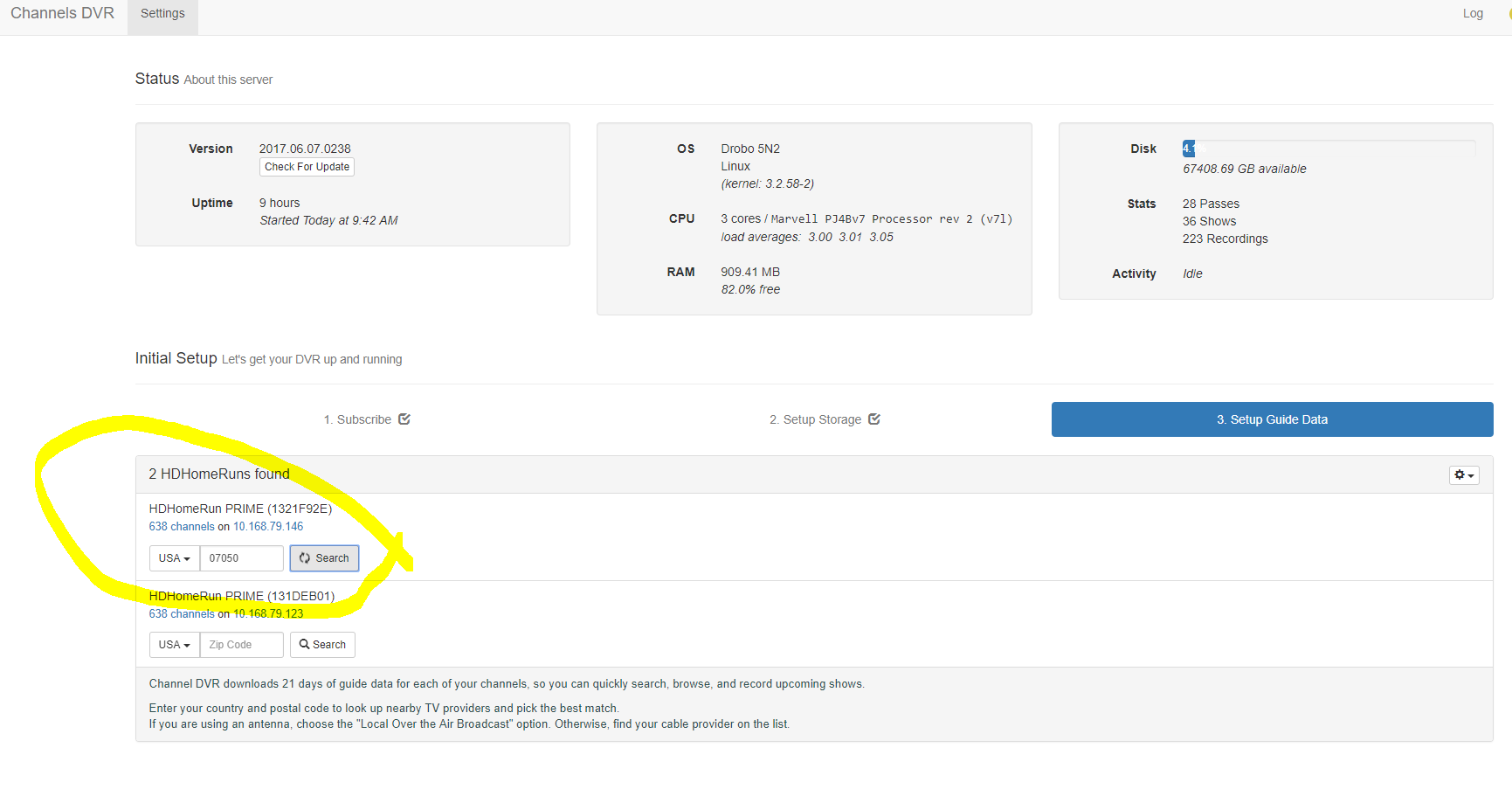
my dvr is not finding the guide from the cable provider when enter my Zip code
2017/07/02 15:39:10 [ERR] Failed to fetch guide providers: Get https://data.tmsapi.com/v1.1/lineups?api_key=x26sg2rpk8qyuyn9ddzwmsuu&country=usa&postalCode=3374&enhancedCallSign=true: x509: failed to load system roots and no roots provided
2017/07/02 15:39:28 [ERR] Failed to fetch guide providers: Get https://data.tmsapi.com/v1.1/lineups?api_key=x26sg2rpk8qyuyn9ddzwmsuu&country=usa&postalCode=07107&enhancedCallSign=true: x509: failed to load system roots and no roots provided
2017/07/02 15:42:52 [ERR] Failed to refresh auth: Post https://community.getchannels.com/dvr/api: x509: failed to load system roots and no roots provided
2017/07/02 15:47:28 [ERR] Failed to fetch guide providers: Get https://data.tmsapi.com/v1.1/lineups?api_key=x26sg2rpk8qyuyn9ddzwmsuu&country=usa&postalCode=07050&enhancedCallSign=true: x509: failed to load system roots and no roots provided
2017/07/02 15:49:10 [ERR] Failed to fetch guide providers: Get https://data.tmsapi.com/v1.1/lineups?api_key=x26sg2rpk8qyuyn9ddzwmsuu&country=usa&postalCode=07050&enhancedCallSign=true: x509: failed to load system roots and no roots provided
2017/07/02 15:56:13 [ERR] Failed to fetch guide providers: Get https://data.tmsapi.com/v1.1/lineups?api_key=x26sg2rpk8qyuyn9ddzwmsuu&country=usa&postalCode=07050&enhancedCallSign=true: x509: failed to load system roots and no roots provided
2017/07/02 15:56:30 [SYS] Error checking for update: Get https://channels-dvr.s3.amazonaws.com/latest.json: x509: failed to load system roots and no roots provided
2017/07/02 16:10:42 [ERR] Failed to fetch guide providers: Get https://data.tmsapi.com/v1.1/lineups?api_key=x26sg2rpk8qyuyn9ddzwmsuu&country=usa&postalCode=07050&enhancedCallSign=true: x509: failed to load system roots and no roots providedstrong text