DVR Server Guide Time Incorrect (Windows)

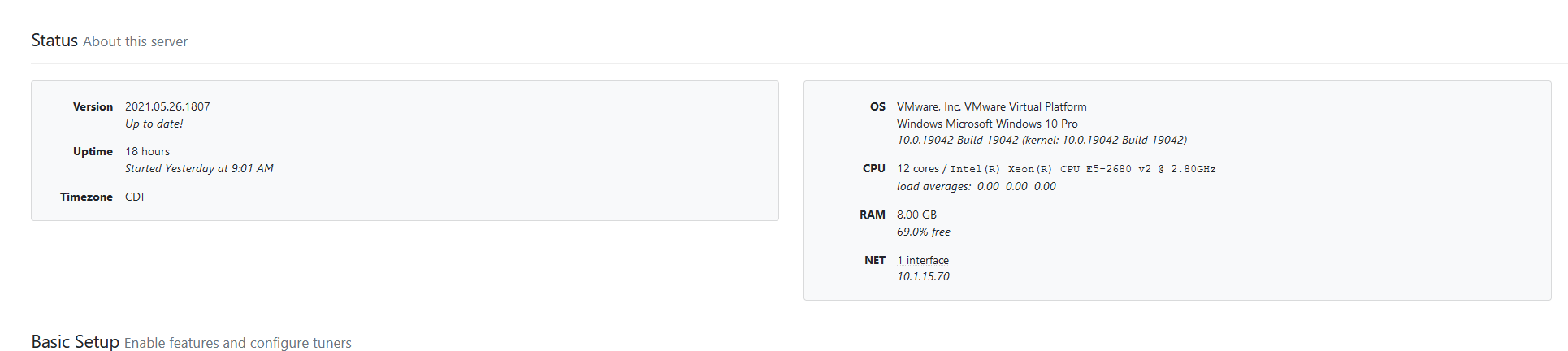
As I was browsing through the Channels DVR web interface through the Guide, I noticed my time was way off on where it should be and it is not synchronized with Windows nor is it synchronized with what the DVR server is actually reporting. The timezone is correct (CDT) but the guide shows that the current time (as of writing) is 3AM (it is currently 10PM based on the timezone). I have tried deleting and recreating the Guide data but it seems that did not appear to fix the issue.


Windows Time

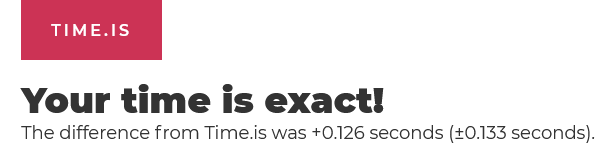
Does this website show your clock is accurate when displayed from a browser on your DVR server?
https://time.is
Screenshot 2021-06-20 at 20-24-09 Time is 08 24pm
Perhaps there's something that needs to be set if you're running it in a VM?

Yep,shows the same time as the Windows VM, only the guide data seems incorrect, channels DVR reports the timezone correctly, but the guide data is somehow messed up

That's strange. Appears the timeline is UTC time.
I would submit diagnostics from the web UI.
When you do that, check if it says Local Time: Local clock is accurate