
Sorry to bring this thread up from the dead, but I'm having a similar issue and luckily was able to play around with it on a smaller scale. I'm also using a RPi4 and MacOS. I can consistently get an error -50 when trying to copy over files via SMB. It seems like the only way I can successfully copy files over is by dragging an entire folder of items via the Finder at once. If I try to create a folder on the shared drive in the Finder, I am unable to copy content to that folder. Happy to provide logs or clearer directions...
This is still an issue. Tried to add new items to a current folder via SMB and MacOS and received the same error code -50.
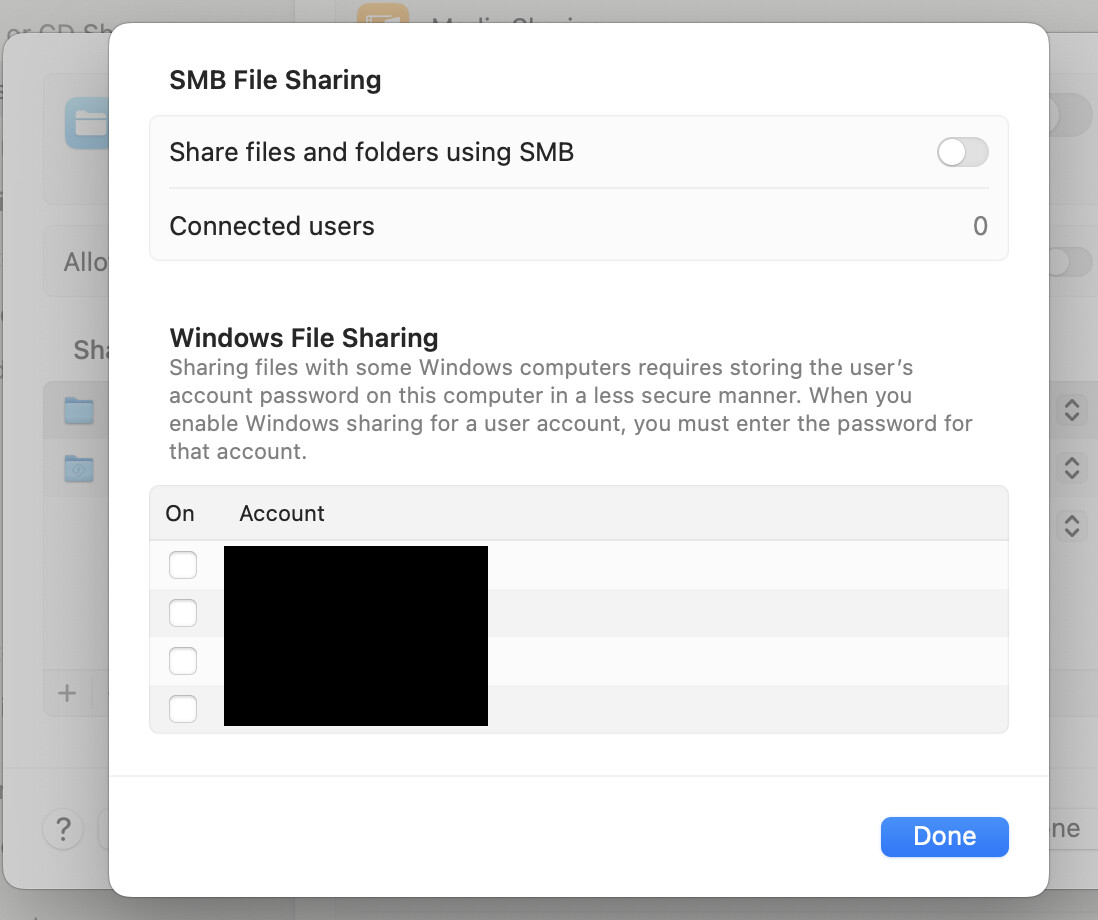
There’s a setting under the sharing pane in macOS that enables you to share folders less securely. I had to turn this on to get it to work. It’s under options in the file sharing preference pane. Had to select my username there. Have you already done that?
1 Like
That did not seem to work. Assuming you meant the this section...it didn't seem to make a difference.
@tmm1 I know this is a super old thread, but the problem was still persisting when trying to copy files onto the SMB share drive from a MacOS computer to a RPi Image DVR. Found an Apple support document that fixed the problem. It has to do with named streams, which I have no idea what they are. However, after disabling them on my computer (by way of the 2nd option in the disabling section), I was then able to correctly transfer individual files to already created folders on the SMB.
The support document mentions that I should let you know. 
3 Likes
This works for Mac, thank you for posting. I have been trying to figure this out for some time now.
1 Like
Good lord, man. You are a genius. This had me pulling my hair out.
I'll add this for posterity. Steinbch's solution above worked perfectly, however after a week or so I started getting error code -50 again during an upload. After a few WTF moments I realized that the issue was a bad filename. I was attempting to copy a bunch of files from Mac to Channels on a Raspberry Pi and one file had a question mark in the title. MacOS had no issue with it, but the Pi did. Once I renamed that file the issue was solved.
1 Like