ESPN+ & FOX Sports with Custom Channels via EPlusTV

Problem is we cannot get our Local Fox channel with Channels DVR TVE, since it doesn't work.
And we cannot get it as a linear channel in E+TV.
I can get it with Gracenote guide data using a HDHR tuner in Channels DVR.
Don't know how I could map the Gracenote guide data to an E+TV Normal channel?

I can stream my Local Fox station from foxDOTcom using my Xfinity or YTTV Provider credentials.
That's why I don't subscribe to Fox One.
1 Like

See ESPN+ & FOX Sports with Custom Channels via EPlusTV - #2856 by scottuf (I think)

Soon you should be able to use your Xfinity or YTTV credentials via Fox One in EPlusTV, to get your local Fox station. Not sure what the guide data will be like from Fox One yet, it may still be preferable to remap it.

In any case, watch this thread or the Github repo for updates.

1 Like

That's for linear channels, not normal channels.
I don't get my (so called Local Fox) channel via E+TV Fox Linear channels, only the Normal channels.

Got it. I never realized those were called “normal” channels. :slight_smile:

I could probably change it to a linear, and probably change the name to just “FOX” rather than the “local” call sign. Although the Fox One integration might make it moot.

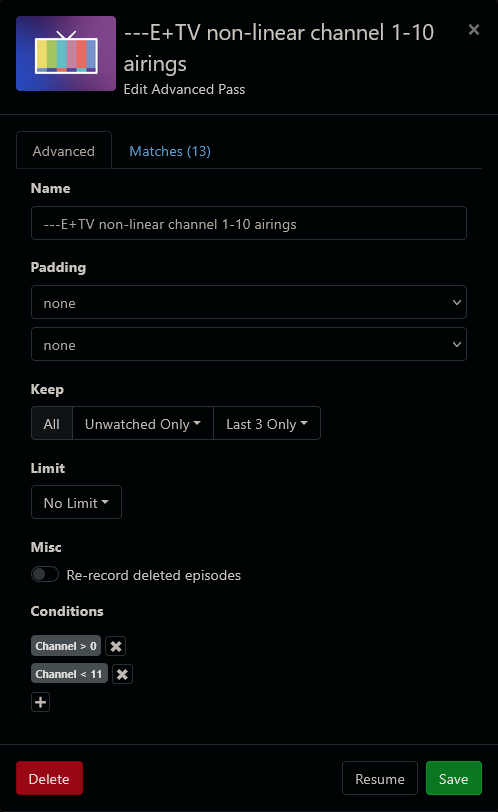
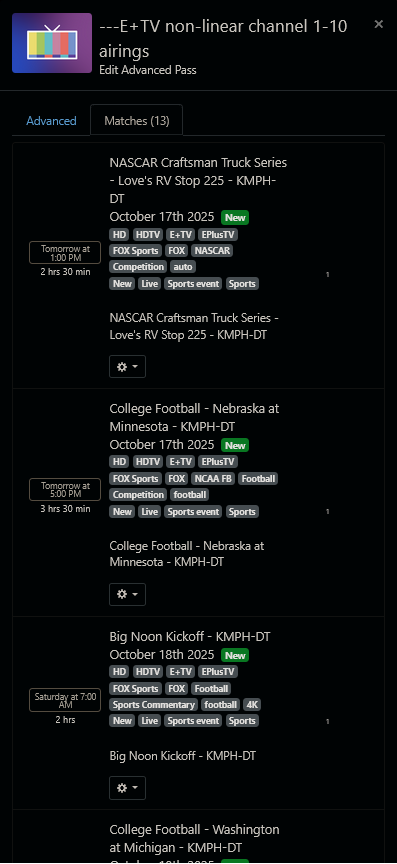
Here's what the airings look like in Channels DVR


You can grab the m3u8 it still works.

Would it potentially be possible to use this with international ESPN Watch versions as well? I live in the Netherlands, where one of the international ESPN franchises airs local soccer as well as American sports. I can use ESPN Watch to view the broadcast channels as well as extra events not broadcast on lineair television, and it seems to be mostly the same as the American ESPN Watch (including verifiying your subscription through your tv provider). The only difference seems to be the domain it is being hosted on (espn.nl/watch instead of .com).

I tried using the existing ESPN and ESPN+ configuration options, and was able to verify my account through the ESPN+ option, but it does not show the actual content in the EPG (let alone the content itself).

If you are signing in with an ESPN account, it won’t get any events in EPlusTV anymore, as they have switched them all to DRM.

Do you have a TV provider that you can use to sign in?

My EPlusTV docker keeps timing out. I have to restart it at least once a day. I save several other Docker containers that never time out. Could there be a setting I have wrong?

What do you mean by "timing out"? Are you on the latest version (4.13.8)?

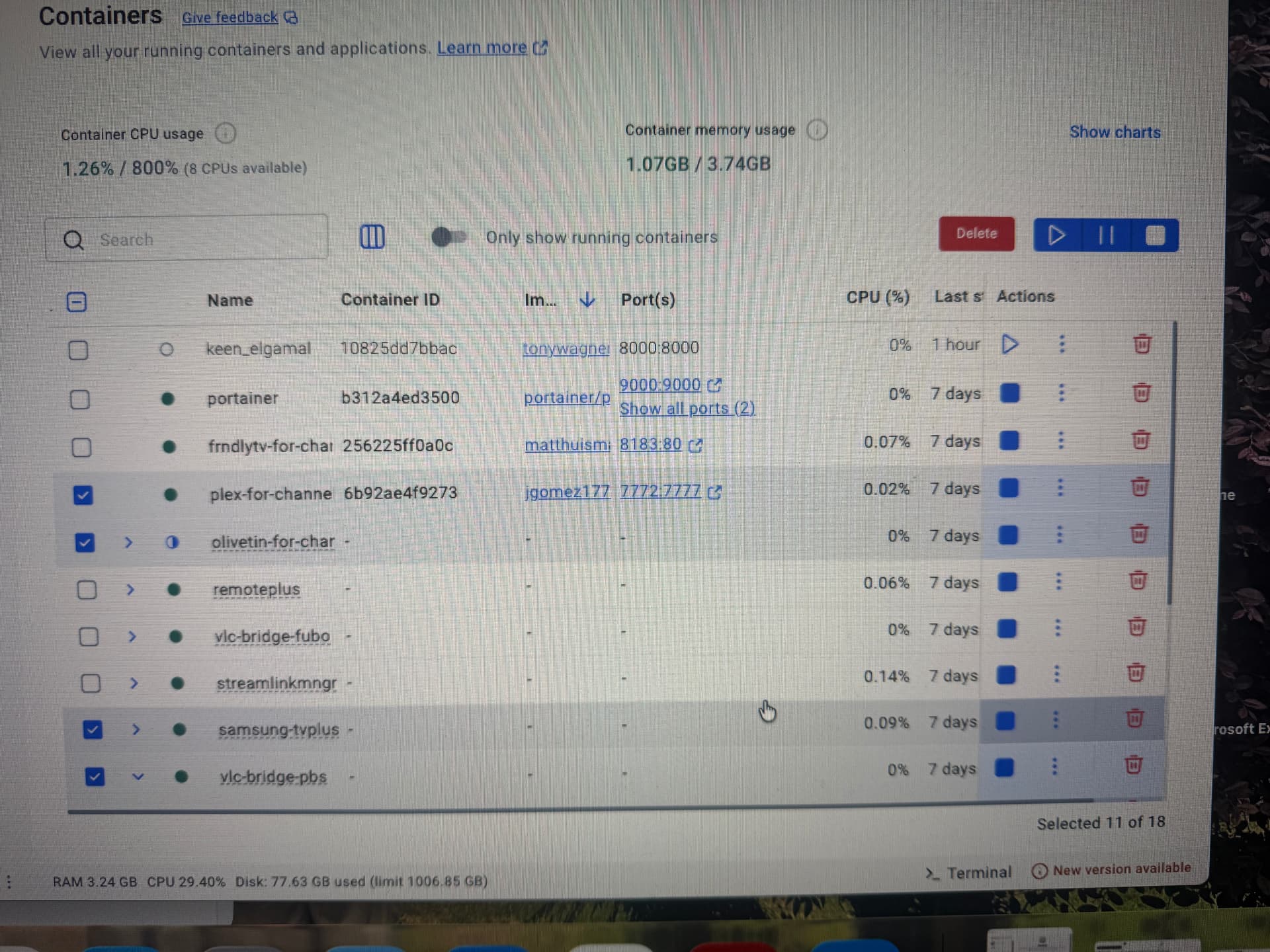
When I look at all my containers in Docker to the right, I see Actions. You have the stop action and play action. For example, Watchtower is always stopped, so it shows the play icon. At least once a day, Eplus will show the play icon, meaning it stopped running. Yes, I'm on the latest version. This has happened for a month or so now.

I have to press the play icon at least once a day to restart the docker container

1 Like

Before restarting it, you should check the log (run "docker logs <container_id_or_name>" in a command prompt). That will tell us why it's crashing.

I cannot get the logs to run in terminal. Here's what prompt I type:

run “docker logs <10825dd7bbac87c596d01594f1af21d718f54f588093c5d4264ed8bc0087877f>”

It comes back with no such file or directory. No luck when removing the quotes either.

I've looked at the logs on Docker and do not see any errors.

I may just do a fresh install

Try this:

docker logs keen_elgamal

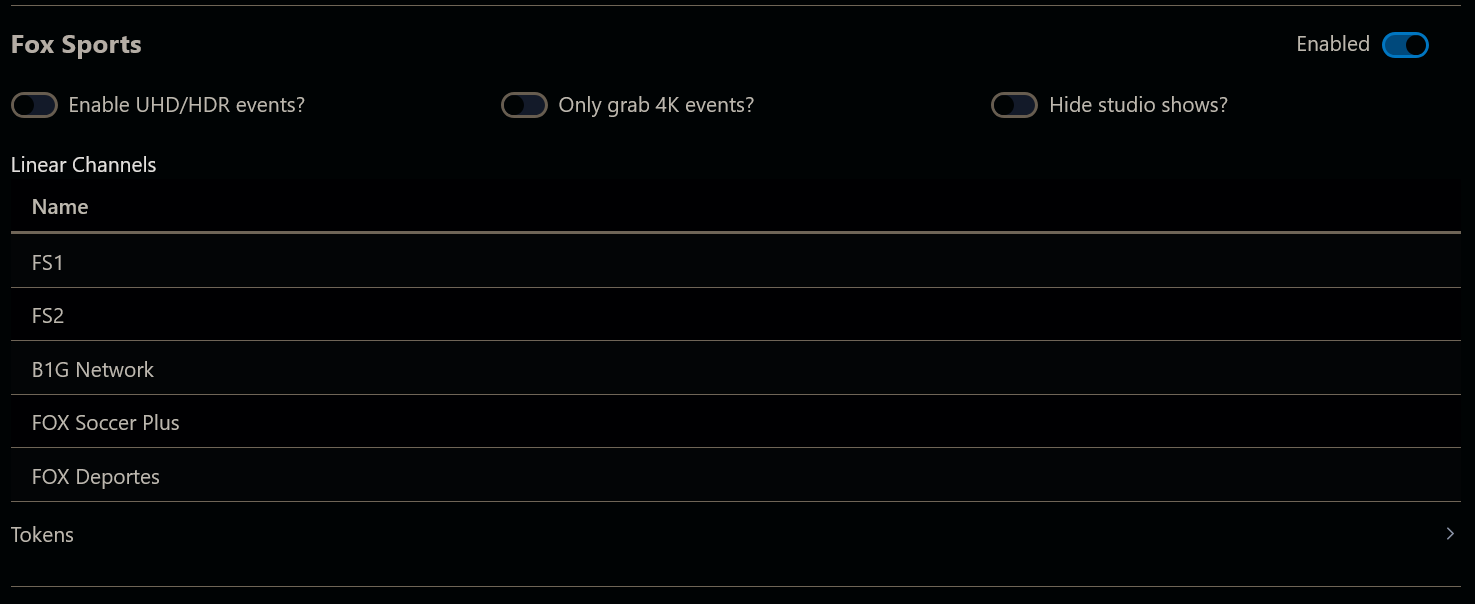
I ended up just doing a fresh install, and it made a big difference. I know that several channels that I missed before, such as Fox Soccer and ESPN Deportes, are available. However, now I'm missing the Bally Poker, Glory Kick Boxing, MiLB channels and banana ball. Are those gone?

Since he has Portainer installed, it would be easier to view the container log in Portainer.

I was just trying to fix his incorrect usage of the command @tonywagner wanted him to run.

2 Likes

I’ll give it a few days and see if the fresh install works. Like I said above, it added some channels I didn’t have before, but then I lost some channels.

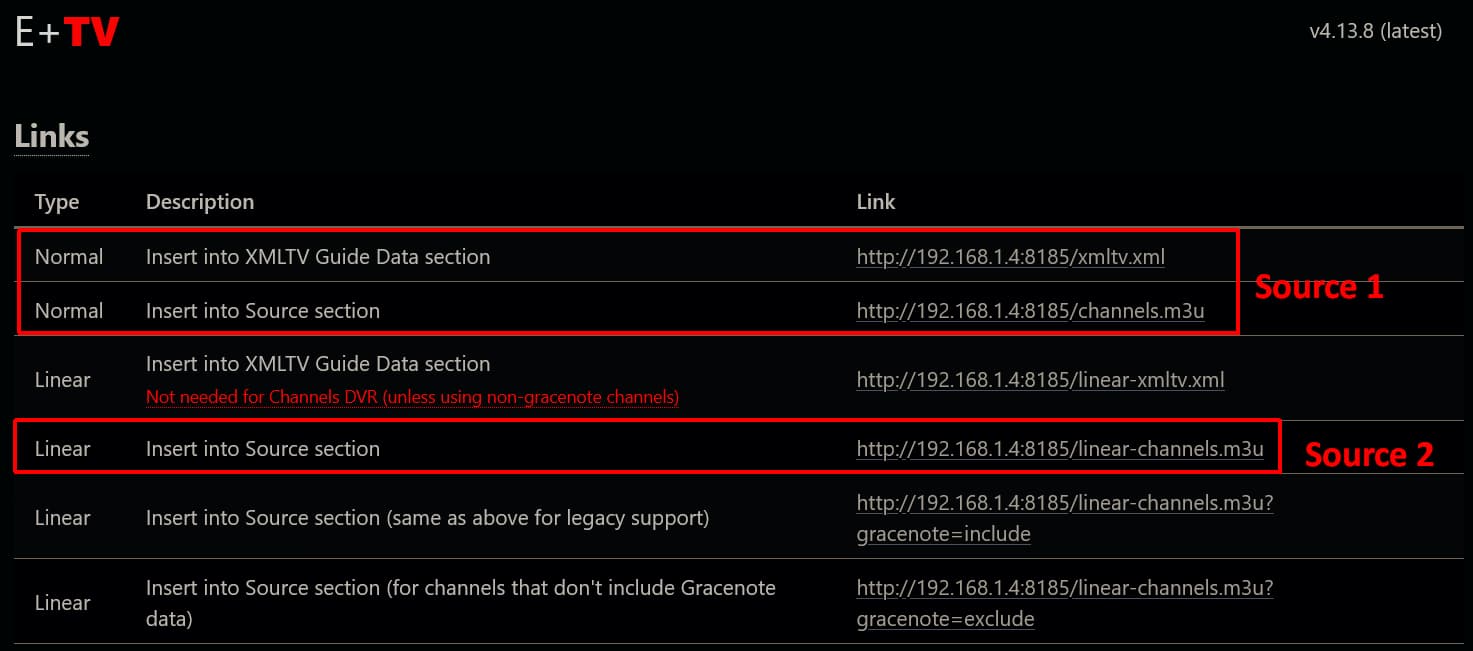
Those 3 channels still work here. Those channels need to be set up as a different source since they have no gracenote data. Did you remove your sources? If not check the source that you set-up previously for those stations.

1 Like

I did delete the old source and I don’t see where to add them again. The gracenote excludes m3u only includes the NWSL network. I don’t even see an area to check to add banana ball and those other channels.

Edit: I reloaded the E plus webpage and I was able to find them. Thank you.