
Is there a way to get info on why a recording might have failed other than the exclamation mark? Trying to figure out if it’s a signal issue or a server issue.
1 Like
In the admin page select settings->logs in the menu.
I believe Logs are under Support, not Settings.
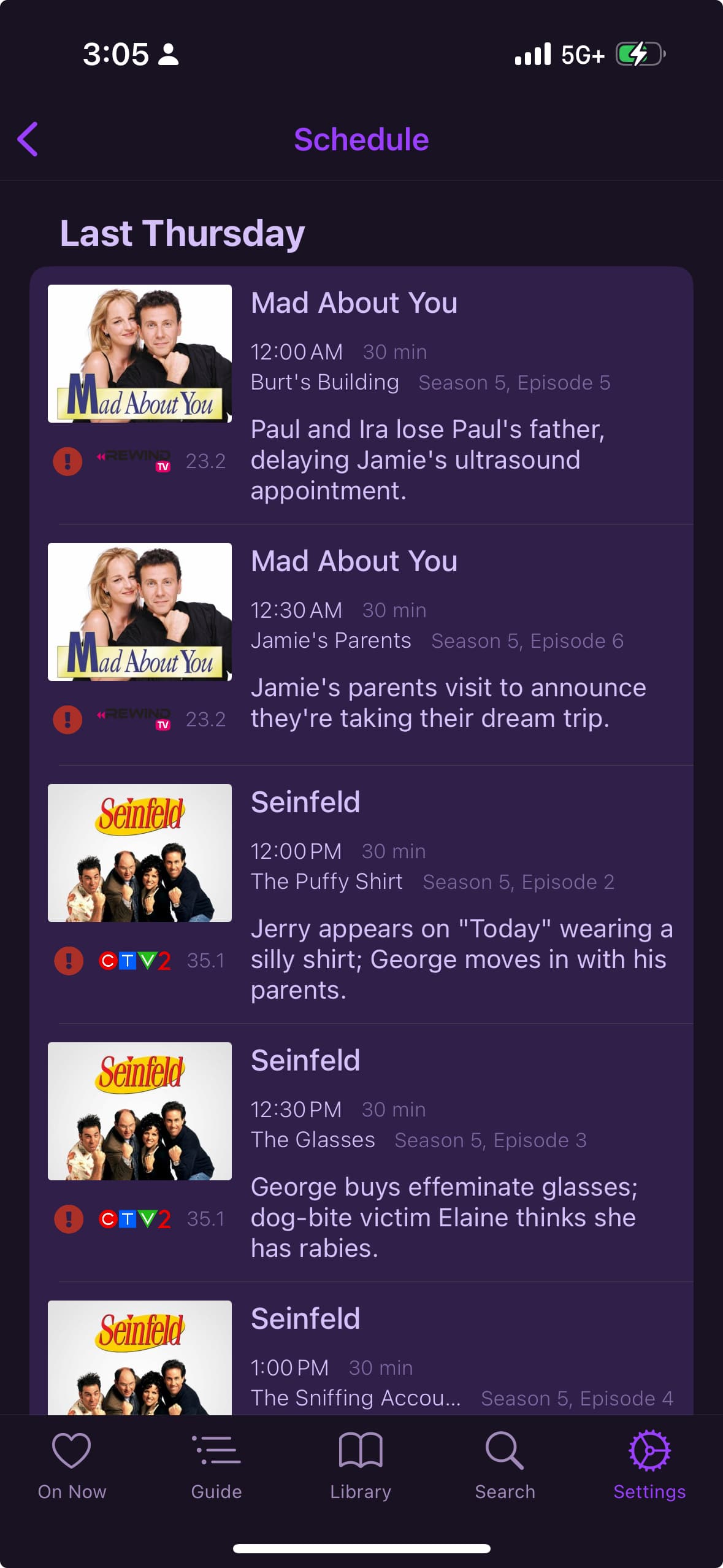
A failed recording will be found in your Schedule. It should have the reason listed. Can you send a screenshot of what you are seeing?
Sure here it is. I did have a look at the server logs and figure it out (weak signal basically.) is there a way of checking in the app?
1 Like
I believe this is a bug from some changes from earlier in the year.
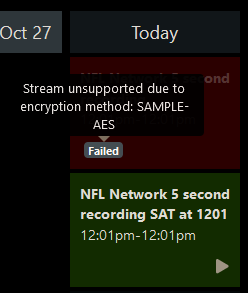
Instead of the show description, it should show the error reason.

This topic was automatically closed 365 days after the last reply. New replies are no longer allowed.