Great thanks for checking.
It’s a mystery why those guys lost GN. At least it was an easy fix in case anyone else runs into it.

Great thanks for checking.
It’s a mystery why those guys lost GN. At least it was an easy fix in case anyone else runs into it.
I wanted to try out the Spectrum service, but I have a special case with creds. I have Spectrum internet only at my home, but I pay for my parent's TV service and am the administrator for that account. That account is where I get my tv channels from for CDVR. So when I try to use sign-in with FastChannels, the built-in browser shows my internet creds, then goes away so fast I can't change the account to the correct login. Any chance to extend the time the browser shows so the account can be changed?
Hmmm. So you need a second set of creds to sign in?
Not really. What I would need is the sign-in page FC uses to not try to authorize so quickly so I could change the account name and password to the correct ones.
Not a programmer, but I would be inclined to open the browser, sign out of your current internet account, sign in with the parents TV account then try again. I would think it would work unless it is using a docker browser session like Prismcast does. Once it authenticates you can probably sign back into your internet account.
Is it FastChannels signing you in, or is it Spectrun seeing your IP address (Internet service) and identifying you and auto signing in for you? (my Xfinity has that feature, which I disabled)
With some of the other projects, when they authorize, they stop on the login page and I can change accounts. FC doesn't, it logs in with I'm thinking is my internet account because all of the channels show up as dead after an audit.
If you use your own browser instead and go to the Spectrum login page, does it recognize you and auto log you in, or does it prompt for credentials.
It prompts for credentials.
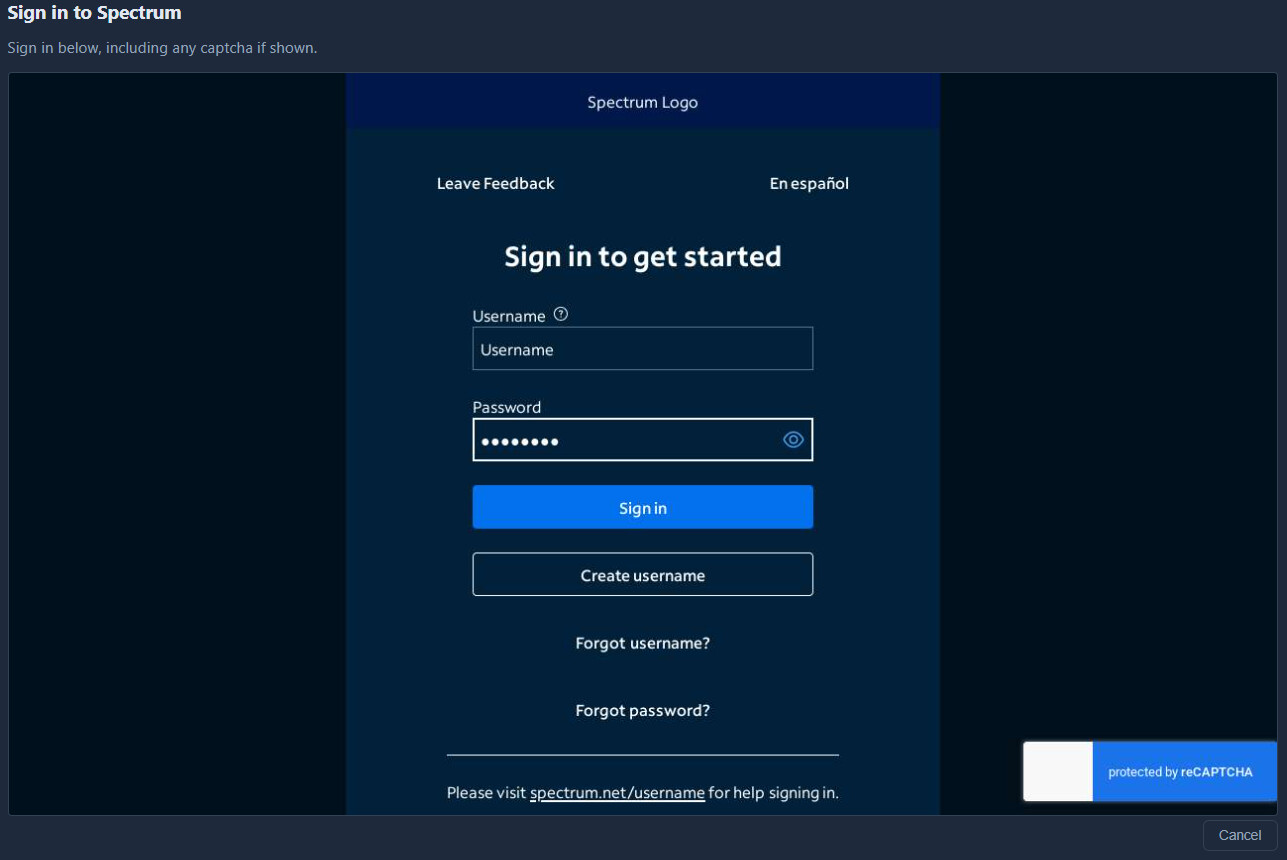
I enter my credentials (the correct creds for tv service) in FC, it goes to a login page that normally says "You are signing in as xxxxxxxx (my internet service creds)" and there is an option that says "Change account". Normally, again with other projects, that is a static page, in FC it's not and the page doesn't stay up long enough to change to the correct account.
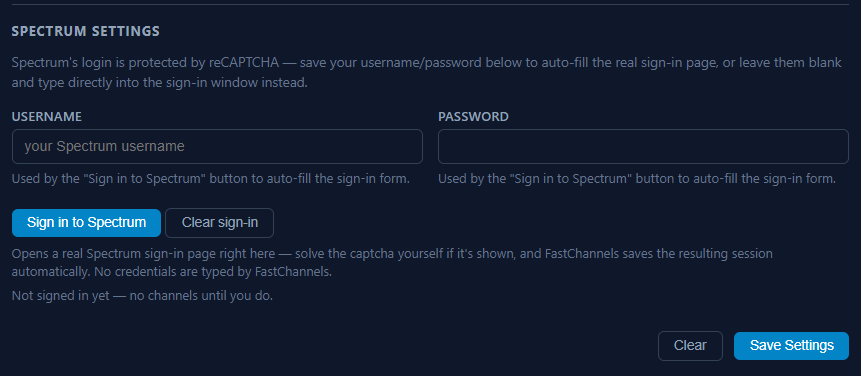
So don't enter your creds in FC and just click the Sign in to Spectrum button
I just clicked "Clear sign in" so FC wouldn't try to use my previous entry, left both fields blank, then clicked "Sign in to Spectrum". No sign-in page and and FC says "✓ Last signed in successfully: just now".
That's what you should do.
Sounds like a bug.
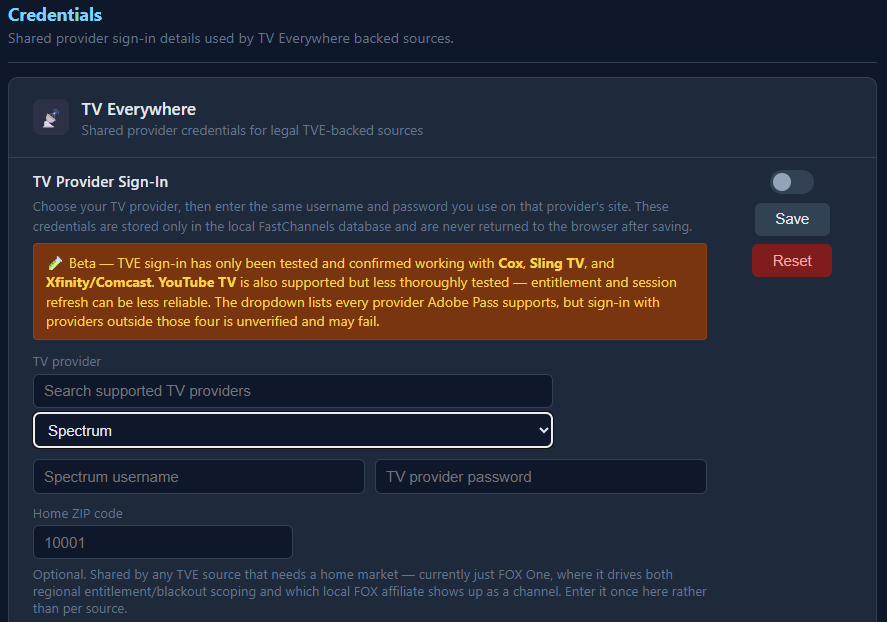
Do you have your creds entered under Settings > Credentials ?
If so, clear that.
I never entered anything in the TVE section, but I checked anyway and there is nothing there.
Try restarting the FC container and try signing in again.
If that doesn't work, @KineticMan might have some ideas.
Did you click Save Settings after you clicked Clear sign-in?
I would do that, then turn off the Spectrum source, wait for it to remove it, then turn it back On and try again.
Yup, I did click that.
Now, I've turned off the Spectrum source, stopped and restarted the FC stack, cleared my browser's cache, then exited the browser. Then I opened my browser, turned the Spectrum source back on, clicked "Sign into Spectrum" (with no data in either box), and FC says it signed in successfully without displaying a sign-in page.
That's the page I'd like to get to, but can't for some reason and FC keeps saying it logs in. I have all pop-up blockers turned off too.
Sorry, out of ideas. When I got the sign in page, I had the source turned off.