FastChannels - FAST Channels aggregator/manager

Actually that's not quite accurate. DTV Satellite and DTV Stream use the same channel numbers for those channels they share. However, Satellite still has the old SD channels which share the same number as the HD channels.

In addition, there are still some some channels available to Satellite subscribers that have never been available to Stream. Also, some of those channels do not have Gracenote IDs, at least available via the API, whereas Stream has 99% coverage as far as Gracenote is concerned.

Having said all that, it's worth noting that FastChannels does not care about DTVs traditional channel numbers, and in fact they are discarded during the processing of the scrape -- so don't get hung-up on channel numbers. :slight_smile:

Assuming it’s the same backend as Cox, I got bad news. They blocked all my attempts to use Linux Widevine (and thus Android). I’ll sure try but outlook isn’t good.

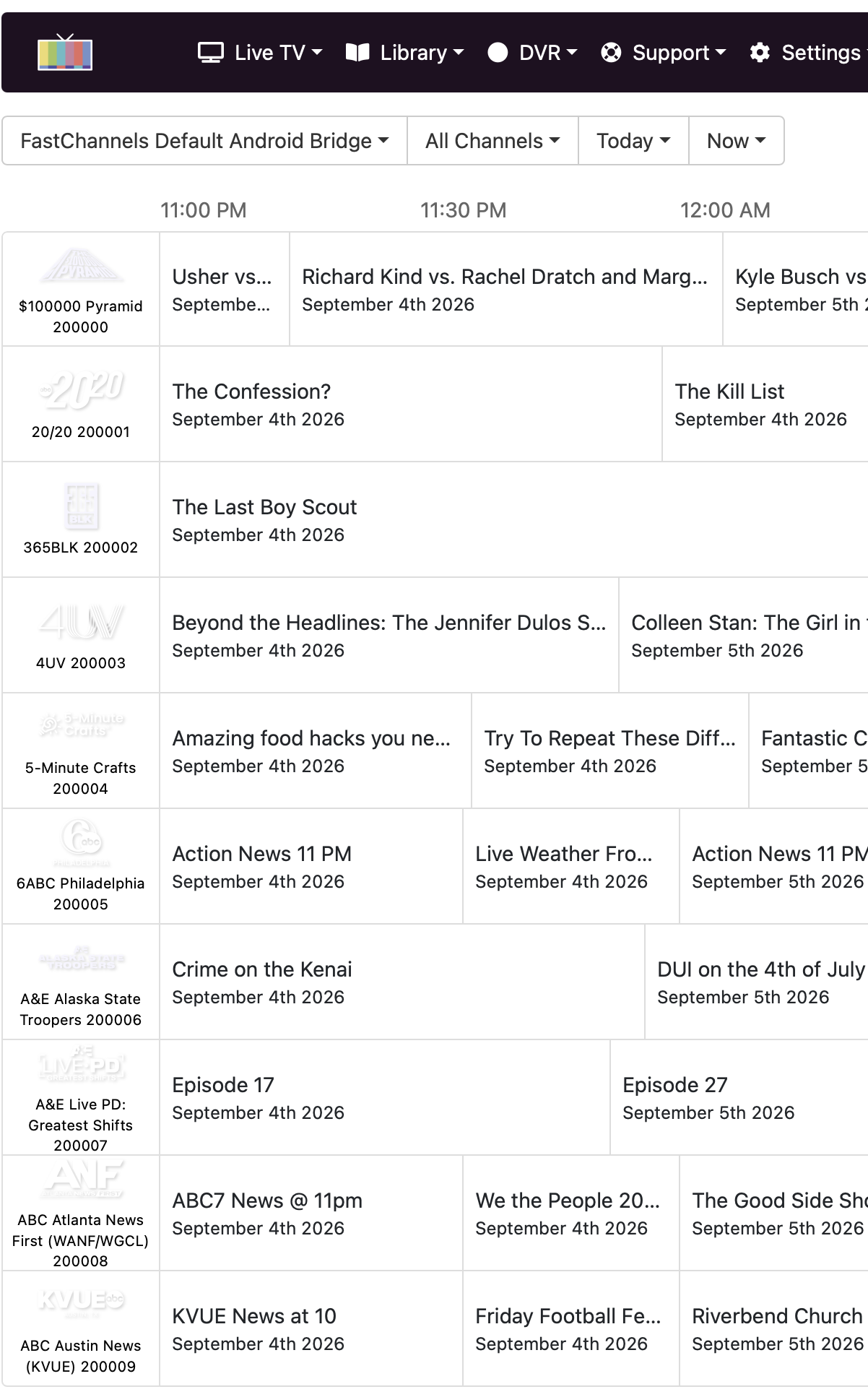
Well I don't understand then why any channel I've tried doesn't match my channel number. I've just tried Fail Army which FC has 1000963 as the channel id and my Directv guide shows it as 4301.

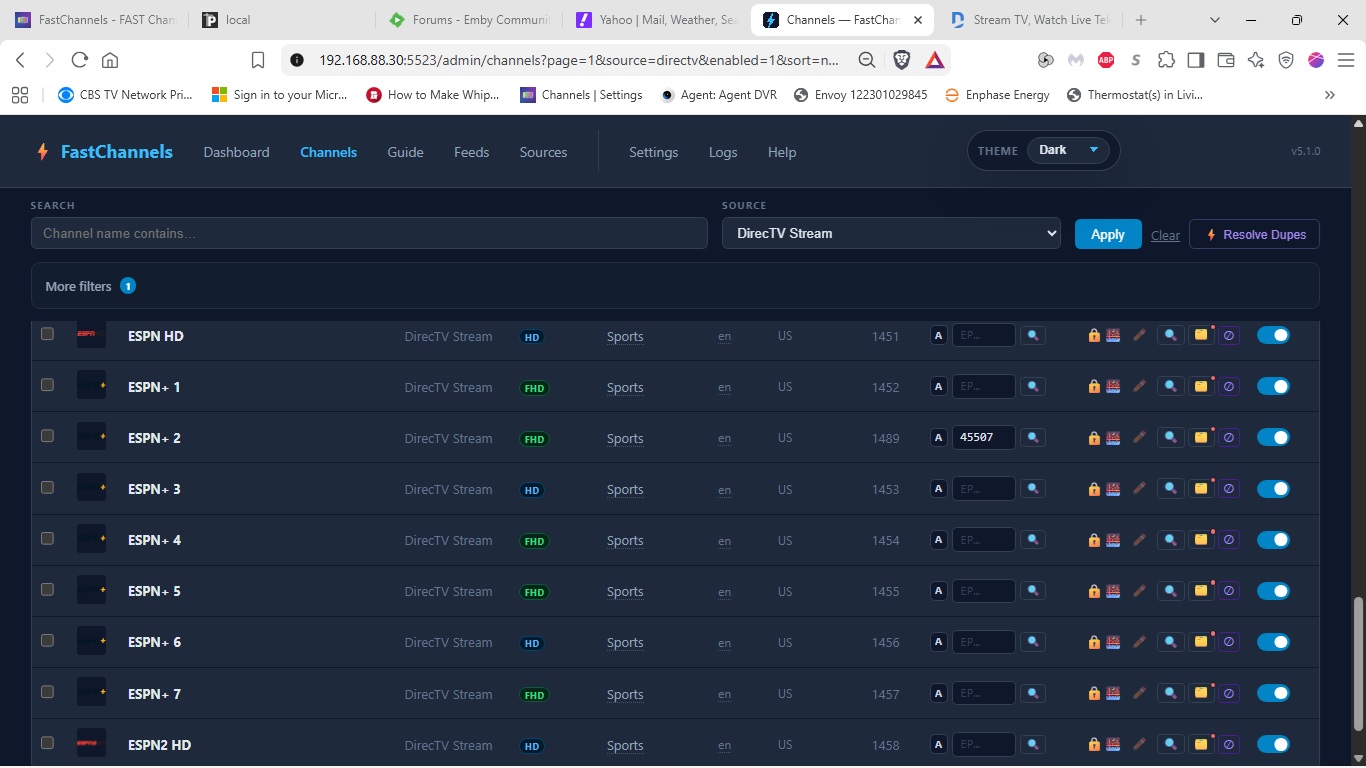
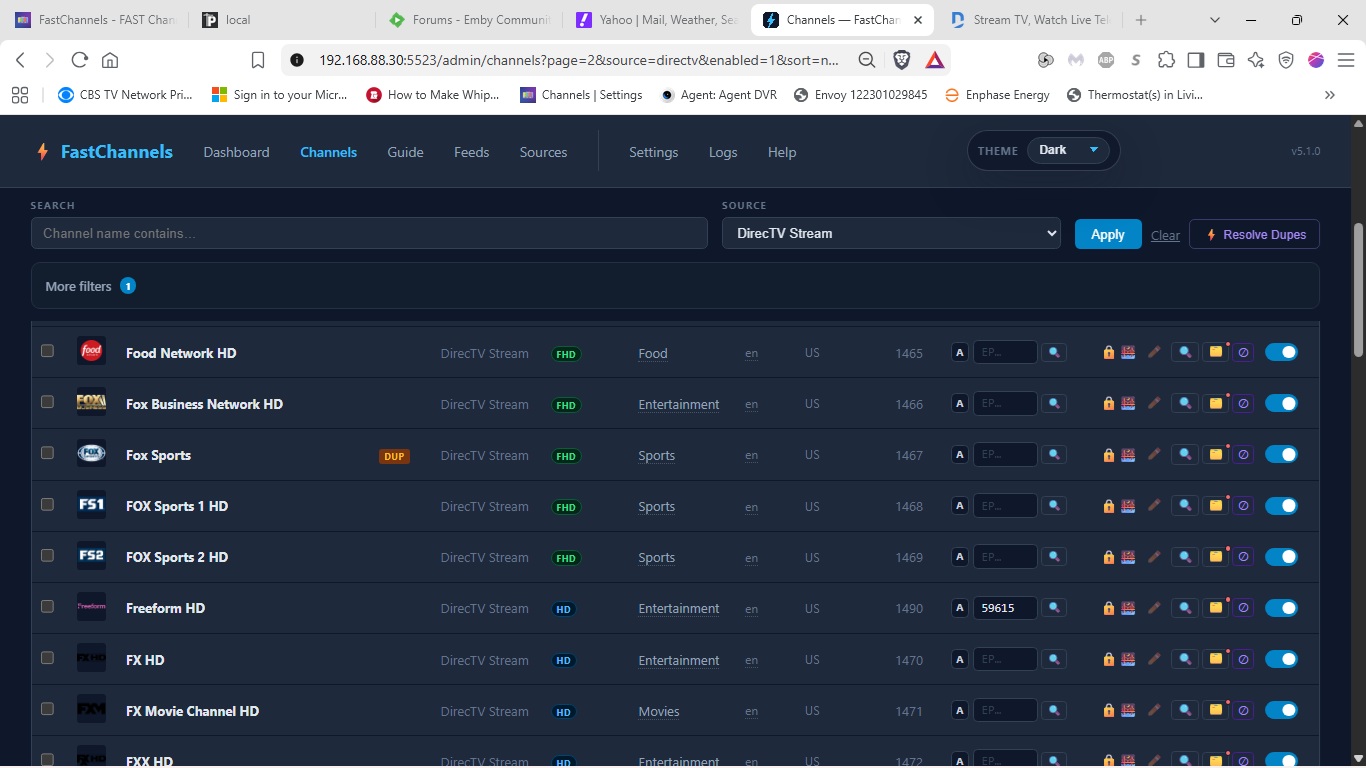
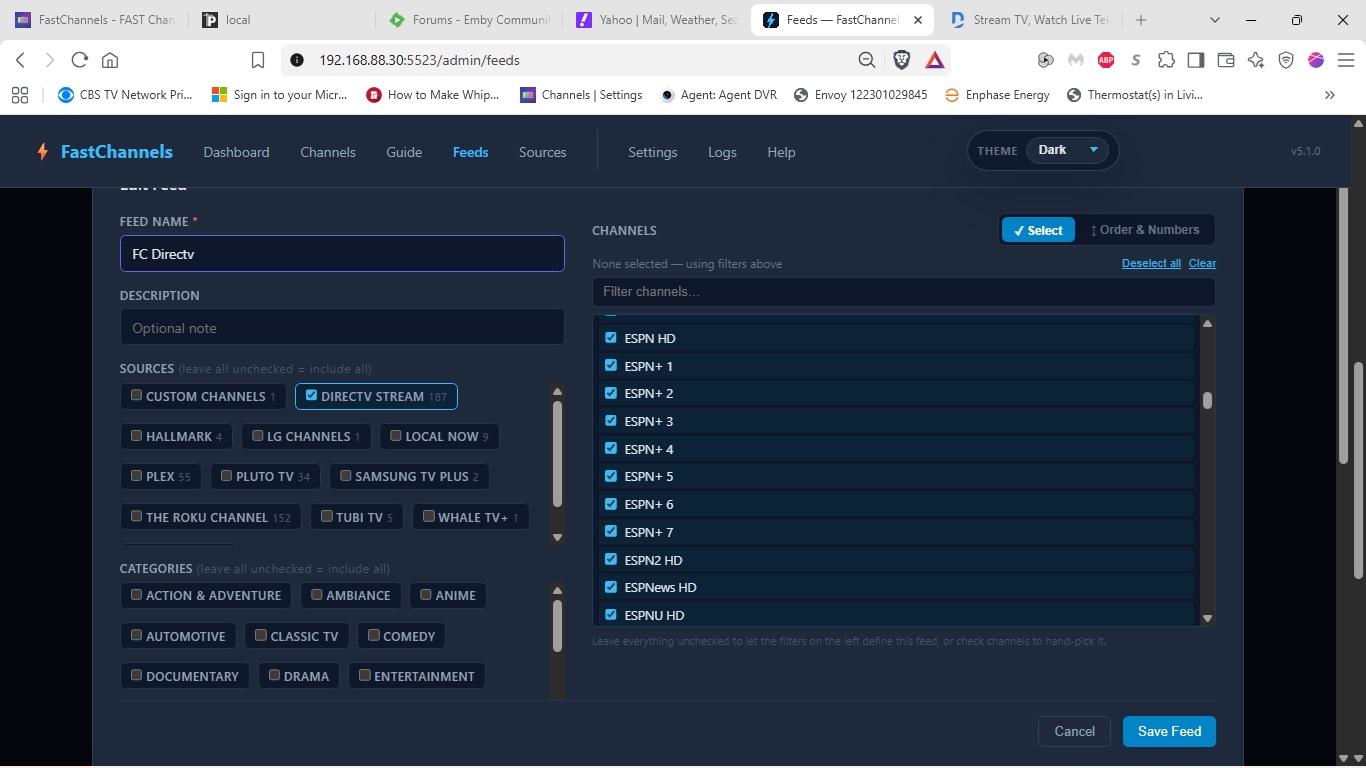
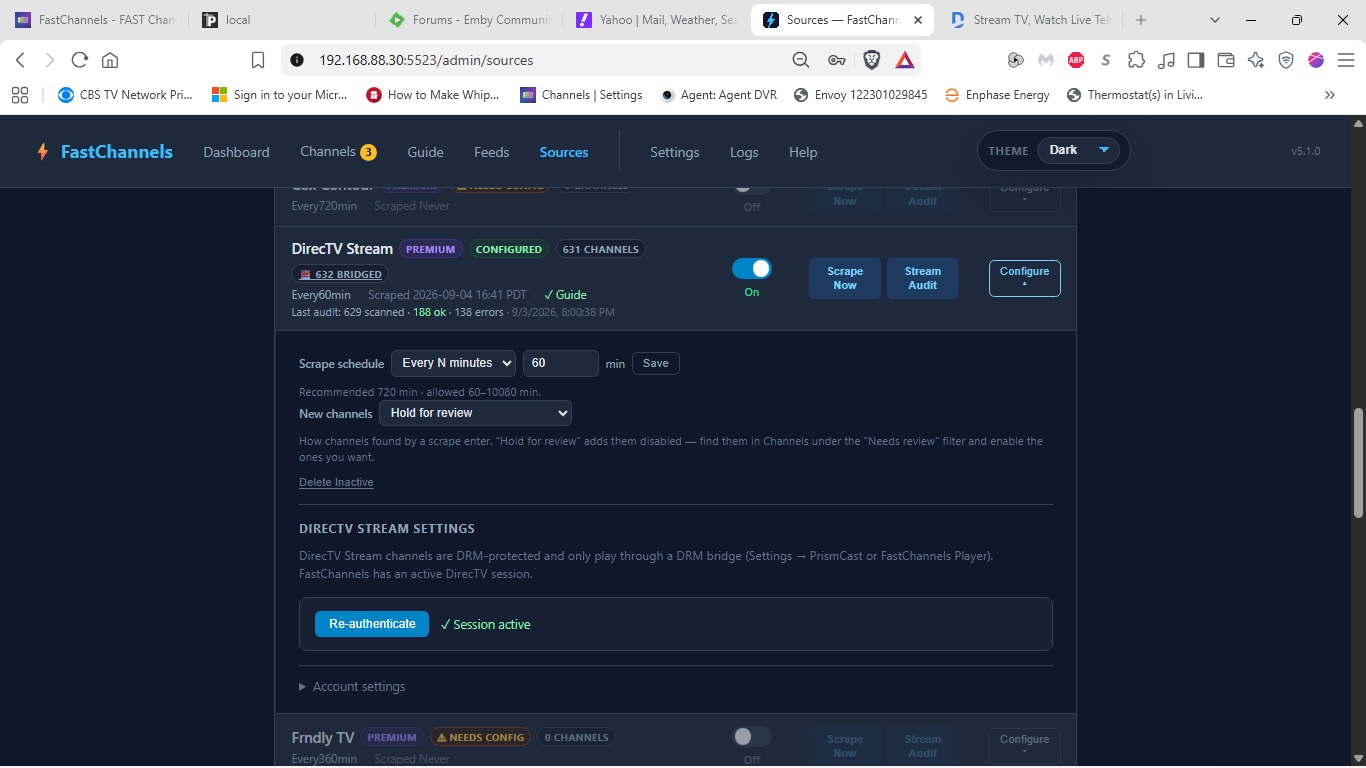
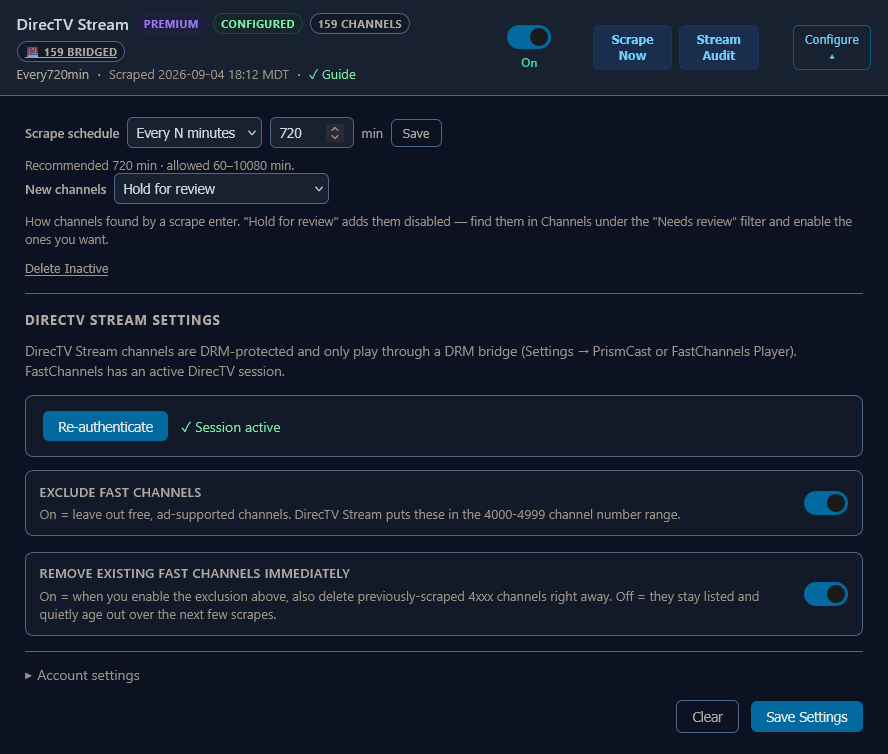
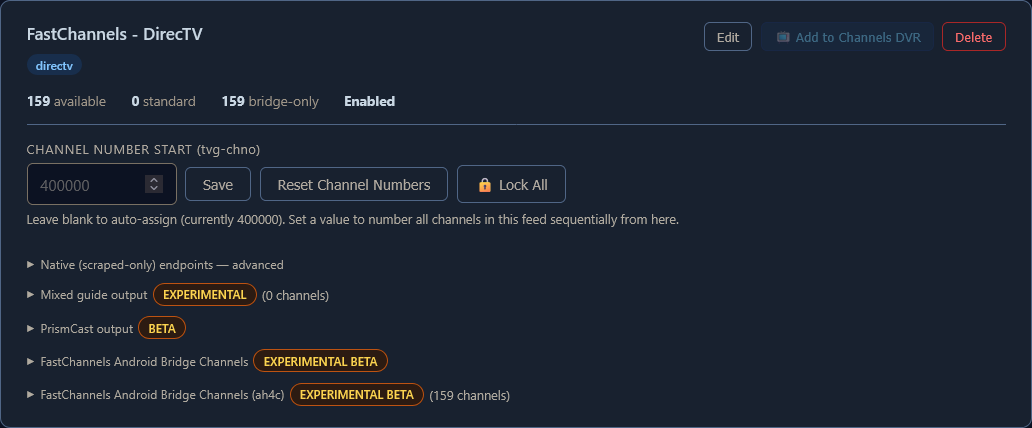
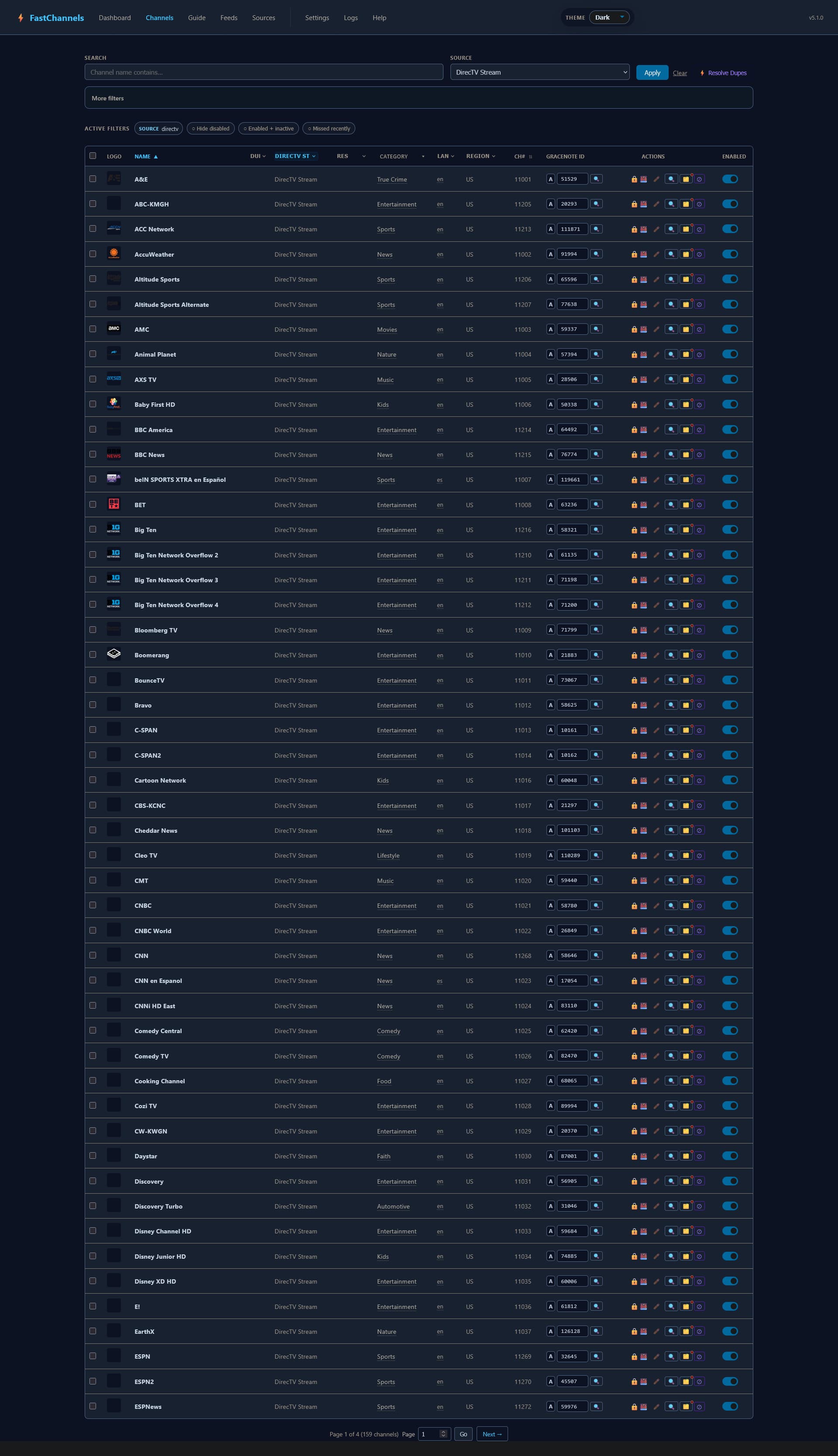
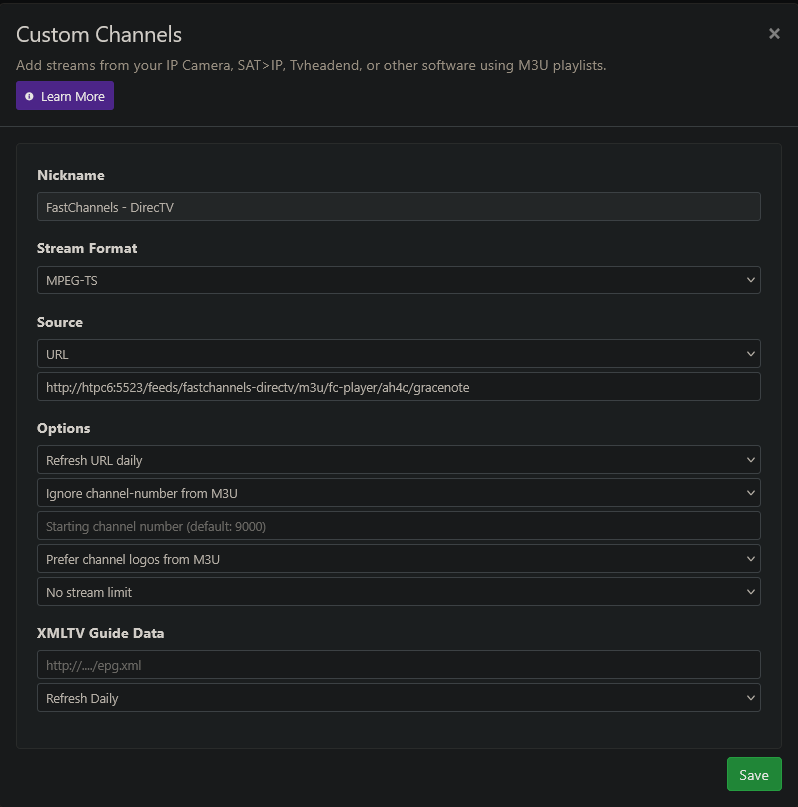
At this point I think it would be helpful if you started posting some screenshots of your FastChannels setup. Obviously, something is very wrong, but without more information on your configuration it's hard to tell what. I'd suggest screenshots of your FC Sources setup for DirecTV, the HDMI bridge, and at least a few pages of your enabled FC Channels for DirecTV.

1 Like

You will probably have the same issue with YTTV. Google is insane with their Widevine.

Here you go.


1 Like

@daldana7296

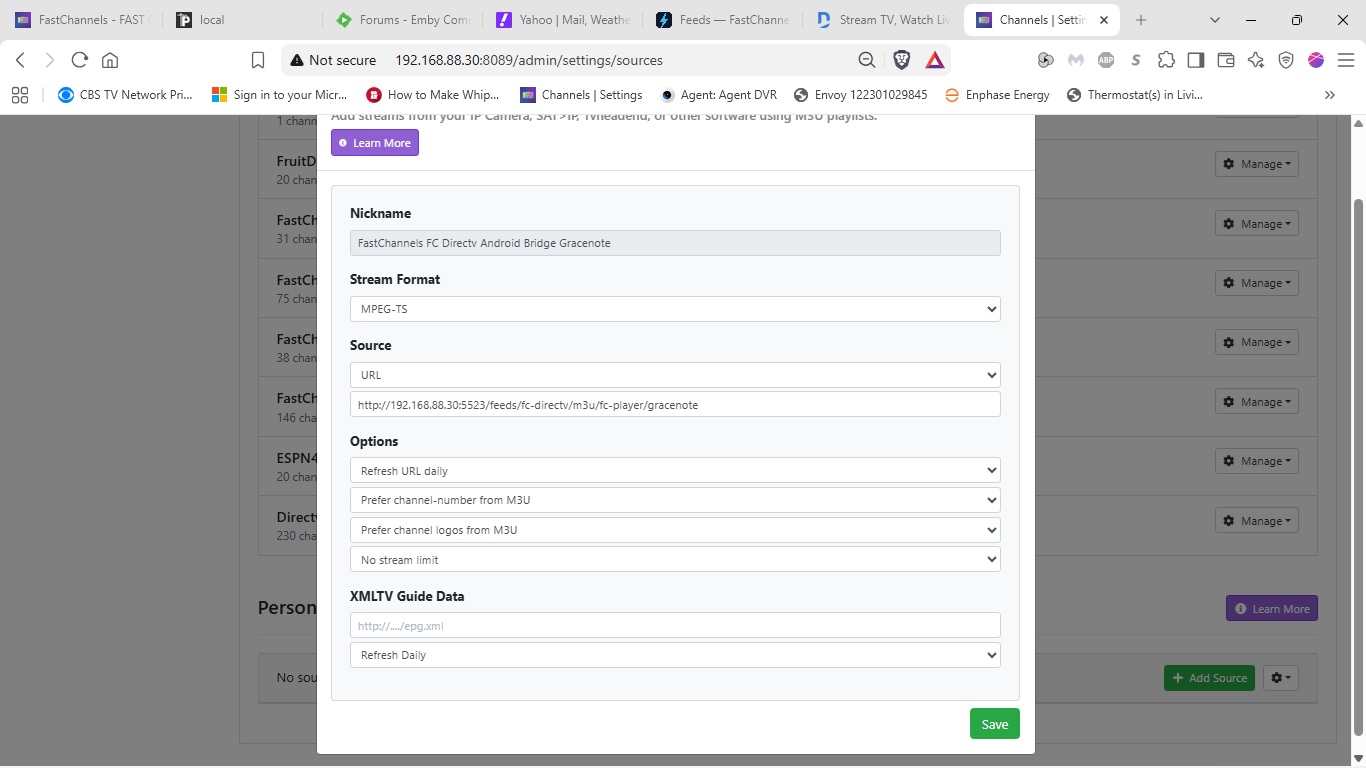
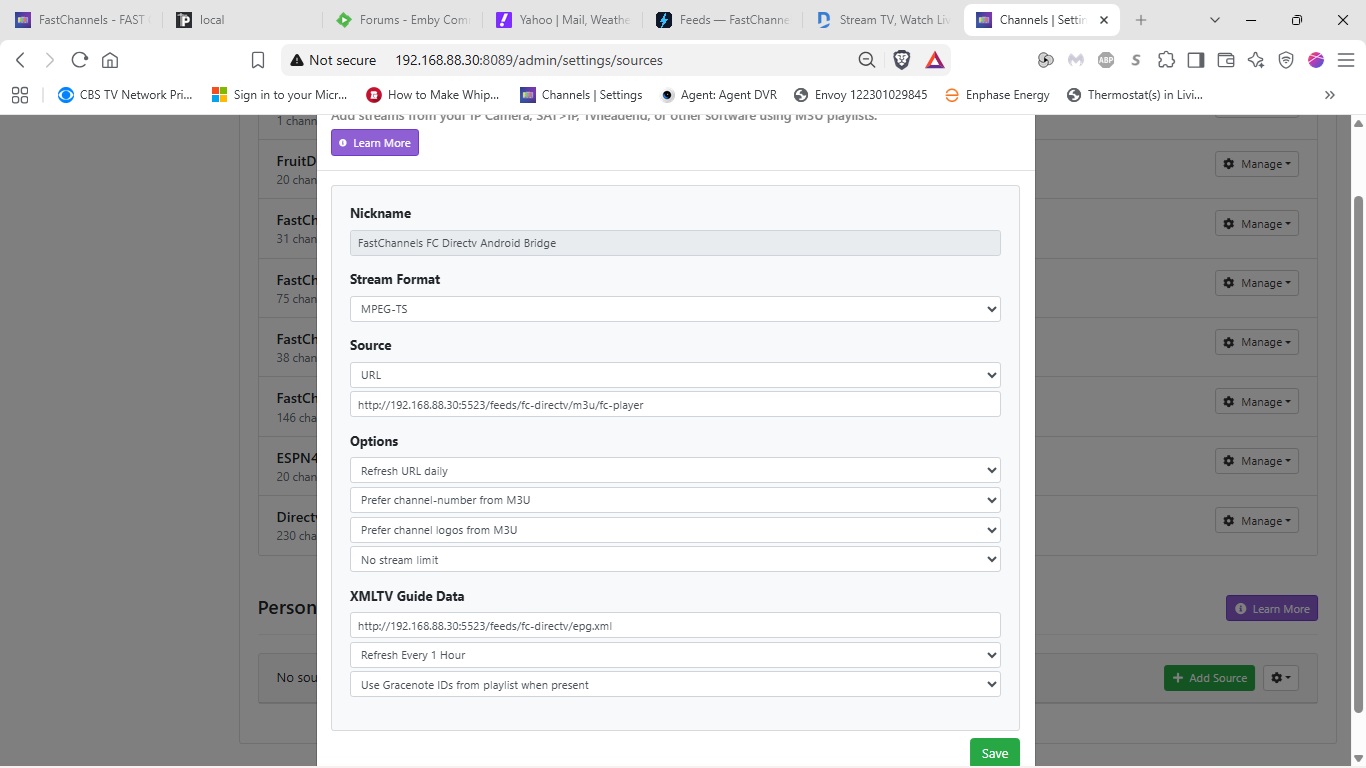
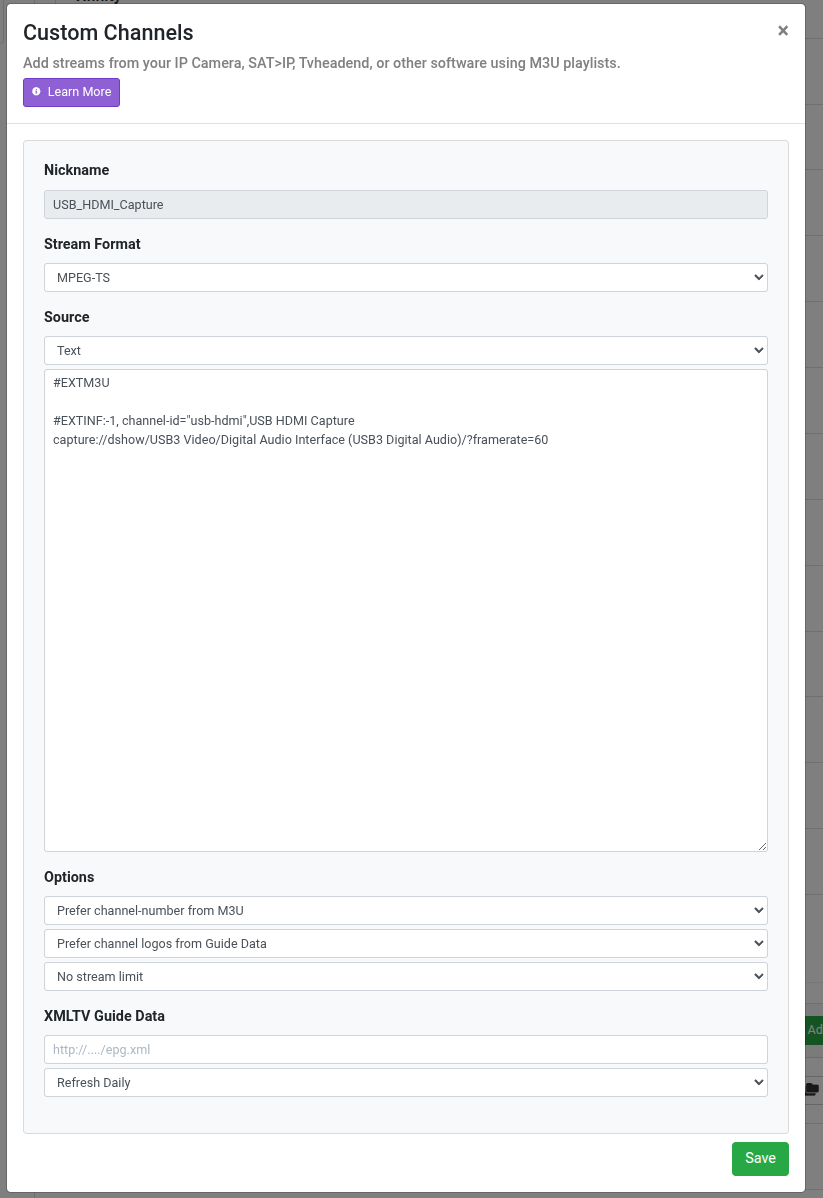
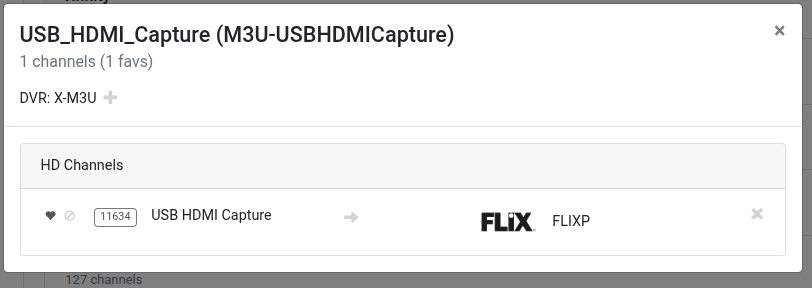
For example, here's my whole "suite" of screenshots:

1 Like

Custom Channels sources.


1 Like

Everything looks dialed-in there. At this point, one has to wonder if there's a deeper issue related to you being a Satellite customer. This is probably something @KineticMan will need to look at.

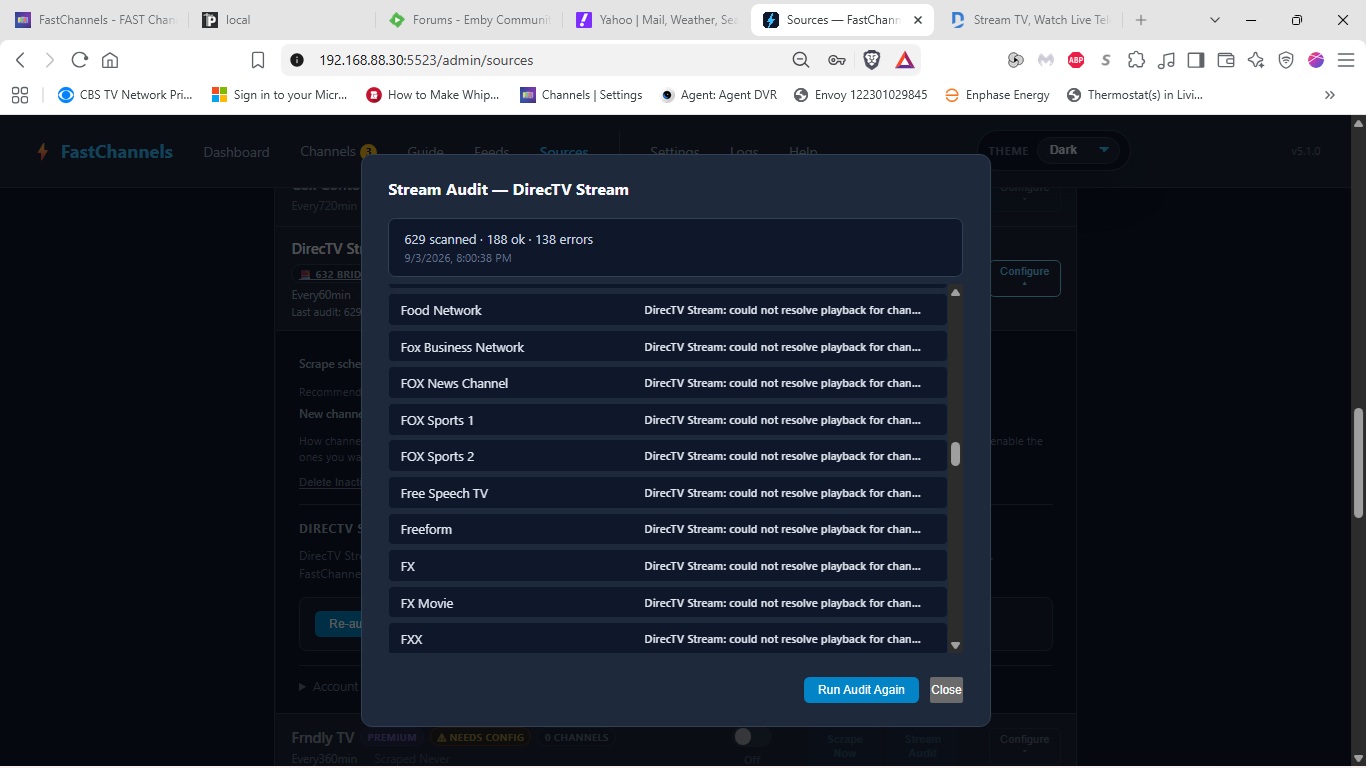
And the Stream Audit page. All of the channel numbers listed in these errors are the correct ones for my subscription.

1 Like

Unfortunately Xfinity Stream does not support Linux but an Android bridge should work as I've been able to pull in Flicks using USB capture ADBTuner on an Onn box. Also Prismcast native install on Windows works, I don't have any other flavors in house to test against except Windows and Linux.


So close now! Just need a little tweak.

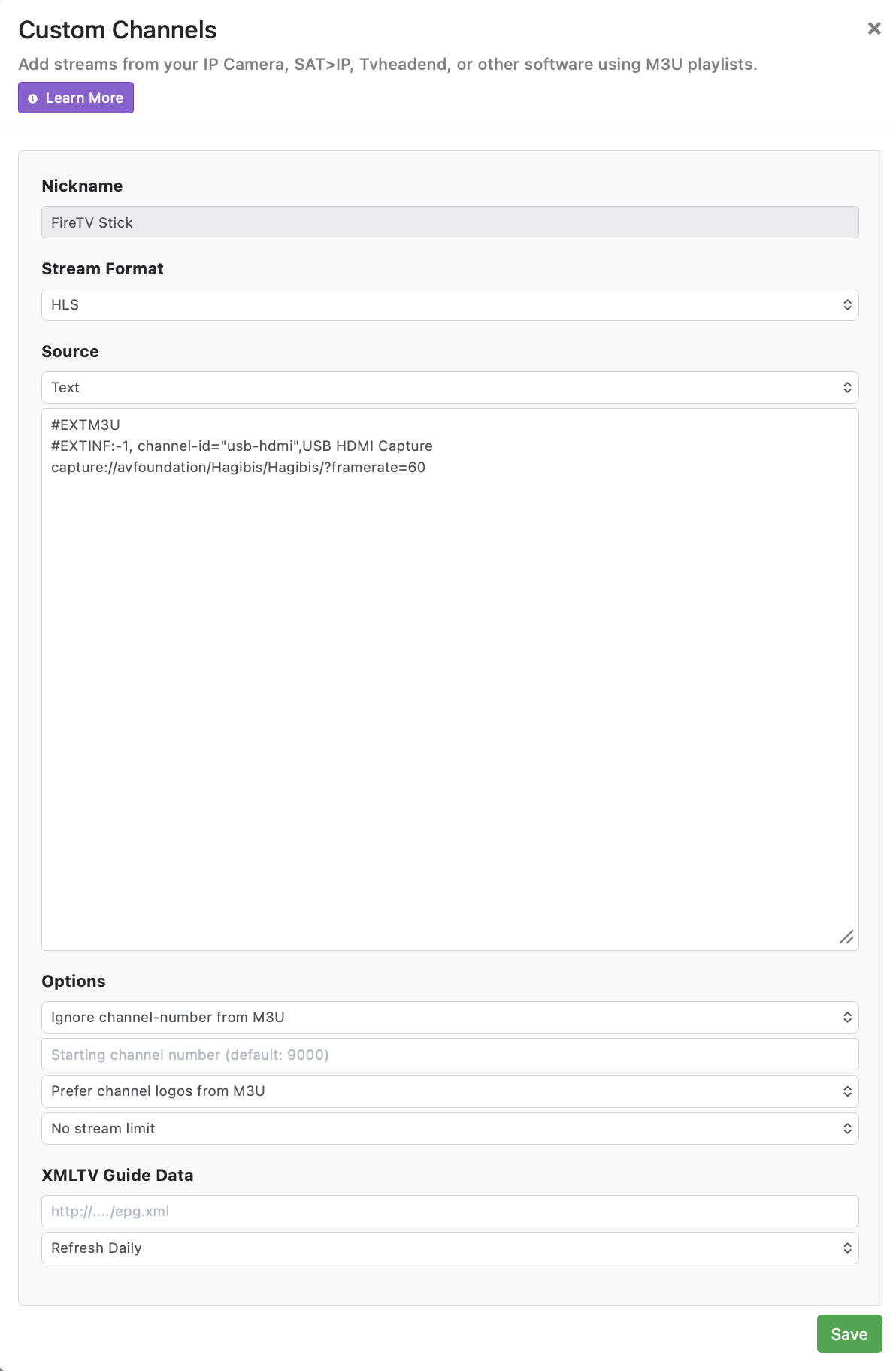
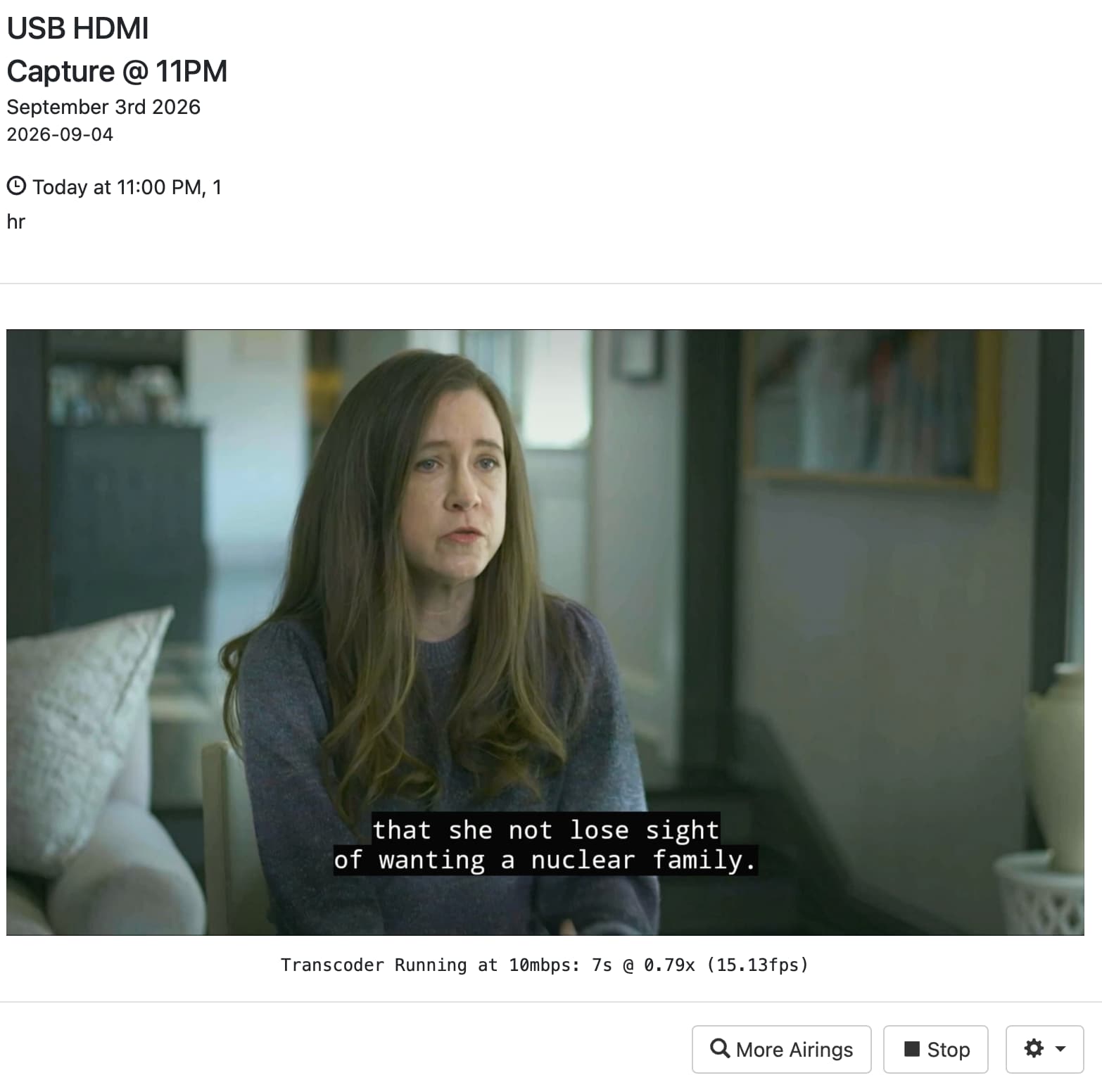
I created a custom channel as you suggested that is connected to my FireTV stick and HDMI encoder, which now properly plays (in channels) whatever video is currently being played on the FireTV device. Thank you for that solution.

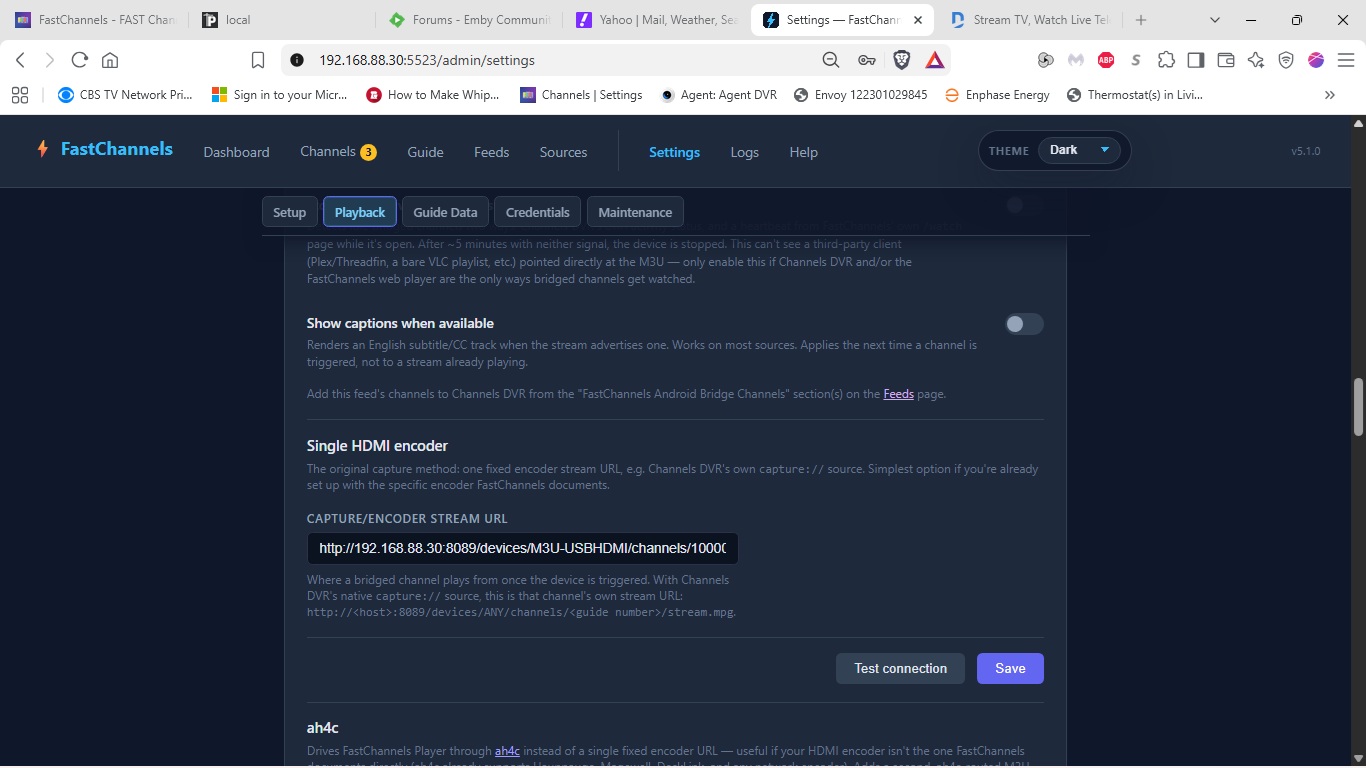
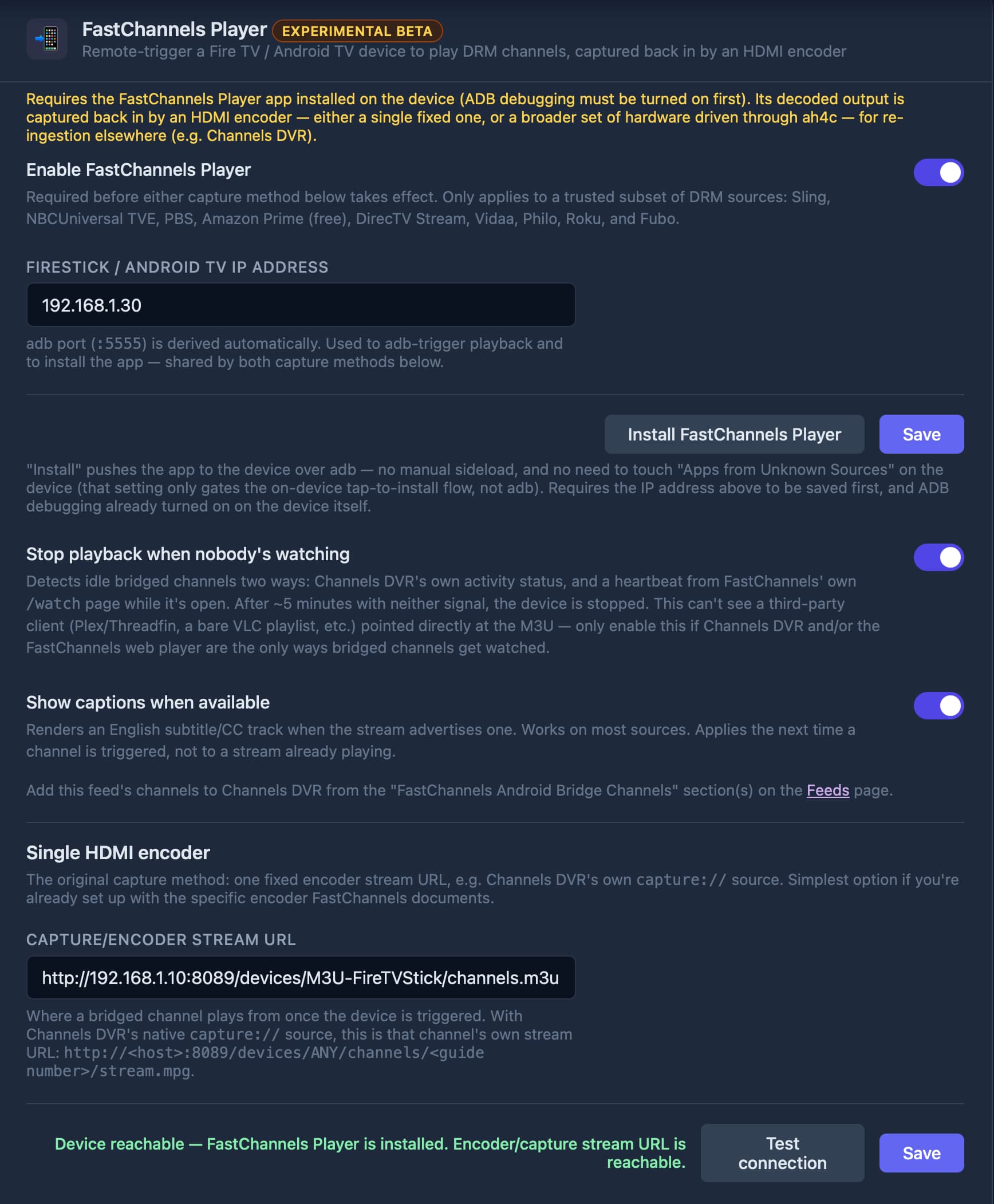
Now, what I don't understand is how to get the proper URL to paste into FastChannels "CAPTURE/ENCODER STREAM URL".

If I have Channels DVR (via FastChannels) play a channel that requires the FireTV stick, the FireTV tunes properly (and really quickly!!), then the FireTV plays that channel as requested. However it does not come back to FastChannels or Channels DVR directly.

HOWEVER, after asking a channel to play on the FireTV stick, if I then switch over to my "FireTV stick" streaming source in the Channels app (configured as you suggested), it does play whatever I have chosen. So that custom channel does talk to the device and play it properly.

In summary, all is now working EXCEPT that I am not setting the "capture/encoder stream" properly.

Suggestions?

(BTW, FastChannels is an AWESOME add-on to channels. It will keep their product working far into the future with software like yours).


Would definitely appreciate that. I've been using Prismcast for Xfinity, but would love to be able to use FC for it.

1 Like

The value you've entered for CAPTURE/ENCODER STREAM URL is not correct.

Add a "Starting channel number" value to this Custom Channels Source (a number you know is available), and then use that in this stream URL (as opposed to the M3U you used):

http://192.168.1.10:8089/devices/M3U-FireTVStick/channels/<insert your starting channel number here>/stream.mpg?format=ts&codec=copy

A couple questions on this.

Does this work with a Mac?

How about Spectrum? Which channels would be available. Are they the same as the ones you can watch on the Spectrum website or the more limited ones available on the Channels TVE source?

Looks like Spectrum supports Android so my technique should work. I’ll add to the to-do list.

It may be your lucky day. I found some research that may lead to a path for this.

2 Likes

That worked! Thank you so much for your help.

Now I can begin to explore AH4C to pull in multiple simultaneous streams via multiple FireTV sticks, now that I have a further understanding of how these pieces communicate.

Thanks again.

@bnhf @KineticMan not too sure whats going on here but the tuning into the channels via ah4c is wonky. It would work on one device but not the other.

Right now, I stress tested both of my tuners. One played the stream, the other stay stuck on the home screen. I think the tuner settings on FC is overriding whatever tuner ip I set on ah4c

BTW I think there should be a setting anyways in FC to set multiple tuner ips (with or without ah4c being involved) as someone with multiple tuners would need to install fastchannels player and deploy them on said tuners

The current release of FastChannels doesn't include any of my PRs, the first of which is for multi-tuner support. You could either wait for the next FastChannels release, or use bnhf/fastchannels:development until that comes out.

You'll need to let ah4c update your scripts (using the latest build of ah4c), or you'll need to update scripts/firestick/fastchannels using the latest scripts from FastChannels -- as that's also required for multiple tuner support.

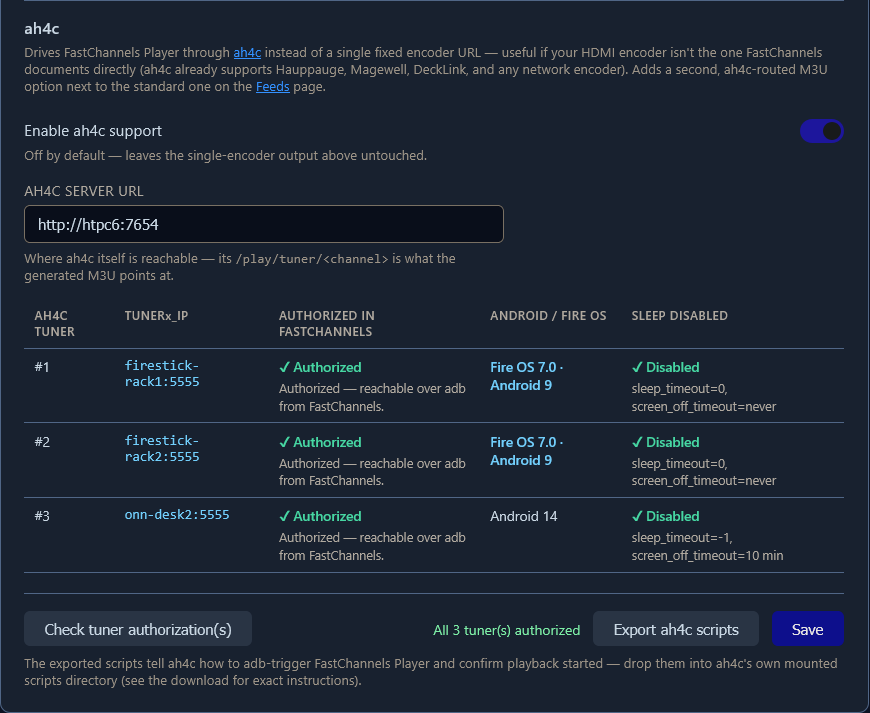
One of the other things I added was the ability to check the status of all your configured streaming sticks, to confirm they're ADB authorized for FastChannels. To get to that point, you enter each of your sticks (one-by-one) in the HDMI CAPTURE DEVICE IP field, followed by Save and Install FastChannels Player. The ah4c bridge is the solution for anyone that wants multiple tuners.

Their status can then be confirmed here:

Given the tuning speed of this project with the ah4c bridge, turning sleep off on each of your sticks is pretty much mandatory, which is why I'm showing that setting's status as well.

2 Likes