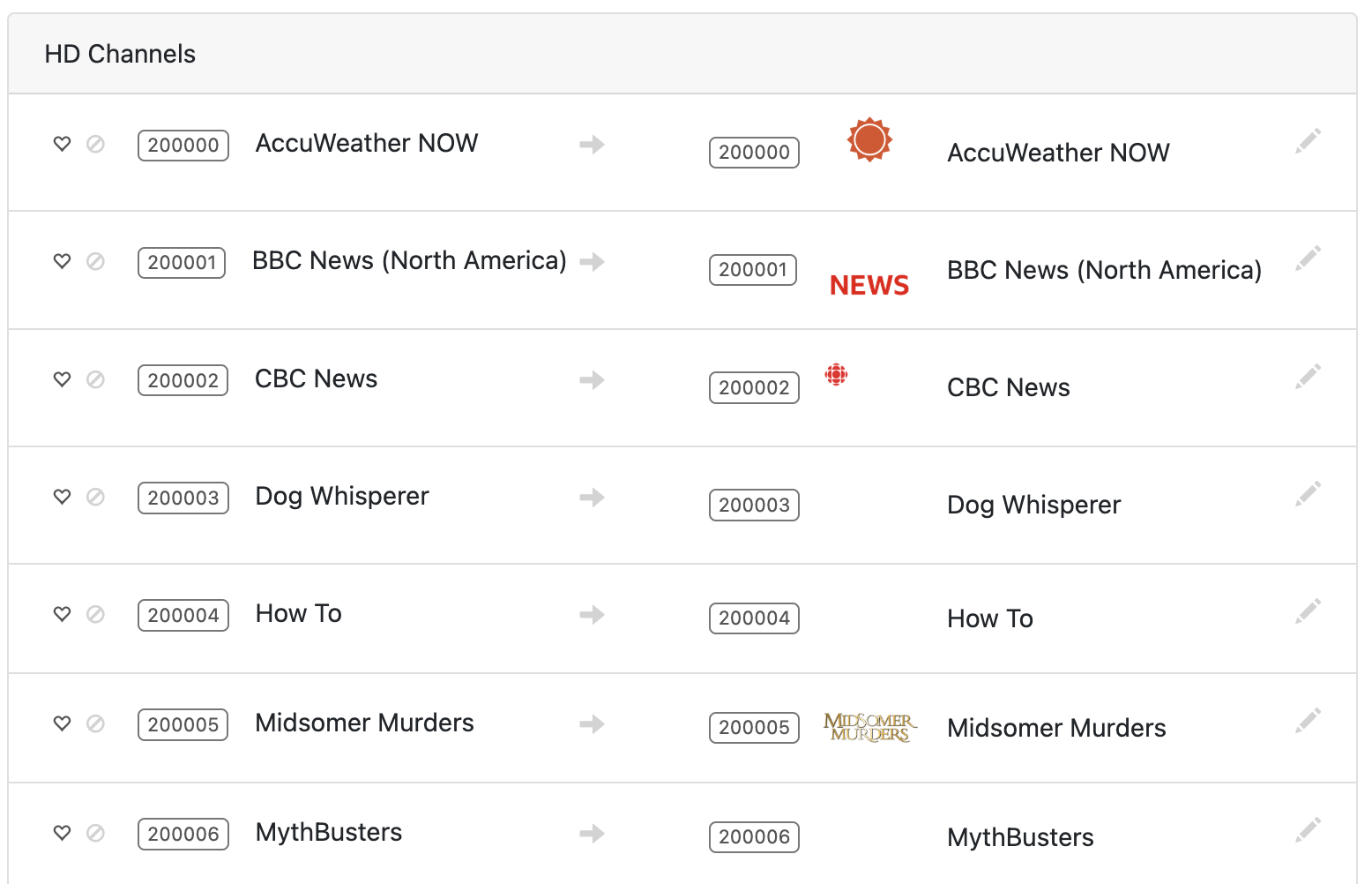
FastChannels - FAST Channels aggregator/manager

For Project WebUI+ users, from the CDVR WebUI:

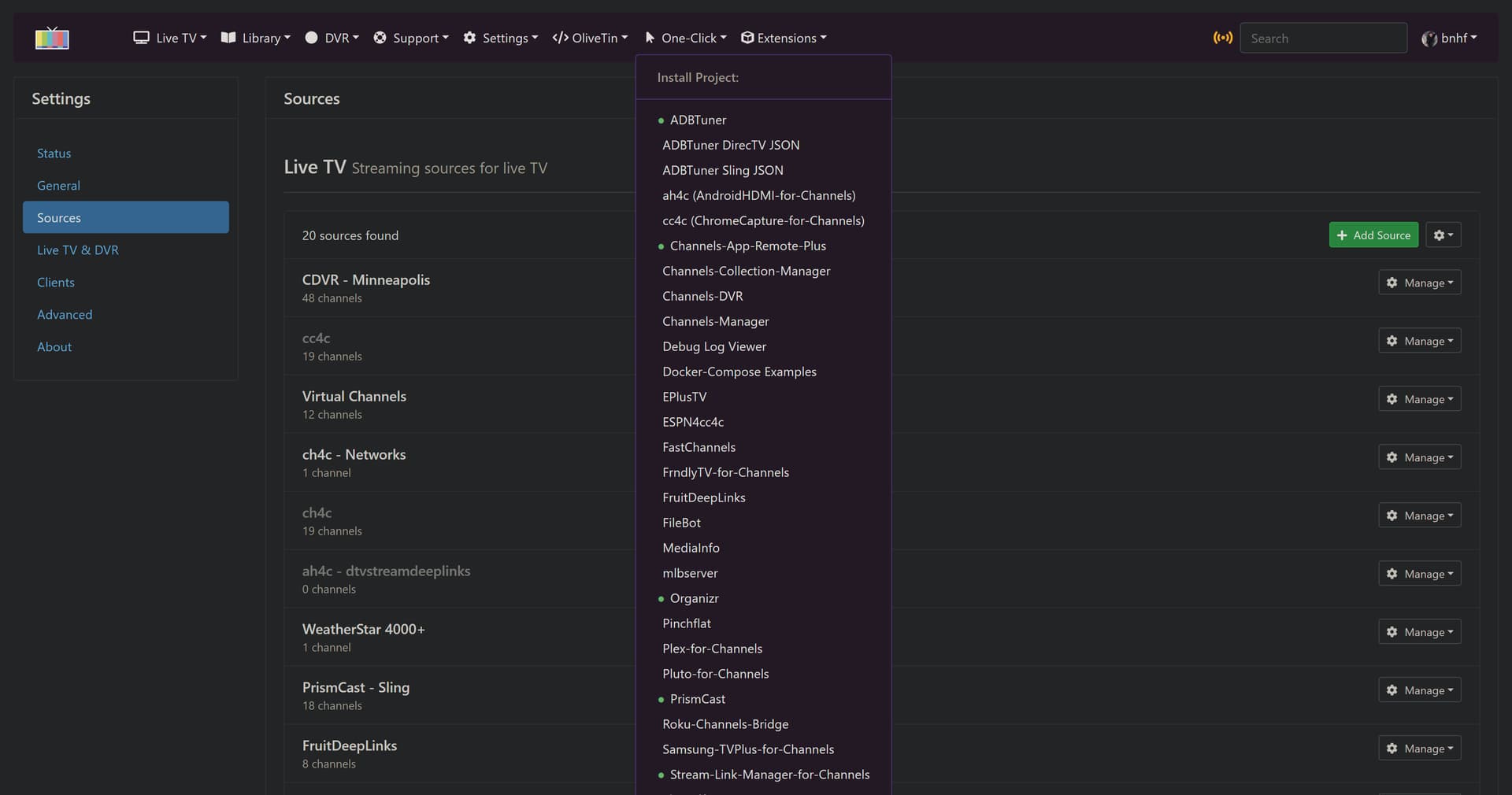
Select FastChannels from the One-Click dropdown:
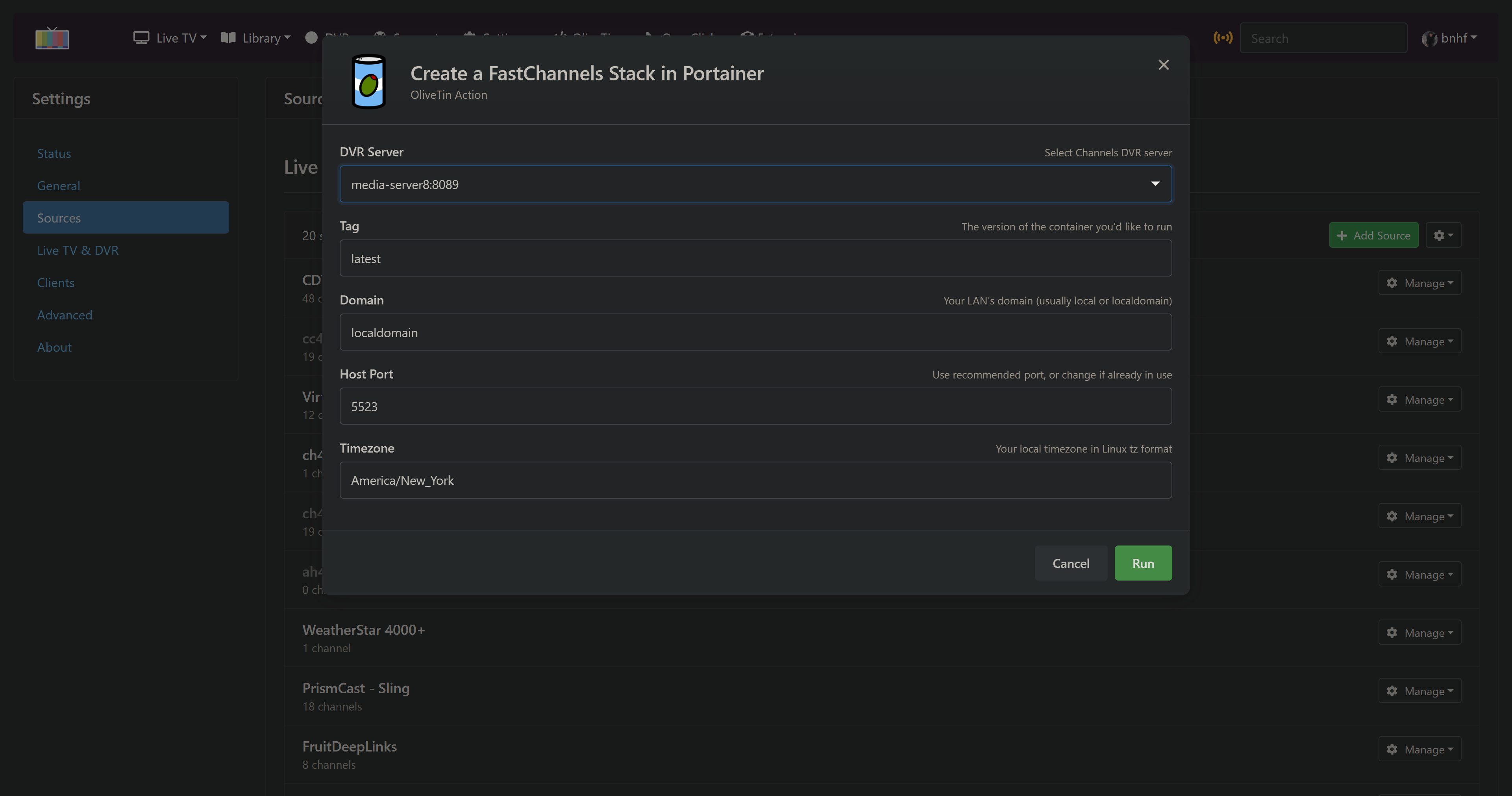
Make changes (if needed) and click run:
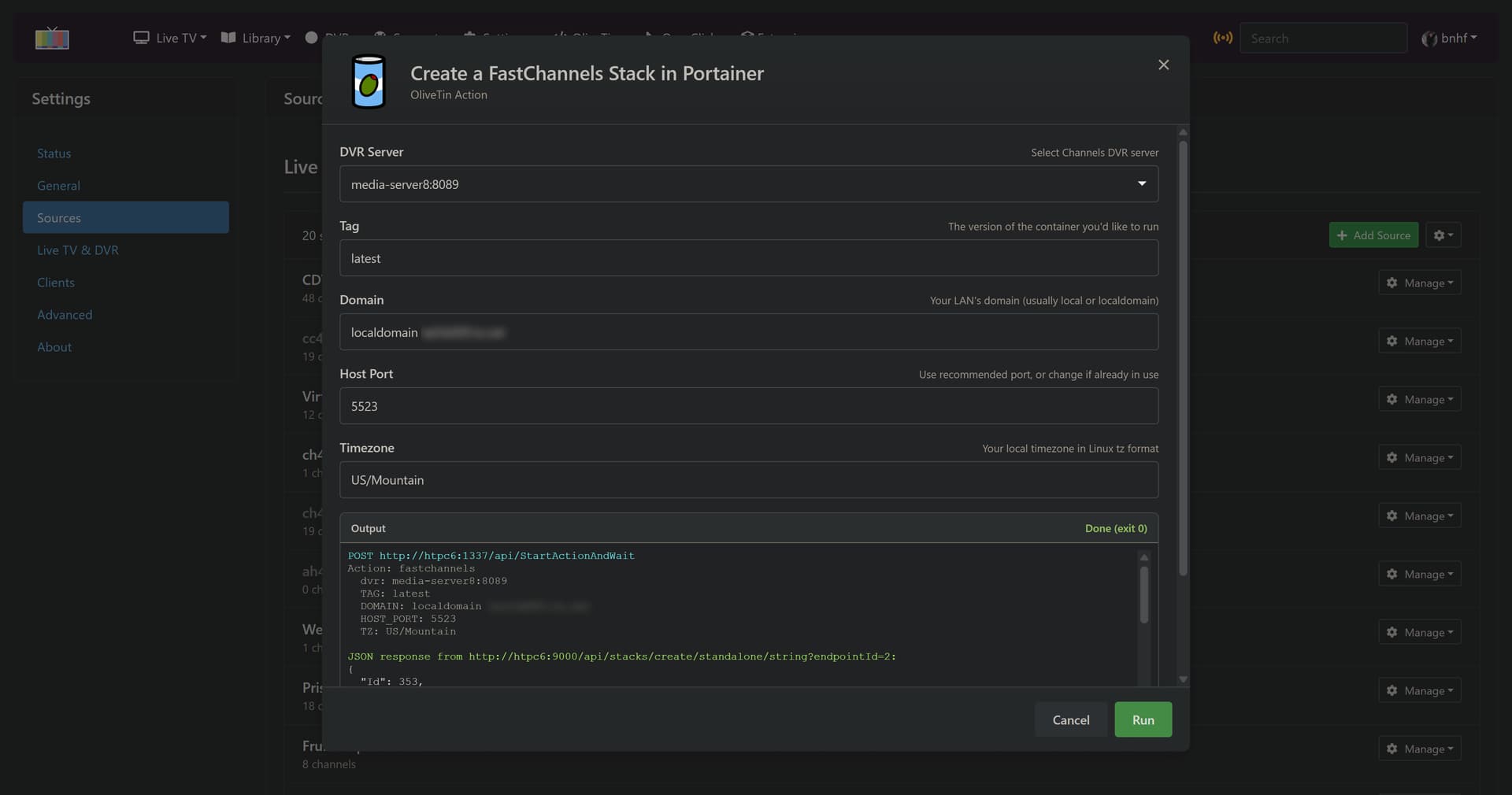
Wait for the Action to complete:
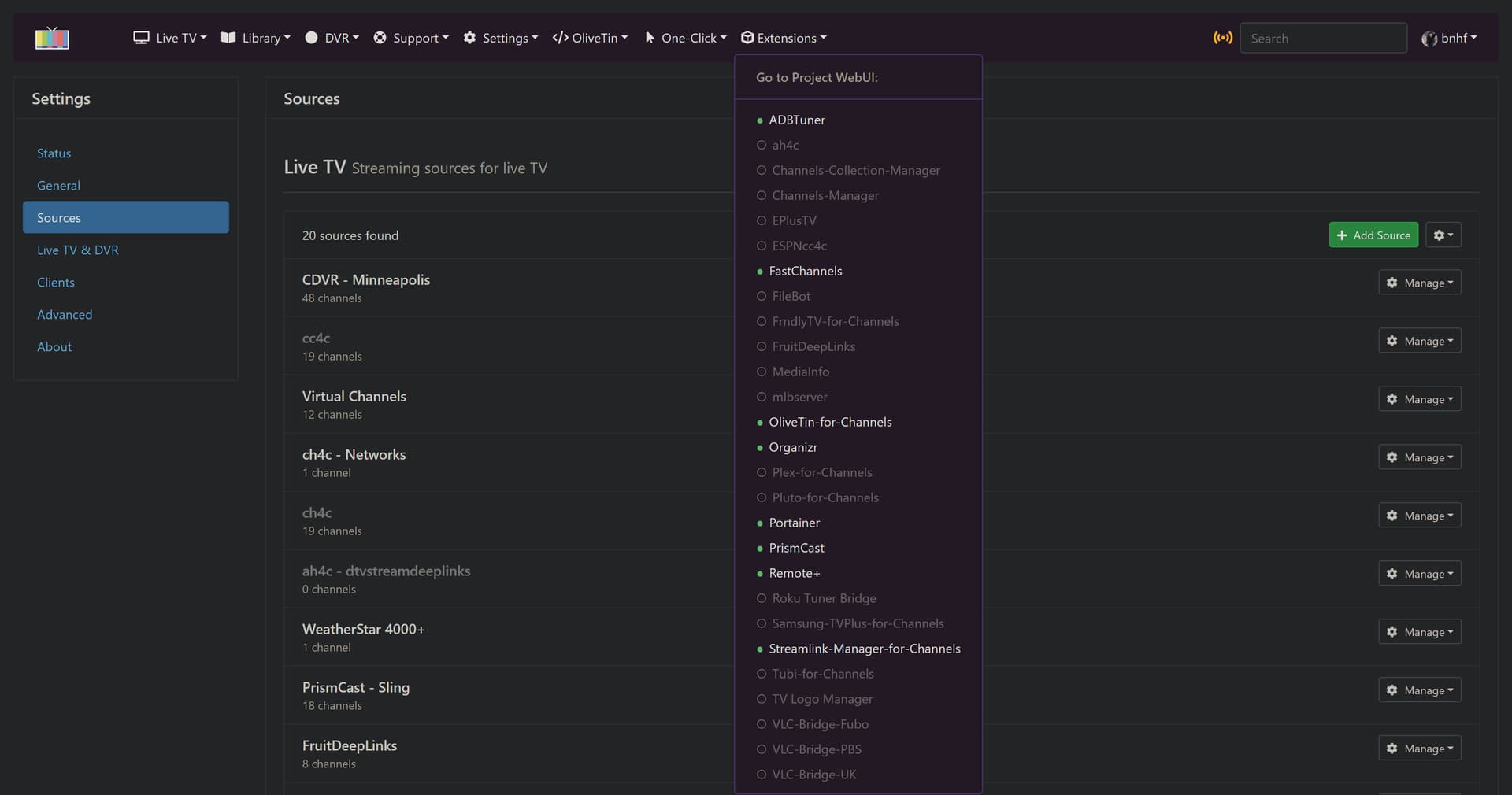
Access the FastChannels WebUI via the Extensions dropdown:
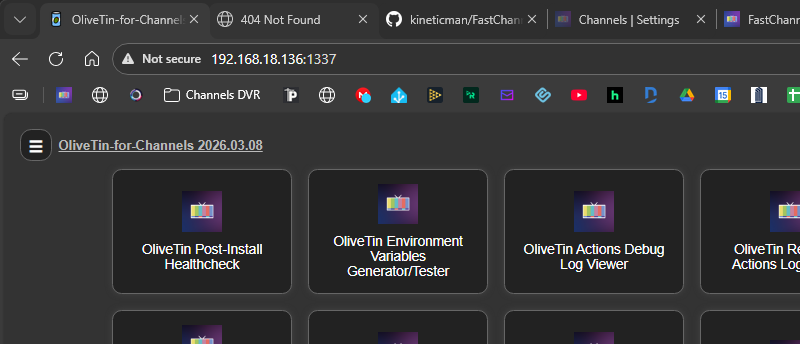
Or there's always the classic OliveTin Dashboard, if you're still rolling that way!

1 Like

Installed using the stack (copied from GitHub) in Portainer:

Docker running at 192.168.18.136.

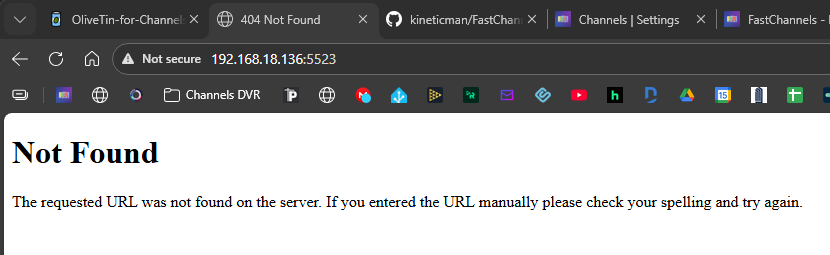
When I go to port 5523:

No issues loading OliveTin at the same IP with the right port:

that slacker @bnhf didn't read the instructions to add /admin to end of the url. I just pushed a quick fix to redirect there.

1 Like

It works by adding /admin at the end. My fault too for not paying attention when reading on GitHub.
Thanks for the fix. I will let the scraper do its thing and I will play with it tomorrow.

2 Likes

Thanks for doing this project.
I plan on testing it out tomorrow.
Question: For the DRM channels, is there any way to generate a DRM channel playlist to pass to PrismCast?

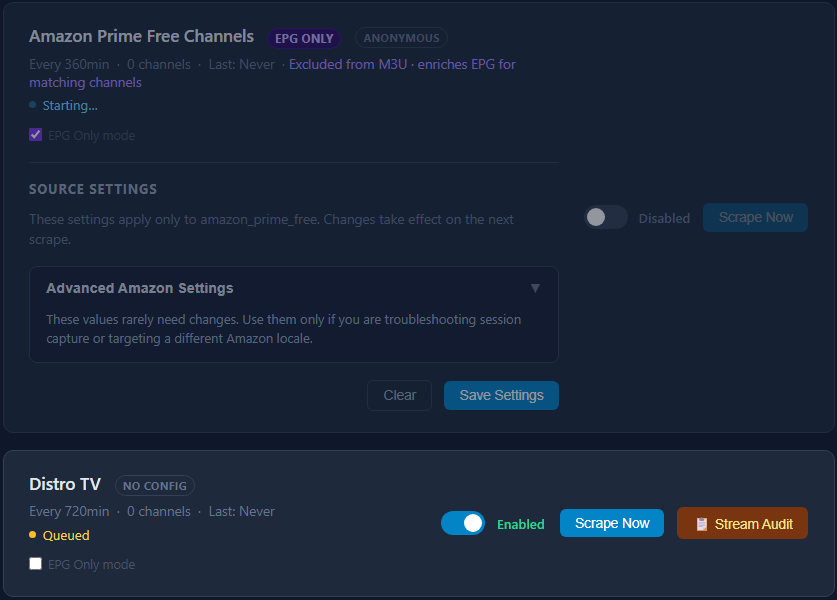
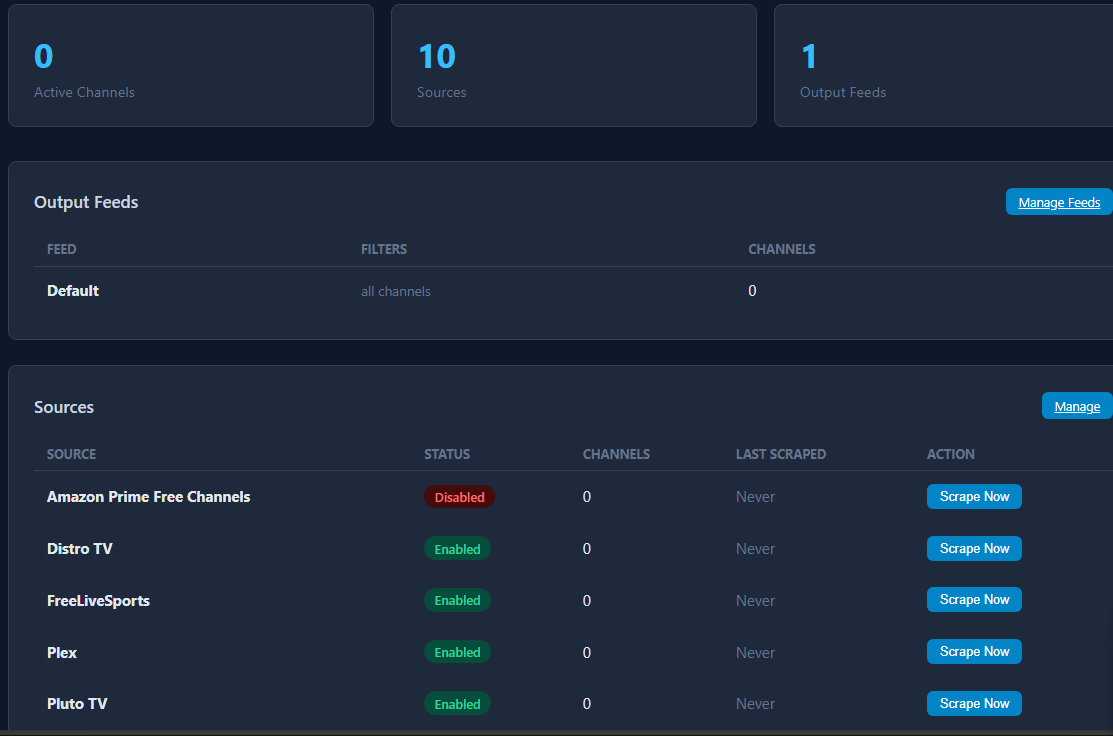
It doesn't look like it's scraping. It seems to be stuck on starting the scraping of Amazon but I disabled the source.

1 Like

No longer needed with the most recent push. http://<hostname or ip>:5523 will work. Thanks @KineticMan!

2 Likes

Working withi it here
added the links to playlist manager and will graually get my fast channels mapped.
thanks for the quick update

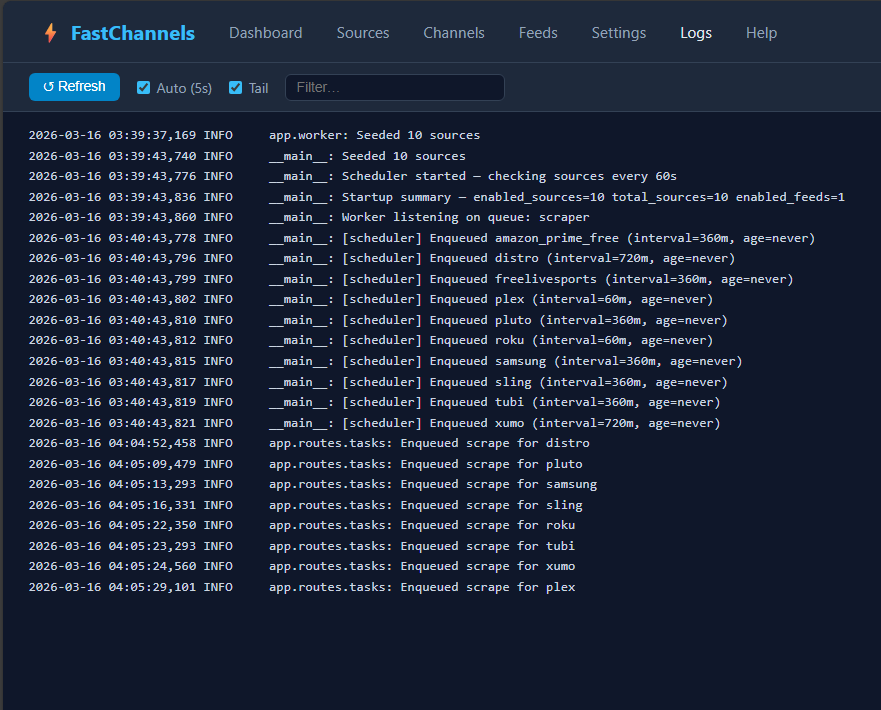
Weird. Anything else in logs? I tested fresh installs many times and always fired up. Manual run do anything?

**edit , i did have a bug in the disable sources. it was locking the SQL DB if you timed it wrong. pushed quick update. delete your image and re-try please. watch logs

looks like adding Stirr should be pretty easy. let me let the dust settle for a few days and i'll add.

@KineticMan, I just want to say this is a beautiful project and I was very happy to do some testing and provide some feedback for you! Sometime over the next few days I'll be disabling all my other FAST containers and switching everything over to this. Bravo on taking the initiative and getting this done so well so quickly!

2 Likes

This is amazing, not only for the service consolidation but for the management UI as well! Excitedly moving everything over to this, bravo @KineticMan :clap:

I have already moved all my fast content to the new project.
I've inserted the feeds in Playlist manager. Love that program. i don't have to deal with some of the problems other expericne. i won't build a channels setup without Playlist manager.

Love this stuff.

Thanks for this! The work that some of you all are doing with Channels integrations is nothing short of phenomenal. I installed and deployed it this morning. Got everything updated, segmented out the sources into their individual output feeds and added them to Channels along with a few genre-specific feeds. Replaced several of my existing Docker containers and created new channel collections. This is very useful.

I used OliveTin to install on my Mac Mini and it's working perfectly over here, no problems at all.

One future feature request would be a way that easily reference a list of "recently added channels" so we can preview and decide if we want to add them to our curated guide.

This is excellent work and has refreshed my CDVR setup. I'll be spreading the word to my friends and family who also use this app Thank you!

1 Like

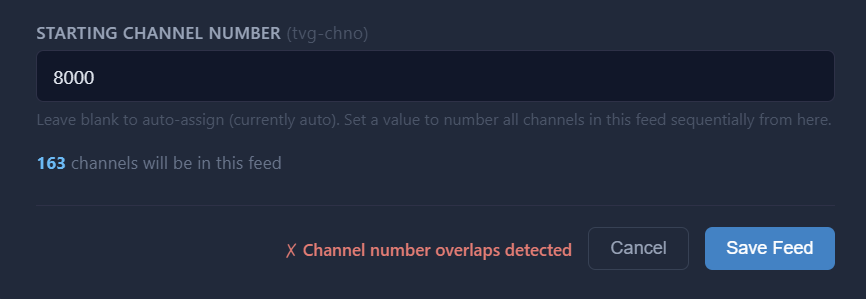
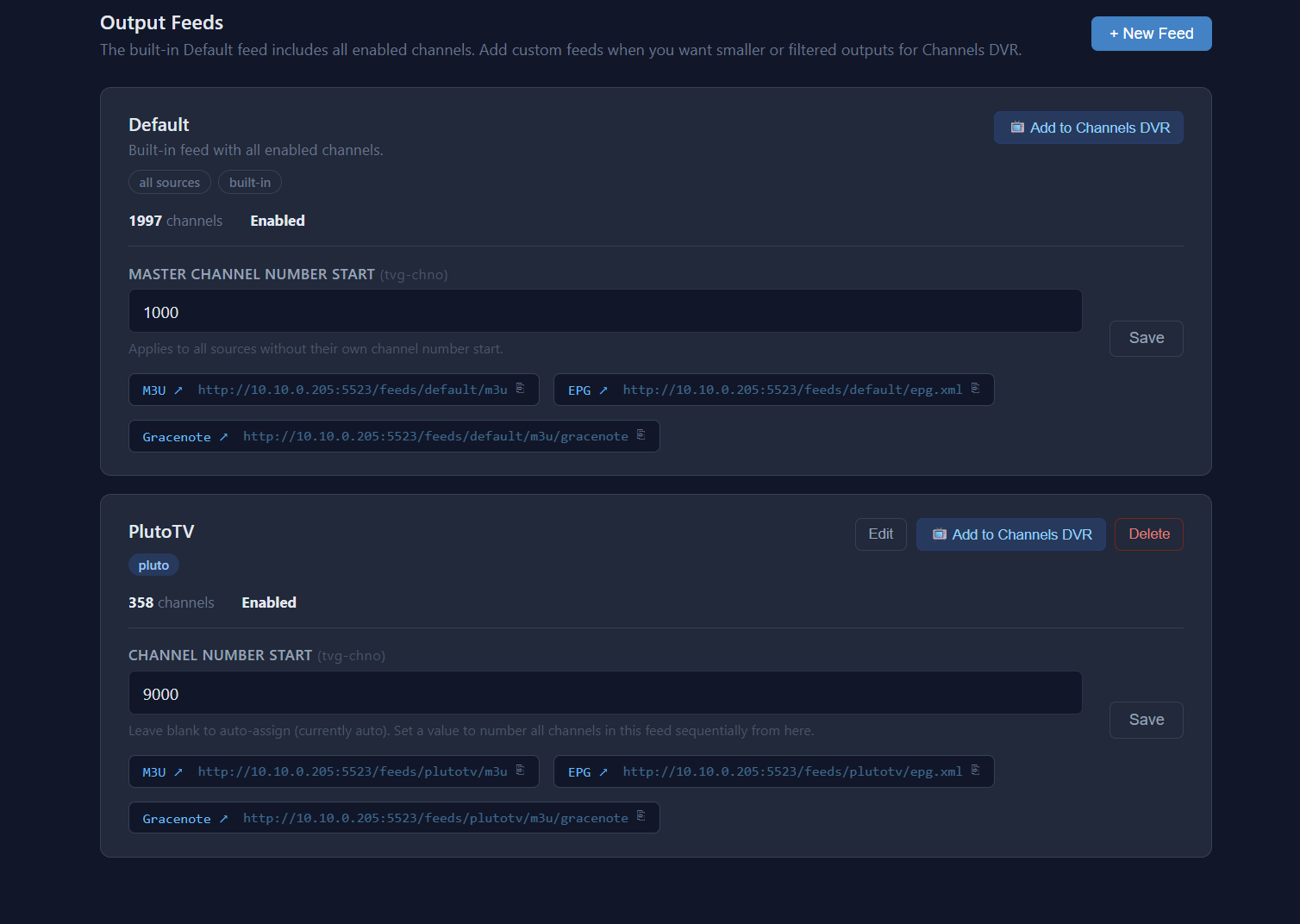
Let it be me that has run into an issue. I tried to add a new Feed with Tubi as the source and when I click save. It states Channel number overlaps detected. It was the first one I tried to setup. So I decided to try pluto and that saved fine with no issues. But Tubi always fails and im not exactly sure how to troubleshoot. I tried a starting channel of 8000, 9000, 10000 without success and that was before setting up pluto which worked fine using start channel of 9000

I only have one other source setup.

1 Like

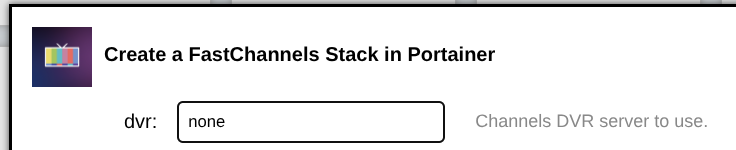
Just an FYI... on the classic OliveTin interface, The Fast Channels action menu doesn't auto populate the DVR server. I know that we have had problems with this happening on my setup for other actions. So, I tested those and they all auto populate. Just not this new one.

on it. I had a heck of a time with ch-num overrides. will fix.

2 Likes

Thanks for reporting this, and it should be fixed now. Re-pull and redeploy.

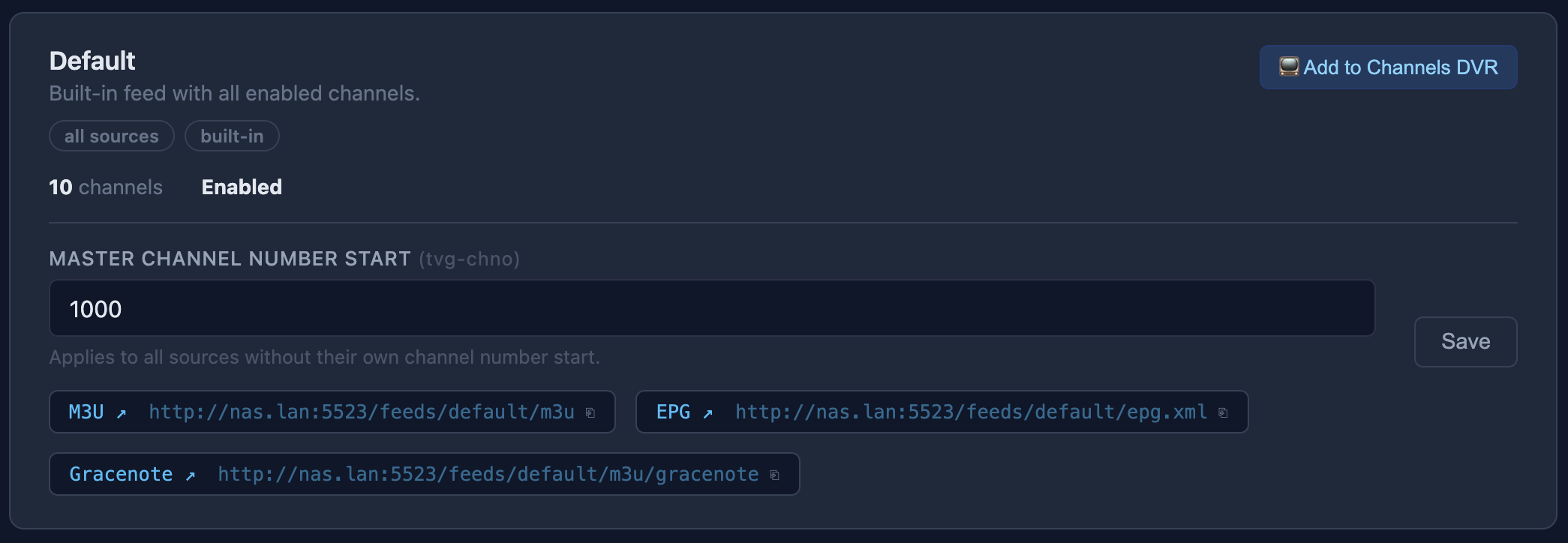
@KineticMan The "master channel number start" for the default feed doesn't appear to be working for me. I tried saving 1000, then "Add to channels DVR", but the resulting channels start at 200000. Let me know if I did something wrong...