FastChannels - FAST Channels aggregator/manager

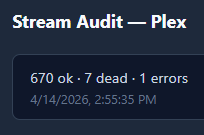
For Plex, the channel in error is displayed in the log
brave_screenshot (1)

2026-04-14 14:52:43,965 INFO     app.worker: [audit] plex: 575/685 — checked=569 flagged=0 dead=6 errors=0 skipped_403=0
2026-04-14 14:53:21,175 WARNING  app.worker: [audit] resolve failed for Revry: [plex] audit manifest HTTP 504 for 5e20b730f2f8d5003d739db7-68c86f0bda79d98d977dc90c
2026-04-14 14:53:29,973 INFO     app.worker: [audit] plex: 600/685 — checked=593 flagged=0 dead=6 errors=1 skipped_403=0

Guess it depends on the type of error seen whether it's displayed in the log?
yea looks like I just dont have wired into the UI modal there. easy fix at least

Just FYI for others, some of the region features seemed to change in the latest version. It looks like regions from different sources/providers were unified in the latest release. For example, GB and UK are now just under GB. There were also other examples where a region would appear more than once - one instance for each source. This was a bit problematic because it wasn't always apparent which region was for which source. The latest version fixes this, but it did cause some of my feeds (mainly some Pluto related feeds) to break if they were filtered based on region. To fix, just go into the filter options of the feed and reselect the region.

I have just gotten around to pulling the trigger on more FAST sources to my CDVR server, replacing some old containers, and adding new providers, too.

Here's something I have noticed through the process. For the time being, I am trying to keep all of the providers separated by allocating different numerical ranges to each.

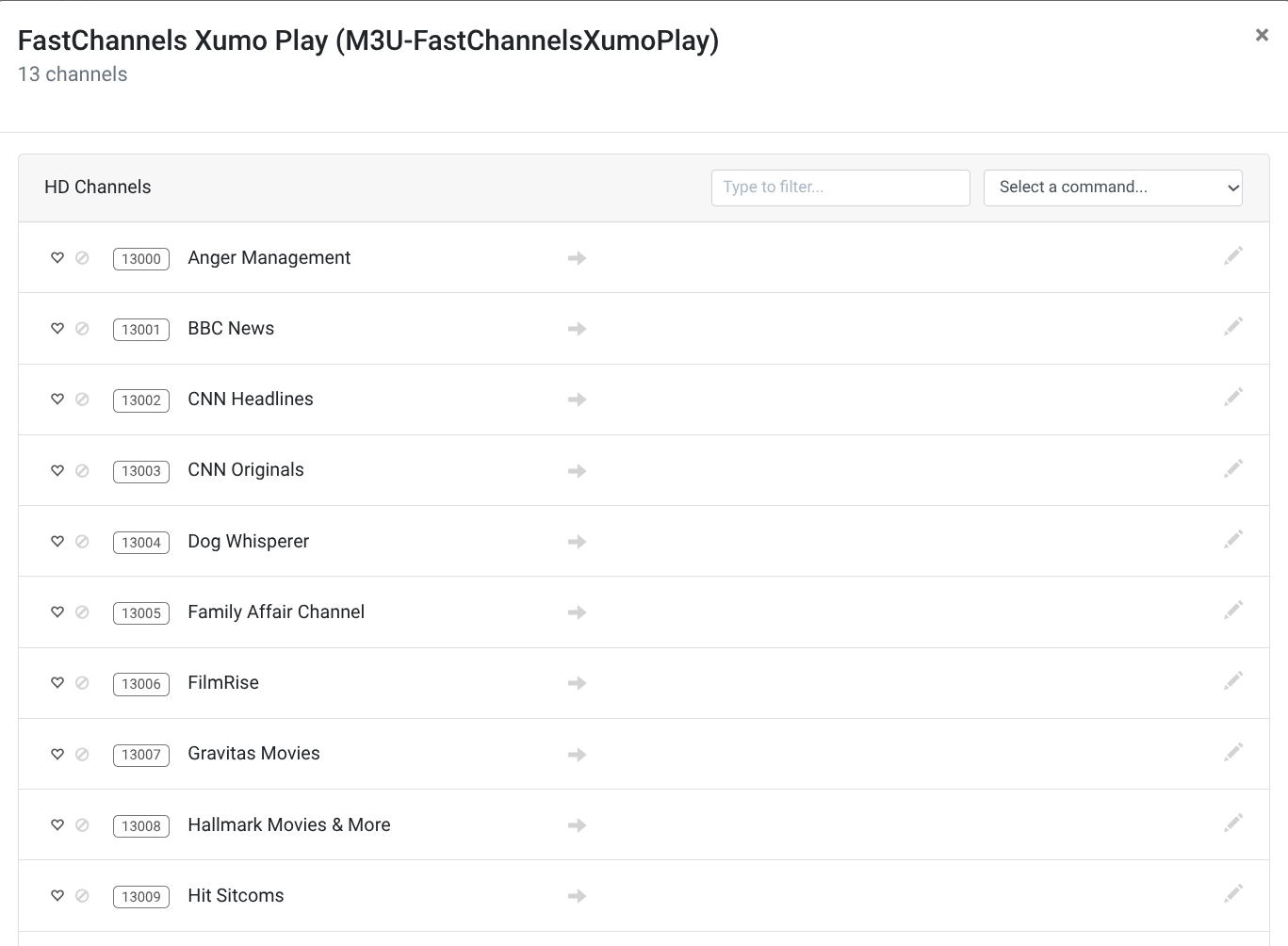
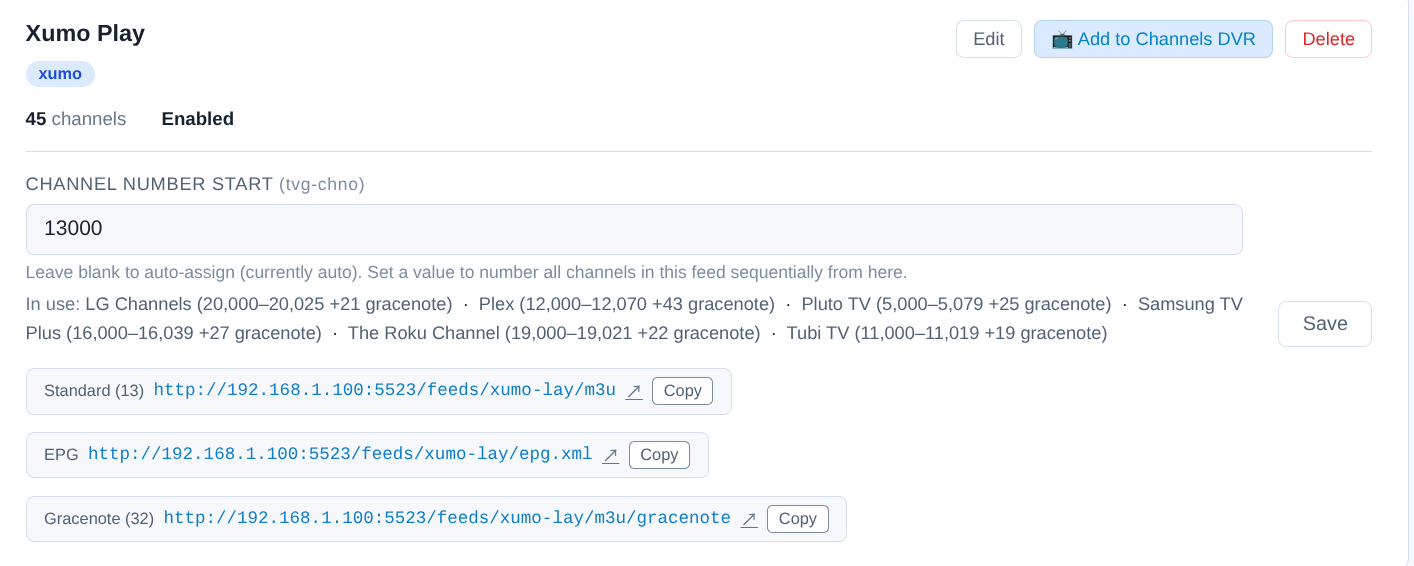
For instance here's Xumo Play beginning at 13000:

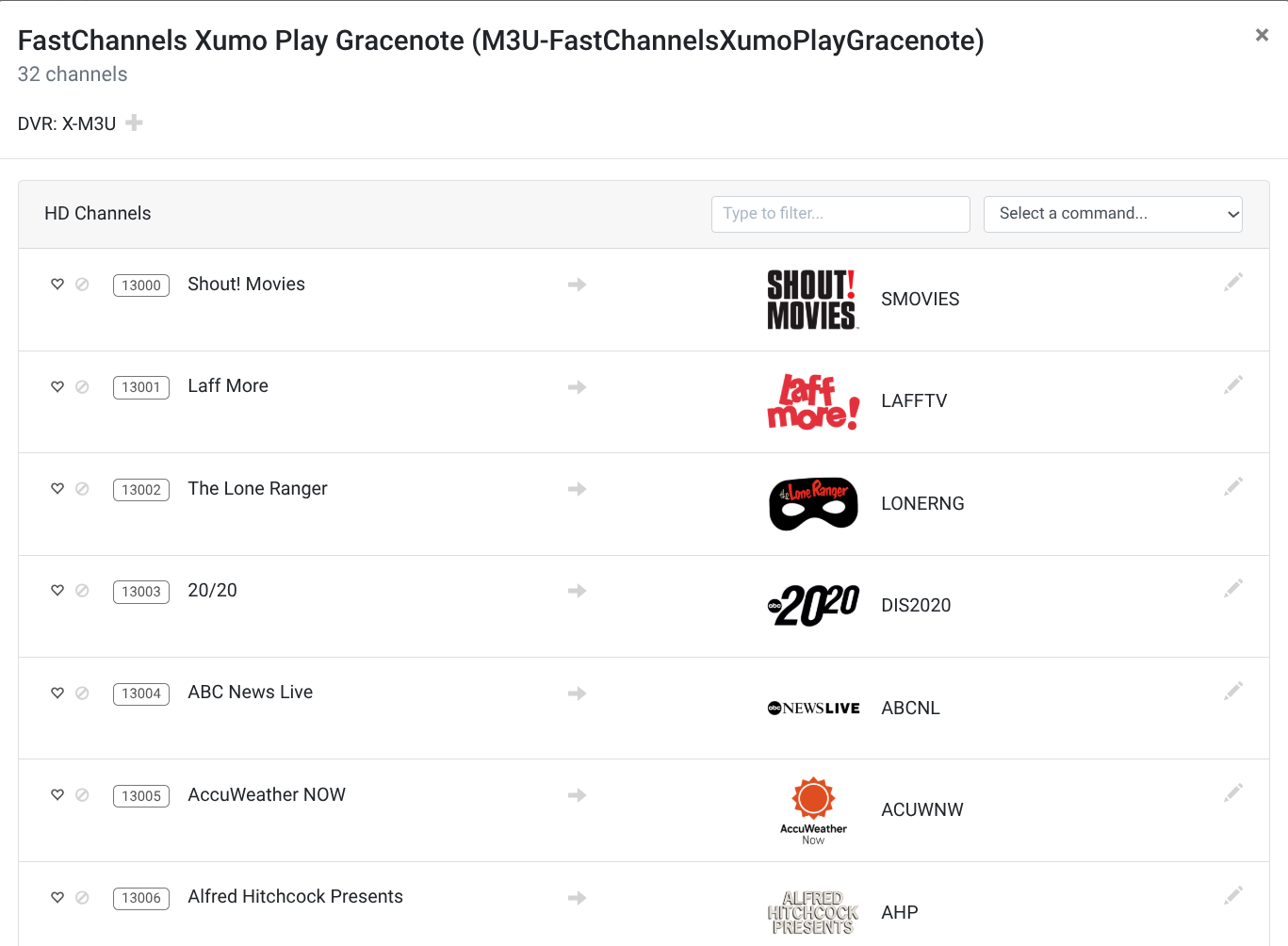
The problem I'm having is that when I click the "Add to Channels DVR" button, and it creates two sources (Gracenote, and regular) the numerical range for each source begins at the same number, which overlaps the first several channels as follows:
Xumo Play Gracenote:

and Xumo Play Regular:

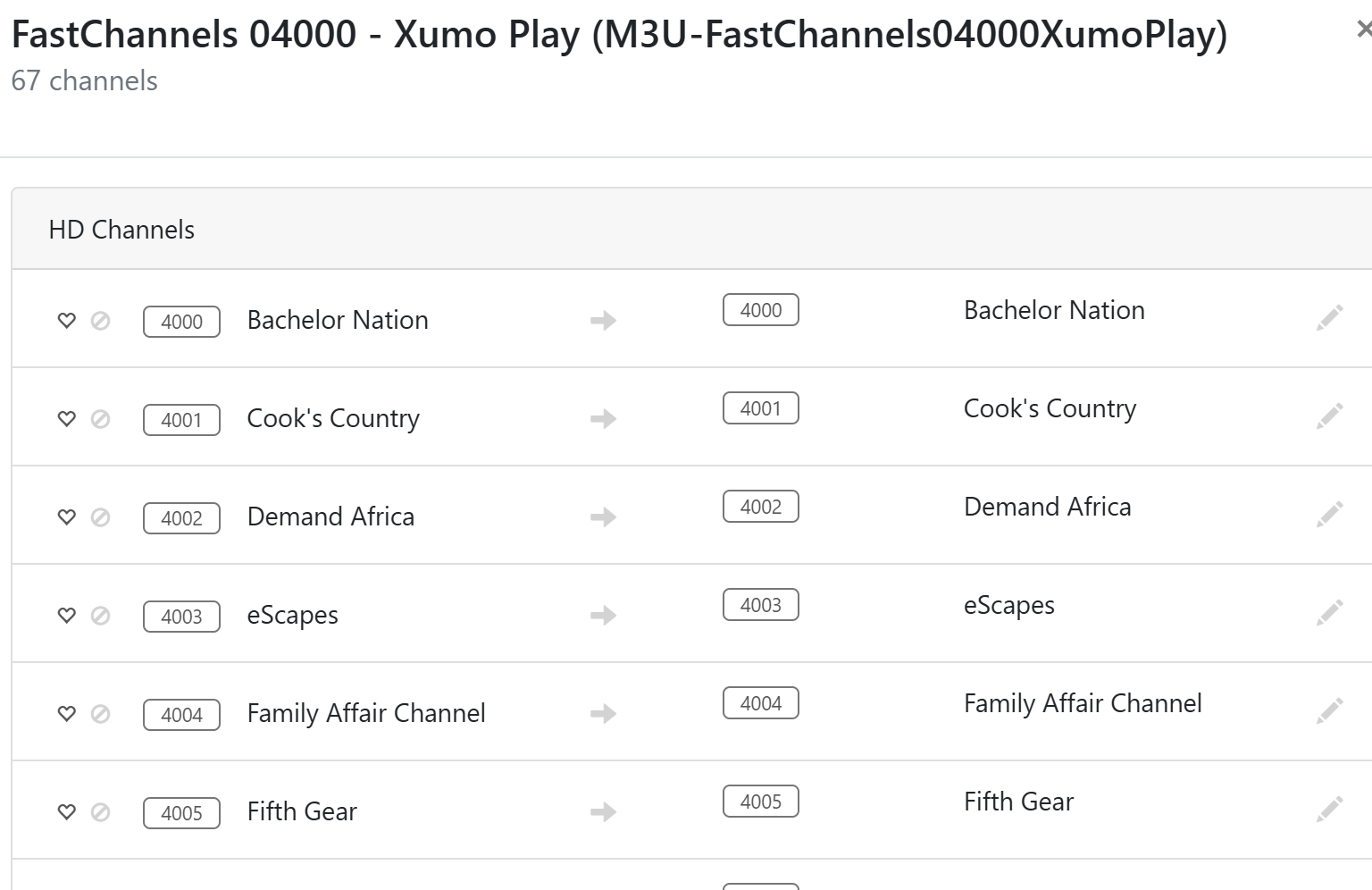
@jsfullam I am doing the same thing, but I am seeing different behavior. In mine, I am seeing the expected behavior. It starts the second source at a higher channel number. I assume FastChannels is figuring out the starting number for the second source so it doesn't conflict with the first. In the below screenshots, you can see the first source detects 67 channels, and then it starts the second Gracenotes source at channel 4067.

I think everyone rolls theirs differently.
I don't assign the starting channel in FastChannels, I do it in Channels DVR.


I also separate my source start channel numbers by 10,000 as I previously ran into the same channel numbers assigned to different sources.

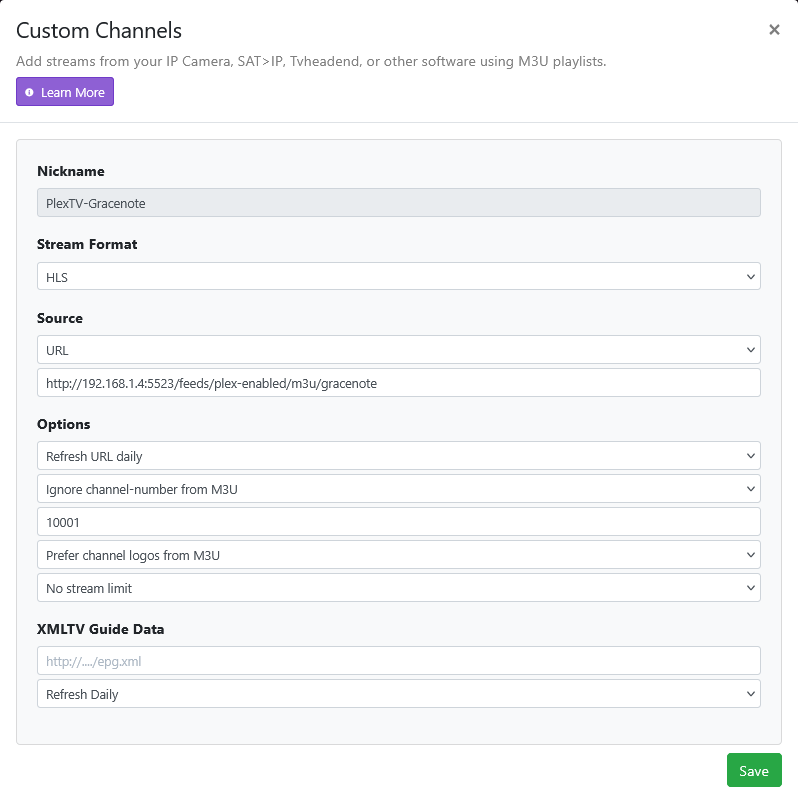
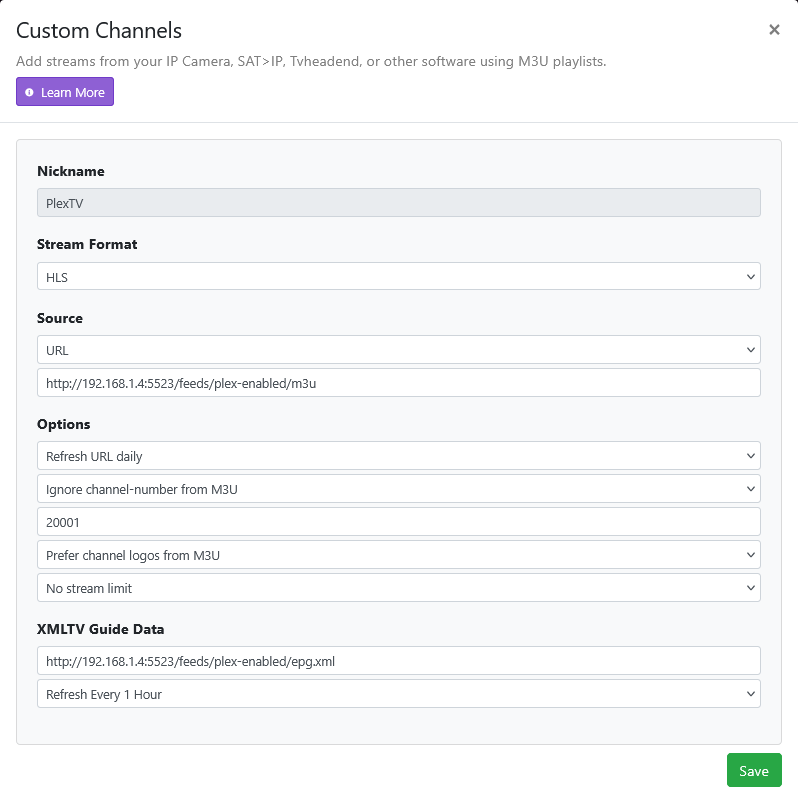
In mine that is working properly, I let FastChannels assign the channel numbers, but I do specify what channel number to start at for each feed.

The main reason I do this is so that if a channel or set of channels no longer works properly or doesn't get guide data properly, I can quickly identify which source/feed is having issues based on the channel number.

What happens when a new channel is added to Xumo (non-gracenote).
What channel number is assigned.
If FAST channels weren't being constantly added and dropped, it wouldn't be an issue.

I had been separating sources this way before FastChannels came along. I noticed that when new channels were added under this old method, CDVR would put them in a range way beyond all of my other allocations. So, I thought that I'd try something different this time. I'm still experimenting...

1 Like

I have been able to force this a few times by deleting the two sources from CDVR, going back to the FastChannels interface, saving the feed again, which prompts "Saved and Regenerated", and the adding the feed(s) back to CDVR again. This hasn't been sure-fire as it hasn't worked for my Xumo example source.

I don't think there's only one right way. It's whatever works for you. Nice to have the flexibility.

1 Like

After you delete the sources, delete and recreate the guide database in CDVR before adding them back again. That will free up the channel numbers that were used.

Indeed. One problem I have with allowing CDVR to number the channels internally, is that when you ignore the channel number from the Fast M3U, you override the ability to assign and lock certain channel numbers.

I'm not sure and I haven't specifically ever looked. I just assumed FastChannels would automatically manage that. I don't care what number a particular channel is - just that it's within the range of channels I specified.

I can try that in my next experiment...

How so? You can either tell FastChannels to assign the numbers and allow CDVR to honor those numbers or tell CDVR to override the FastChannel numbers with those specified in CDVR. You can then tell CDVR the channel range you want. The behavior is still the same in CDVR.

That’s definitely a bug. Will fix. Thanks for catching that.

The whole chan-num thing has been a nightmare btw.

Maybe give it some padding between the two sources so it has room to breath?

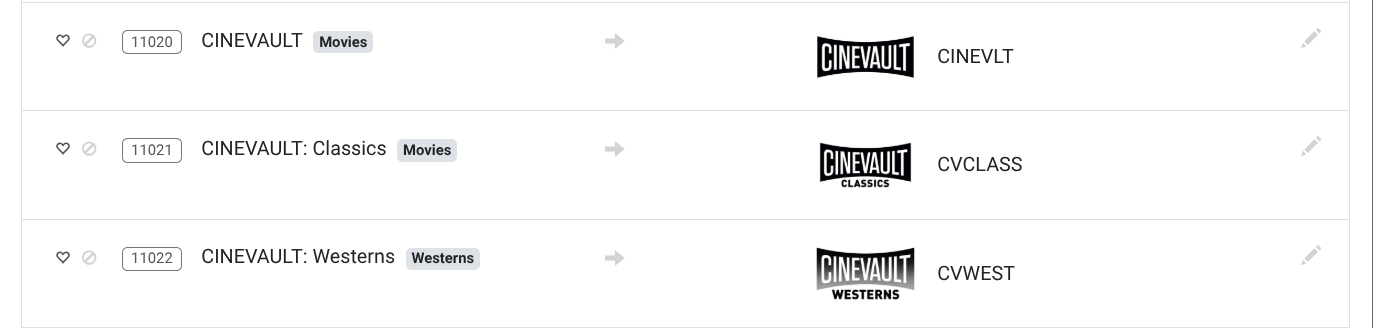
Here's an example: From my previous Tubi source which I previously allocated the 11000 range, CDVR had assigned the Cinevault movie channels to 11020, 11021, and 11022.

I got used to these numbers and wanted them to stay exactly the same in my new FastChannels Tubi source. In Fast Channels, you can lock those numbers in like so:

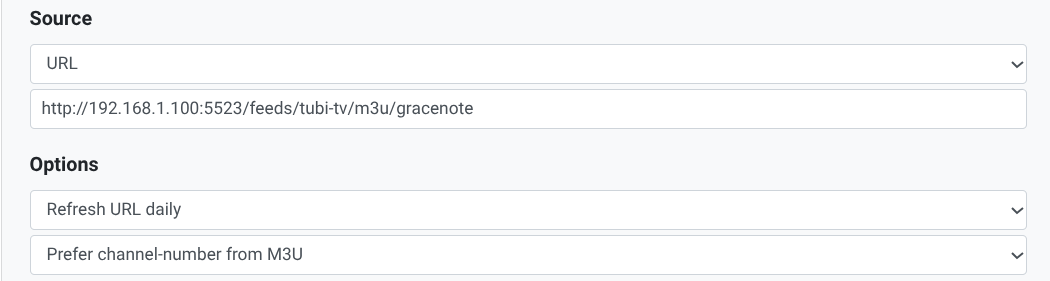
The only way that you can get CDVR to keep these assigned/locked numbers is to choose "Prefer channel-number from M3U" in your CDVR custom channel source settings.

If you choose "Ignore channel number from M3U", you'll get whatever CDVR wants you to have for numbers, even if you specify the same 11000 range. You'll get 110##'s assigned in ascending order.

Oh, you are locking in numbers using FastChannels. As far as I know, there isn't a way to lock in numbers using CDVR. I know because I had to use a really convulated method to lock in some channel numbers for some remote off-air channels I am bringing into CDVR.

Theoretically, before FastChannels, those numbers could change for those channels since CDVR can only lock in a channel range but not a specific number for a channel, correct? For example, if you removed the source in CDVR and then added it back in?

I really do wish that CDVR had a method to assign specific numbers for specific channels.