
the 3 Twitch streams and random local city cam streams i added working fine.
Added a YT channel, but user not live.
I try to add that channel in fast and it gives me this trying to detect stream
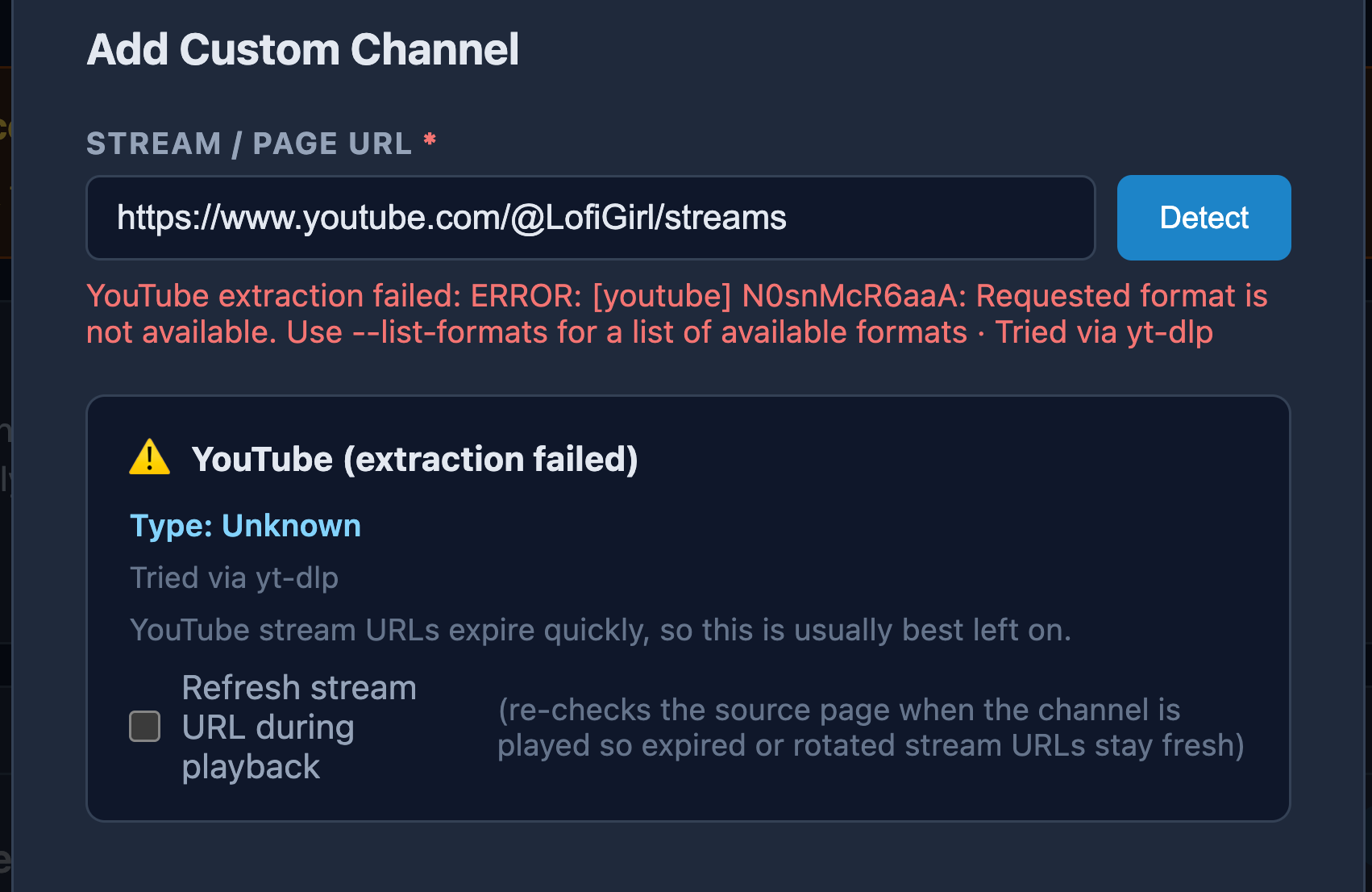
on YT, stats say its a AV1 codec stream. (most are these days)
2 Likes
That's a page with multiple streams I shared, just as examples.
The first link in the same post points to one live stream, that FastChannels does recognize:
https://www.youtube.com/watch?v=N0snMcR6aaAOh, the release notes just said post link to the YT live page and it should figure it out....i took that to mean that it can detect any new/current live streams and will auto load that stream when u tune the channel.
I have several YT channels that go live from time to time...but, now i thinks this meant for always on/active live streams then? Cause u need to add the link to the specific live stream video url to get it to work?
Anyways, added that specic URL....stream plays fine for me in Channels.
For YT sites with one or more Live streams you can use /@Sitename/live to get the newest live stream
https://www.youtube.com/@LofiGirl/live
When using /watch?v=videoID sometimes the videoID changes and it will no longer work.
1 Like
Thanks. I’ll check when I get home too. This sort of content isn’t the type of thing I’d typically watch remotely via Channels anyway. I was just excited to try it out 
Everyone knows you can’t triple stamp a double stamp. I bet remote streaming will struggle as CDVR will have to transcode while the proxy does at same time. I’m not sure how it’ll play out, but probably not good.
1 Like
Question about the Test Stream button on the Channels tab.
What, exactly, does it do?
I'm guessing it just reads the manifest m3u and stops there.
I have some channels that were disabled by FastChannels.
Test Stream reports them as Live.
Trying to play them with VLC gets a 404 Not Found error.
Gimme a couple examples and I’ll check behind the scene
added this for next version
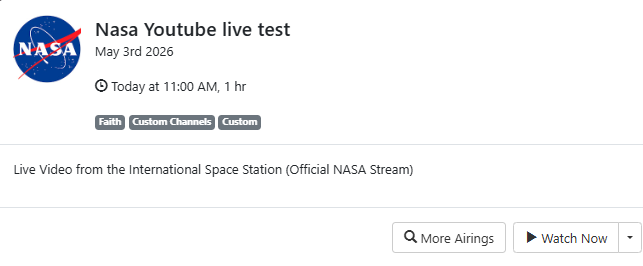
When I find one again I'll post it.
Right now I just went through about 15 channels that FastChannels had removed from output feeds and they all play fine in VLC, they're enabled but not in the output feeds so can't check in Channels DVR. Mostly Vidaa and Distro channels.
74 channels like this
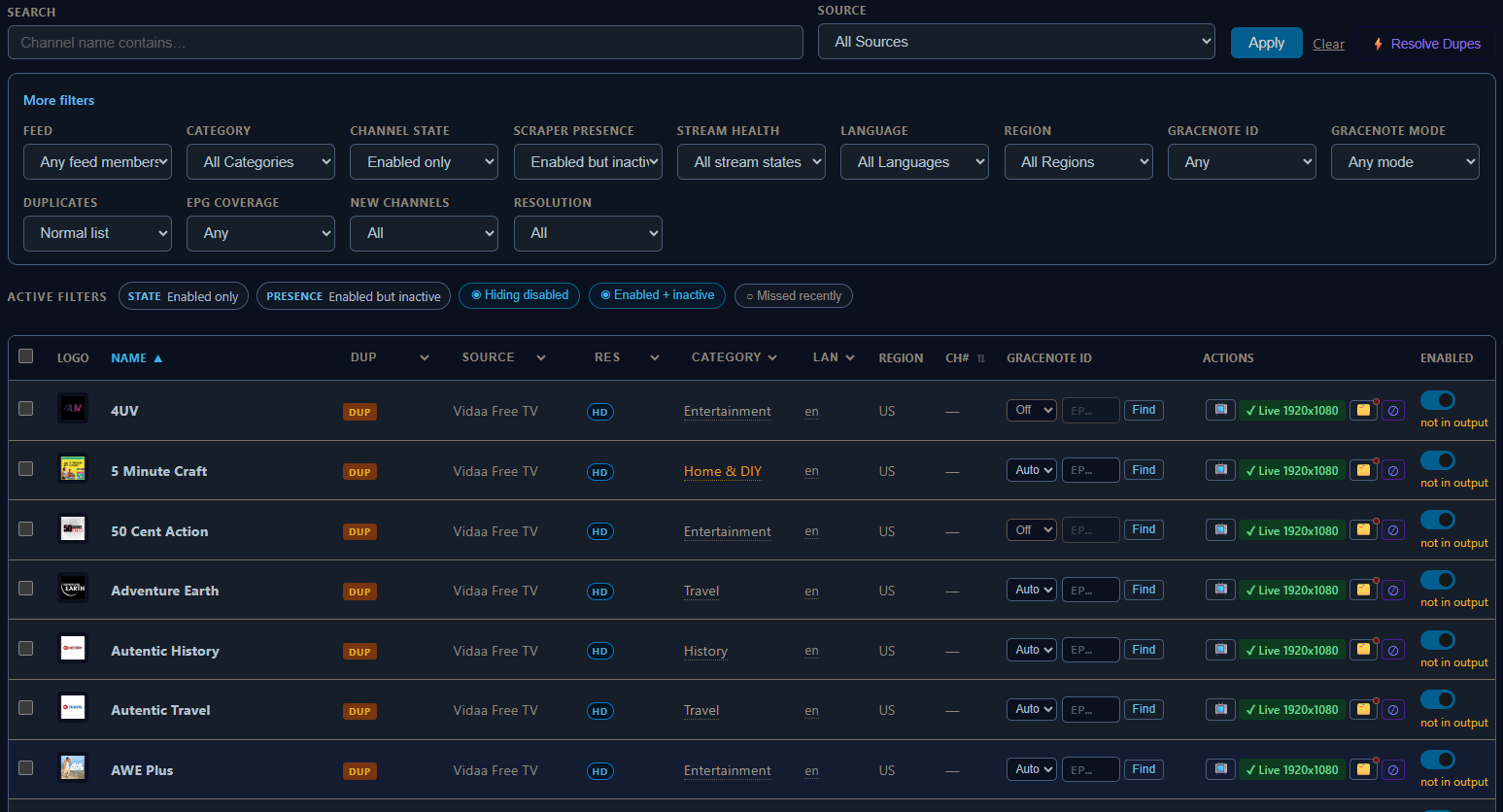
Interesting. So the not in output means not in latest scrapes. I wonder why the stream would even work at all - maybe cached their from CDN server? Will look into them more.
FYI- I’ve found Vidaa and Distro to be not as reliable as the other sources so I rarely use them personally. TCL and Pluto seem to be my favorites.
I'm finding Plex, Pluto, Local Now and TCL to be reliable streaming. At least for the channels I pick from them.
Just for grins and giggles I copied the url for one of them marked as Active not in output

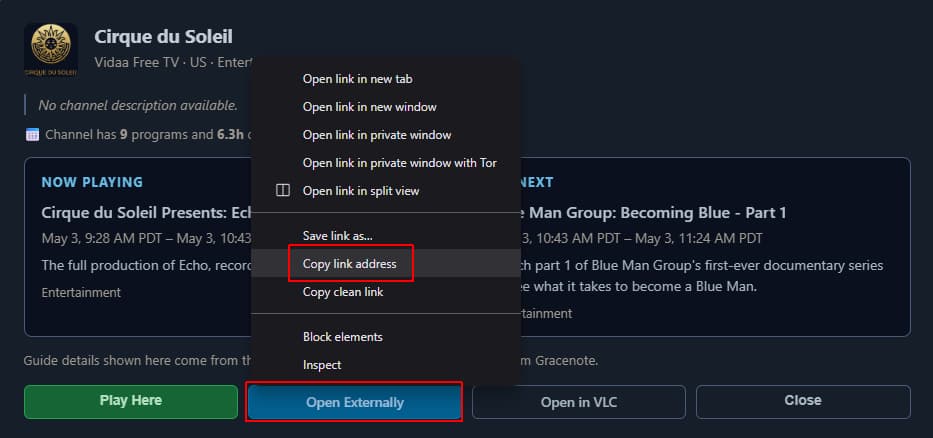
and created a custom channel for it
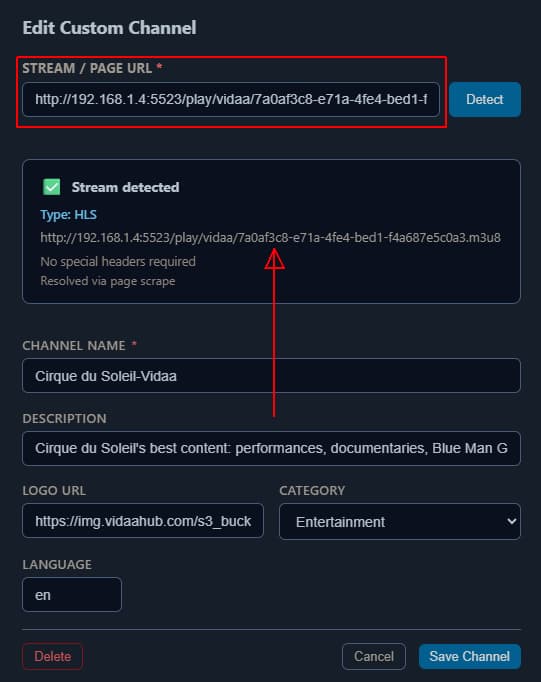
Guess it's proxying the proxy for the Vidaa channel, but it plays in Channels DVR
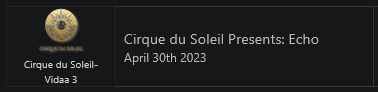
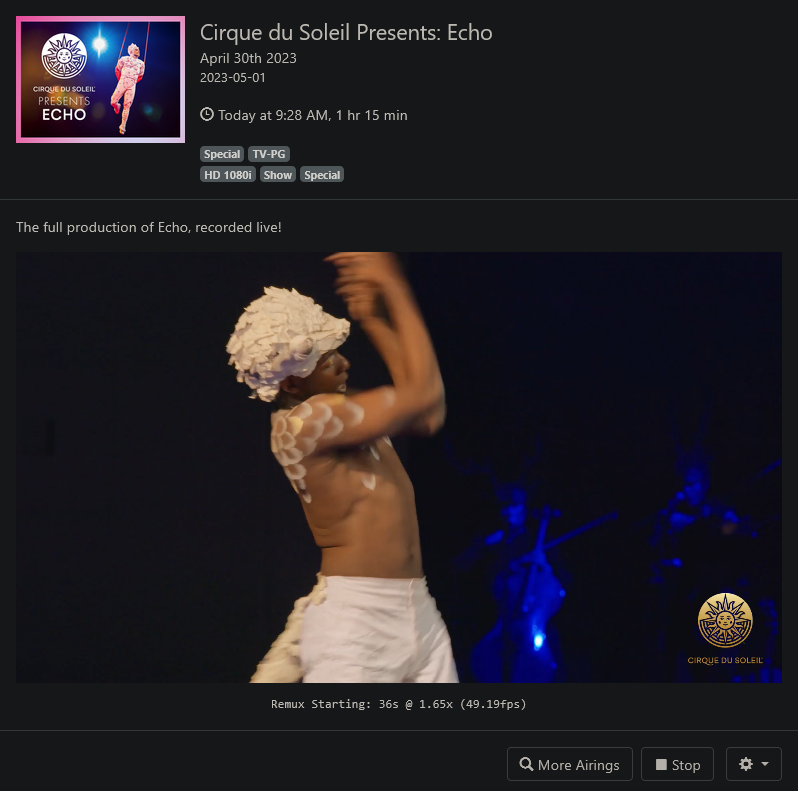
And I just stumbled upon this. Are the missed scrapes surfaced anywhere else?

I might have found an issue.
I enabled Vidaa before you changed the region selection.
I have two Vidaa channels for Cirque du Soleil. They both show as region US in the channels tab.
But their url's are different.
http://192.168.1.4:5523/play/vidaa/7a0af3c8-e71a-4fe4-bed1-f4a687e5c0a3.m3u8 not in output, missed scrapes
http://192.168.1.4:5523/play/vidaa/US:7a0af3c8-e71a-4fe4-bed1-f4a687e5c0a3.m3u8 in output
I have only US selected in the source.
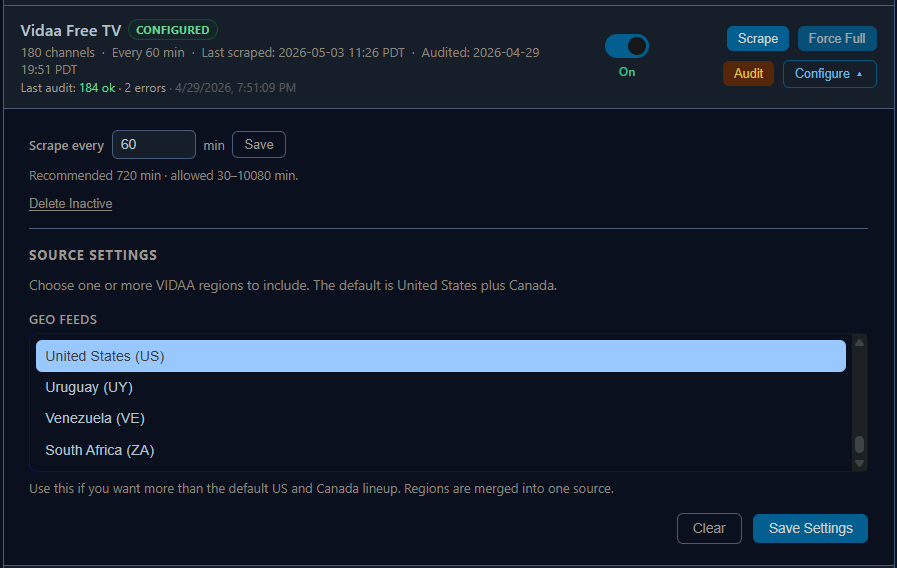
Seems that's the issue with the channels missing scrapes.
They are DUP channels, one has US: in the url, the other doesn't.
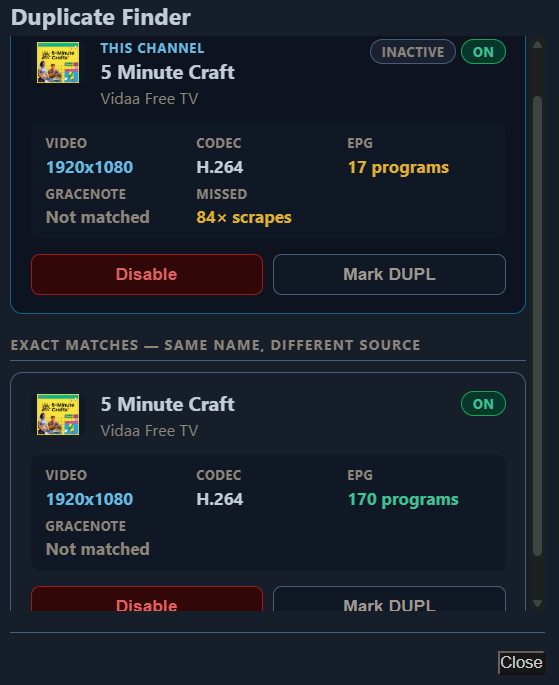
Don't know how to DELETE those channels, so I'll just disable them.
MUCH better now!
Need some help to get my last "straggler" into the output feed.

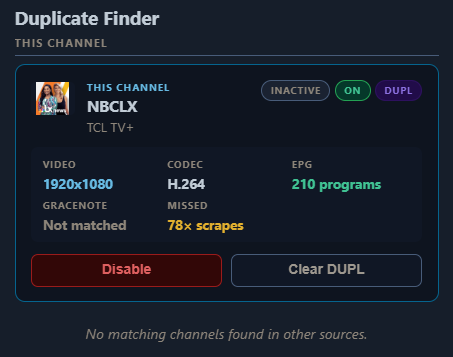
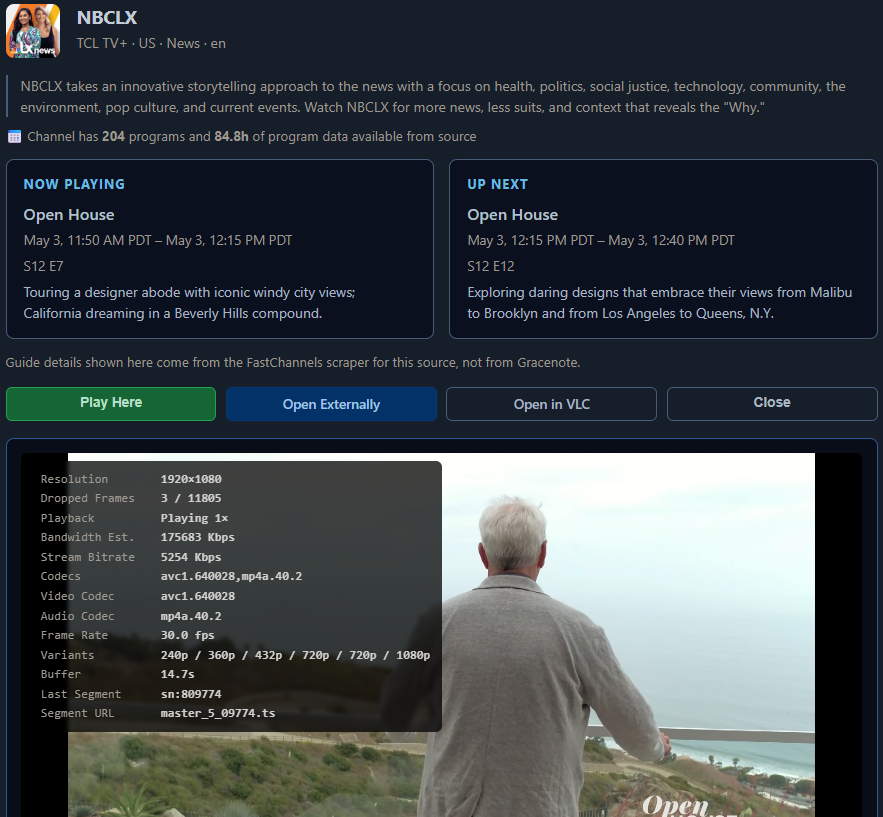
It plays fine in the built in player
What if you disabled the entire source? I think that’d reset all the channels.
Of course you’d lose your settings for that channel.
I just disabled all the Vidaa and Distro channels that were DUPS and showed missed scrapes.
All clean now except for TCL+ NBCLX that plays but is marked for no output due to missed scrapes.
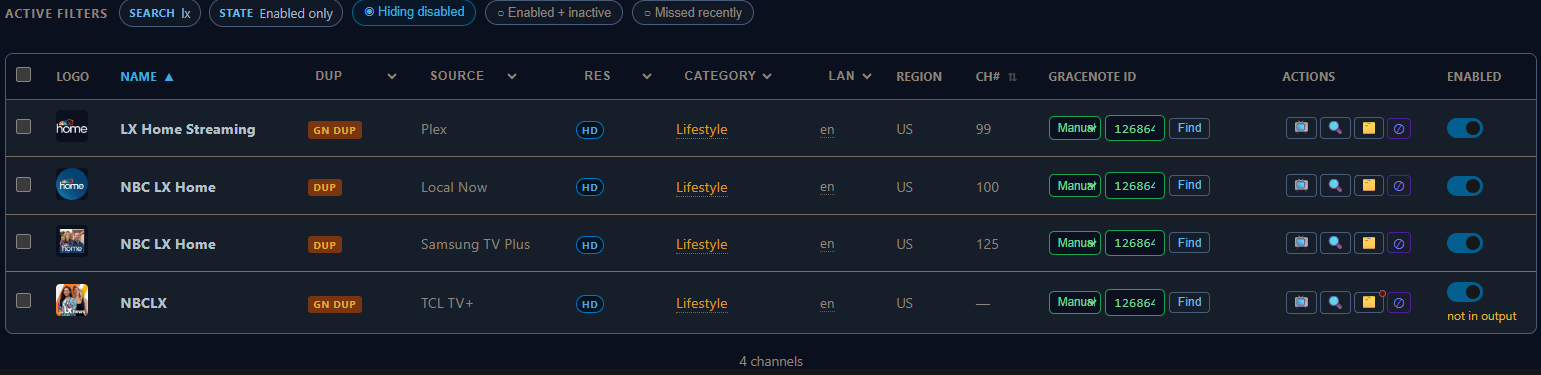
Not a big deal as it's on 3 other sources. Just want to know why it streams but missed scrapes.
I didn't want to disable sources and have to start all over again with them. Too much work invested.
@KineticMan
Would you consider adding a Delete channel (like you can do for a Custom source channel). That way if the channel doesn't scrape next time it will be gone, but if it does scrape it will be added to the source again.
I keep getting a "Channel no longer available" error in the ChannelsDVR guide for 21 Jumpstreet from localnow. The channel plays fine, but there is no guide data. As far as I can tell, everything is selected in FAST Channels and ChannelsDVR. All other channels populated the guide properly.
Any suggestions?
*Just noticed the only channel that has a gracenote guide in ChannelsDVR is 21 Jumpstreet. Could this be the issue? How to remedy?
Either remove the GRACENOTE ID in the channels tab

or try one of these stationId for the GRACENOTE ID
21 Jump Street
"callSign": "XSLJS",  "stationId": "136404"
"callSign": "XPLFR21","stationId": "137066"
"callSign": "TVP21JM","stationId": "181756"
"callSign": "21JUMP", "stationId": "165784"
"callSign": "PTVUKJS","stationId": "115042"
"callSign": "XMVJS",  "stationId": "124879"
"callSign": "XTBJS",  "stationId": "124638"
"callSign": "21JUSDE","stationId": "199615"
Whichever one gives you the correct guide listings. Probably 165784
How about if I had delete option once it hit “not in output”. I’d hate to open a can of worms if people deleting then it keeps coming back.
1 Like