
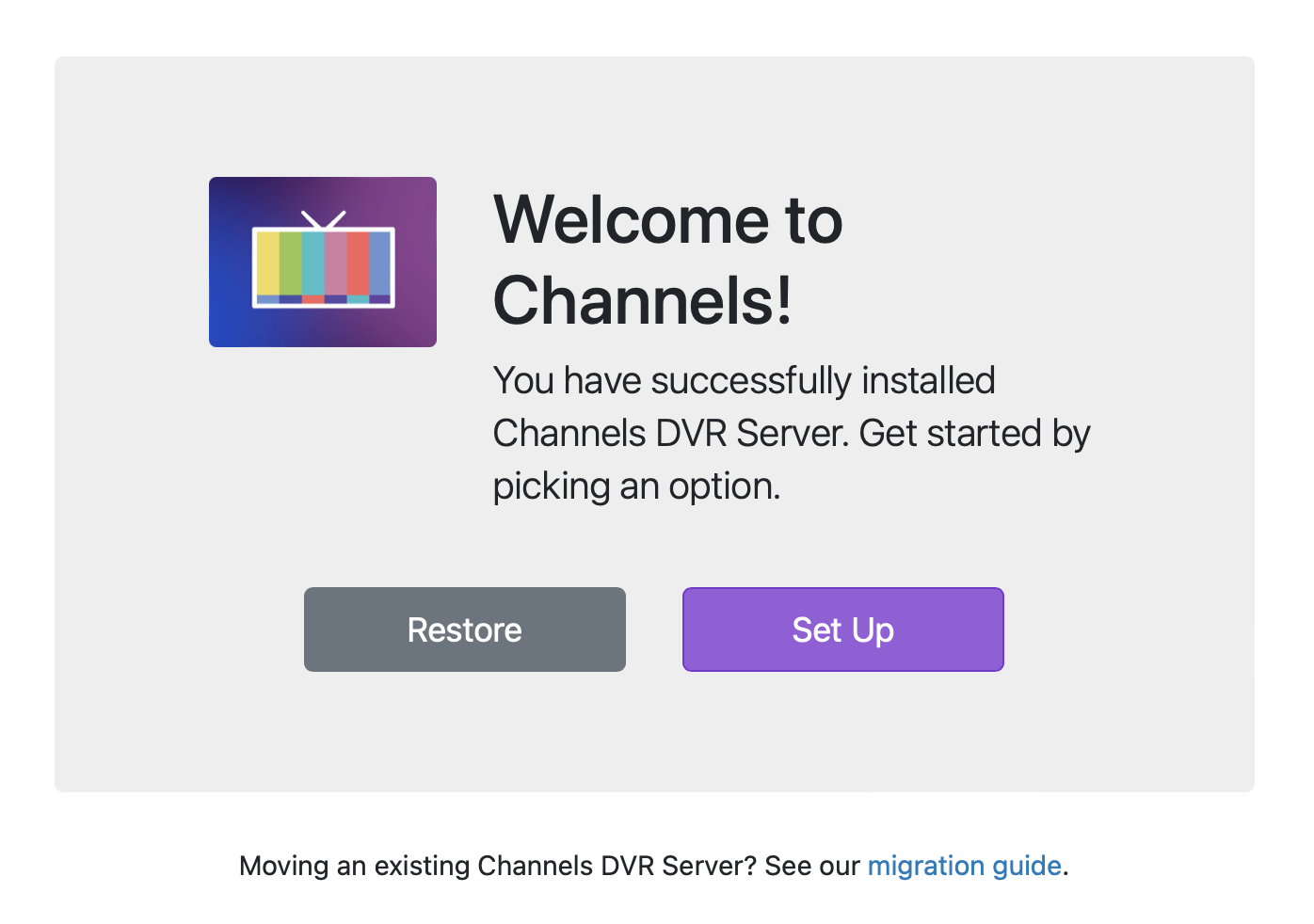
The instructions at this link below great, but the app to install could be changed to make the "restore wizard" a bit more of an obvious choice. I missed it and logged on, requiring an uninstall to get back to the restore wizard.
Could be an install option
It is an install option, but it is tiny and below the highlighted Log In option. It's easy to miss. A design change of the UI is all that is needed.
BTW, one thing I really like is that if you store your content on a different drive the transition is really easy. If your computer dies, you just need to setup a new computer. If your data drive dies, you just need a new data drive. One of the things I always hated about Tivo was you were pretty much totally screwed if your drive died. Backups were difficult/impossible, and one drive contained the OS and program data.
You referenced the migration article, but did you actually read it?
Note: If you have already set up your new Channels DVR Server fresh and would like to restore from your migrated data directory, you can get to the Welcome Screen directly by visiting http://SERVER_IP_ADDRESS:8089/welcome .
Yes I read it, but I didn't have it in front of me when actually making the switch. The "Log In" being so much more prominent than restore wizard caused me to miss it. It's not even the same font size. I'm suggesting that restore wizard be more prominent so that you don't need to have step by step instructions sitting in front of your face.
Background: Migrating Data off Channels RPI Image
I am moving from the RPI Image to Mini PC Running Ubuntu. I am not a skilled Linux user but the RPI was solid and don't want to try Windows.
I was hoping I could just take the USB WD Drive running the image and plug it into the Mini PC mount the drive and could just continue to use the exiting DVR directory. But I can't quite figure out how to mount the drive and it is taking forever to sycn the data via the smb share option the the RPI Image has.
I was able to mount to the /dev/sda1 and the /dev/sda has /dev/sda1-9 1and /dev/sda9 is where the DVR data resides in but not quite sure the technique to get at it. Sorry for not having screen shot started the RPI Image back up to start copying from the SMB share as backup.
If you google it AI will come up with a procedure for you. I exported to a google doc below. I assume you are talking about ubuntu server
@slampman I was following your tutorial for unbuntu so thanks for getting me this far.
So I tried again following the doc that was shared and the mount doesn't error out. However, I don't see any data. A umount says nothing is mounted but interesting when I tried to run sudo chown -R cdvr:cdvr /media/usb_drive
I got an error (example) chown: changing ownership of '/media/usb_drive/Images/tmsimg/8d': Operation not permitted
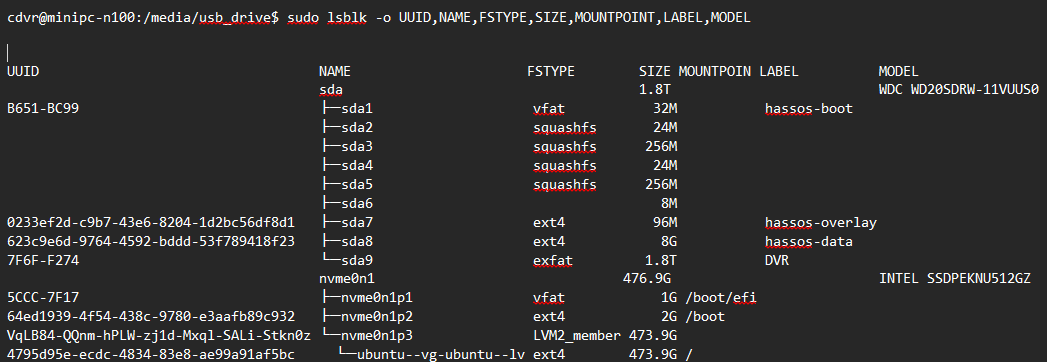
I cant really see the error very well since the excerpt is not posted as code. You might try and chatgpt the error and see if it can help
I tried to clean up my last post. I may ask support if they have some feedback during the week. As this is specifically for the RPI Image that was provided prior to May 1st. I have my setup fully functional now (locals and TVE with Xfinity) after copying data over via the SMB share the Image provided. Mainly curious and asking in case anyone else tries what I did with that image.
@slampman I tried again today. I was able to mount the dvr directory today. For the permissions issue I modified how I mounted the drive so that it would have my channels user assigned as exfat doesn't allow chmon. Thanks for the help.
I believe you made a typo, it is chmod not chmon