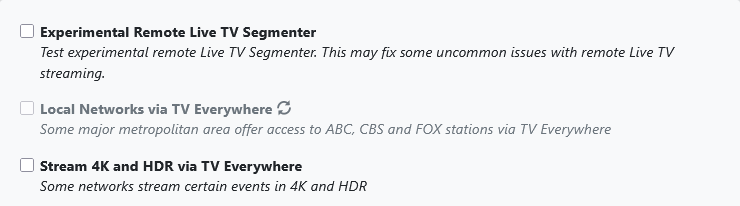
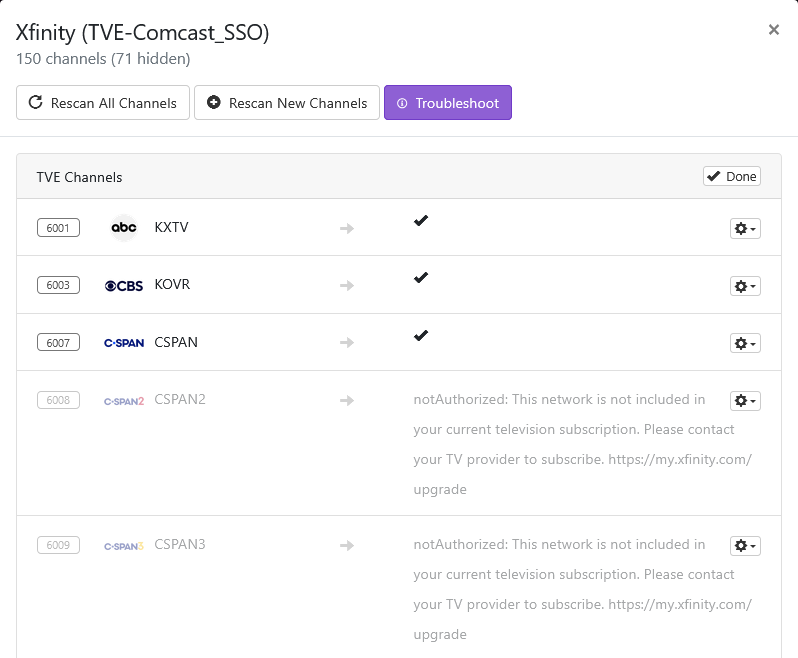
You scan for the local networks by toggling (uncheck, then check) this setting in your Channels DVR web admin UI
Settings > Advanced > Experimental > Local Networks via TV Everywhere
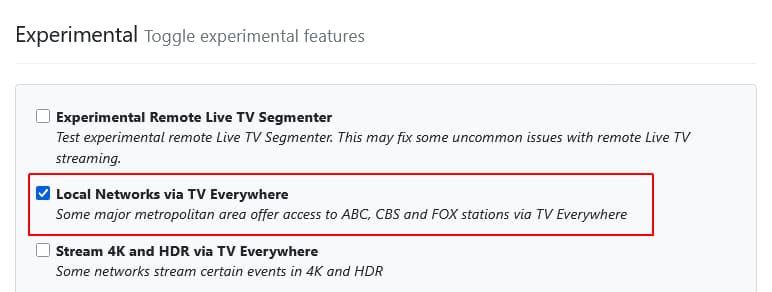
When you check the box again to scan, It will prompt you to connect securely (Try again over HTTPS here or here) so click one of the
here links and then check the box again.
It will then ask to allow your browser to provide location information
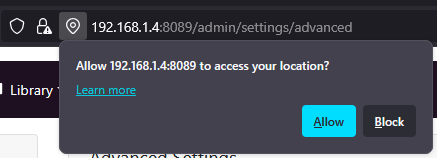
and you will see a spinner as it scans