For those of us who are using this tool for ADBTuner tuning, if you haven't discovered the most recent development version of ADBTuner, I highly recommend. The developer has expanded out the historical "who's watching?" capability, so that you now may put in custom search terms beyond the native ones. This is very handy as a way to get past all of the "watch live" type splash screens that can be encountered by all of the live events across the various apps now supported by FDL. The short version of this is that you can add search terms such as "live" or "watch" and it will keep periodically pushing the DPAD_CENTER button until it detects that you are all the way to live video. It is really nice doing things this way, for me, because you can fold back in some of the native detect live video tools that are built into ADBTuner, and everything doesn't have to be so timing based as the custom configs first being used here with FDL. Some of these timings were set quite long because how quickly an app can open can vary quite a bit. Plus this approach hides more of the sausage being made, which I prefer as well.
I started using this development version, and was making a bunch of different configs, discovering the right search terms per app, and eventually found that a couple of key search terms covered a lot of different apps. So I consolidated them, and they have been working quite successfully for a while now for me, so I thought I would share to save others the trouble.
There are two main configs I made. A standard one that would support many apps, and then a compatibility one. A decent amount of the apps supported here don't close properly, so I had to make a compatibility version, so apps would be forced closed, similar to the compatibility version in ADBTuner. Between these two, I was able to make them work with a lot of different apps supported with FDL.
There were two apps that still couldn't be supported with these, as they didn't consistently, go to the live version of the event when tuning through FDL, the ESPN app, and the NBA app. Some configs for ESPN have been shared previously in this thread, but for me I prefer mine, because it is leveraging some of the video detection aspects of ADBTuner, doesn't seem to be so timing based, and less sausage-makey. The NBA one was tricky to always get to live, as the app wants to throw a lot of different looks where buttons can be found on the screen, etc. But eventually I think I have discovered the proper sorcery of button pushes to consistently get you to live.
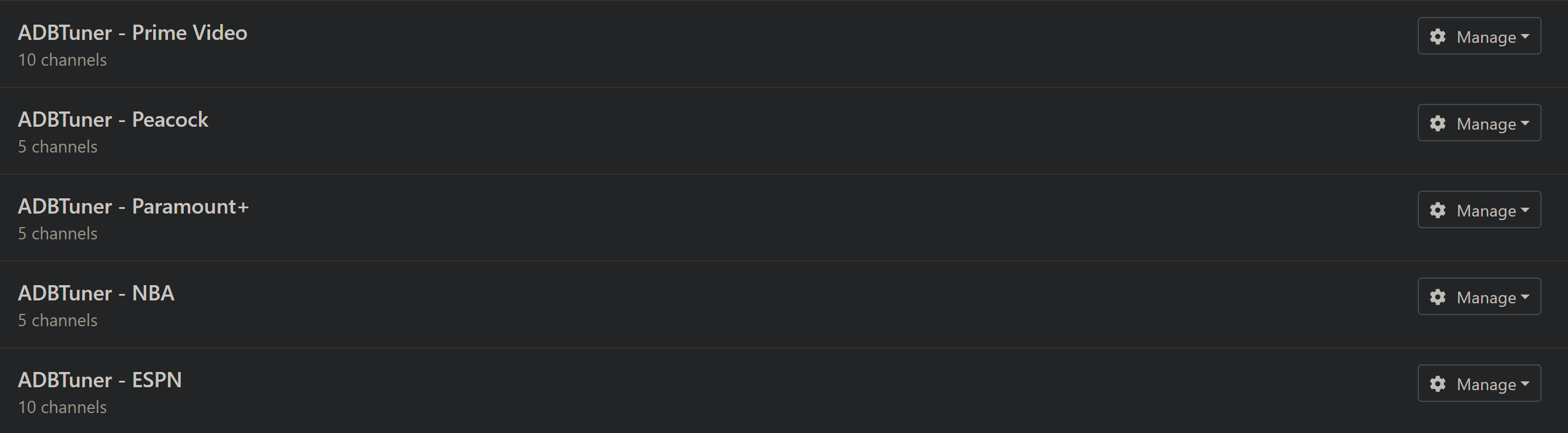
I will share all four of these below. I currently use FDL Standard for HBO Max. I use FDL Compatibility for Prime Video, Peacock, and Paramount+. I use FDL ESPN Specific for ESPN, and FDL NBA Specific for NBA of course. The "Specific" ones still potentially have a little bit of timing basis to them, as there is a lot of button pushing required, and I tuned them for my personal use on one specific type of hardware, so it is possible you may have to stretch out some of the initial timings if your hardware is different then mine. I don't like to wait forever, so I tried to time them decent for my stuff, so YMMV there. Enjoy!
    "name": "FDL Standard",
    "author": "nateg",
    "version": "1.0",
    "description": "FruitDeepLinks standard config with tuning to the Live feed.",
    "uuid": "38a8a0df-23b2-41cc-88a5-35ee114eb76b",
    "global_options": {
        "wait_for_video_playback_detection": true,
        "use_fixed_delay": false,
        "fixed_delay_seconds": 0,
        "wait_after_post_playback_start_commands_seconds": 0
    },
    "pre_tune_commands": [
        "input keyevent KEYCODE_MEDIA_STOP"
    ],
    "tune_commands": [
        "am start -W -a android.intent.action.VIEW -d '||TARGET_URL_OR_IDENTIFIER||' '||TARGET_PACKAGE_NAME||'"
    ],
    "tune_match_text_commands": [
        {
            "match_text": [
                "who's watching",
                "choose an account",
                "edit profiles",
                "watch",
                "live"
            ],
            "commands": [
                "input keyevent KEYCODE_DPAD_CENTER"
            ],
            "start_checking_after_seconds": 5
        }
    ],
    "post_playback_start_commands": [],
    "post_tune_commands": [
        "input keyevent KEYCODE_MEDIA_STOP",
        "input keyevent KEYCODE_MEDIA_PAUSE"
    ],
    "timed_keep_active_commands": []
}
{
    "name": "FDL Compatibility",
    "author": "nateg",
    "version": "1.0",
    "description": "FruitDeepLinks compatibility config with tuning to the live feed.",
    "uuid": "40c81359-f241-4c63-af69-bbd76208b065",
    "global_options": {
        "wait_for_video_playback_detection": true,
        "use_fixed_delay": false,
        "fixed_delay_seconds": 0,
        "wait_after_post_playback_start_commands_seconds": 0
    },
    "pre_tune_commands": [
        "input keyevent KEYCODE_MEDIA_STOP",
        "am force-stop '||TARGET_PACKAGE_NAME||'",
        "sleep 1"
    ],
    "tune_commands": [
        "am start -W -a android.intent.action.VIEW -d '||TARGET_URL_OR_IDENTIFIER||' '||TARGET_PACKAGE_NAME||'"
    ],
    "tune_match_text_commands": [
        {
            "match_text": [
                "who's watching",
                "choose an account",
                "edit profiles",
                "watch",
                "live"
            ],
            "commands": [
                "input keyevent KEYCODE_DPAD_CENTER"
            ],
            "start_checking_after_seconds": 5
        }
    ],
    "post_playback_start_commands": [],
    "post_tune_commands": [
        "am force-stop '||TARGET_PACKAGE_NAME||'",
        "input keyevent KEYCODE_HOME"
    ]
}
{
    "name": "FDL ESPN Specific",
    "author": "nateg",
    "version": "1.0",
    "description": "ESPN for FruitDeepLinks with tuning to live feed.",
    "uuid": "51af5028-092f-4ddc-b4ea-d5e5fca58cac",
    "global_options": {
        "wait_for_video_playback_detection": true,
        "use_fixed_delay": false,
        "fixed_delay_seconds": 0,
        "wait_after_post_playback_start_commands_seconds": 0
    },
    "pre_tune_commands": [
        "input keyevent KEYCODE_MEDIA_STOP"
    ],
    "tune_commands": [
        "am start -W -a android.intent.action.VIEW -d '||TARGET_URL_OR_IDENTIFIER||' '||TARGET_PACKAGE_NAME||'"
    ],
    "post_playback_start_commands": [
        "sleep 10",
        "input keyevent KEYCODE_DPAD_DOWN",
        "sleep 1",
        "input keyevent KEYCODE_DPAD_DOWN",
        "input keyevent KEYCODE_DPAD_RIGHT",
        "input keyevent KEYCODE_DPAD_CENTER"
    ],
    "post_tune_commands": [
        "input keyevent KEYCODE_MEDIA_STOP",
        "input keyevent KEYCODE_MEDIA_PAUSE",
        "input keyevent KEYCODE_HOME"
    ]
}
{
    "name": "FDL NBA Specific",
    "author": "nateg",
    "version": "1.0",
    "description": "NBA for FruitDeepLinks with tuning to live feed.",
    "uuid": "599c8090-0e83-4a75-9c8b-69494d1a2d75",
    "global_options": {
        "wait_for_video_playback_detection": true,
        "use_fixed_delay": true,
        "fixed_delay_seconds": 9,
        "wait_after_post_playback_start_commands_seconds": 0
    },
    "pre_tune_commands": [
        "input keyevent KEYCODE_MEDIA_STOP",
        "am force-stop '||TARGET_PACKAGE_NAME||'",
        "sleep 1"
    ],
    "tune_commands": [
        "am start -W -a android.intent.action.VIEW -d '||TARGET_URL_OR_IDENTIFIER||' '||TARGET_PACKAGE_NAME||'"
    ],
    "post_playback_start_commands": [
        "input keyevent KEYCODE_DPAD_CENTER",
        "sleep 13",
        "input keyevent KEYCODE_DPAD_DOWN",
        "sleep 1",
        "input keyevent KEYCODE_DPAD_LEFT",
        "input keyevent KEYCODE_DPAD_LEFT",
        "input keyevent KEYCODE_DPAD_LEFT",
        "sleep 1",
        "input keyevent KEYCODE_DPAD_LEFT",
        "input keyevent KEYCODE_DPAD_LEFT",
        "input keyevent KEYCODE_DPAD_LEFT",
        "sleep 2”,
        "input keyevent KEYCODE_DPAD_DOWN",
        "input keyevent KEYCODE_DPAD_CENTER"
    ],
    "post_tune_commands": [
        "am force-stop '||TARGET_PACKAGE_NAME||'",
        "input keyevent KEYCODE_HOME"
    ]
}