FruitDeepLinks — Universal Sports Aggregator for Channels DVR

Again, looking proper.

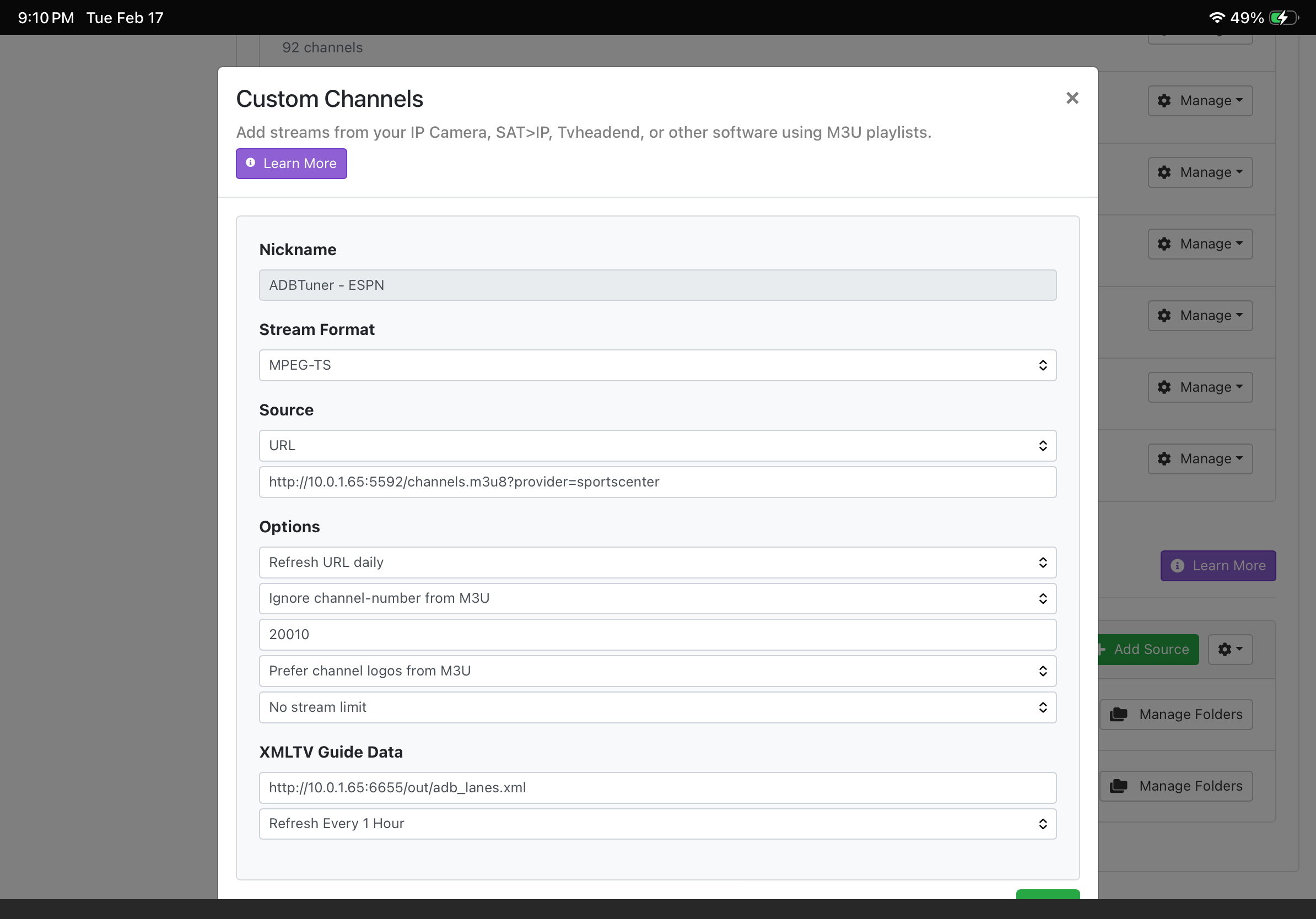
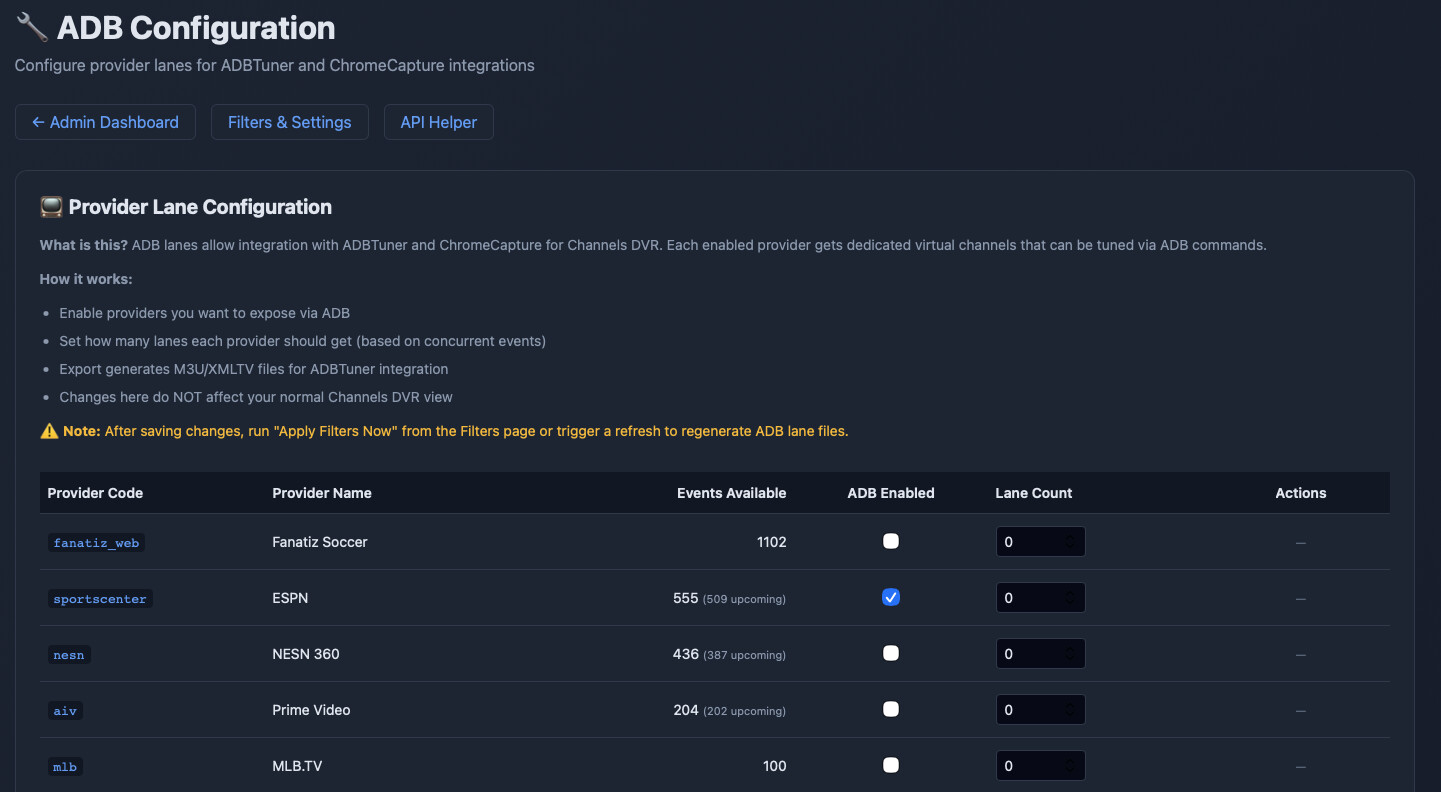
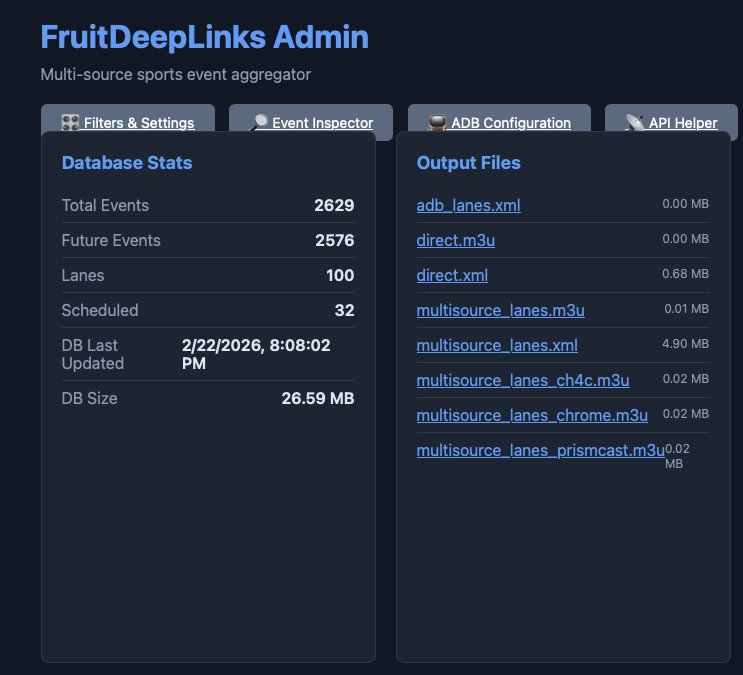
OK, so you have your ADBTuner lanes, your CDVR custom sources using those lanes, and your FDL guide data.

Assuming you've installed the ESPN app on your ADBTuner connected streaming stick, and logged in, you should be able to do a test tune. If it fails, post the snippets requested above from the CDVR and ADBTuner logs.

Two sources, one created thru POC and the other manually. Guide data is good on manual but 'no stream live' on the other. Probably need to get more lanes.


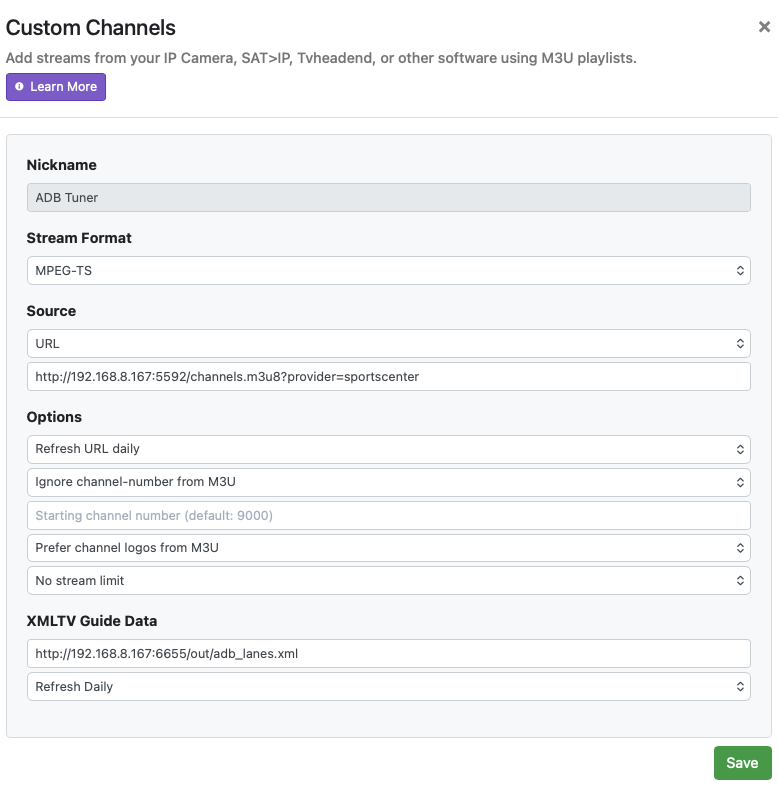
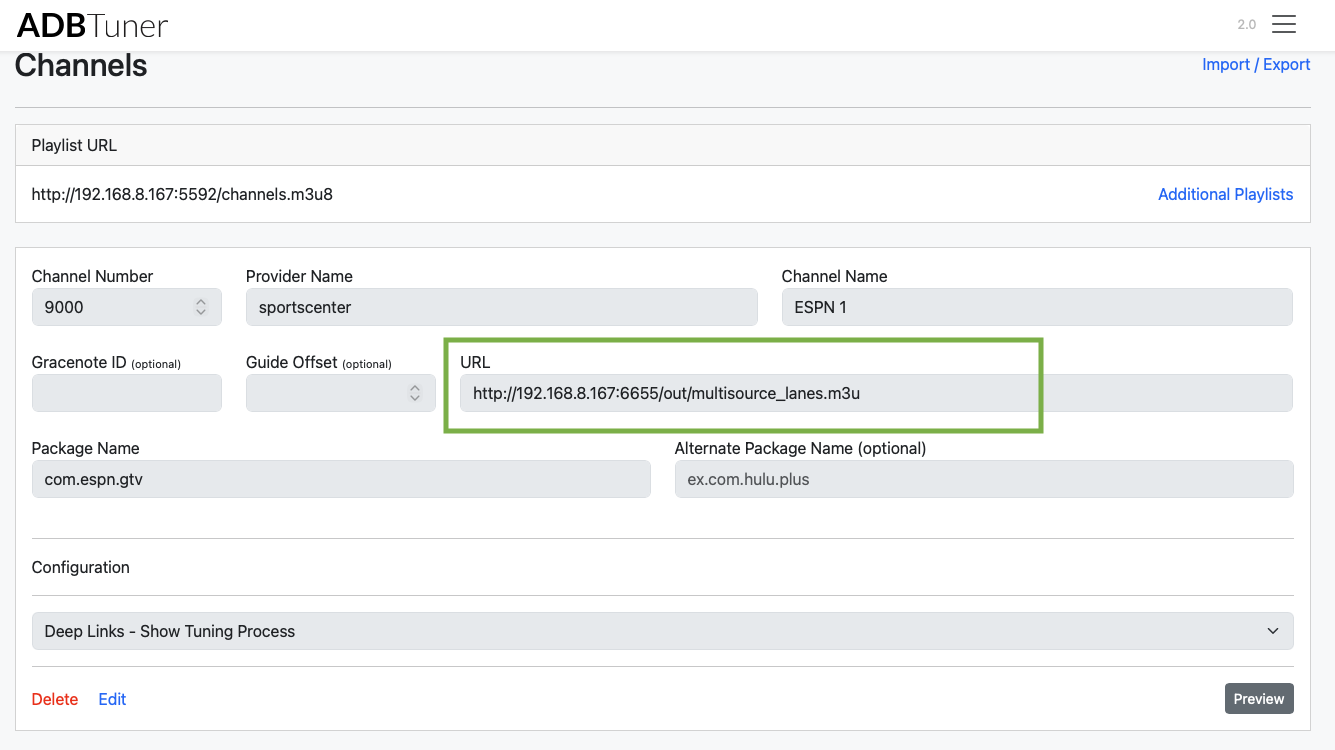
Let's not confuse things here. The CDVR Custom Source you created manually is not correct -- please delete it. The way this all works is that the M3U comes from ADBTuner and the XML comes from FDL.

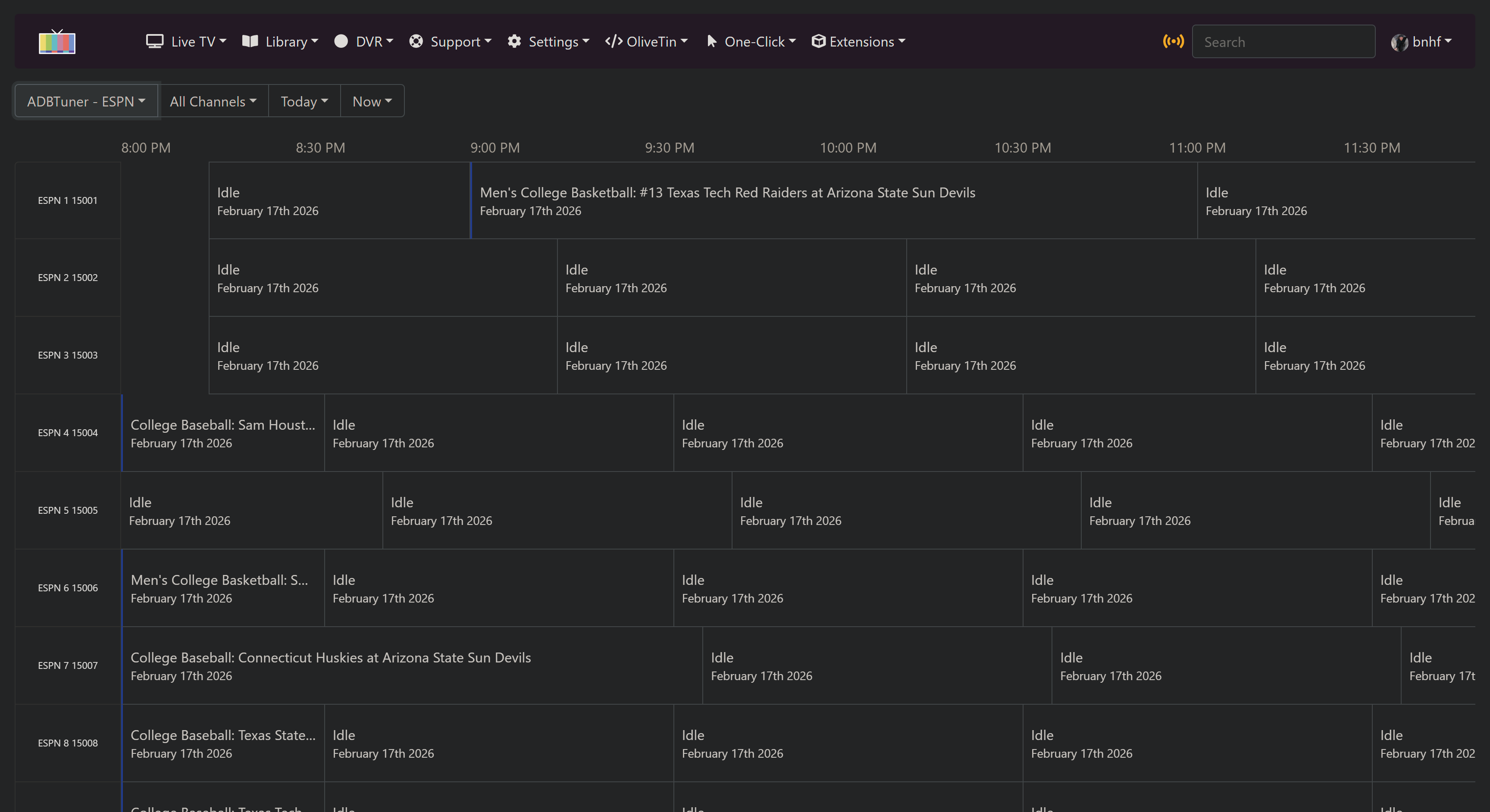
There's not a ton on right now, as non-olympic sports events are somewhat light atm. Here's what's on currently, and you won't likely see in-progress stuff:

So, if you have things setup correctly through FDL, you should be seeing one near future event, according to my guide.

1 Like

I figured the manual source was wrong. Everything is working.
I tuned to the only 3 games that were on and all tuned. They started at the beginning and then moved to Live (keystrokes visible)

Quick question. Any issues running this on my Link Pi that I use for ah4c- I've got 2 inputs plus USB available.

No problem, you just need to dedicate encoder inputs to one project or the other. No sharing inputs. :slight_smile:

Time to call Amazon!!

Thanks for the help!!!

1 Like

Hello, trying to install FruitDeepLinks with Portainer

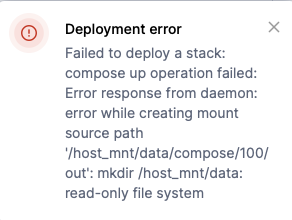
When I add the stack and go to deploy, I keep getting a permissions error:

Failed to deploy a stack: compose up operation failed:

Error response from daemon: error while creating mount source path

'/host_mnt/data/compose/100/ out: mkdir /host_mnt/data:

read-only file system

Does anybody know where I go to update the permissions?

Thank you

Screenshot 2026-02-22 at 9.04.42 AM

What OS is your Docker host computer running? That'll help us point you to a solution...

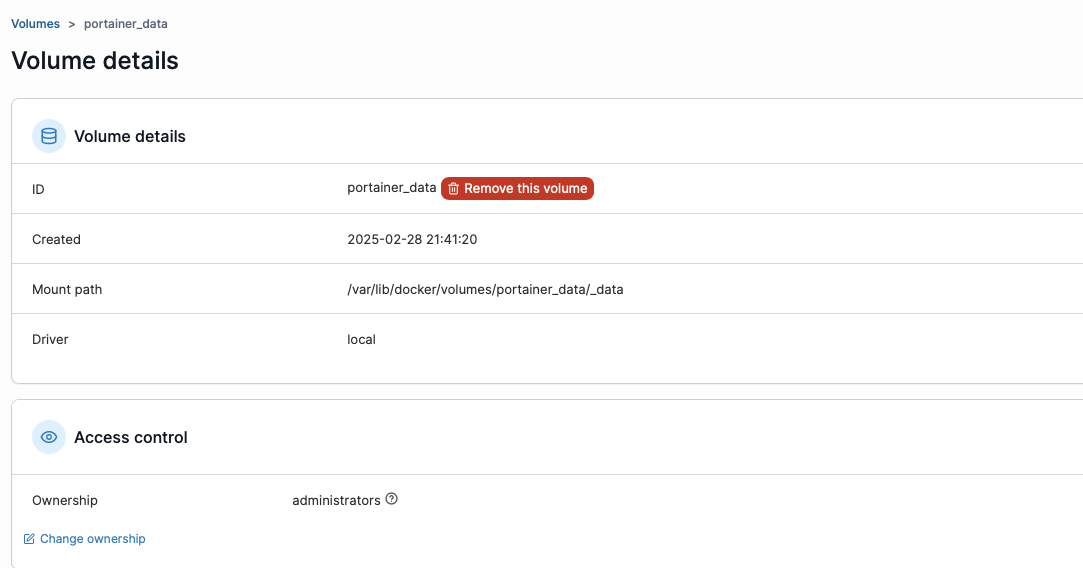
Hello @bnhf, I'm running Mac OS 26.3, this was the data volume I was seeing in Portainer

MacOS limits the directories you can write to for bound directories. Assuming you're using this Docker Compose:

services:
  fruitdeeplinks:
    # 2025.12.22
    # GitHub home for this project with setup instructions: https://github.com/kineticman/FruitDeepLinks
    # Docker container home for this project: https://github.com/kineticman/FruitDeepLinks/pkgs/container/fruitdeeplinks
    image: ghcr.io/kineticman/fruitdeeplinks:${TAG:-latest}
    container_name: fruitdeeplinks
    hostname: fruitdeeplinks
    shm_size: '2gb'
    ports:
      - ${FRUIT_HOST_PORT:-6655}:6655
    environment:
      - TZ=${TZ:-America/New_York}
      - SERVER_URL=${SERVER_URL:-http://localhost:6655}
      - FRUIT_HOST_PORT=${FRUIT_HOST_PORT:-6655}
      - CC_SERVER=${CC_SERVER:-localhost}
      - CC_PORT=${CC_PORT:-8080}
      - CHANNELS_DVR_IP=${CHANNELS_DVR_IP:-}
      - CHANNELS_SOURCE_NAME=${CHANNELS_SOURCE_NAME:-fruitdeeplinks}
      - FRUIT_DB_PATH=${FRUIT_DB_PATH:-/app/data/fruit_events.db}
      - OUT_DIR=${OUT_DIR:-/app/out}
      - LOG_DIR=${LOG_DIR:-/app/logs}
      - LOG_LEVEL=${LOG_LEVEL:-INFO}
      - FRUIT_LANES=${FRUIT_LANES:-50}
      - FRUIT_LANE_START_CH=${FRUIT_LANE_START_CH:-9000}
      - FRUIT_DAYS_AHEAD=${FRUIT_DAYS_AHEAD:-7}
      - FRUIT_PADDING_MINUTES=${FRUIT_PADDING_MINUTES:-45}
      - FRUIT_PLACEHOLDER_BLOCK_MINUTES=${FRUIT_PLACEHOLDER_BLOCK_MINUTES:-60}
      - FRUIT_PLACEHOLDER_EXTRA_DAYS=${FRUIT_PLACEHOLDER_EXTRA_DAYS:-5}
      - CDVR_DVR_PATH=${CDVR_DVR_PATH:-}
      - CDVR_SERVER_PORT=${CDVR_SERVER_PORT:-8089}
      - CDVR_API_PORT=${CDVR_API_PORT:-57000}
      - HEADLESS=${HEADLESS:-true}
      - NO_NETWORK=${NO_NETWORK:-false}
      - AUTO_REFRESH_ENABLED=${AUTO_REFRESH_ENABLED:-true}
      - AUTO_REFRESH_TIME=${AUTO_REFRESH_TIME:-02:30}
    volumes:
      - ${HOST_DIR:-.}/FruitDeepLinks/data:/app/data
      - ${HOST_DIR:-.}/FruitDeepLinks/out:/app/out
      - ${HOST_DIR:-.}/FruitDeepLinks/logs:/app/logs
      - ${CDVR_DVR_PATH:-/tmp/fruitdeeplinks-novol}:/mnt/dvr
    restart: unless-stopped
    logging:
      driver: json-file
      options:
        max-size: 10m
        max-file: 3

A recommended HOST_DIR value, which goes in the Environment variables section of the Portainer-Stacks Editor (it's not recommended to edit the compose directly -- use the special section just for defining overrides) would be /Users/<your mac username>.

If you switch to advanced mode in the Environment variables section, you can enter override values like this:

FRUIT_HOST_PORT=6655
TZ=US/Mountain
SERVER_URL=http://htpc6:6655
CC_SERVER=cc4c2
CC_PORT=5589
CHANNELS_DVR_IP=media-server8
CHANNELS_SOURCE_NAME=FruitDeepLinks
FRUIT_LANE_START_CH=14001
FRUIT_LANES=100
CDVR_DVR_PATH=
CDVR_SERVER_PORT=8089
CDVR_API_PORT=57000
AUTO_REFRESH_ENABLED=true
AUTO_REFRESH_TIME=02:30
HOST_DIR=/data

Thank you @bnhf adding the HOST_DIR with my Mac username fixed the issue!

Much appreciated!

1 Like

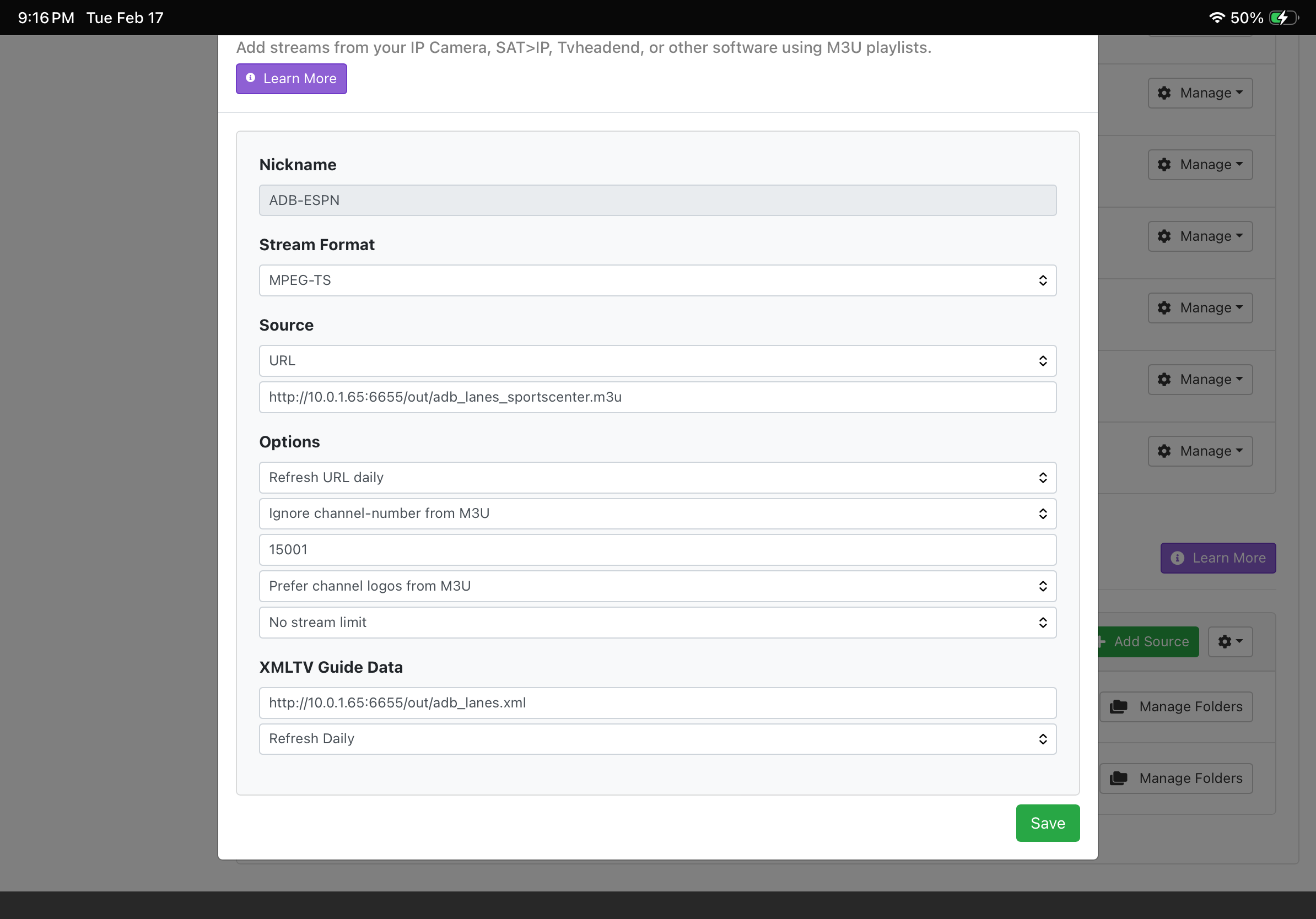
Hi @bnhf sorry to trouble you again, I seem to have everything up and running, the only part I'm getting stuck on is what URL I should be putting from Fruity output files into ADB to test tuning a ESPN channel with my FireTv/HDMI encoder?

My tuners are all connected and reading fine in ADB.

Thank you for any help/guidance


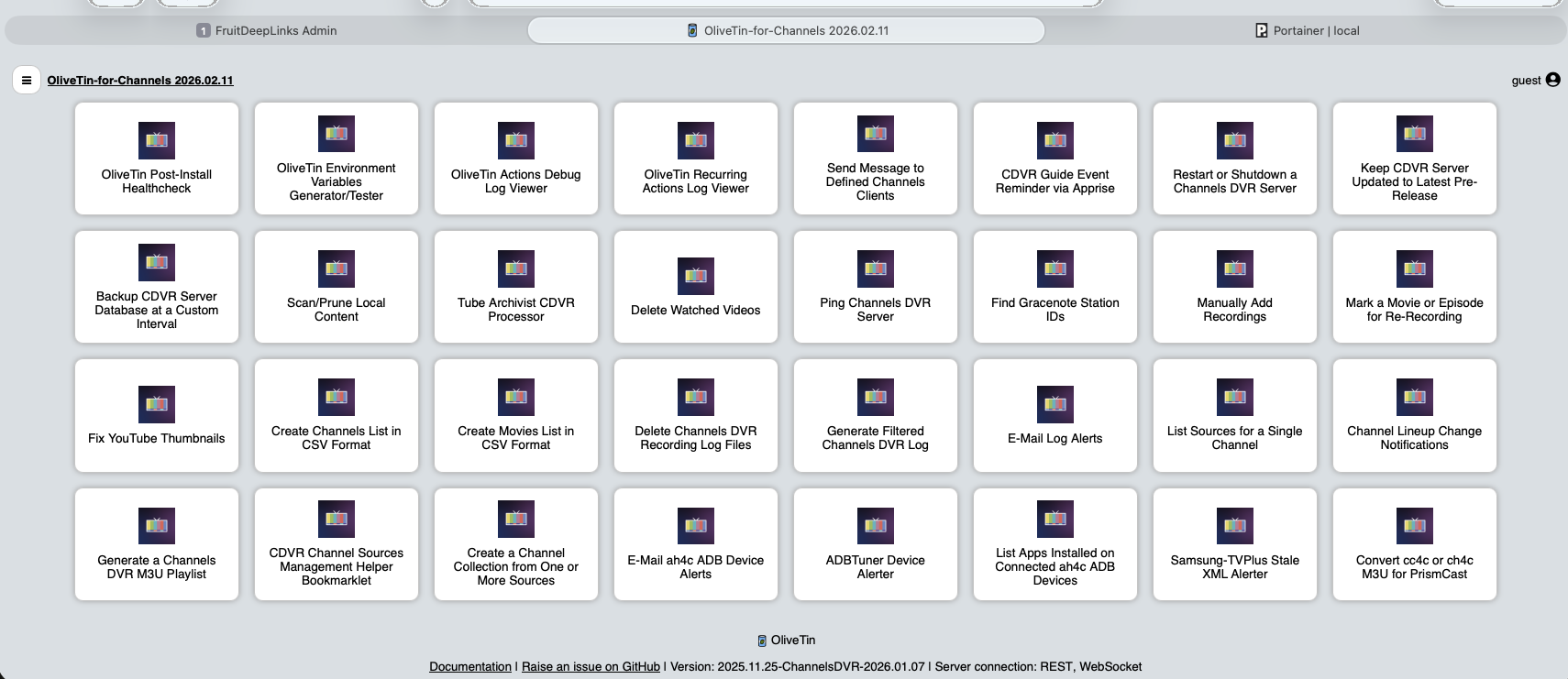
If you don't already have OliveTin-for-Channels installed -- it's really the way to go with this process.

Here's a post describing the steps:

Between all the virtual channels you need to setup in ADBTuner, along with CDVR Custom Sources for each app you want use on your HDMI encoder connected streaming sticks, it can become a bit of a setup and maintenance headache without some automation to eliminate inevitable human error.

Sounds good! I'll research this and do some more testing, thanks for the link!

Hi @bnhf I got OliveTin-for-Channels up and running.

I wasn't seeing "Create a FruitDeepLinks Stack in Portainer" in the list though?

Did I miss a step somewhere?

Was using the latest I believe: bnhf/olivetin - Docker Image

Thanks again!

The "hamburger" icon in the upper left corner is how you navigate to the Project One-Click page.

Ahh got it! Thanks! :+1:

This is pretty cool! Awesome work all around!

Just wondering does it pull in ESPN linear channels? ESPN 1, ESPN 2 etc... With shows like SportsCenter, PTI ?

Will probably keep Sling TV + AH4C running, unless there is a way to pull those TV shows in as well?

Thanks for all the info/help with testing this project!

2 Likes

thanks glad you like it.

Right now, the apple scraper only seems to capture "event" sports as opposed to "talking head" shows. My other project, ESPN4CC4C, grabs almost all the ESPN linear shows like PTI, Sportscenter, etc... I have considered adding that to FruitDeepLinks, but haven't tackled it yet. Give ESPN4CC4C a spin and see what you think.

2 Likes

Thanks for the info! I’ll try that this week :+1: