Guide no longer working on iPhone or AppleTV

A few days/weeks ago (been a bit, haven't had a chance to work on it) all of my Apple TV's and iPhone devices suddenly no longer display the Guide for any of my sources (HDHomerun and DishTV subscription). Nothing about my setup has changed to my knowledge and it previously worked great for years. I can still view TV channels, but there is no guide. There IS a guide when I access the Channels DVR via web page on my computer AND from my iPhone via web page, just not on the apps. I'd greatly appreciate any guidance.

I host my Channels DVR instance on Unraid.
Sounds like your clients can't connect to the DVR server.
They will play channels directly from an HDHR tuner without going through the server.

Can you play any TVE or Custom M3U channels from the clients?

Is Channels DVR running in a container on Unraid?

When you access the web page for the DVR server from another device, does it make you authenticate first?

1 Like

Sounds like your clients can't connect to the DVR server.
They will play channels directly from an HDHR tuner without going through the server.

I agree with this, but I don't understand why. I can ping my Unraid server from my phone.

My DishTV source doesn't show in my phone, so I can't see those channels to play.

Is Channels DVR running in a container on Unraid?

Yes

When you access the web page for the DVR server from another device, does it make you authenticate first?

On my iPhone, if I try to access Channels via the app 'away from home', it asks me to authorize. I click the button to authorize and it says "DVR Access Failure, The request timed out."

On the admin page, it says "remote connection established successfully."

1 Like

Can you connect locally, or are you remote?

I am testing both remote and local by turning WiFi off on my phone. Same result, only difference is the client finds my HDHomerun on my network when connected to the local network it's on.

1 Like

Can you connect to the DVR server locally using a web browser?
Like http://192.168.1.4:8089 or whatever the IP and port are for your Channels DVR Server.
Does it ask you to authenticate when you do that?

I can access that from my phone, but it does not ask me to authenticate.

Can you try connecting from one of your clients to your DVR server using the Channels app and AT HOME over WiFi and key in the IP address and Port of your DVR server to connect.

Yes, it says "Error. Channcels DVR Server was not found at 192.168.x.x"

You don't have to mask Private IP addresses.
Did you add the port number?
Like 192.168.1.4:8089

I realize that, but also doesn't hurt anything. I didn't have the :8089 at the end, but I tried it with and got the same response.

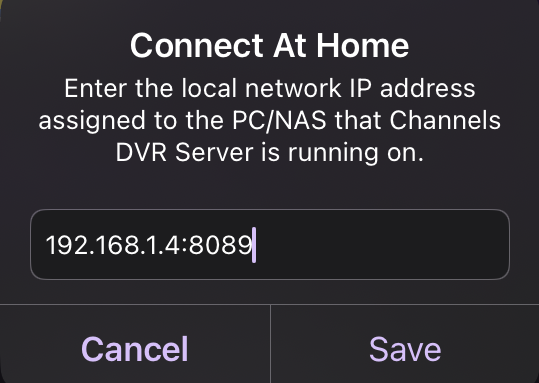
If you did it like this and it won't connect, you have a networking or firewall issue.
Connect At Home
Assuming your DVR is listening to port 8089.

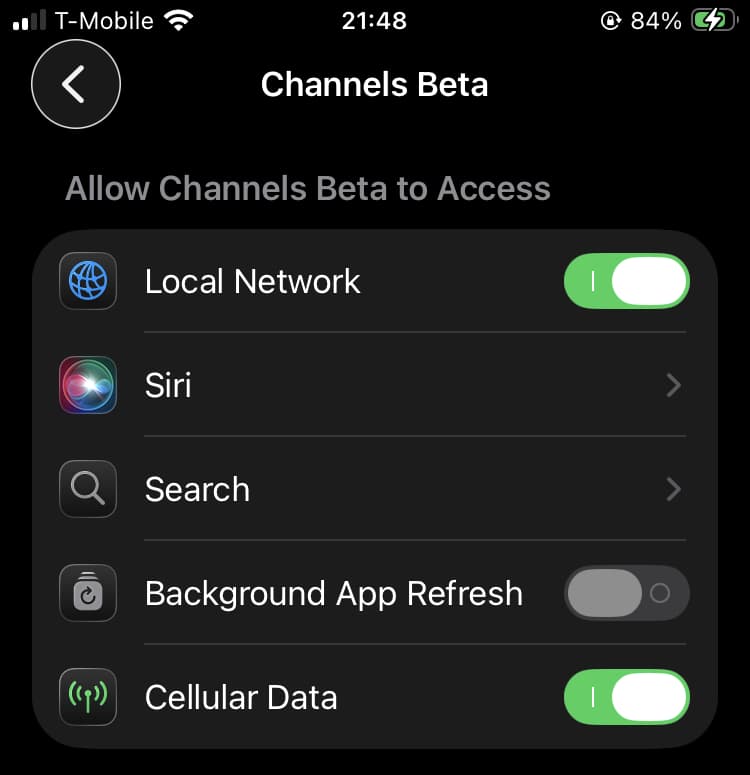
Check the Channels App permission on your phone and make sure you have Allow Local Network access enabled.

You also may want to check your WiFi router to make sure your WiFi client can access the local LAN network.

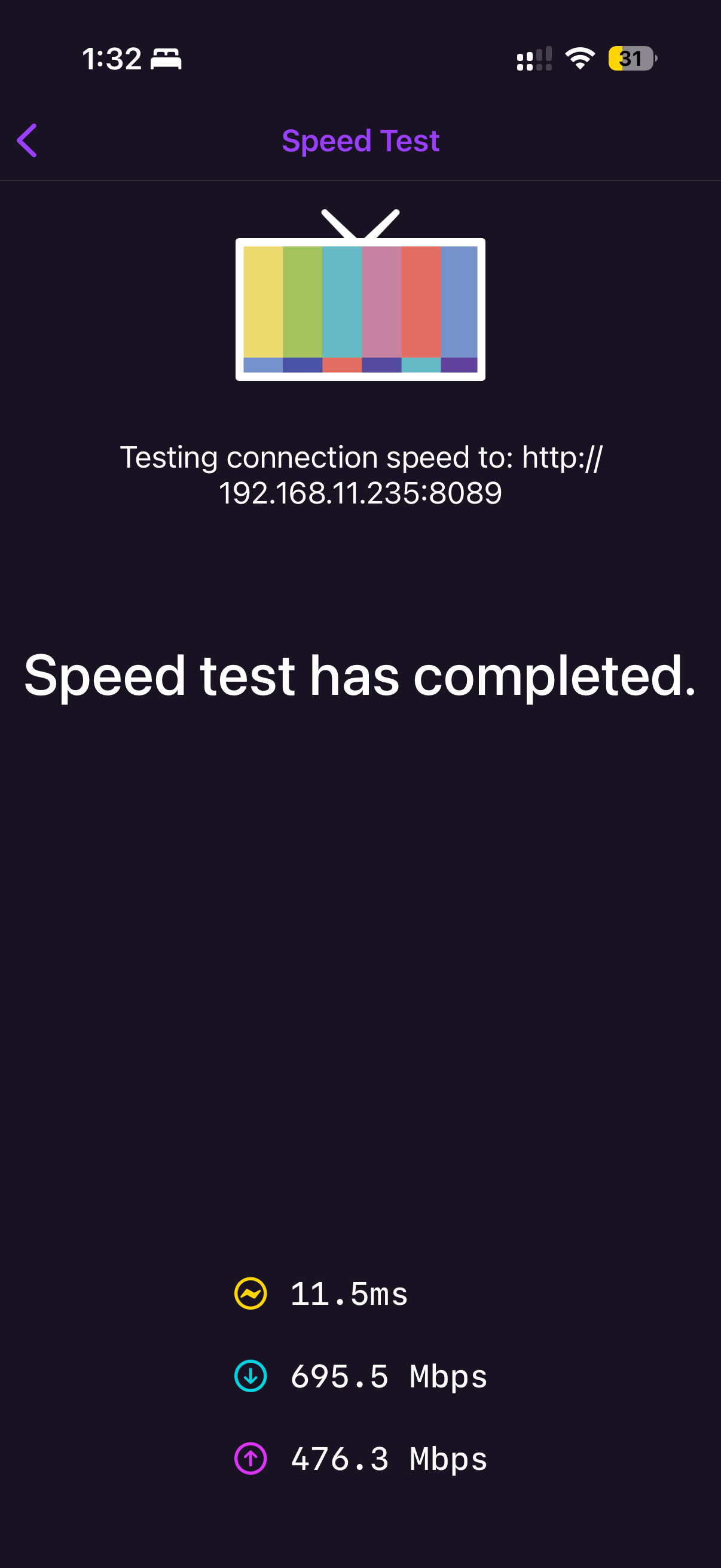
Just discovered a place in the iOS app to do a speed test, and it shows the following, allowing me to run the speed test against my server. I’m now completely frustrated and confused.

Update your Channels DVR Server to the latest pre-release DVR Pre-Release Notes - #1917 by fancybot
And your Channels clients to the latest version.
Try connecting again from the client using At Home over WiFi and see if it connects. If it gives an error, let it sit a while and see if it eventually connects. I've seen that before where it says it can't connect and if I wait, up to a minute later, it does finally connect.

Hasn't happened enough to make me submit diagnostics yet.

Do you have a lot of channels or a lot of Library items?

Since you could run the Channels speed test to your server, that means your Channels client connected to the Channels server.

See my previous post Guide no longer working on iPhone or AppleTV - #14 by chDVRuser