
Delete and Recreate the Guide Database
Settings > Live TV & DVR > Guide Data > Maintenance  Delete and Recreate Database
Stay on that settings page until the Status shows all 16 days of guide data has been downloaded
Status Downloading guide data for 2026-08-11 1:30PM
Running tasknow, that will work with Tailspin import from HD Homerun prime/ Channels from remote ? Other sourceswent out in advance
Will know soon Thnaks !
Your local Channels DVR is the one that fetches the guide data and should be the one you run that Delete and Recreate Database on
I did it with where I am now and the remote location still nothing beyond 12 hours
Funny, on remote guide source it reads 338 channels whereas here 411 channels
Thankyou for your help though !!!!!
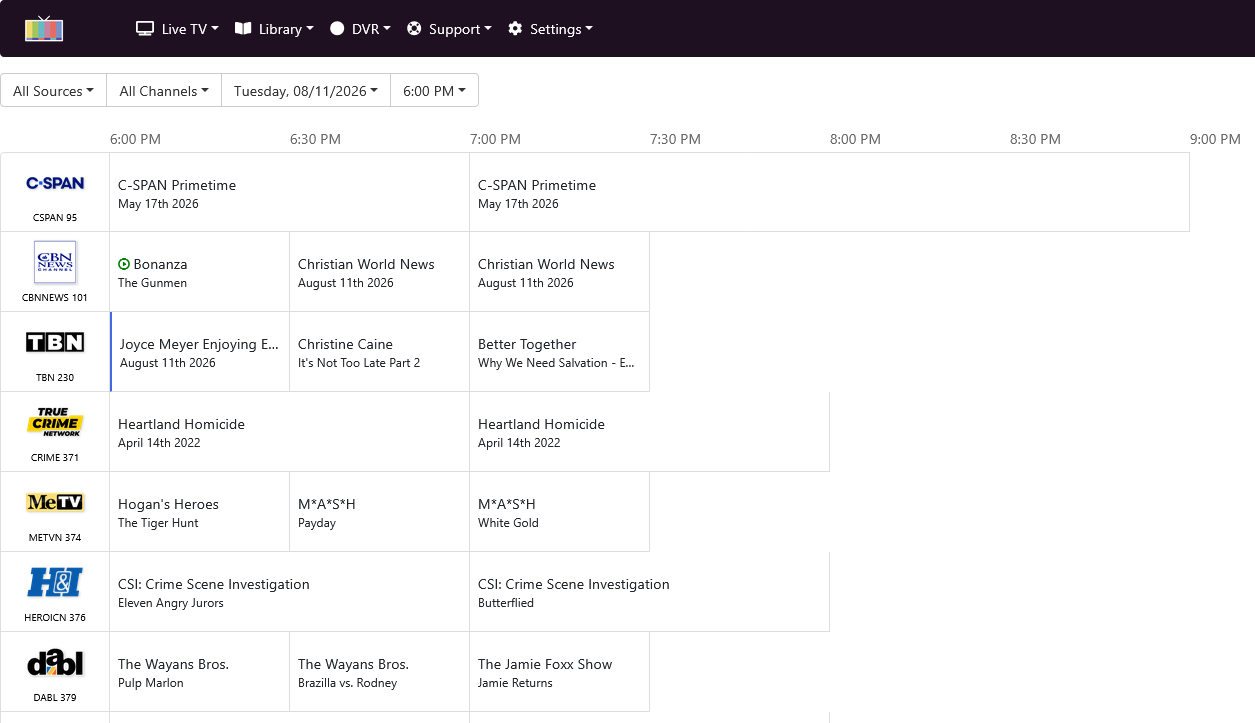
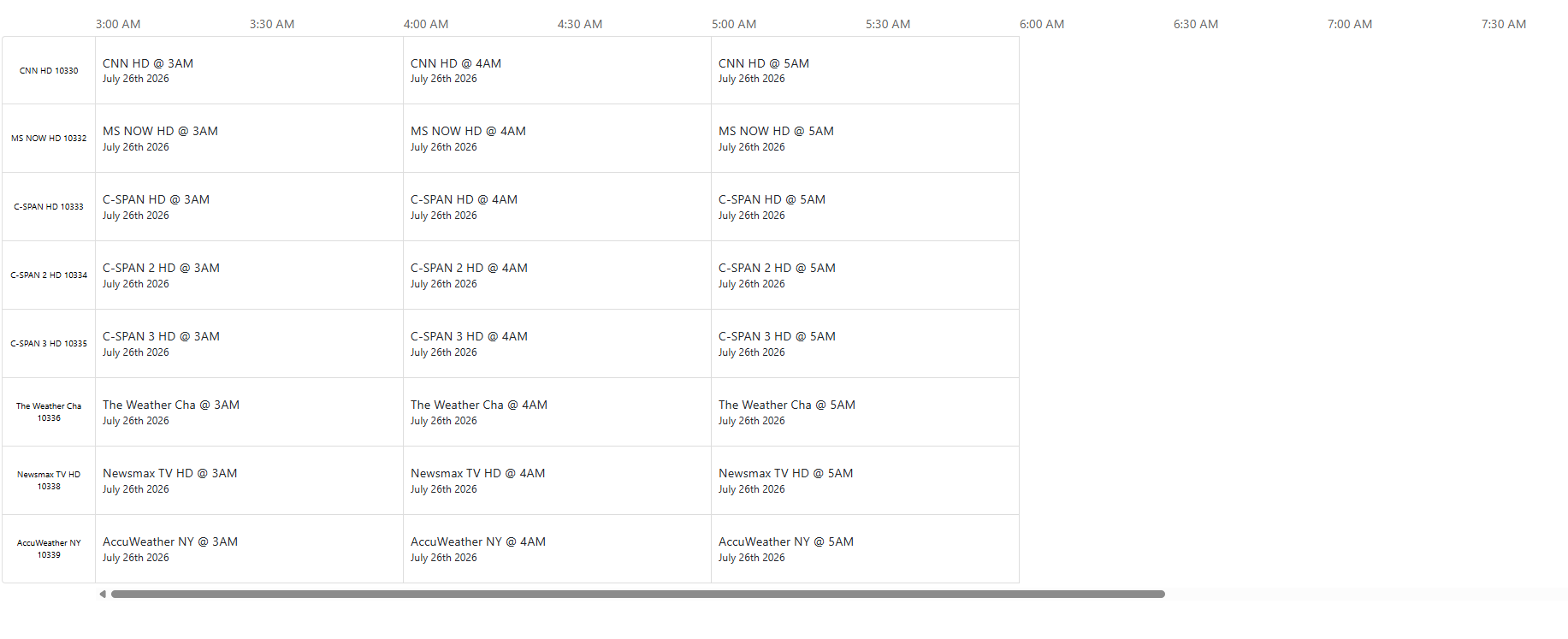
Did you setup your remote Channels DVR with your remote HDHR tuner and select a provider and channel lineup?
https://getchannels.com/docs/channels-dvr-server/quick-guide/installation-setup/#hdhomerun
I don't
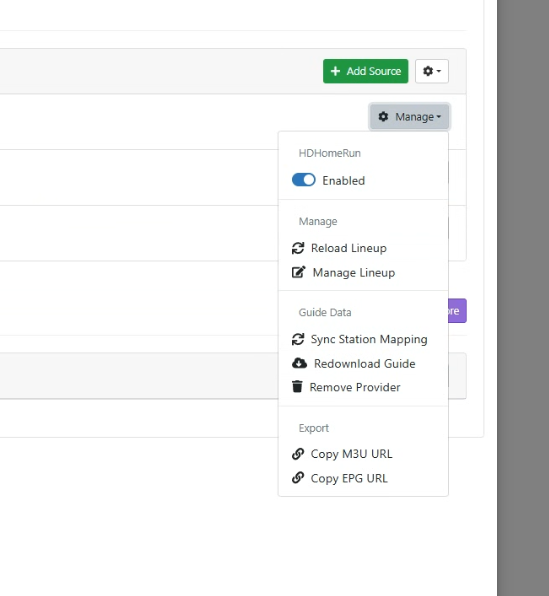
think soit populated byitself if that makes sense. Will go back to remote and attempt that now
On your remote Channels DVR you need to setup the guide provider for your HDHR Tuner
Click on Pick Guide Provider
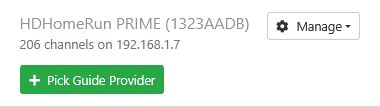
Then enter your Zip Code and click Search
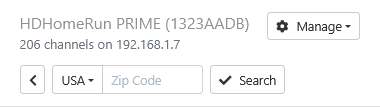
Now select your cable provider
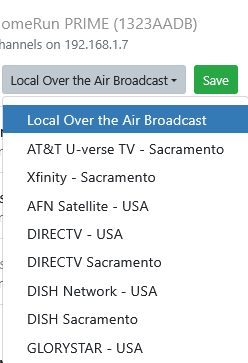
It will then load all cable channels and get 16 days of guide data.
Check your remote DVR web UI guide
Thnak you. Should I delete The original instance of HDR Prime ?
Mine is not OTA, it's QAM via cable card
I have to visit the remote viz remote connect to attempt this
The ironic thing is thaton the remote lineup in Channels DVR it goes out 2 weeks, but here, locally, only 6 hours
Remotely 338 channels, here, locally 411 channels
Should i remove provider and rea-add ?
I never added a provider it just appeared in my sources with all channels and 14 daays of epg
TY so much
1 Like
Yes.
Strange
1 Like
HD Homerun was connected to Plex Server originally. That server is now OFF with HD Homerun now connected via lan To Channels DVR (Separate PC in the household)
It has to be something simple. I just don't understand whuy LAN channels for prim is waylower than wan version too
Did you remove provider and re-add on the remote DVR?
Does the remote DVR web UI guide look correct?
I will do that shortly and postmy results
It doesnt affect Tailscale, right? Evemn i f i remove source and readd? Tailscale IP stays the same ?
Yes
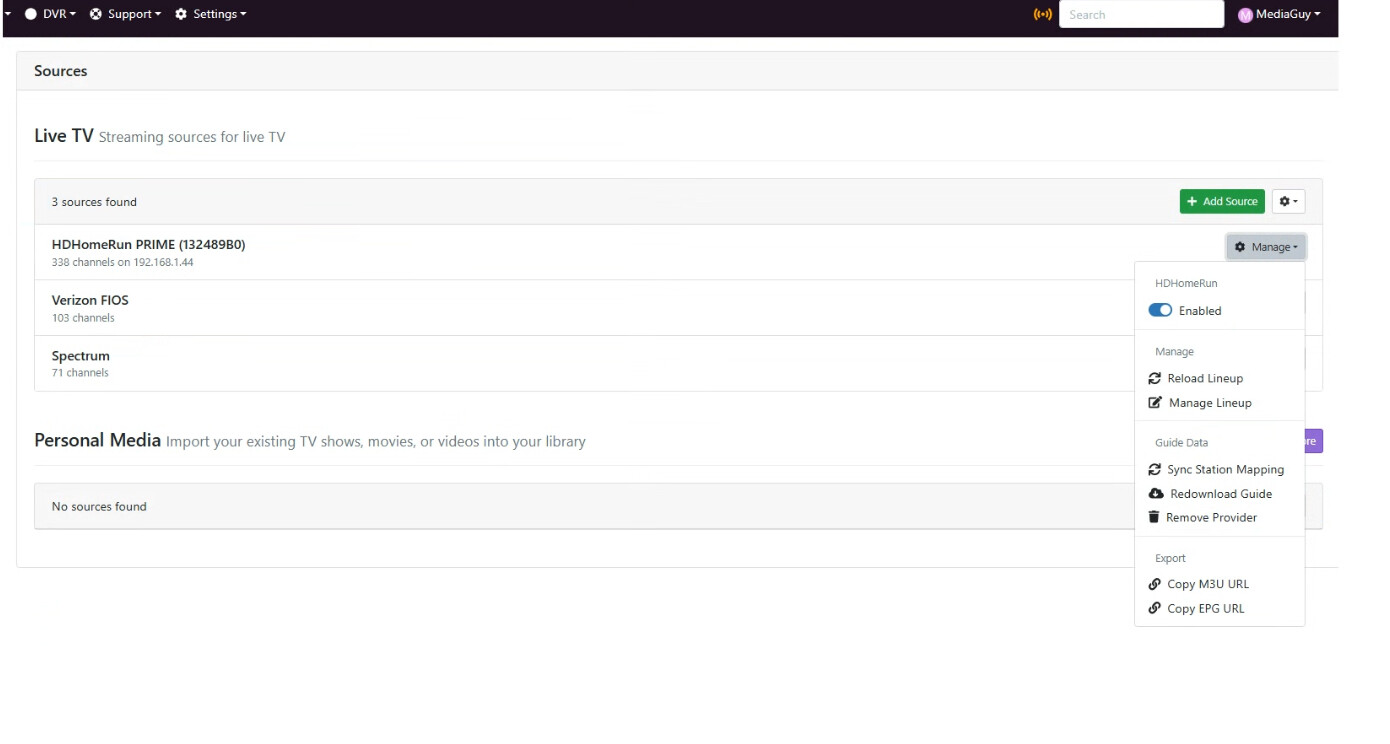
In your last post with the screenshot of the 3 sources, is that a picture of your home dvr or the remote dvr? If it’s not your home dvr can you post the same pic of your home dvr?
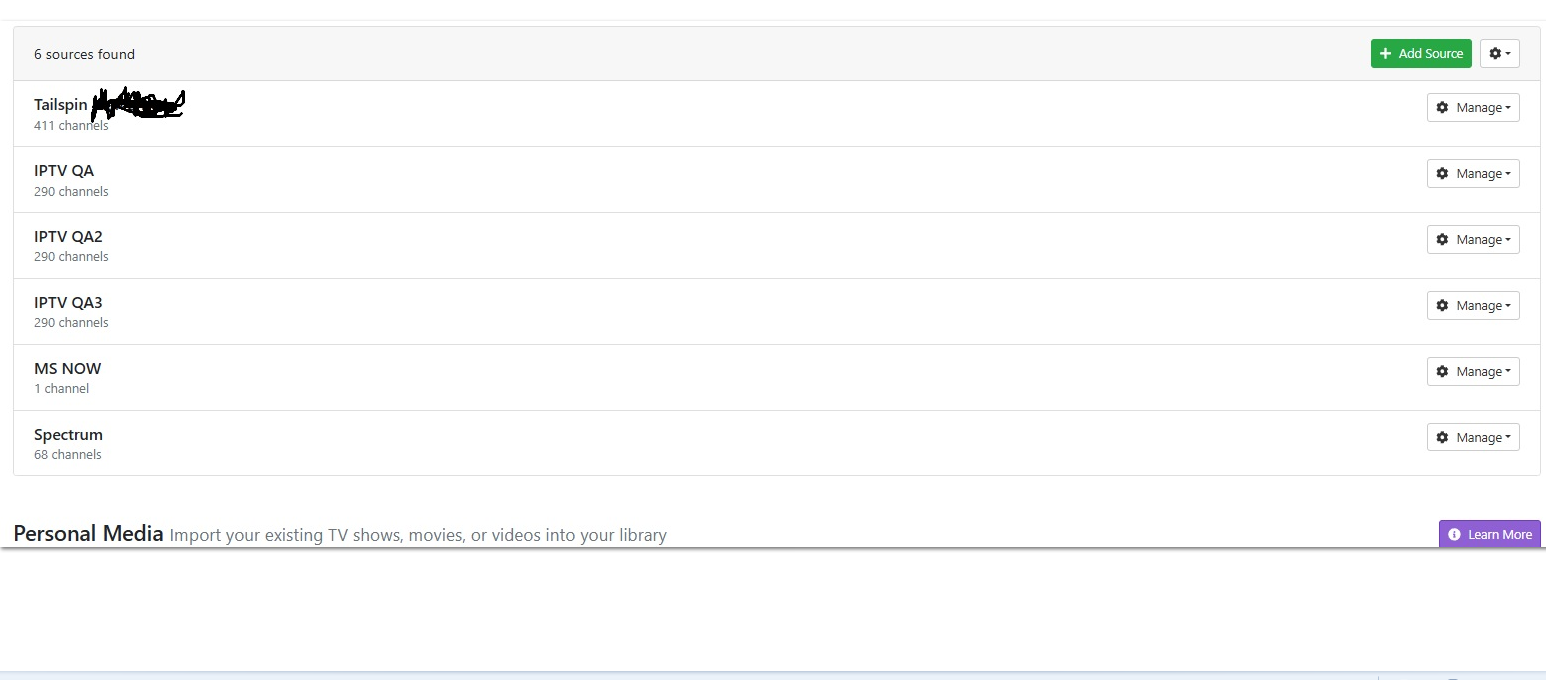
Which source is for your remote DVR with the remote HDHR Tuner, Tailspin?
Click Manage > Edit Settings on it and post the screenshot
If tailspin is the one that is missing the full 14 days of guide data hit the manage button, remove the guide provider, then re add with the zip code from the remote location and pick fios tv. Watch for any channel number overlaps with other sources. If they guide data still doesn’t go out 14 days delete and recreate guide database like before.