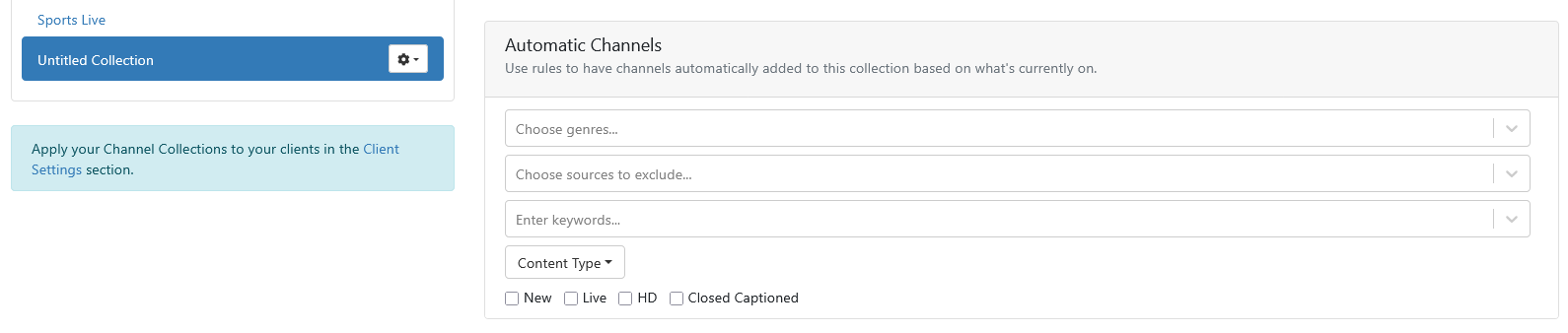
How do I delete an "Automatic Channels" rule that I know is in place, but doesn't appear in the Channel Collection?

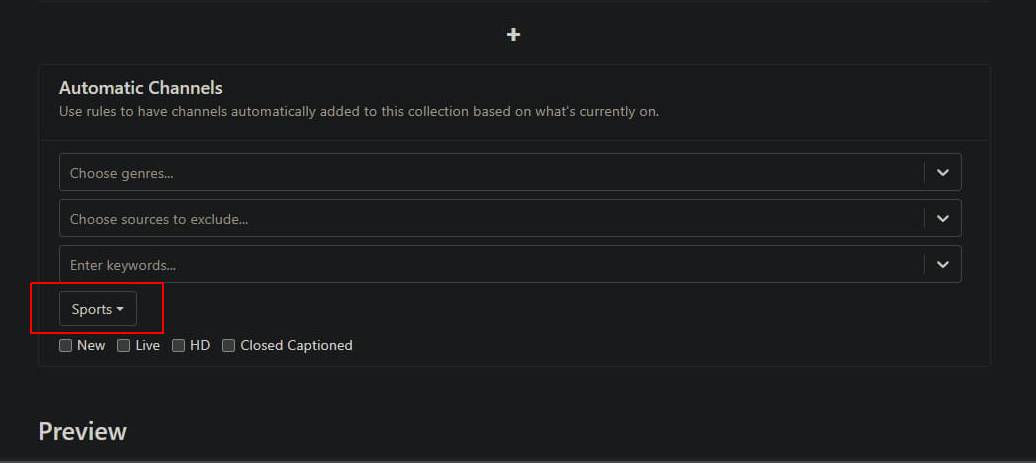
I have a collection called Up'n'Away, that has an Automatic Channels rule in place to add sports. I can see in the Preview area of the Channel Collection that the rule is active, but I don't see how to delete the rule:

Everything after Golazo (6790) in the Preview, is being added by the rule -- but how do I delete the rule?
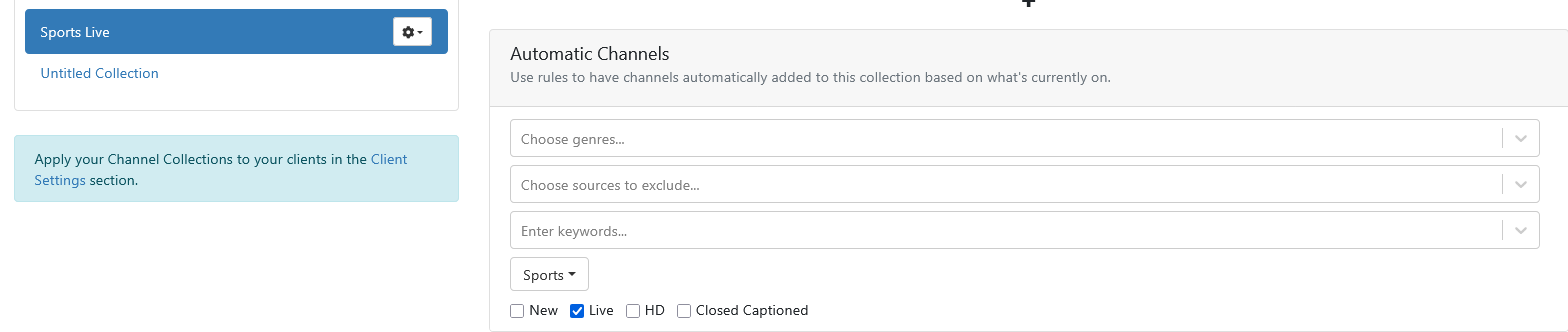
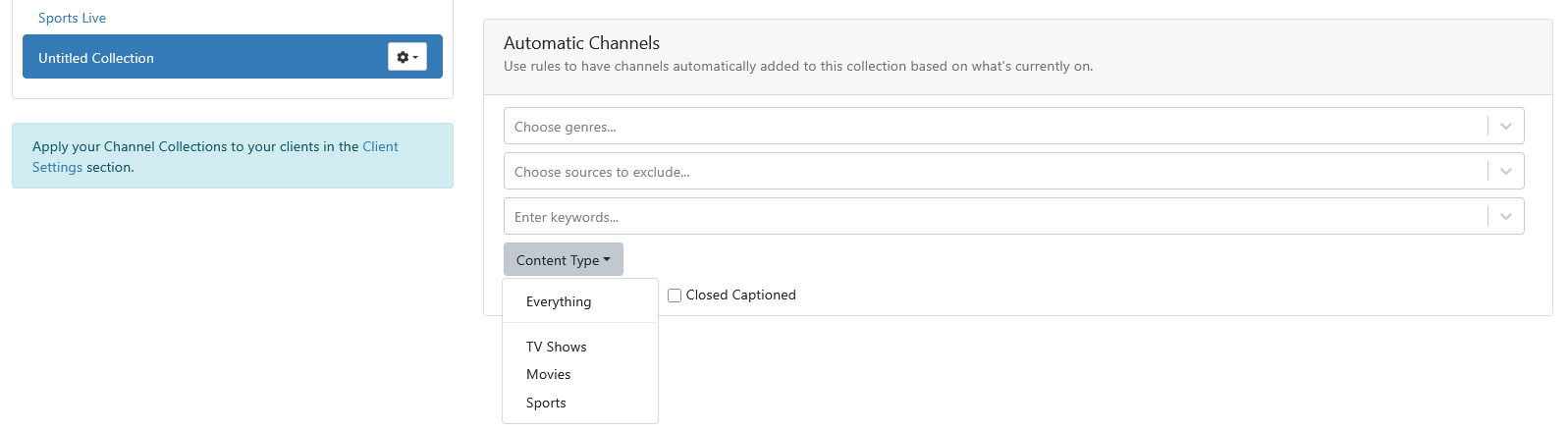
Have you tried changing the Content Type to Everything

Oh, so there wasn't actually a rule in place, I was just seeing what it would look like if I added a sports rule? If so, that's interesting, because there was a sports rule in place -- but maybe it's gone now as I'm in the middle of making a number of other changes...

Your screenshot shows you have the Sports Content Type selected.

This topic was automatically closed 30 days after the last reply. New replies are no longer allowed.