How to do I reset my server on Synology?

I've been struggling with my setup for weeks. I read somewhere that someone else was having issues with the meta data with my ESPN+ recordings, when I record a game, it sometimes appears in my list of recordings but never plays. Then the next day, it works for with no explanation. Other issues I've seen are I try to delete a show and it just ignores my request to delete. This happens in the clients and via the web too. I keep trying and it eventually works. I can't stop a recording that's in progress, it ignores my request.
Recently, and this happened twice in a row, I've tried upgrading the server version the way I've always done it using the web ui, basically because I was looking for a way to 'restart' my server to get it working again. It wouldn't install the latest beta software even though the system was idle. I found a way by going into the Synology package settings and physically Stop the Channels DVR, and then restart it that way, always seems to kick out into gear for a little while.
I've tried uninstalling the software and restoring my database, but the glitches come back.

Is there a way to do a full uninstall and get a clean new install in my Synology?
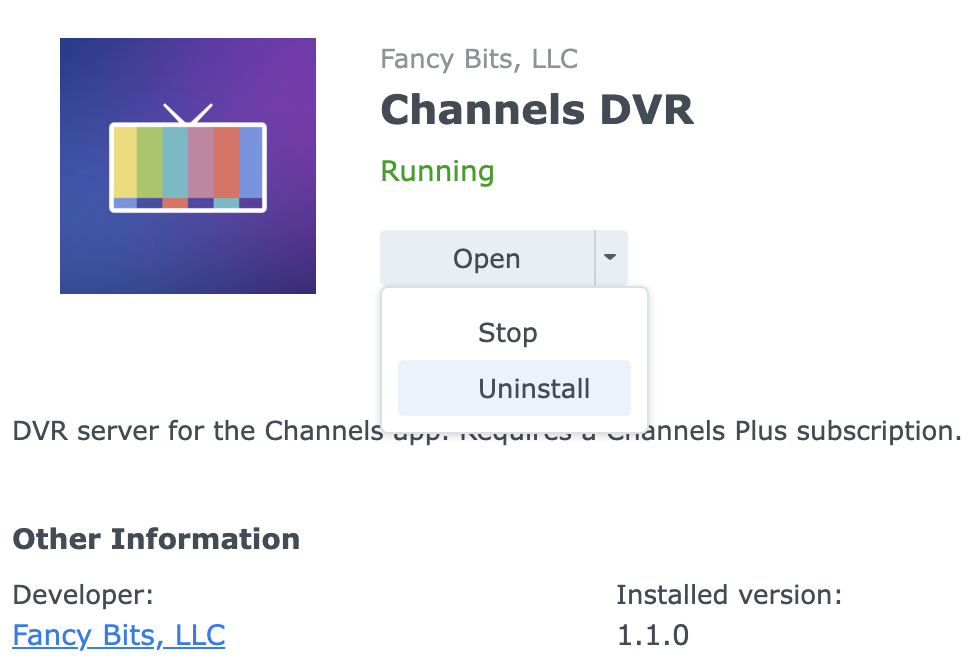
If you installed Channels through Package Center, then you can just select uninstall.

Right, thanks, but I tried this. The glitches seem to still be there. Is it possible that some data from the previous install remains after doing an uninstall and reinstall?

Boy, I don't know. A good question for @tmm1

Synology Package Manager installs it in /volume1/@appstore/ChannelsDVR
Check that directory to see if it exists after you uninstall it.
If it's installed you'll see /volume1/@appstore/ChannelsDVR/channels-dvr

I experience this. Sometimes it takes up to a minute to stop the recording. Seems to happen mostly with m3u sources.

If you run across the other problems you mentioned, you should submit diagnostics and post here what you're doing and what is going wrong. It may seem overwhelming, but attack one issue at a time.

@tmm1 I just submitted diagnostics after another failed recording this afternoon. I set it to record the NFL football game starting at 4:25pm. I'm so used to the recordings failing, I manually programmed it to record channel 5.1 over the air and Fox5 via TVE. The TVE recording completely failed, while the 5.1 OTA recording started showing to the DVR status, but didn't appear in my Recordings until about 10 minutes after I asked it to start recording. 1dcfdde4-db31-4368-93b1-423db1f4d2d7. Update, it's recording now and working, but only the 5.1 recording. Updated diagnostics f9679147-e2d8-4ff9-b570-9d47f0172812

Can you submit from the app

I'm not home at the moment, but I just submitted diagnostics from the Android Mobile app. It didn't give me a unique ID to post here. When I get home I can submit from my primary Apple TV client I typically use if that helps.
Thanks,
Seth

I submitted my diagnostics from the Apple TV app as well. Thanks

Hi @tmm1 any suggestions, because I'm ready to wipe out my install and try to reinstall a clean version if that's possible and don't want to if you would like me to try anything first

There is something strange happening with your server's recorder.db file

Does upgrading to prerelease make any difference?

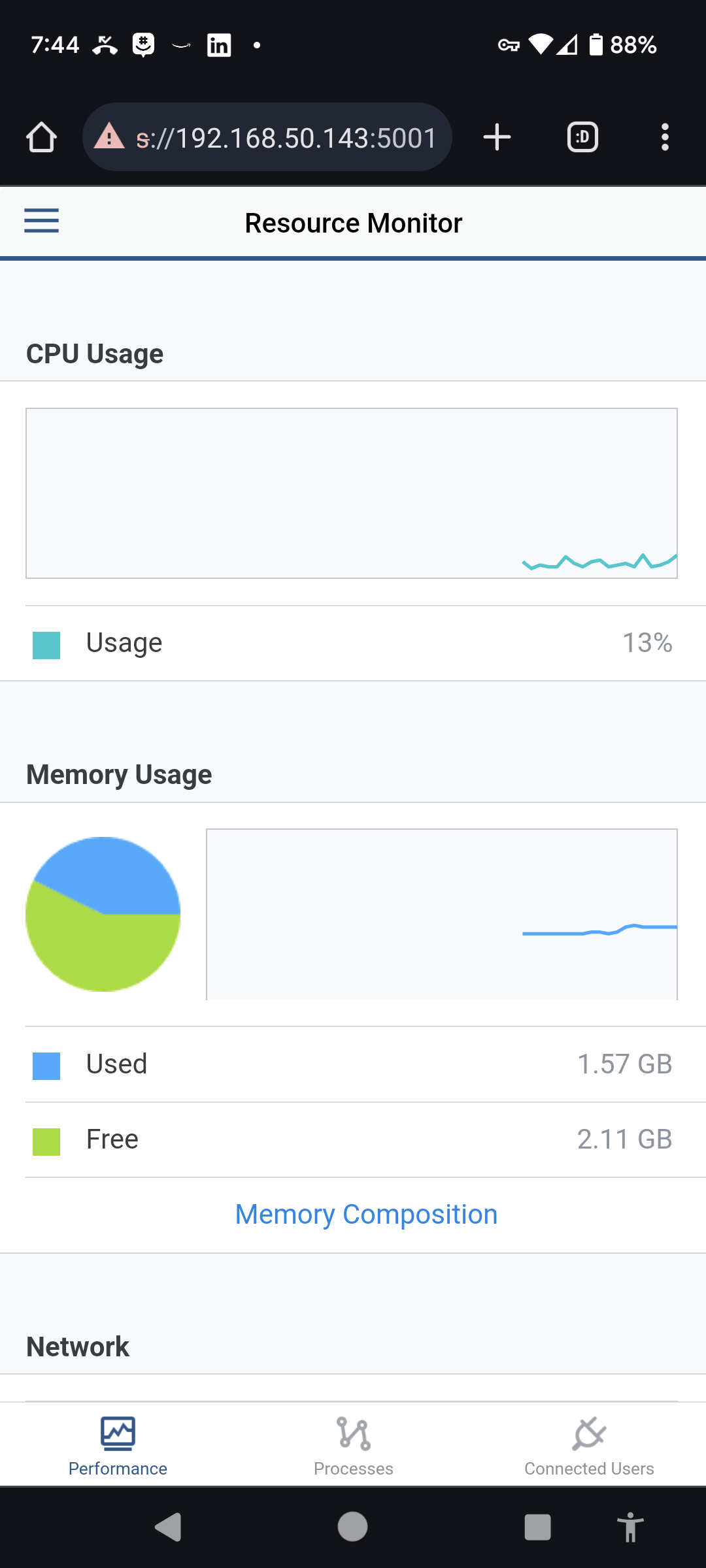
The load on your NAS seems high. Did you check the Synology interface under CPU usage and memory usage to see what's going on?

Thanks for your reply. I have 2023.10.13.0514 installed is that what you mean? I just set up two recordings and watching another, and my CPU usage is less than 15%

Happy to try anything else

Something weird is going on with the NAS. Have you tried rebooting it already? On the DVR status it shows load averages that were high during the diagnostics. And the logs showing it's stuck trying to sync the database to disk.

Check the RAID health. Maybe one of the drives is failing.

Thanks, I haven't rebooted my Synology in 80 days so it was probably due. I ran a S.M.A.R.T. Test on each drive before I did and all came back as Healthy. It did take almost 2 hours to fully boot up though...very odd. Seems to be working well at the moment. Are there any other tests I can perform on things like the recorder.db? Can I perform a clean reinstallation of the server? Or will the issue simply return when I restore my databases?
Happy to beta test anything, the next game I want to record is tonight at 7pm, love for it to be dependable by then!

@tmm1 Another day, another pair of failed recordings. The ESPN+ recording I tried today didn't work because of blackout reasons, but the Chrome Capture recording of MSG using Spectrum seemed to work because it said it was recording in the Settings / Status / Activity area but when I try to watch the recording in progress, it appeared in my Recordings list, but all I got was a spinning circle on a black screen. This happened on all clients I tried. I tried manually stopping the recording and the recording started playing, but the timeline only shows 1 minute long. The recording itself is over 2 hours in length. I cannot fast forward, but the recording is playing with the timeline saying 0 minutes the whole time. So weird.
I tried submitting diagnostics. I'm ready to throw this whole thing away.

It looks like you're still running another dvr on windows? Is that one working fine?

Something is messed up with your NAS. When the dvr asks the OS to sync data to the disk it hangs. I don't think it's a software issue. Reinstalling or starting fresh won't help if the underlying OS or hardware isn't working.

This seems bad. Maybe you can get some help from Synology Support?

I bought a miniPC and installed the DVR server on it for a little while, but I mainly got it for CC4C purposes. I was getting lots of stuttering on my CC4C recordings so moved the DVR server back to my Synology. I thought I disabled that server but funny that you saw it somehow. Maybe I'll try going back to it for now.

You have mentioned that your issues are with ESPN+ and Chrome Capture; have you reported issues to the respective projects? From what I have read, the problem seems to be the streams, but Channels is merely receiving them. The real point of failure (lacking inside knowledge or more data) seems to be the streams coming into Channels, and therefore you ought to look to those projects, too, for solutions.

This topic was automatically closed 365 days after the last reply. New replies are no longer allowed.