How to group a show's unwatched episodes for random episode playback when selected?

What I have are many series type shows in my library that don't need to be watched in episodic (Season, Episode) order.

I would like to create something for each of these shows that will let me pick a show and will then play the unwatched episodes in random order.

I don't want to binge watch all the shows unwatched episodes, but any time I select the show group I want a random unwatched episode to play.

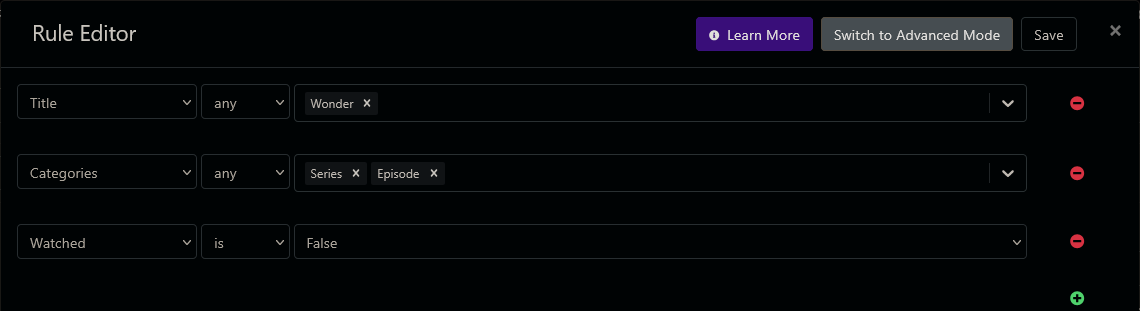
I know there are Library Collections, Personal Sections, Playlists, Smart Rules, Virtual channels, etc, but haven't used any of them yet, so not sure which ones to use, other than Smart Rules to select Unwatched episodes.

Anyone have this working?

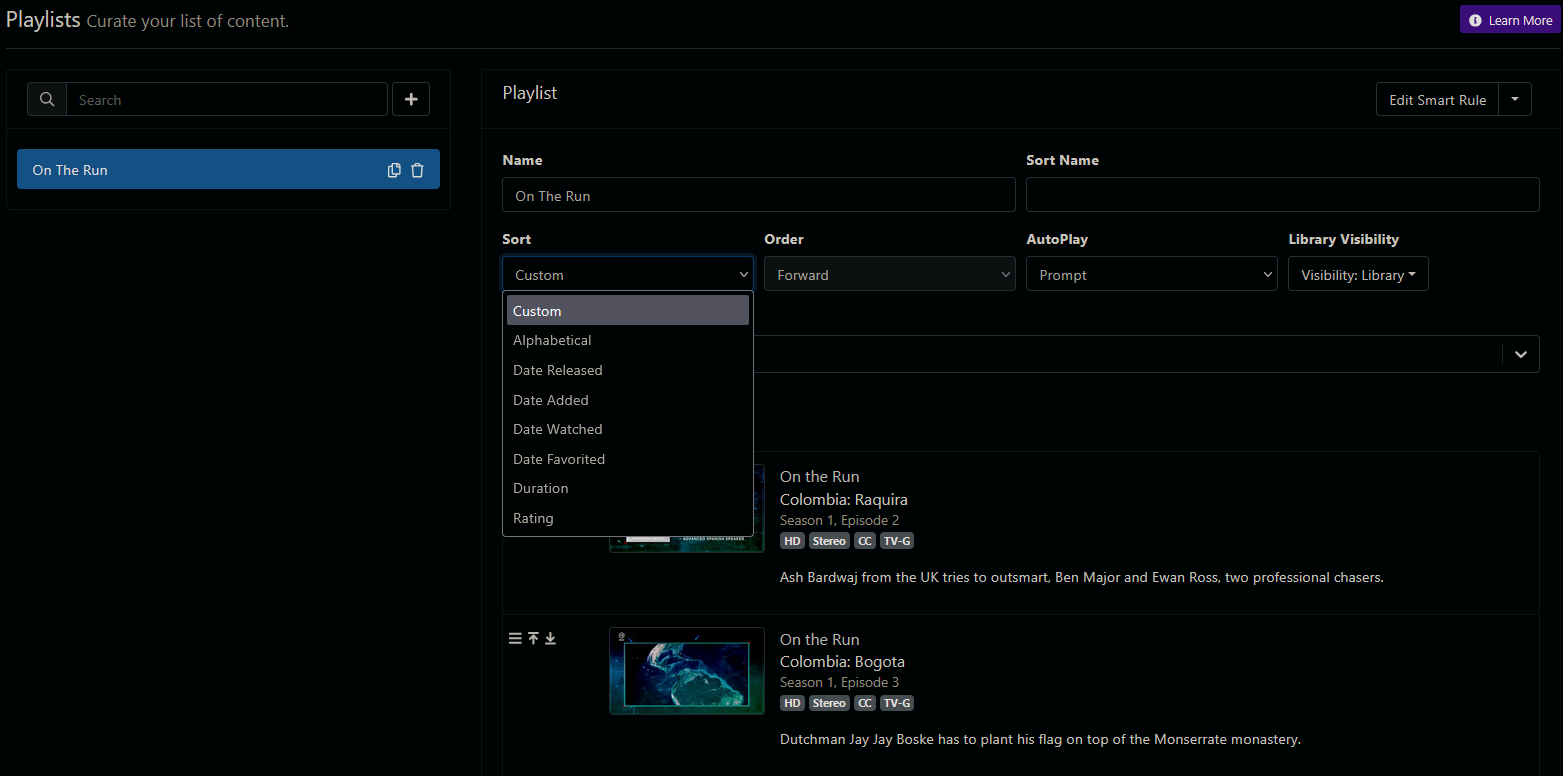
Looks like Library Collections and Playlists can't sort randomly.
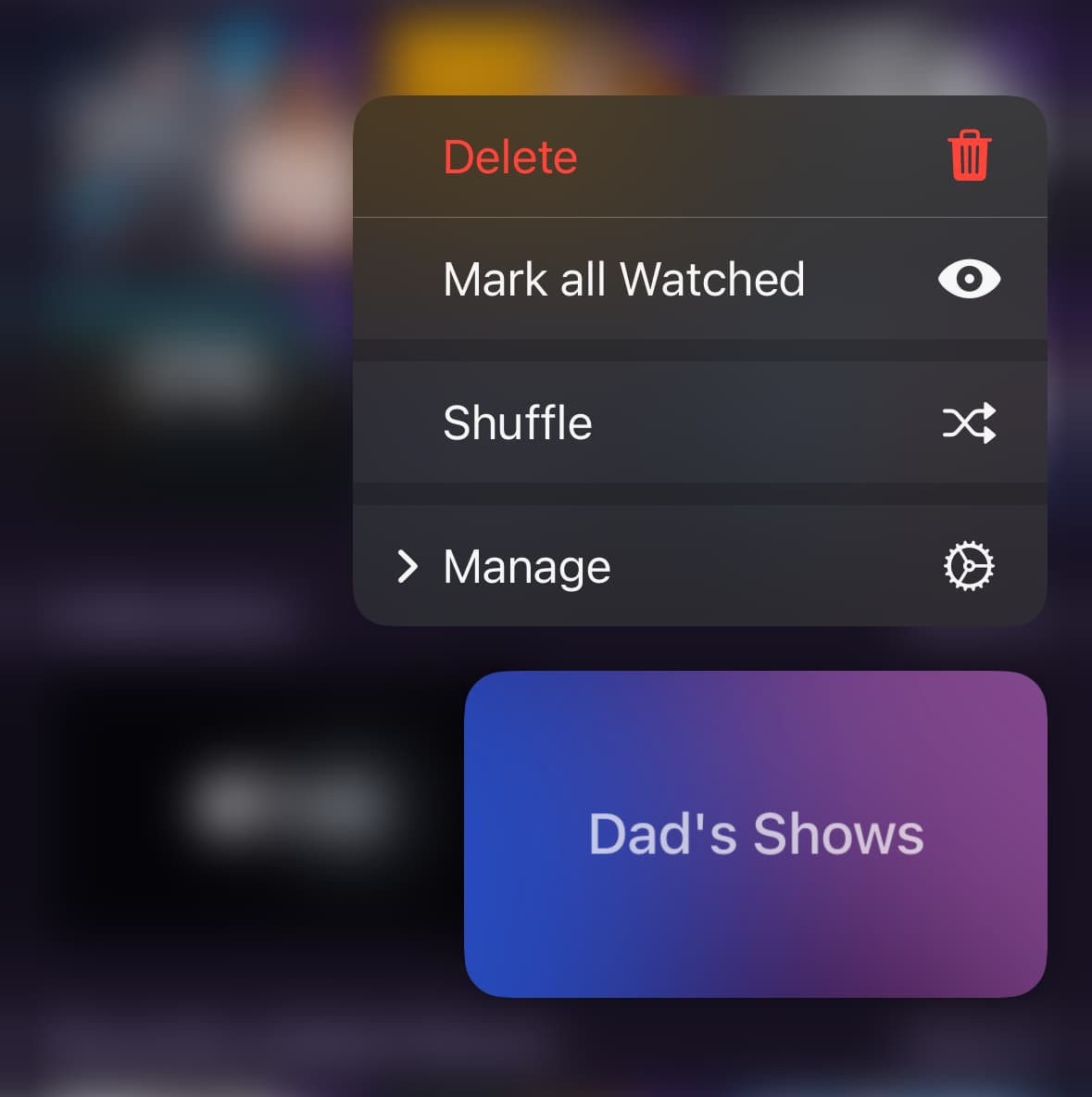
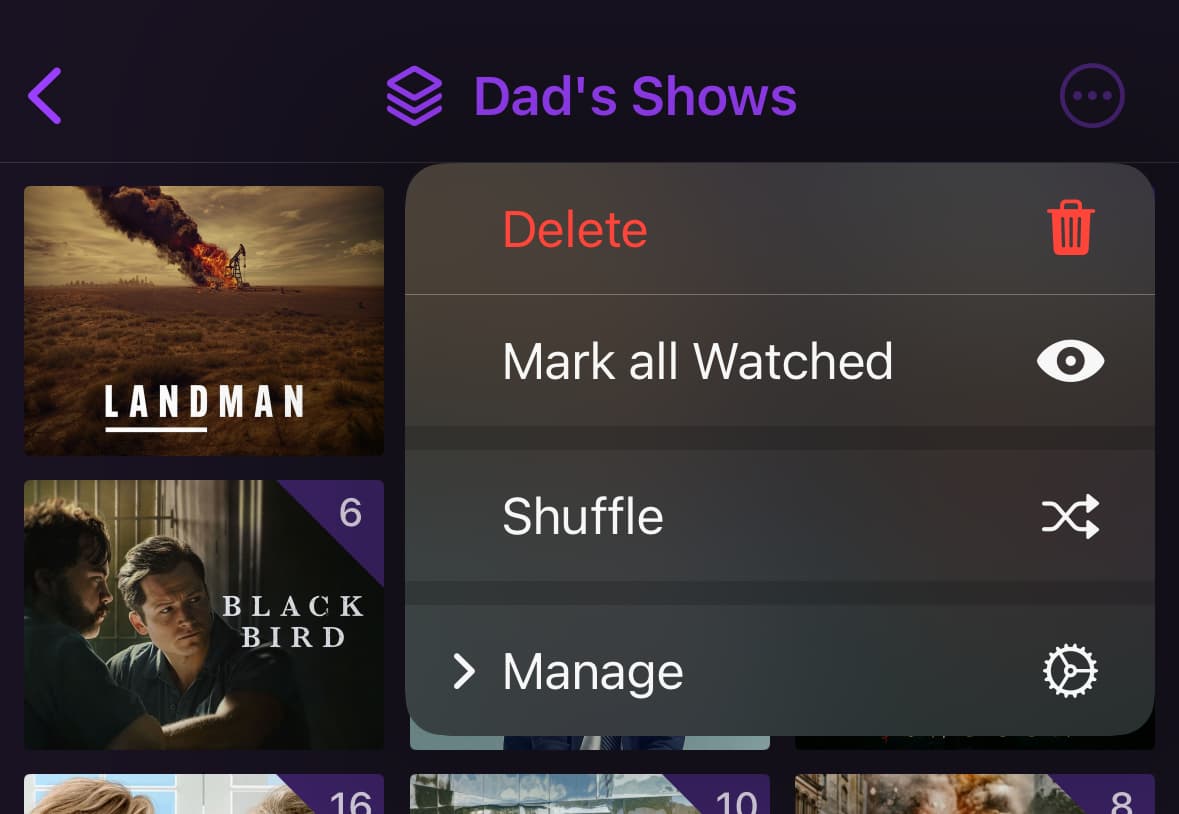
Playlists and Collections both have Shuffle playback options.

Additionally, there are Shuffle options to include or exclude watched episodes.

Thanks, but I don't see Shuffle as a Sort option for a Playlist and the episodes are listed in Season, Episode order.


Actually they appear to be in a semi-random order, not date added or released.

Shuffle is a playback type. Not a sort type.

Just like TV shows, you can start watching as shuffled.

Ahh, OK. So I need to select Shuffle every time I use the Playlist?

Yes. Instead of just playing it, you shuffle it.

Thanks, figured that out.
Only issue with playing shuffled is the auto play prompt doesn't work right.
It displays the prompt, but not selecting it plays the next episode anyway.
And it marks the watched episode as watched, but it still remains in the playlist of unwatched episodes.
If not playing the playlist shuffled it works correctly.

That's a bug. I'll just use the playlists with auto play off.

I tried using a Library Collection instead of a playlist, but can't figure out how to select only unwatched episodes for the show.

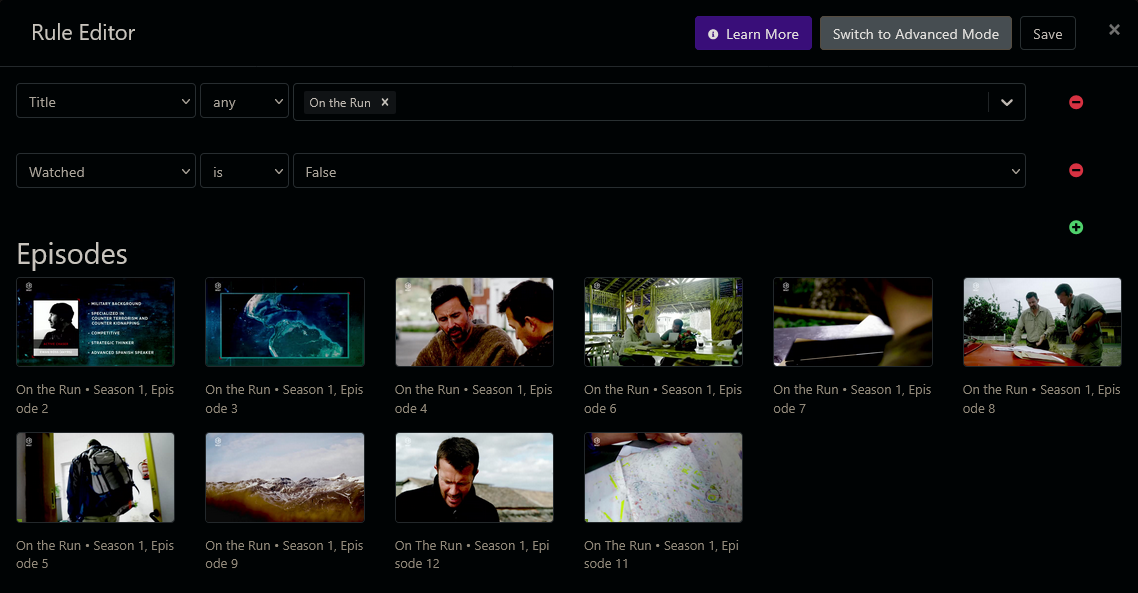
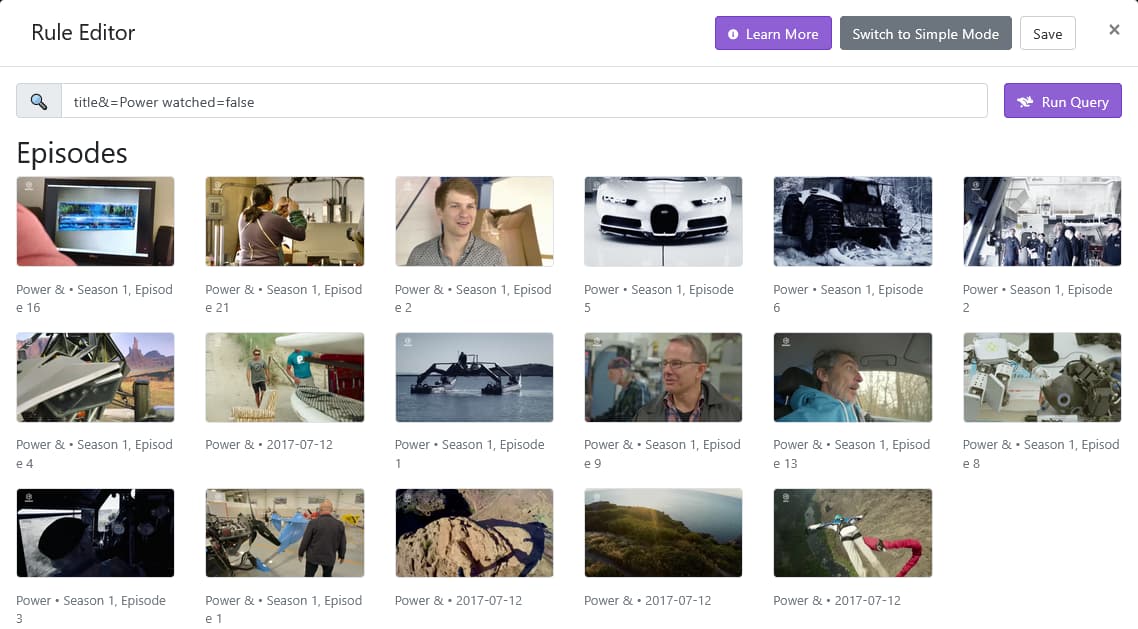
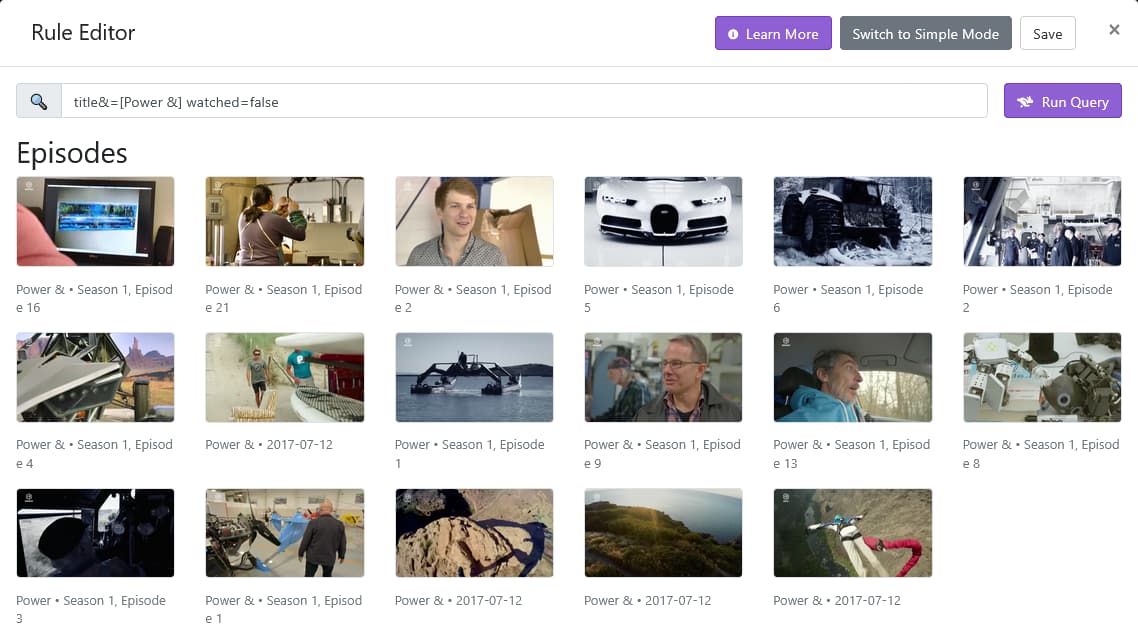
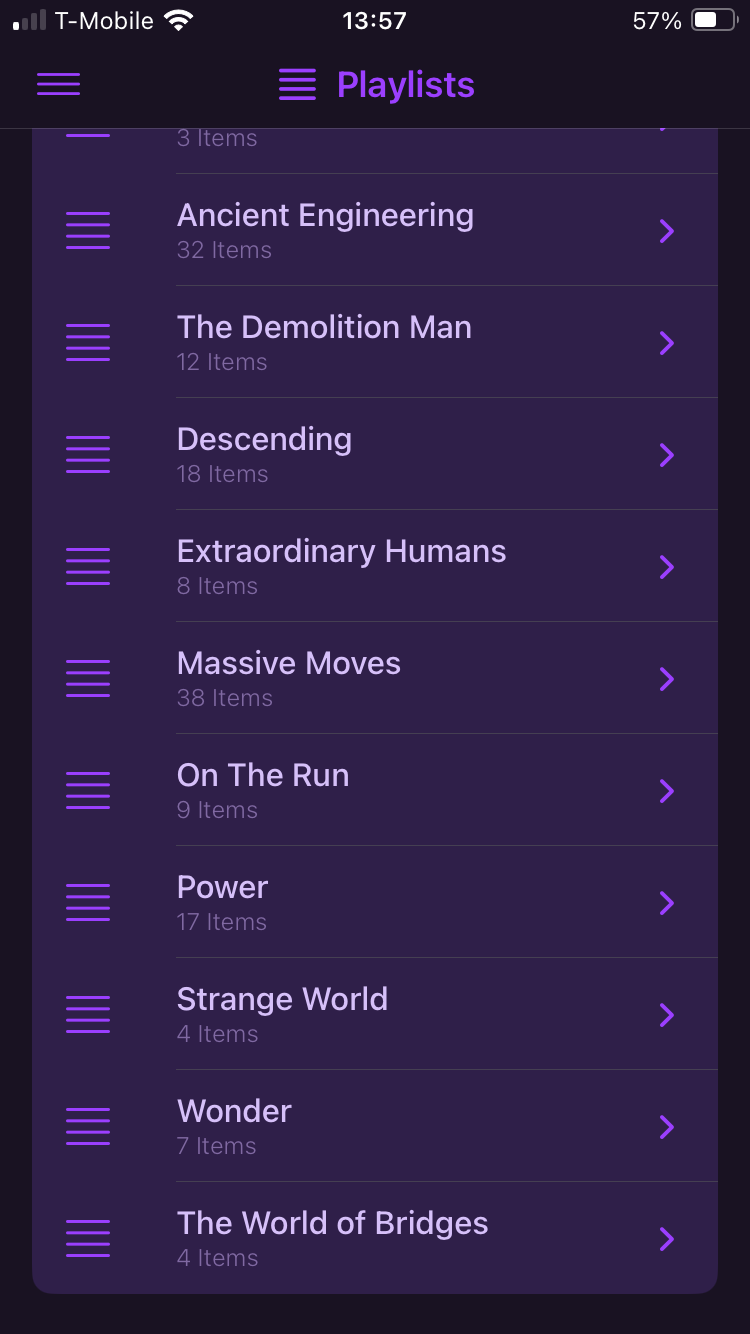
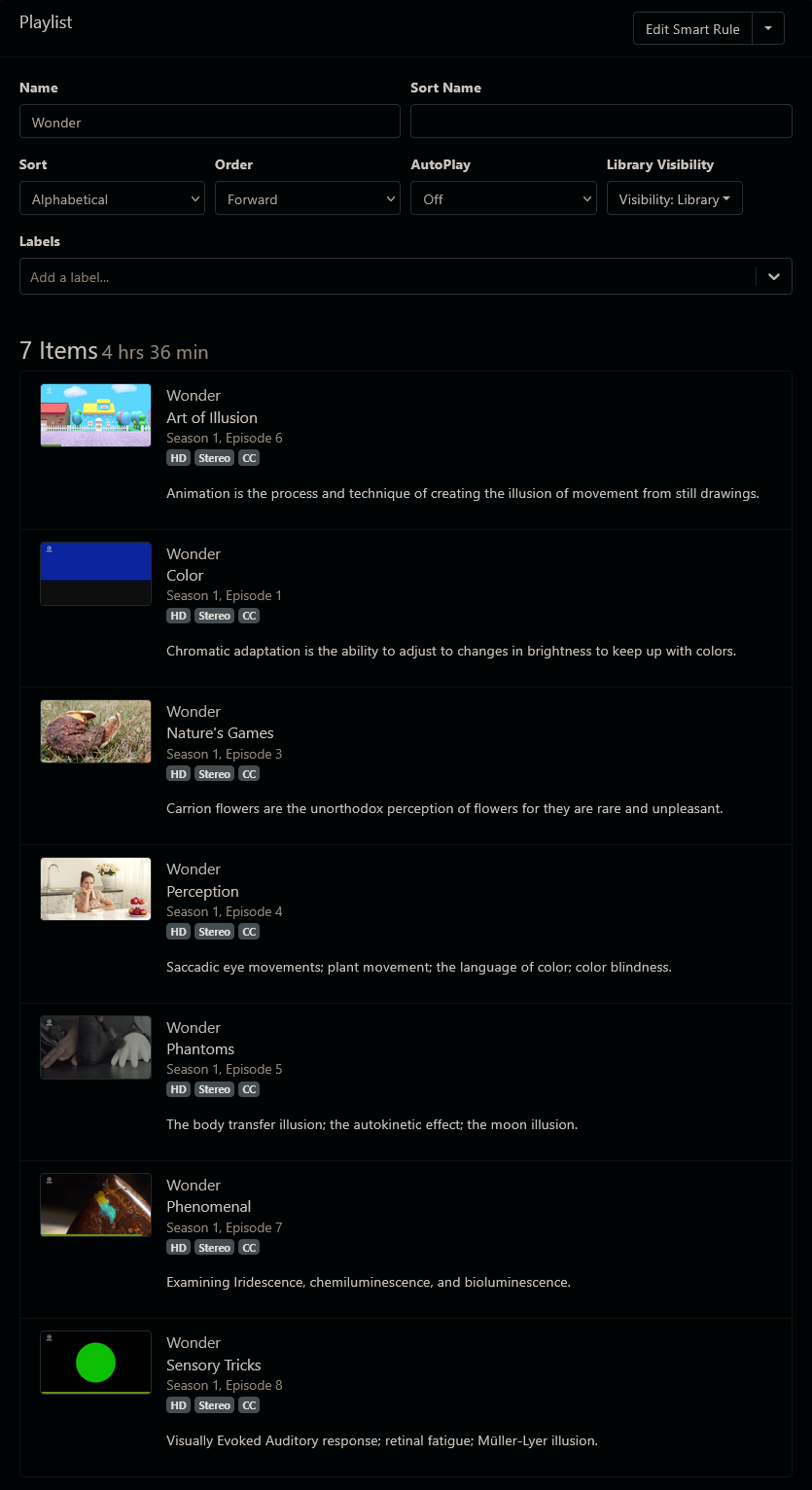
Trying to get two playlists for unwatched episodes of two shows.
One is titled "Power", the other is titled "Power &".
Screenshot 2025-04-13 at 11-47-06 Channels Browse TV Shows

Can't figure out the search criteria.


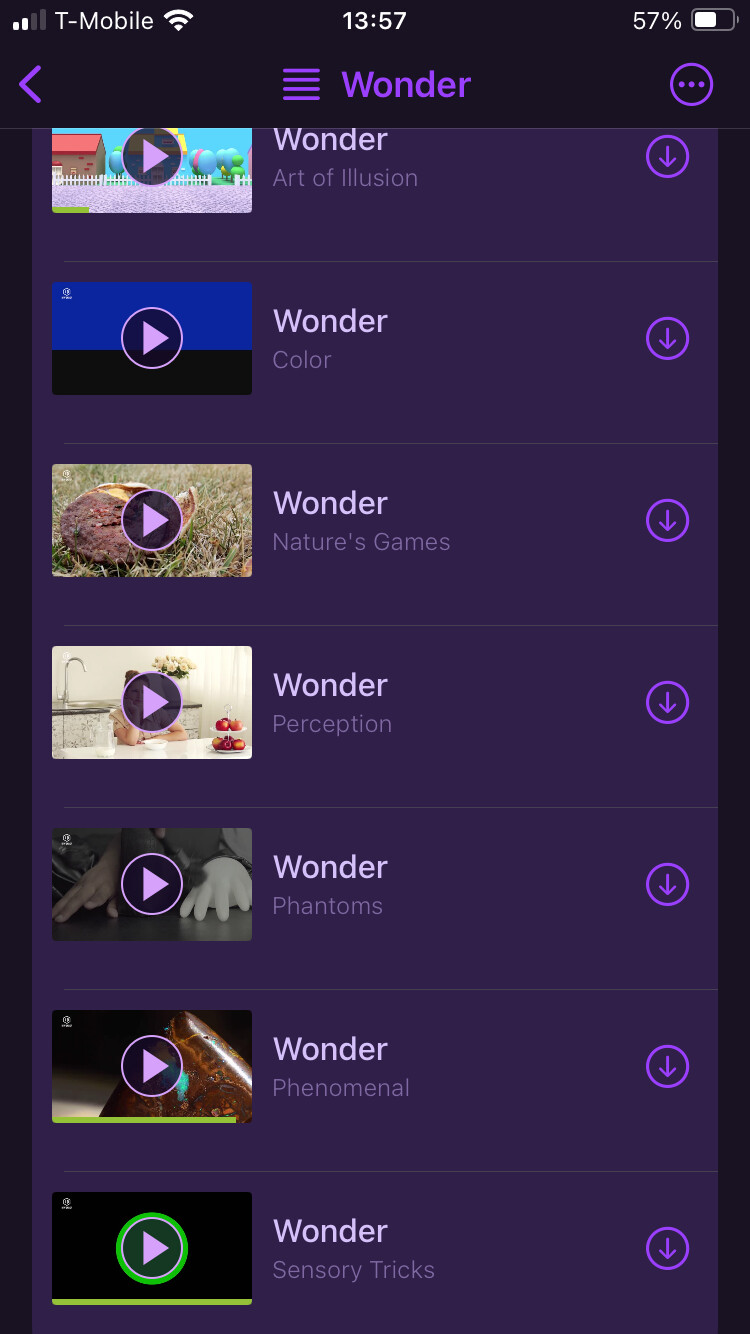
As you can see from the screenshots, Wonder-S01E08-Sensory Tricks is watched, but still appears in the Playlist on both my iPhone and the DVR web UI.
I just submitted diagnostics from my iPhone (running Channels iOS beta 4.11.2334).
DVR Server is v2025.04.07.2002.


Just submitted diagnostics from the same iPhone again. Last attempt today.
Playlist for shows "Power" and "Power &" just completed watching the episode
Power & Air - Andy Lewis
It's still shows in the Playlist on both phone and server.

Collections don’t contain episodes. They contain shows. So you wouldn’t be able to do that.

Just put the shows you want in the collection, and choose shuffle to watch them.

Set your Shuffle setting to not include already watched items.

Playlists aren’t updated in realtime like that.

Thanks,

I figured I was either holding the remote wrong, or I didn't know how it was supposed to work, or both :grin:

What's the easiest way to get the Playlist to update? (I can force a refresh by toggling auto play in the Manage Playlist Options)

Would be nice if we could "pull down" to refresh on the list of Playlists and also the contents of an individual Playlist. I tried each and although the lists "pulled down", they didn't refresh.

I'm able to use Playlists for what I wanted. Thank you for making them available!
Only two issues as noted above.

First is Shuffle Auto Play Prompt behavior

Second is Smart Rule Title searching

OK, so this is working as it should, though it should be presenting better. Shuffle always auto plays, as the concept of picking "Shuffle" has "I want to watch many" intended. Auto Play settings are not considered for shuffling, only for playing back normally.

This is the case across the entire app and is in place specifically so that shuffled playback of multiple episodes is not impeded by the Auto Play setting.

What should change is the Auto Play card that shows up should reflect this, and right now it does not.

I'll look into this. This is clearly an issue with encoding as we've had these bugs in the past.

This is my suggestion to you, based on this requirement of yours, and please correct it, if it is wrong.

1. I have a group of TV shows, that I do not need to watch in a serial order.
1. I want to watch them without having to choose anything specific.
1. I don't want watched episodes to play

You should just do this with a TV Show Collection. Add all the shows you want to watch like this into a Collection. Then simply use the Shuffle option to watch it. Set your Playback > Shuffle settings to Include Watched Episodes: Off

This will still force auto play due to the design, but I think it may work better for you rather than a huge long playlist that has rules driving it.

The latest TestFlight beta has some changes to communicate this better:

Thanks

Maybe I should have been clearer on what I wanted.
Sometimes it's difficult to phrase the question in a way everyone can understand what you're trying to say.

BOLD emphasis is mine

  • each of these shows (each, not all=not something like a library collection that includes all of these shows that would pick a random show and episode. I want to select the show, but have a random episode play)
  • let me pick a show (a show=select one single show)
  • play the unwatched episodes in random order (play random unwatched episodes)
  • any time I select the show group I want a random unwatched episode to play (a=play only one random unwatched episode)

Using playlists, I was able to do exactly this.

I created one playlist per show, named for the show. So if 10 shows, then 10 playlists.
Each playlist includes only unwatched episodes from that show (using smart rules).
Autoplay is turned OFF on each of the playlists, so shuffle played just one episode, until this latest beta, now I have to stop the next episode.

When I'm in the mood to watch a single (one), random, unwatched episode of show#1, I select the playlist for show#1 and watch shuffled.

Works great and this way I can easily see the number of unwatched episodes for each playlist(show) at a glance on one screen.

This topic was automatically closed 30 days after the last reply. New replies are no longer allowed.