
I ordered that External Drive Hub/Enclosure you suggested and now I just wait I believe. I'll stop by Xfnity to pick up a couple CableCARDS this week.
1 Like
Is this a current 'Firmware' for a HDHR3-CC ? 20230713
Will all/any of the HDHR3-CC update to current if that isn't?
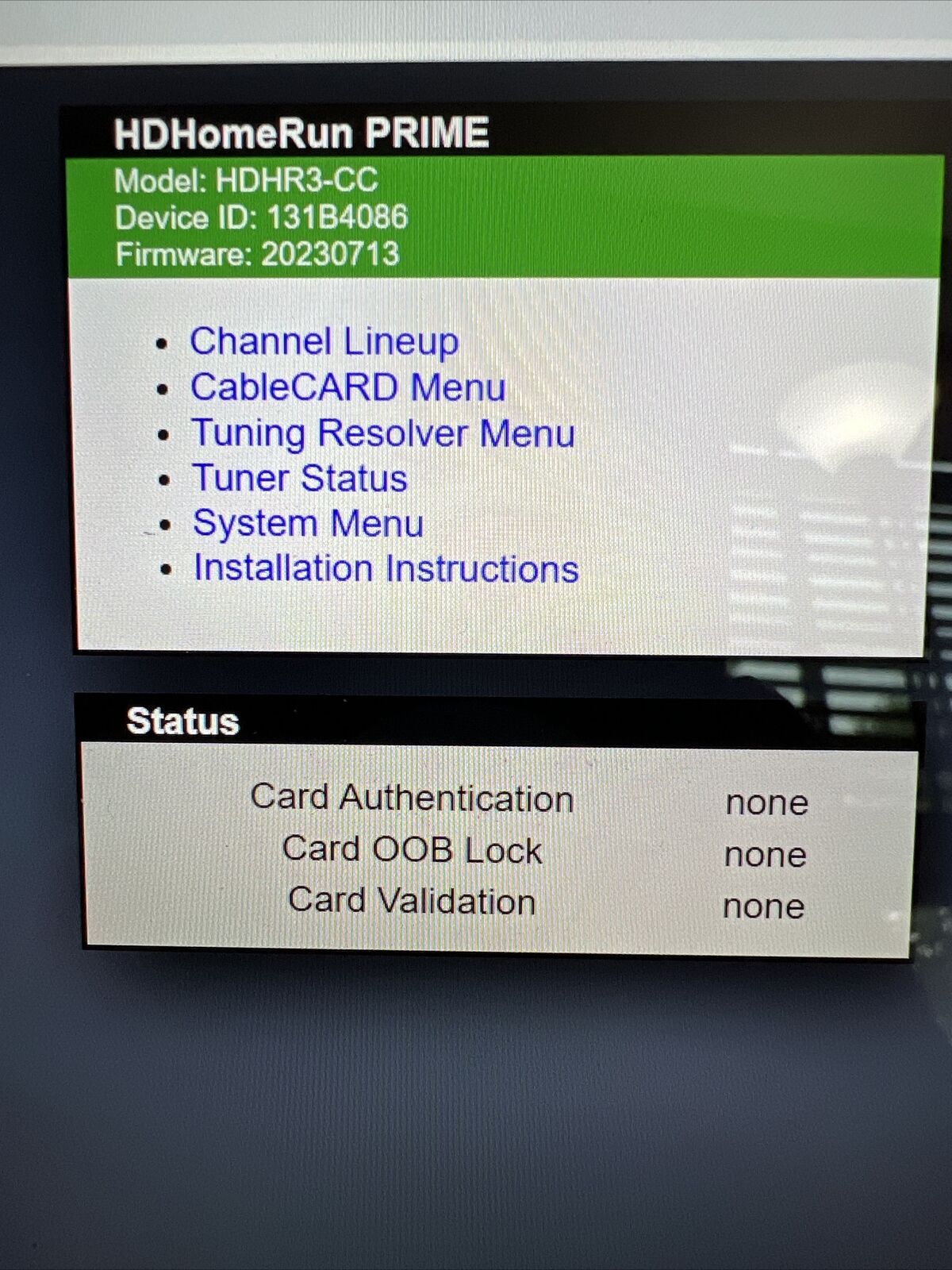
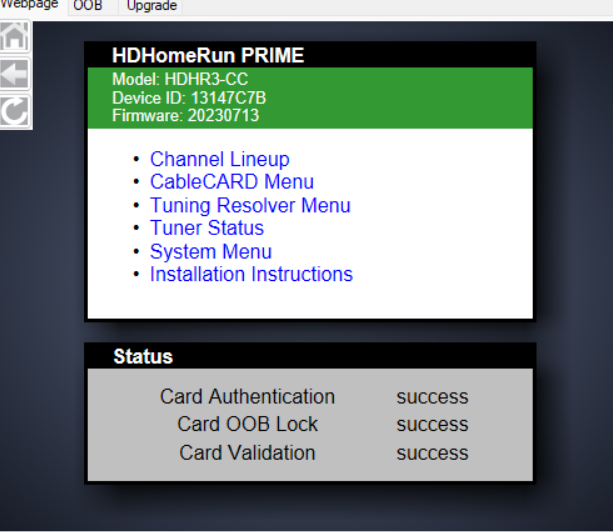
Yes, in that web admin you're in, it will show if a new version is available and you can update from system menu there.
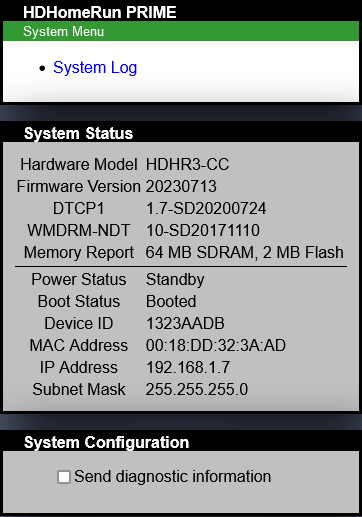
EXAMPLE
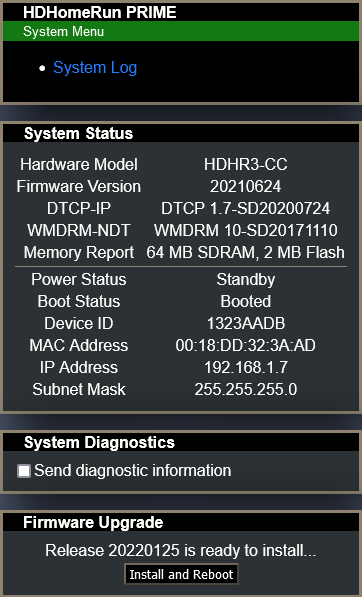
Thank you - so there are none that shouldn't be able to be updated. No serial #'s to avoid etc.?
Not for the PRIME tuners anyway
I've received the HDHR3-CC X 2, the CalDigit external that was suggested and I believe I might like to buy a Mini PC for the server. I'd like to spend 300$ +/- and I'm looking for maybe a few suggestions of various that maybe folks have had good experience with. Maybe a Ryzen 5 or 7 of some sort or Intel. Looking for maybe a few suggestions. I've never been a J Bezos buyer but if it's indeed the place to shop then maybe I just need to suck it up and buy there. Do I need to look for specific connections like maybe 2 Ethernet, HDMI and a DP 1.4 or just what. I truly have no idea. I haven't built/assembled a PC for 15 years. I've no idea of RAM or an internal storage drive.
I've migrated my Channels setup from a QNAP TS-253A to a SER7 (Ryzen 7840HS/32GB Ram) which I got at a great price ($460) and is certainly overkill for Channels. I bought it incase I wanted to HomeLab as Proxmox setup. I like it but the processor is good at transcoding - if you are going the AMD route, check out the processor and make sure it transcodes if you need it. For under $300 and a miniPC, I'd look at an N100 (or better N300/305 if the price is right as it has 8 instead of 4 cores) You'll get HDMI but probably don't need it (all my miniPCs are headless) and 1 ethernet is fine. I have an N95 box I bought for one house that cost $160 or so that would work perfectly gine for Channels.
1 Like
There's way to many Mini PC choices out there! Anyone have one that does Channels real well out there (Win 11 or maybe 10) that maybe they'd like to sell and upgrade theirs. I might be interested in maybe something like that. One that's ready to sorta 'plug/Play' ?
Something in maybe NOVA or the vicinity. I'm in the Eastern Panhandle of WV (Charles Town).
Another question - the HDD I have for this external enclosure is from an older TiVo. How do I prep that HDD for use in this external enclosure?
Wouldn't recommend that unless you think the drive will last a lot longer.
My TiVo Bolt drive just bit the dust.
You would simply attach it to the new PC and partition and format it using whatever OS you're running on the new PC.
Something like this https://shorturl.at/3wiFC
Minisforum n300 $190 would work real well. Add a 1TB m2 SSD (~$60) and you're fine. If you really want to, but a 16gb DDR5 ($45) and you're around $300 with a pretty good Channels box.
Last evening after I saw your SER7 I was floundering around and looked at this Beelink somewhere with a link to J Bezos. If that device would do Channels DVR along with PlayOn Home and keep up with the downloads I thought I might try it or something similar. The Beelink looks to be somewhat basic for easier upgrades, they seem to have mostly good reviews. Any thoughts regarding something like this.
For Channels, I usually look for good support for hardware encoding. Historically, AMDs were weak on the front compared to Intel but I have been pretty pleased with my SER7.
The link you sent has a Ryzen 7 5800H (https://www.cpu-monkey.com/en/cpu-amd_ryzen_7_5800h) which has 8 cores/16GB and support for transcoding everything except AV1. 500GB storage is fine if you're just recording and watching but not collecting video - if you want to save a lot of video, you'll need to up the storage but that could even be a cheap USB hard drive - it depends on how much storage you want.
All that said, IMO the miniPC is a pretty good option - it's small, uses relatively low power and handles Channels pretty well.
I'm moving along very slowly. I connected my HDHR3-CC(s) today got Comcast 'activation' and they're on my network. I did end up buying a DS220+ so that will be arriving in a few days.
I thought that with my cards activated, the HD Homerun Windows app I could watch TV on the PC and just tinker BUT I have no channels. The app sees both of my 'Primes' but when I click 'channels' it does nothing after changing to the SCAN. Here's some misc captures. The note on one where it shows 'status' as 'STANDBY' confuses me.
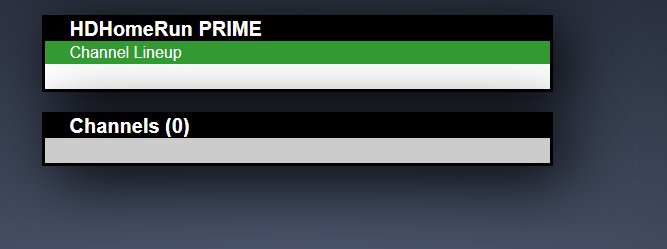
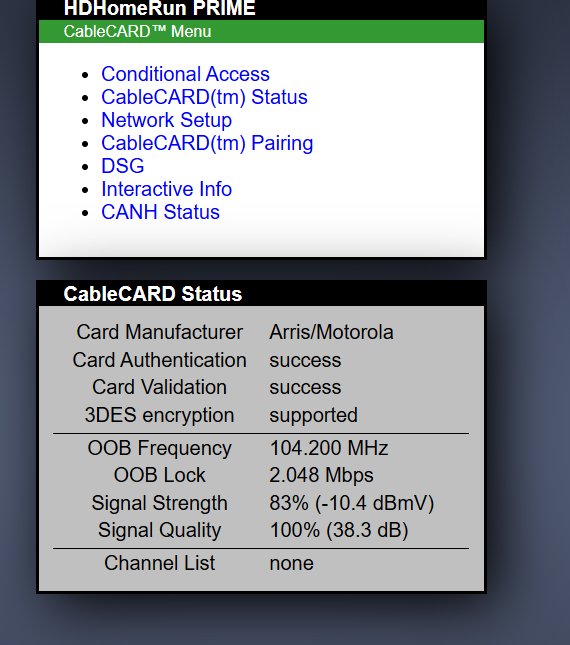
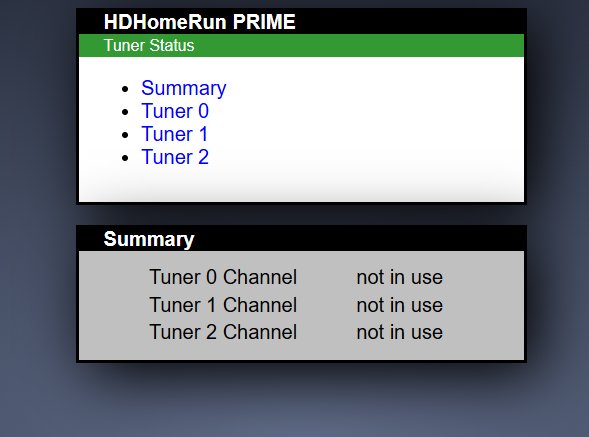
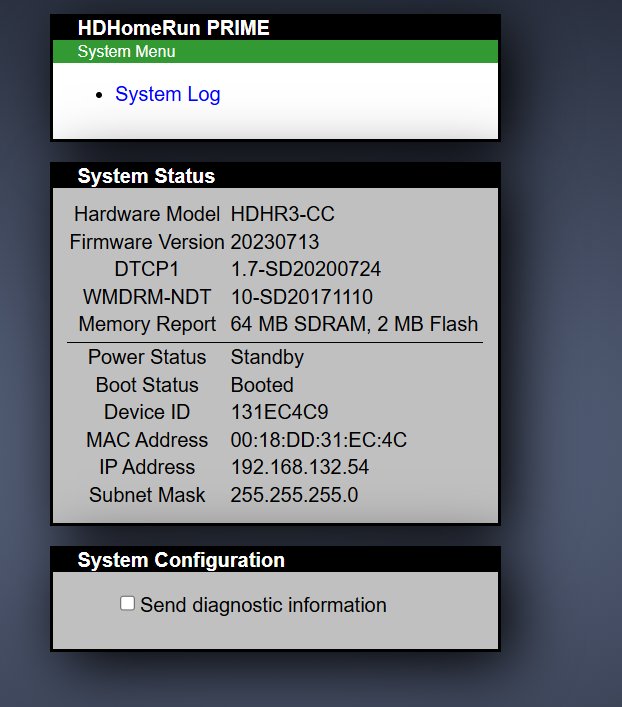
Power Status: Standby is normal
SiliconDust will be able to help you troubleshoot.
https://forum.silicondust.com/forum/viewforum.php?f=113
I received a support email and doing as instructed I can't confirm that any of the diagnostics that they requested actually got to them. I was asked to go to the IP of each and to go to 'System Menu', click 'Channel Line UP' , then 'Detect Channels' BUT that's the aspect of 'Set Up' that ain't working. If that aspect worked I would imagine the W10 TV app would populate and work.
While I'm here should I buy a Memory Upgrade for the DS220+? Buy 4G like Synology mentions or 8G as some mention using? I see this as maybe a potential buy if I'm told it's wise?
They're usually pretty good at replying on their forum, don't know about email.
Meanwhile, you could could check out this post
Basic Diagnostics for HDHomeRun PRIME
and the Faqs
https://info.hdhomerun.com/info/prime:faq#channel_scan_stops_immediately_with_no_channels_found
I used the Comcast online tool for cable cards inserted all information and got this
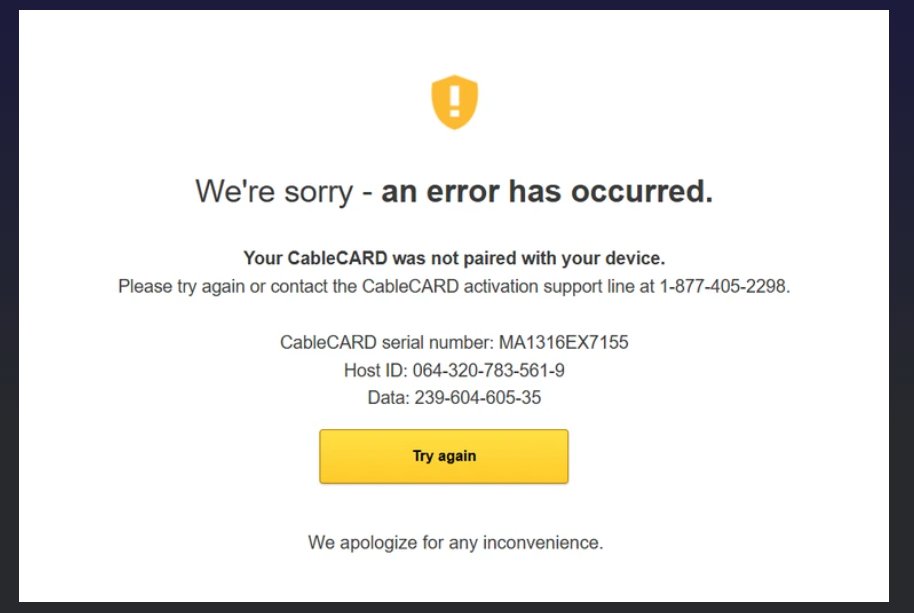
BUT when I used the 'TRY AGAIN' it returned me to the page with all of my CableCARDS and it said 'ACTIVATED', I did the 2d card the same way and got the same responses back to CableCARD page and said 'ACTIVATED' -
R/Comcast_Xfinity says both cards show activated and are correctly coded in my billing.
The aggravating part of this is I DO NOT SPEAK and CAN NOT CALL!!!!
Did you look at the FAQ's here
This is I believe the information from that page. I did what support asked to send data but I don't know that it worked. I've heard no more from them. I looked at FAQ and if the removing power etc works I'll try that. Thanks for the suggestions.
OOB Mode: OOB GTC: OOB
2-Way: Unknown LKC: 104.20N
Rx RF Freq: 104.20-NT
Tx RF Freq: ---.-- Power: --
RF-OOB Status: IDLE
EMM ID/PID: 1/0x1503
VCTID: 3028 OOB Msgs: 953
VCT: 54 OOB-rate: 1
NIT: 42 XAIT: 0
NTT: 24 CVT: 0
STT: 7 EAS: 0
Full Tx: 0 Full Rx: 0