Imported files directory structure

I did not see this addressed in any posts that I found...
I created a directory structure according to the guide:

.../something/movies/ ... files
.../something/tv/ ... files

I added ".../something" as an import directory

However, everything shows up under "Movies", nothing under "Shows". The doc indicates that the /tv and /movie "roots" will make the differentiation. What have I done incorrectly?
Ref: Channels Support - Import Your Own Movies and TV Shows

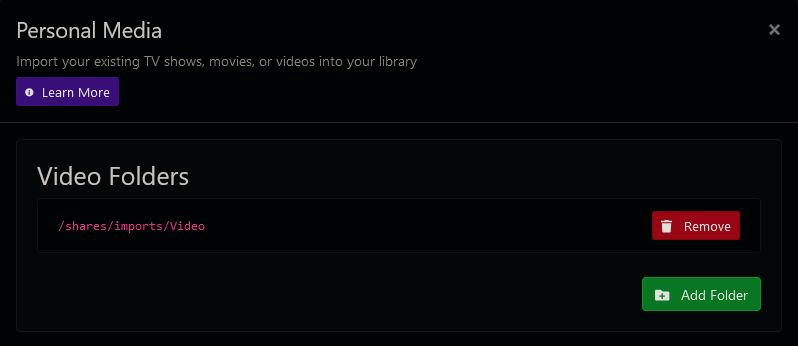
TV Shows

Your TV shows should be nested in folders with the following structure and filenames:

/tv/The Office/Season 2/2x4.mkv

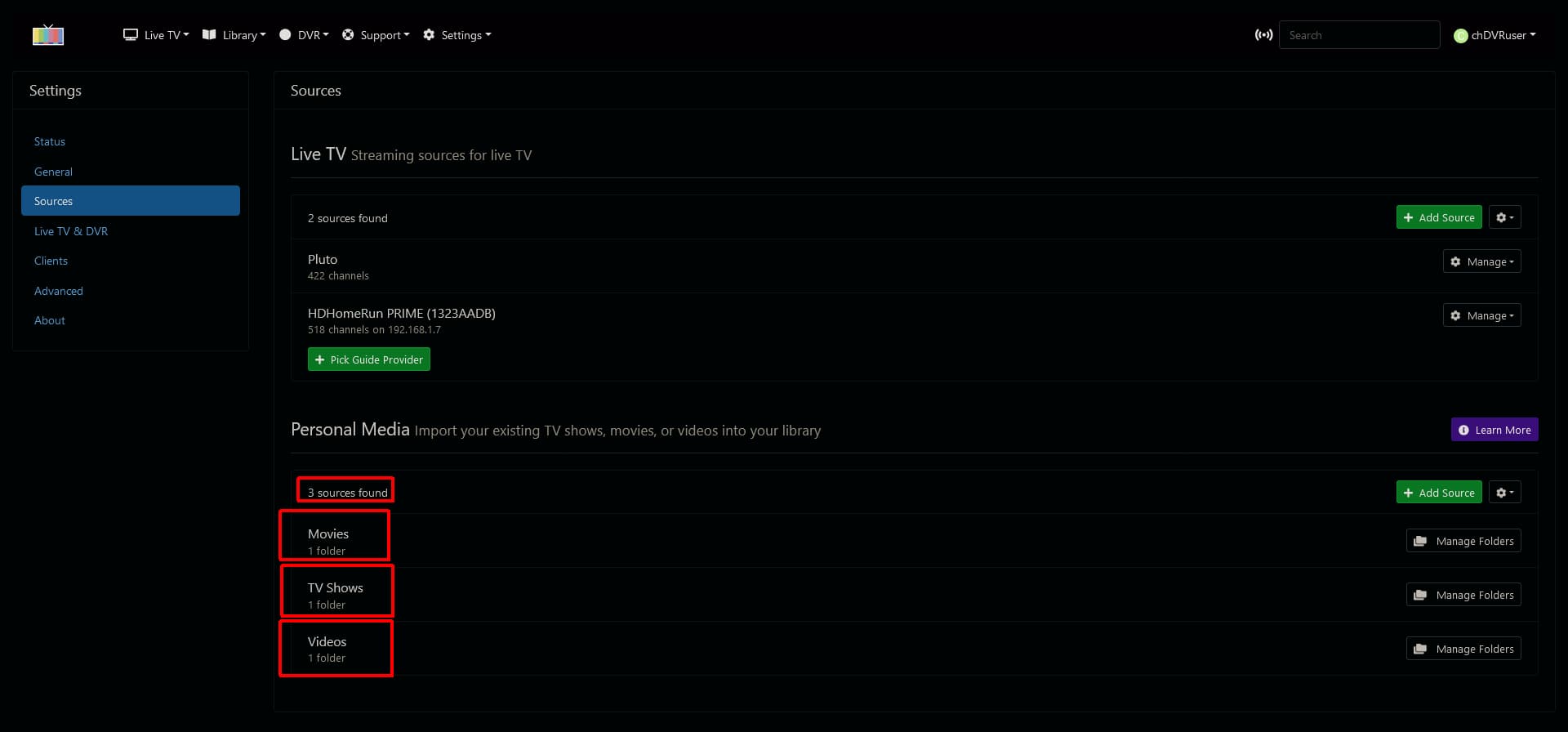
You need separate import directories for Movies, TV Shows and Videos

So I should add ".../xxx/tv" and ".../xxx/movies"? as two entries? (another for videos)

under .../something/tv/ you need folders for each show

You define which folders to import here
Screenshot 2024-07-12 at 21-34-22 Channels Settings


add movies as a Movies source

add tv as a TV source

you need two separate entries, not one for xxx

Interesting, I imported the two directories, but they both appear under "Movies"
I get:

Scanning for movies in /Users/xxxx/personal_media/tv

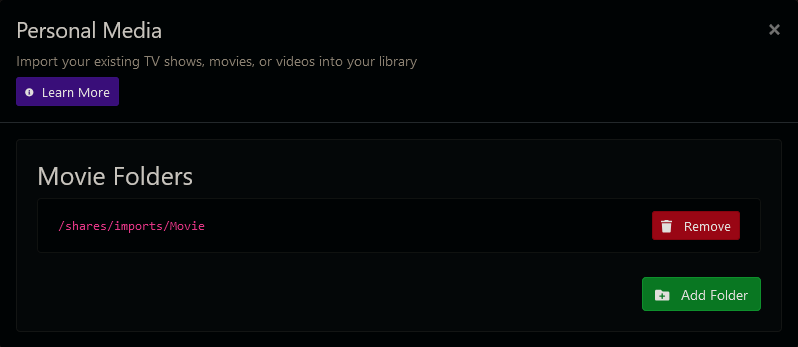
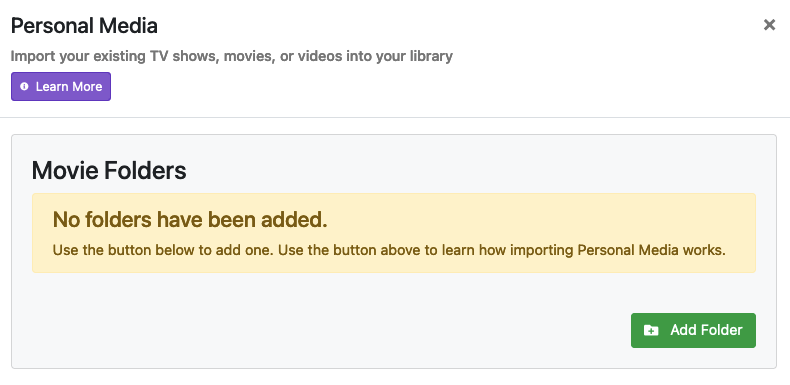
I don't see the differentiation between a movie source and a tv source... When I click "Manage Folders", I see only "Movie Folders", nothing about TV, etc. I'm not seeing anything that indicates a TV source.

This is what I get after removing all of the folders:

This is where I can choose manage folders:

I'm not seeing a TV choice

I don't get those three boxes, I get this:

When I click manage folders, I get only "Movies" as a choice.

+ Add Source

GRRRRRRRR!! I'm an idiot. I saw that, I don't know how I got to the movies without ... Never mind, I'm not smart enough to watch TV anyway ....
Thanks. (I wish there was an explicit button on that dialog, need more sleep).

This topic was automatically closed 365 days after the last reply. New replies are no longer allowed.