Thanks for confirming it works!
I have added FreeNAS instructions to the DVR installation page, as well as a note that 9.10 is required.

Thanks for confirming it works!
I have added FreeNAS instructions to the DVR installation page, as well as a note that 9.10 is required.
So I’ve been following this topic because I to am using FreeNAS for the DVR. However, I have had no luck getting it going.
I am running 9.10 and my Plex plugin is all good so I don’t think it is a problem with the NAS.
I have tried clearing and installing the PBI multiple times but no dice.
The plugin shows as running but once I try to access the Web interface it says “refused to connect”.
I was able to get it working on my MacBook as a test run but don’t want to use that long term.
Any input would be appreciated. I can’t wait to utilize the product. The guys do a hell of a job.
Can you open a shell into the plugin jail and look at the logs?
What URL are you accessing when it says “refused”?
I click the “configure channels DVR” shortcut and it takes me to the ip assigned to the jail.
Tried accessing the log but not having much luck. Bit of a noob with some of this.
Does the address it takes you to have “:8089” at the end of the ip address? Chrome says “refused to connect” when I access my channels jail without specifying the port - could that be the problem for you? It should have the port on there.
I was using chrome and it does prefill a 4 digit port. I found a 5 digit port in one of the log files but still didn’t pull up. Of course I am not certain the port is correct.
How can I verify that?
Found this…
root@customplugin_1:/ # cat /var/log/channels-dvr-fcgi.log
[SYS] Running on 192.168.1.6:12349
No dice when changing the port.
That port is only used internally by FreeNAS.
In the FreeNAS tree menu, under plugins it should show an entry for Channels DVR where you can start the service.
Inside the jail, check the log file in:
/usr/pbi/channels-dvr-amd64/channels-dvr/data/channels-dvr.log
That folder is empty.
Can you run ls -alhR /usr/pbi and post the results?
FreeNAS® iXsystems, Inc.
Account
System
Tasks
Network
Storage
Directory
Sharing
Services
Plugins
Jails
Reporting
Wizard
Alert
Guide
Support
expand all collapse all
Account
System
Tasks
Cron Jobs
Init/Shutdown Scripts
Rsync Tasks
S.M.A.R.T. Tests
Network
Storage
Directory Service
Sharing
Services
Plugins
Channels DVR
PlexMediaServer
Jails
Add Jail
Add Jail Templates
View Jails
View Jail Templates
Configuration
plexmediaserver_1
plexmediaserver_2
customplugin_1
Edit
Storage
/media
Add Storage
Reporting
Guide
Wizard
Display System Processes
Shell
Log Out
Reboot
Shutdown
Jails
Jails Storage Templates Configuration
Add Jail
Jail
IPv4 Address
Autostart
Status
Type
plexmediaserver_1 192.168.1.145 true Stopped pluginjail
plexmediaserver_2 192.168.1.4 true Running pluginjail
customplugin_1 192.168.1.6 true Running pluginjail
FreeNAS® © 2016 iXsystems, Inc. Shell
total 3271
drwxr-xr-x 4 501 staff 13B Jan 18 21:06 .
drwxr-xr-x 3 root wheel 3B Jan 18 21:06 …
-rw------- 1 root staff 181B Jan 18 21:06 .oauth
drwxr-xr-x 4 root staff 5B Jan 18 21:06 channels-dvr
-rwxr-xr-x 1 501 staff 456B Dec 5 19:34 control
-rw-r–r-- 1 root staff 37B Jan 18 21:06 control.conf
-rwxr-xr-x 1 501 staff 5.9M Dec 6 19:20 control.fcgi
-rw-r–r-- 1 501 staff 779B Dec 3 13:13 default.png
drwxr-xr-x 3 501 staff 3B Dec 2 18:58 etc
-rw-r–r-- 1 501 staff 15B Dec 2 16:22 freenas
-rw-r–r-- 1 root staff 141B Jan 18 21:06 setup.log
-rw-r–r-- 1 root staff 2.3K Jan 18 14:41 setup.sh
-rwxr-xr-x 1 501 staff 222B Dec 2 18:57 tweak-rcconf
/usr/pbi/channels-dvr-amd64/channels-dvr:
total 5
drwxr-xr-x 4 root staff 5B Jan 18 21:06 .
drwxr-xr-x 4 501 staff 13B Jan 18 21:06 …
drwxr-xr-x 2 root staff 7B Jan 18 21:06 2017.01.18.2126
drwxr-xr-x 2 root staff 2B Jan 18 21:06 data
lrwxr-xr-x 1 root staff 15B Jan 18 21:06 latest -> 2017.01.18.2126
/usr/pbi/channels-dvr-amd64/channels-dvr/2017.01.18.2126:
total 27591
drwxr-xr-x 2 root staff 7B Jan 18 21:06 .
drwxr-xr-x 4 root staff 5B Jan 18 21:06 …
-rwxr-xr-x 1 root staff 23M Jan 18 17:19 channels-dvr
-rwxr-xr-x 1 root staff 8.9M Jan 18 17:19 comskip
-rwxr-xr-x 1 root staff 9.8M Jan 18 17:20 ffmpeg
-rwxr-xr-x 1 root staff 9.7M Jan 18 17:20 ffprobe
-rwxr-xr-x 1 root staff 300B Jan 18 17:20 freebsd-x86_64.sha256
/usr/pbi/channels-dvr-amd64/channels-dvr/data:
total 1
drwxr-xr-x 2 root staff 2B Jan 18 21:06 .
drwxr-xr-x 4 root staff 5B Jan 18 21:06 …
/usr/pbi/channels-dvr-amd64/etc:
total 3
drwxr-xr-x 3 501 staff 3B Dec 2 18:58 .
drwxr-xr-x 4 501 staff 13B Jan 18 21:06 …
drwxr-xr-x 2 501 staff 3B Dec 6 18:44 rc.d
/usr/pbi/channels-dvr-amd64/etc/rc.d:
total 2
drwxr-xr-x 2 501 staff 3B Dec 6 18:44 .
drwxr-xr-x 3 501 staff 3B Dec 2 18:58 …
-rwxr-xr-x 1 501 staff 453B Dec 6 18:59 channels_dvr
Is that what you were looking for?
Yes. It looks like the server installed just fine.
Can you post a screenshot of what you’re seeing. Or copy/paste the exact URL your browser shows when you click “configure channels DVR” link.
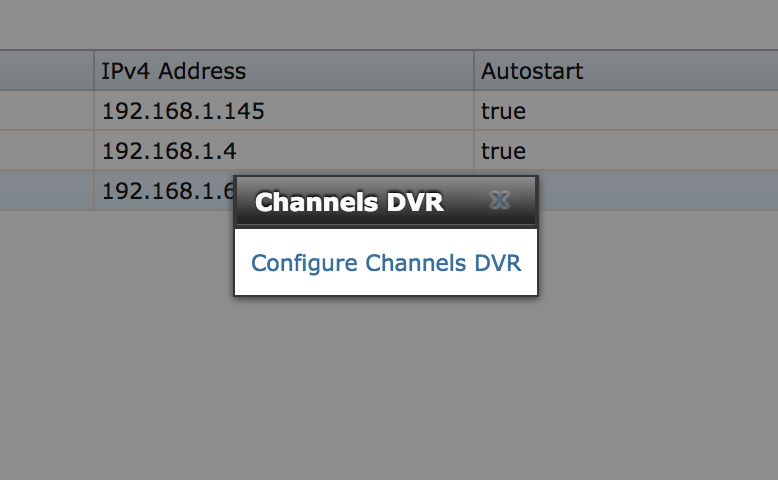
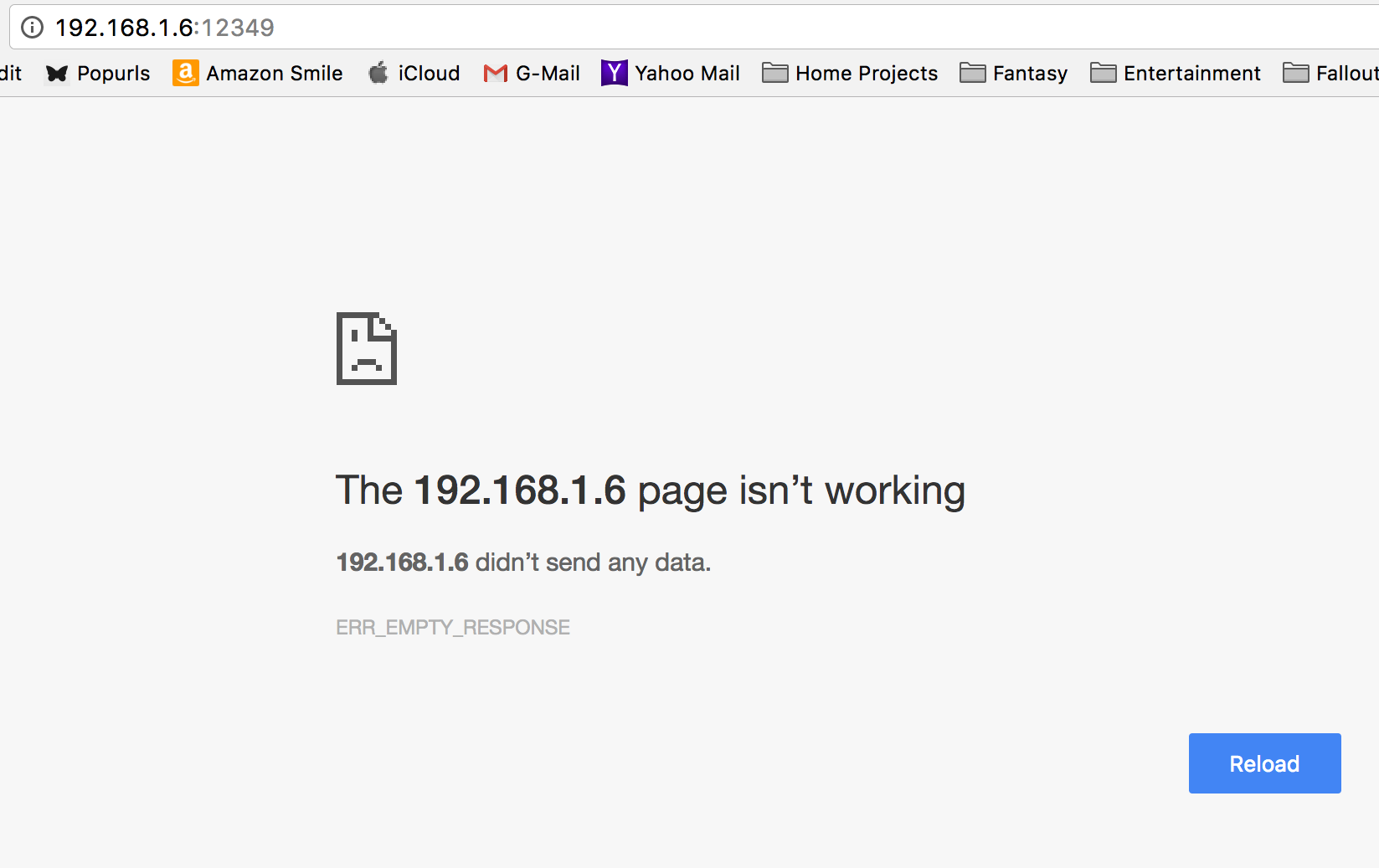
I was thinking, is there a particular “service” that needs to be enabled? Just a thought.
Huh, so when you click “Configure Channels DVR” it takes you to http://192.168.1.6:12349 ?
Very strange. That’s a bug, I will check what’s going on.
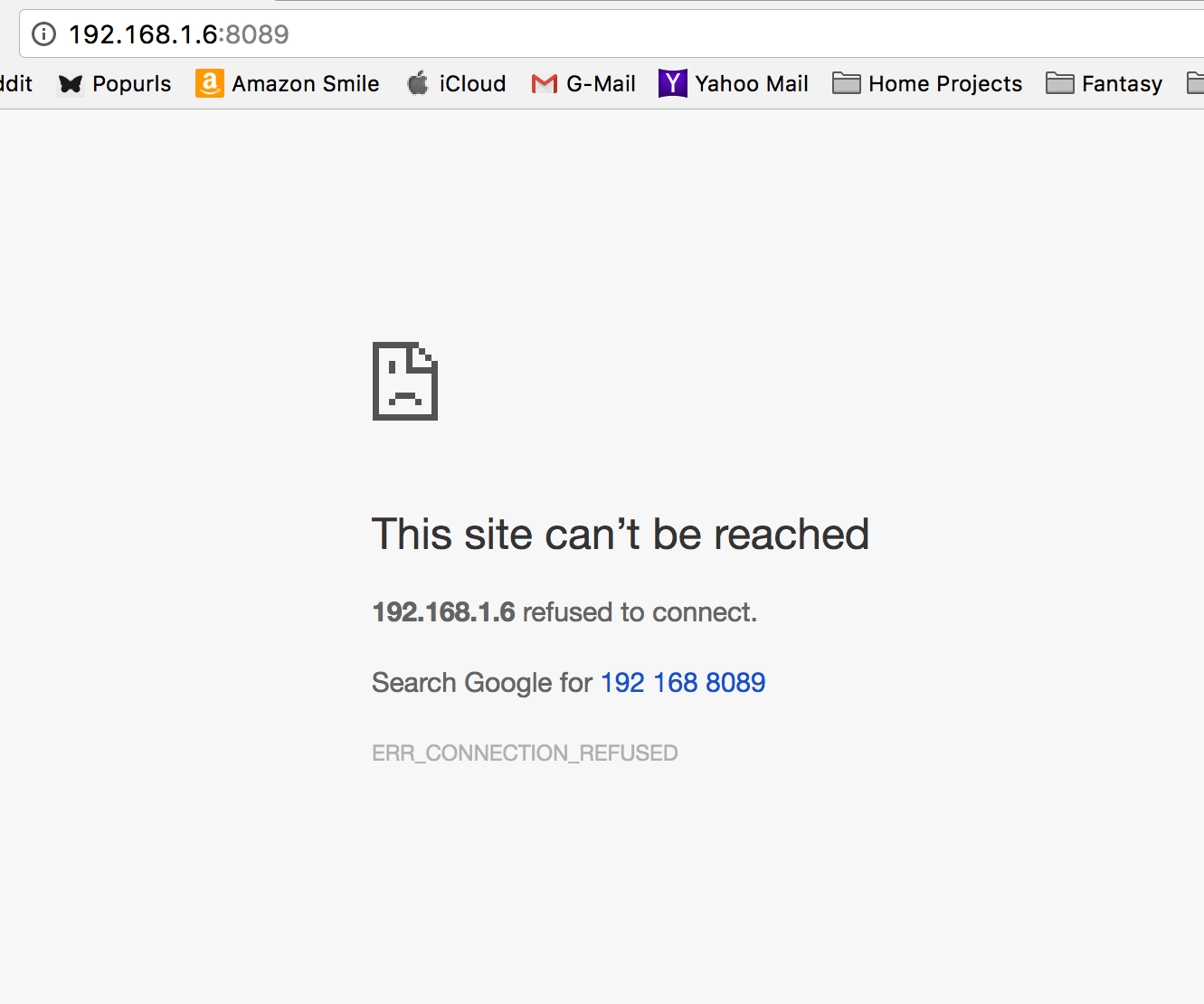
The correct url is http://192.168.1.6:8089
Here is the message for :8089
Can you right click on “Configure Channels DVR” and copy link address and paste it here?
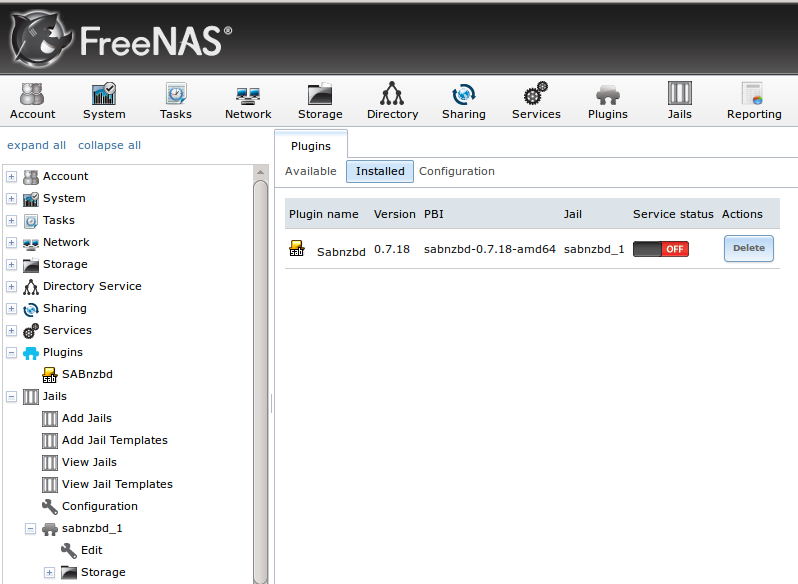
It seems like the DVR server is not running. You usually need to turn it on first, in the plugin list where you installed it there is an on/off toggle.
The page where you need to enable the DVR looks like this: