Introducing PrismCast: Browser-based Live TV Capture for Channels DVR and Plex

Massive thank you to @hjd for this project. Very impressive! I apologize if I missed this in the many posts before this (I did search for "speed"), but is there a way with YouTube TV to tune quicker? With Chrome Capture, I tune to a channel in about 4-5 seconds, and this is perhaps double that, so I'm wondering if I am doing something wrong. I have this and Channels running on an M1 Mac Mini.

You’re welcome — glad to hear it’s working well for you.

To answer your question: no. After the first tune, YouTube TV channels begin tuning almost immediately. However, it still takes a few seconds for the stream to fully initialize and be delivered to Channels DVR. That delay is expected behavior and not something likely to improve significantly.

TL;DR: YouTube TV is already performing about as fast as it’s going to.

Enjoy!
1 Like

Just curious, has anyone compiled a list of all the potential channels we could manually add, along with their corresponding urls and Gracenote station IDs? I'd love to get the MLB & NFL Networks back up and running, as well as Comedy Central and a few others. Maybe even a few Tubi channels if that's possible.

I have seen more minor pauses and have seen occasionally what you are describing since updating from 1.21 to 1.3.1/1.3.2. 1.2.1 was "perfect" in that regard, even watching NBC olympics for several hours.
My system is an i3-12100 running Unraid (Prismcast via docker compose).

Weird, I'm running on Windows 11 as well and have not seen this issue after upgrading to 1.3.1, and I've recorded a ton of Olympic videos everyday. All videos stay in sync. I have a Ryzen 7 5800 server, don't know if AMD integrated graphics have anything to do with it.

But I am bouncing Chrome and prism every night because the chrome encoder will eventually start dropping frames.

I reported before that I've also seen Chrome double the bit rate that's requested, I guess I'll have to set mine down to 720p at 4mb.

EDIT: I see from the current logs that prism is bouncing Chrome after a number of hours when it's idle, so I've disabled my daily restart task. I did not see this in the release notes, could have missed it.

Depends on your provider, of course. It can also be region based. The best resource for finding URL based deeplinks in this community probably currently is on the ADBTuner main page. I know for a fact that someone has recently shared their East Coast based YoutubeTV links. If you search on that page, you will also find instructions on how to find your own deep links for each of the main internet streaming providers.

v1.3.3 is out - minor quality of life improvements. Enjoy!

To reiterate from prior release notes:

If you’ve created user-defined channels that are now covered by predefined options, I recommend deleting those overrides and using the defaults. Predefined channels are what I test and maintain; overrides are entirely optional, but they do create long-term configuration debt for you as PrismCast evolves.

I really appreciate the feedback, enthusiasm, and passion around PrismCast. Almost every feature added since 1.0.0 has come from thoughtful, respectful discussion with this community.

My only ask is simple: please be kind, not demanding. PrismCast started as a project for my own needs, and I share it because I enjoy this community and wanted to give something back. Respectful feedback is always welcome; entitlement is not.

Thank you to everyone who’s shared encouragement or joy in using PrismCast—it genuinely keeps this project fun to work on.

One more note for everyone’s benefit: please don’t repost the same questions in this thread. Many of them have already been asked and answered, and the forum’s topic-only search works well. Keeping discussions focused helps everyone. Please treat the thread and each other with the same consideration you’d expect in return.

1.3.3 (2026-02-16)

  • Improvement: the playlist endpoint now supports multi-provider and exclude filters (e.g., ?provider=yttv,sling or ?provider=-hulu) with input validation.
  • Improvement: refreshed the PrismCast server home page documentation.
  • Improvement: defensively clean up after Chrome on startup and shutdown.
  • Housekeeping.
2 Likes

@Jean0987654321 and @bnhf Try v1.3.3 out and see how it goes without the Docker persistent storage gymnastics. I’m really not keen to go that route unless we’re out of good answers on root cause. PrismCast will try to clean up after Chrome and hopefully that does the trick.

@JT-DFW Give v1.3.3 a go and see how it is for you. Report back and let me know. Thanks!

I run docker desktop on Windows. For containers I am seeing Prismcast, Olivetin, and Portainer. What is the best way to update? Thanks

1 Like

Use Project One-Click to install Watchtower. It'll run once, update all running containers and then exit. Anytime you want to update your running containers, just select that exited Watchtower container and start it again.

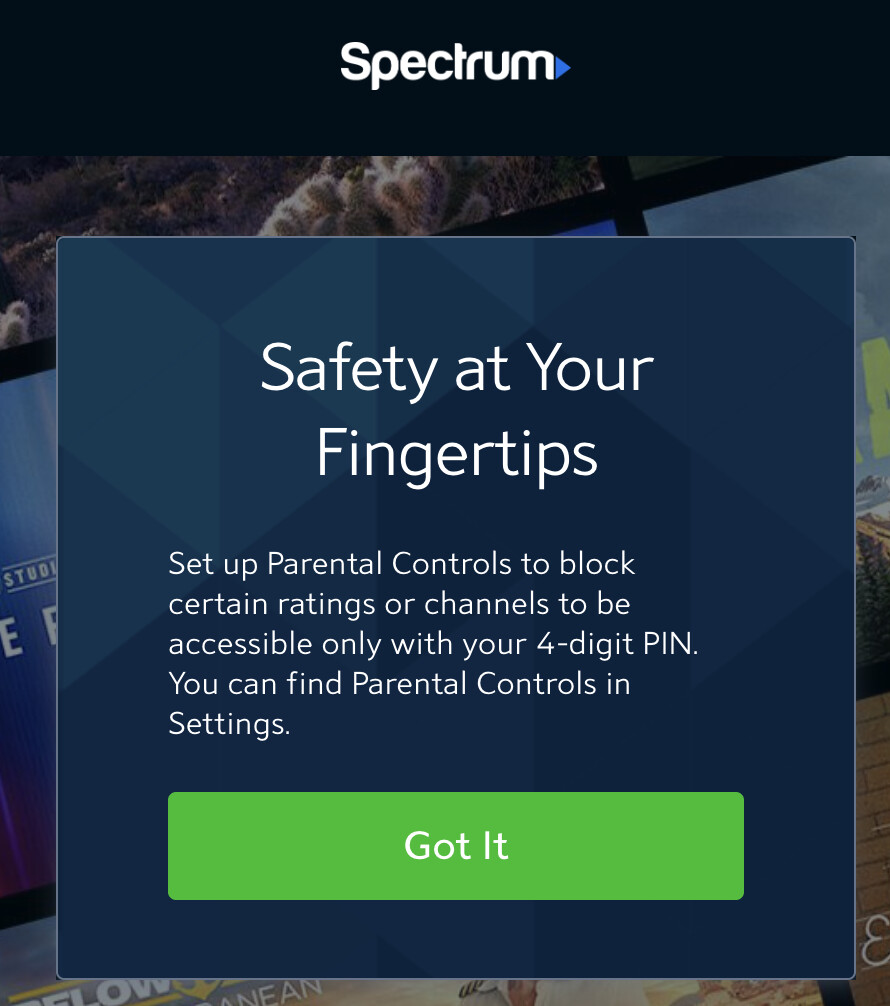
Was able to sucessfully add Paramount Channel through Spectrum at link https://watch.spectrum.net/livetv?tmsid=59186 (though it seems https://watch.spectrum.net/livetv?tmsid=64593 also works). I chose embeddedDynamicMultiVideo, as Auto wasn't quite doing it for me, and that was the first one that I could get to work correctly (Auto wasn't maximizing the video window). The trick was to click OK to the Safety at Your Fingertips box the first time it came up

For the window that comes up saying to make sure I'm connected to the Spectrum internet, I click OK the first time, but for subsequent times, it'll go away after a short time and the channel will start playing. Hope this helps others on Spectrum to add some custom channels.

This is on 1.3.1. I see 1.3.3 was just released, not sure if any changes to affect this.

Is the "login" button issue resolved in version 1.2.0 the one we talked about (a while ago) where the button always says "login" whether you have logged in or not.

I ask because my setup is still doing that. I am on version 1.3.2. My process is to click the login button, login using cable provider on the page that opens, then go back and hit the okay button on the original page. I have also tried to just close the window that opened after I login. I have tried stopping/starting the service, restarting the service as well as refreshing the site all with no change to the 'login' button.

Thank you again for all you have done on this!!

Is the "login" button issue resolved in version 1.2.0 the one we talked about (a while ago) where the button always says "login" whether you have logged in or not.

Expected behavior - there’s no issue here: the Login button is stateless and will always say Login. If you’re finding you have to re-authenticate frequently, that’s usually because cookies aren’t persisting (e.g., container/profile storage) or the provider is expiring the session—separate from the button label itself.

New error now

[2026/02/17 00:56:26.037] [ERROR] Fatal startup error occurred: Capture system verification failed after 3 attempts: Capture probe timed out.
Starting PrismCast with noVNC support...
  Display: :99
  Screen: 1920x1080x24
  VNC Port: 5900
  noVNC Port: 6080
  PrismCast Port: 5589
Starting Xvfb...
Xvfb started successfully.
Starting x11vnc...
Xlib:  extension "DPMS" missing on display ":99".

0
The VNC desktop is:      prismcast:0
x11vnc started successfully.
Starting noVNC...
Warning: could not find self.pem
Using installed websockify at /usr/bin/websockify
Starting webserver and WebSockets proxy on port 6080
WebSocket server settings:
  - Listen on :6080
  - Web server. Web root: /usr/share/novnc
  - No SSL/TLS support (no cert file)
  - proxying from :6080 to localhost:5900
noVNC started successfully.
==============================================
  noVNC available at: http://localhost:6080/vnc.html
  PrismCast UI at:    http://localhost:5589
==============================================
Starting PrismCast...
Navigate to this URL:
    http://prismcast:6080/vnc.html?host=prismcast&port=6080
Press Ctrl-C to exit
[2026/02/17 00:56:31.460] PrismCast v1.3.3 starting.
[2026/02/17 00:56:31.478] Using FFmpeg at: /usr/local/lib/node_modules/prismcast/node_modules/ffmpeg-for-homebridge/ffmpeg
[2026/02/17 00:56:31.483] Loaded 307 channels (14 user, 293 predefined).
[2026/02/17 00:56:32.040] [WARN] Display supports maximum 1920×939. Configured 1080p preset will use 720p-high instead.
[2026/02/17 00:56:32.041] Chrome ready: Chrome/145.0.7632.75.
[2026/02/17 00:56:37.065] [WARN] Capture probe attempt 1 of 3 failed: Capture probe timed out. Retrying in 5s.
[2026/02/17 00:56:47.099] [WARN] Capture probe attempt 2 of 3 failed: Capture probe timed out. Retrying in 5s.
[2026/02/17 00:56:57.120] [ERROR] Capture system verification failed during startup: Capture system verification failed after 3 attempts: Capture probe timed out.
[2026/02/17 00:56:57.120] [ERROR] Fatal startup error occurred: Capture system verification failed after 3 attempts: Capture probe timed out.
Starting PrismCast with noVNC support...
  Display: :99
  Screen: 1920x1080x24
  VNC Port: 5900
  noVNC Port: 6080
  PrismCast Port: 5589
Starting Xvfb...
Xvfb started successfully.
Starting x11vnc...
Xlib:  extension "DPMS" missing on display ":99".
The VNC desktop is:      prismcast:0

0
x11vnc started successfully.
Starting noVNC...
Warning: could not find self.pem
Using installed websockify at /usr/bin/websockify
Starting webserver and WebSockets proxy on port 6080
WebSocket server settings:
  - Listen on :6080
  - Web server. Web root: /usr/share/novnc
  - No SSL/TLS support (no cert file)
  - proxying from :6080 to localhost:5900
noVNC started successfully.
==============================================
  noVNC available at: http://localhost:6080/vnc.html
  PrismCast UI at:    http://localhost:5589
==============================================
Starting PrismCast...
Navigate to this URL:
    http://prismcast:6080/vnc.html?host=prismcast&port=6080
Press Ctrl-C to exit
[2026/02/17 00:57:02.415] PrismCast v1.3.3 starting.
[2026/02/17 00:57:02.434] Using FFmpeg at: /usr/local/lib/node_modules/prismcast/node_modules/ffmpeg-for-homebridge/ffmpeg
[2026/02/17 00:57:02.437] Loaded 307 channels (14 user, 293 predefined).
[2026/02/17 00:57:02.969] [WARN] Display supports maximum 1920×939. Configured 1080p preset will use 720p-high instead.
[2026/02/17 00:57:02.970] Chrome ready: Chrome/145.0.7632.75.
Shutting down...
[2026/02/17 00:57:05.442] Shutting down.
Terminating WebSockets proxy (25)
caught signal: 15

I had to change a few. Probably an East/West feed thing. YTTV is going to decide that for you. I changed mine using manage lineup, under settings for prismcast source. I needed to push several of mine to west coast feeds.

This is also where you can set your local channels to their respective guide as well...

Where does the gracenote station id come from for the predefined channels?
I'm seeing wrong listings on predefined channels and have started going through them all to figure out which ones are off.

“Wrong” for your setup, perhaps, but not globally wrong. These station IDs are guide-mapping defaults, and lineups/feeds can vary (East/West variants, etc.), so a default can match one feed and not another. PrismCast definitely has a @hjd bias builtin in terms of location. :smile:

If you have alternate entries for those networks (West/Pacific), try those first. If not, override the station ID either by creating a user-defined override channel in PrismCast or by remapping it in Channels DVR.

You can pull the playlist: curl http://prismcast:5589/playlist and see what you’d like to deviate from.

1 Like

Try stopping the stack and deleting the volume again.

1 Like

Sure you can. Go to your prismcast source in channels, go to manage lineup. Click the little pencil
Screenshot 2026-02-16 at 5.28.41 PM

Then find the pacific feed of the channel you are trying to change. Easy peasy.

Respectful feedback is always welcome; entitlement is not. I’m going to disengage on this topic.

Ok, that worked.