iOS app + Tailscale = Unable to stream

I am running out of ideas and troubleshooting next steps... please help!

I have Tailscale installed directly on my Synology NAS which is also hosting the Channels Server via Docker. I have verified that Tailscale is working properly since I can remotely access the NAS itself when connected to my Tailnet.

When not on my home LAN, I can connect the Channels iOS app on my iPhone to the Channels Server on my NAS via the {Tailnet IP address}:8089 of my NAS. I am able to view the Live TV guide and see the list of recorded shows on my Channels Server. However, I am not able to stream any video content to the iOS app. The weird thing is that I can successfully stream to the web app using Chrome or Safari from my same iPhone. Is there something broken in the Channels iOS app or some sort of configuration option that I need to set? Any help would be greatly appreciated.
What happens when you try?
Can you stream recorded content?

If you are by your server, try enabling Wi-Fi on the iPhone and it will switch connection from the Tailnet to the LAN IP automatically, back and forth over Tailscale when cell or WiFi is turned off.

I'm using the latest Beta iOS app and have Tailscale installed on my iPhone and it's working here.

Keep in mind when you stream it over safari browser the server always transcodes. Look at the web playback mb settings on your server and then when remote use the same mb settings in the app settings.

Ok, I have made a little bit of progress. I enabled subnet routes via the Tailscale CLI on my NAS. I exposed the entire LAN as an advertised route. Now, I can stream content to the iOS app when I am connected to my other, isolated wifi networks on the same wifi router. I noticed that when I enter the Tailnet IP for my NAS in the Channels iOS app, the app actually uses the local LAN IP instead. I am assuming this is due to the subnet route to the LAN address now being available and the app assumes the LAN IP will be a more direct route.

However, when I move to my cellular 5G connection and I am no longer on any local wifi, streaming still doesn't work. I can connect to the Channels server via the NAS LAN IP but streaming doesn't work. I can also connect to the Channels server using the NAS Tailnet IP but streaming doesn't work. In this case, the Channels app maintains the Tailnet IP and doesn't automatically switch to the local LAN IP.

So, it seems that I am not able to stream through the Tailnet IP for some reason. I have also replicated this same issue via my Macbook Pro so this is not an issue isolated to the iOS app.

No need to do that.

Here is what mine looks like.
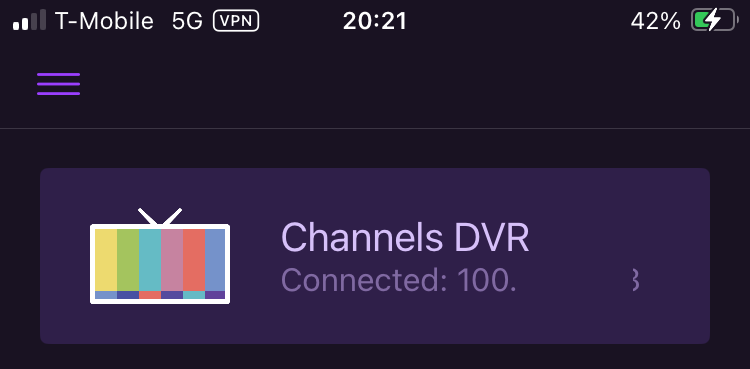
Connected "At Home" using Tailnet IP of Synology NAS

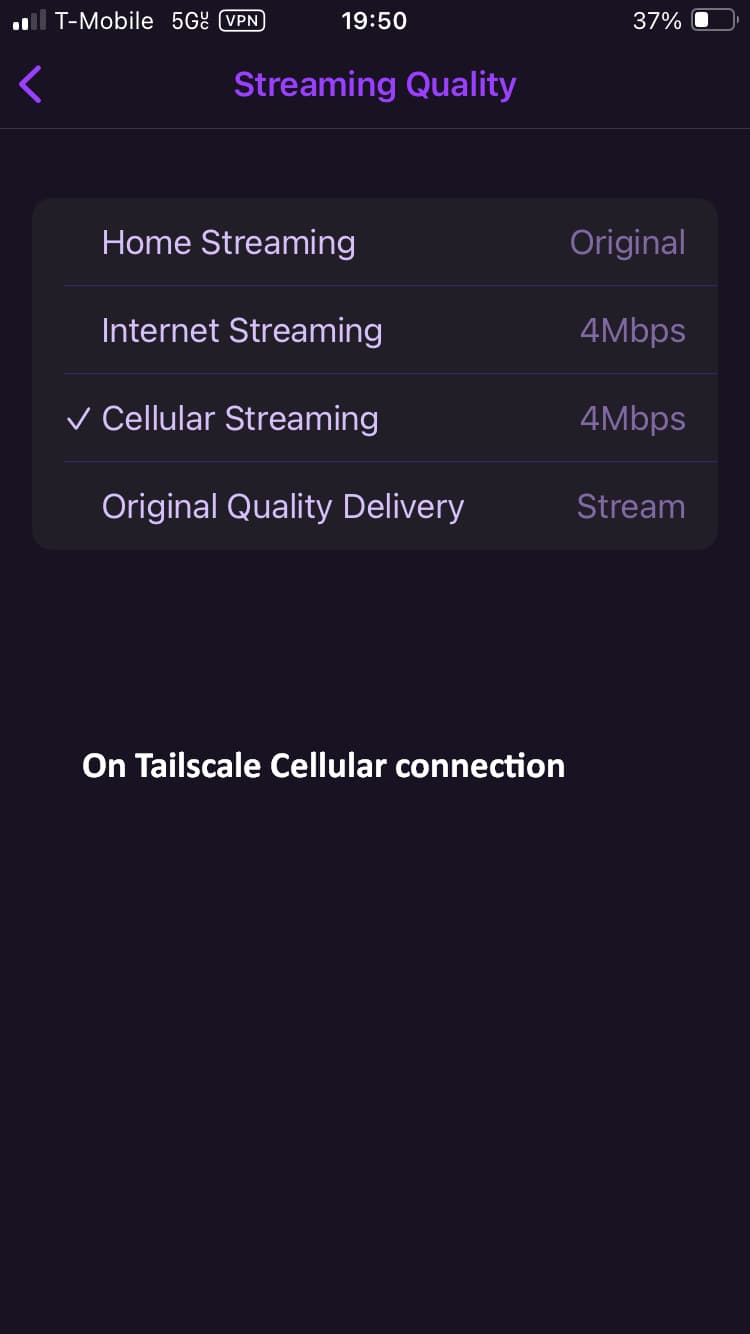
Streaming settings

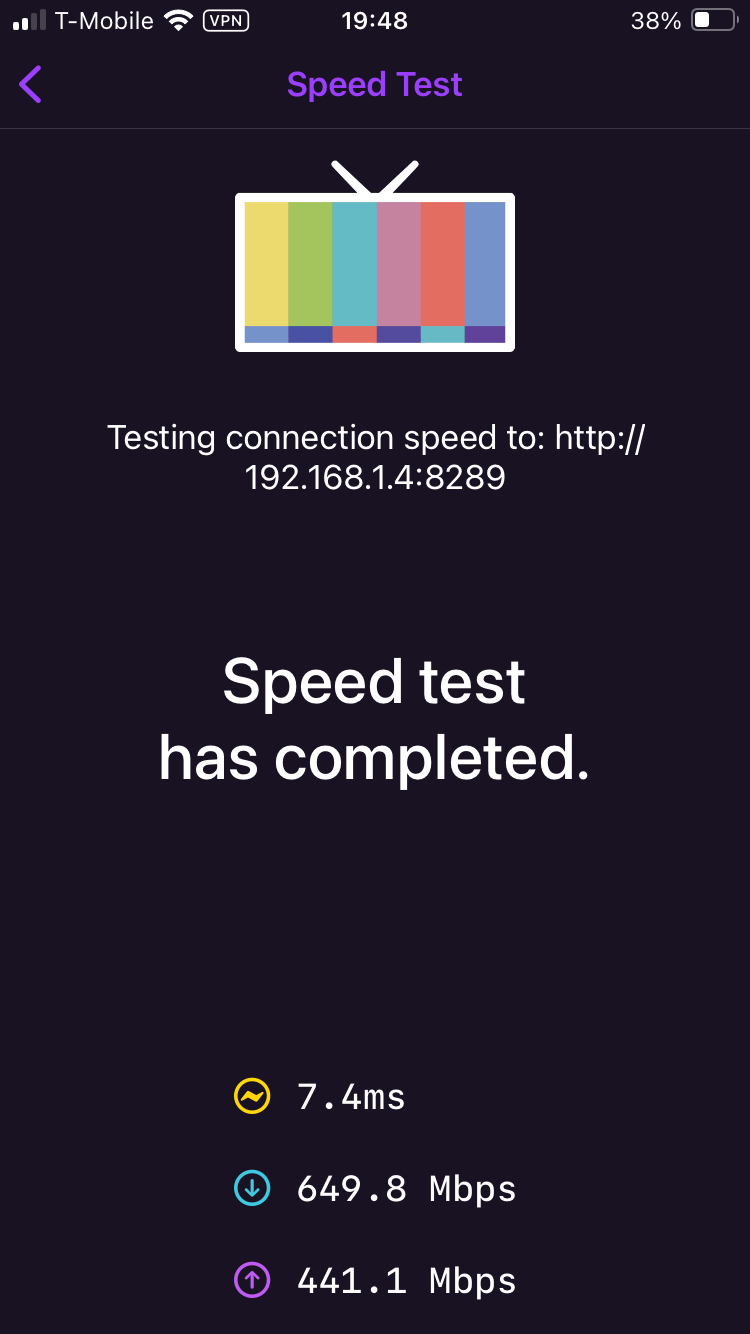
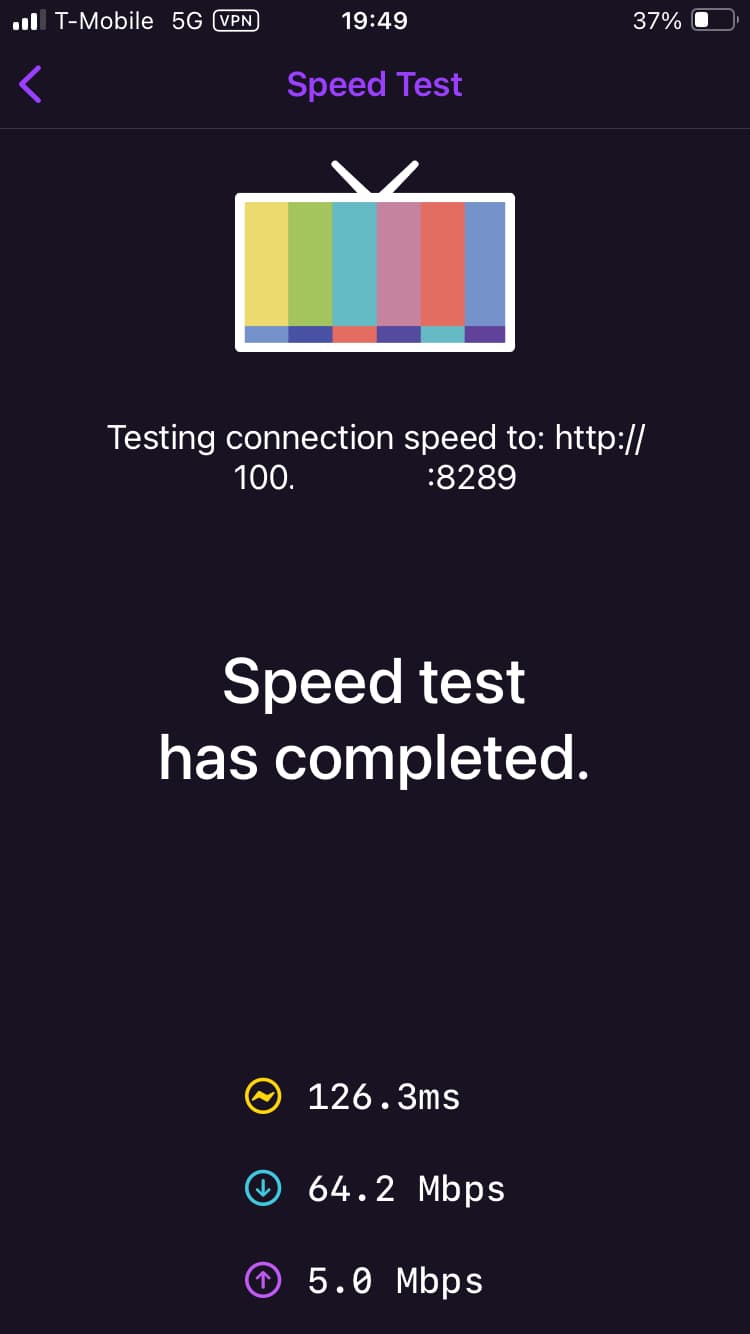
Run a speedtest while you're connected via Tailscale cellular (phone WiFi OFF)

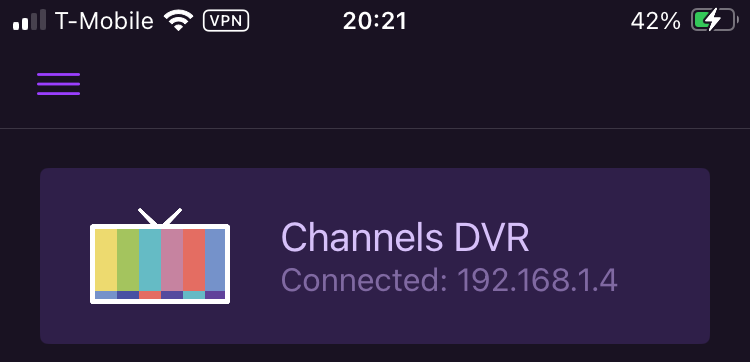
Run a speedtest while you're connected via Tailscale WiFi (phone WiFi ON)


Notice how it switched from the Tailnet IP

to the LAN IP when I turn my phone WiFi ON.

I have Cellular and Tailscale enabled all the time during these screenshots.

You keep saying you can't stream.
What happens?
Is it buffering (spinning circle), or what?

Yep, just an infinite spinner is displayed anytime I try to stream.

What does your Channels app speedtest (Settings > Support > Speed Test) look like when connected over cellular Tailscale

Speed test over cellular, connected to the Tailnet IP:

  • Ping: 70.5 ms
  • Download: 257.6 Mbps
  • Upload: 18.8 Mbps

Speed test over wifi, connected to the LAN IP:

  • Ping: 5 ms
  • Download: 547.5 Mbps
  • Upload: 386.6 Mbps

How do your Streaming Settings look

Mine look the same as yours except the "Original Quality Delivery" is set to "Direct". Also, when I am on a cellular connection, the "Cellular Streaming" option is checked, the same as yours.

Out of ideas. Do any recordings streams? Any Live TVE channels?
I also use Channels DVR running in docker containers on my Synology NAS.

I am giving up for tonight... I have spent too much time on this already. Thanks for everyone trying to help. I'll look at this again sometime tomorrow.

FWIW, nothing streams when I am connected to the Channels server via the Tailnet IP... everything results in an infinite loading spinner. This includes live TV, TVEverywhere channels, local recorded content, etc.

With subnets enabled like they are now even with your phone being on cell data you can use the LAN IP. You said you can stream with your LAN ip when you’re on the separate WiFi network. It works the same way when on cellular,

  1. Connect phone to cell data WiFi off
  2. Enable Tailscale app on phone
  3. Launch channels app and connect using “at home”
  4. Type in your home LAN IP (not sure if you need:8089) Don’t use your 100xxxx Tailscale ip.

Based off your comment this should stream. Personally I doubt it will make a difference but if it does it will help troubleshoot.

You are correct and I have tried that configuration of being on cellular and connecting to the LAN IP. Unfortunately, I can connect to the LAN IP of the Channels Server but all streaming attempts still result in the same infinite spinner.

Who is the internet provider of the network the server is on?

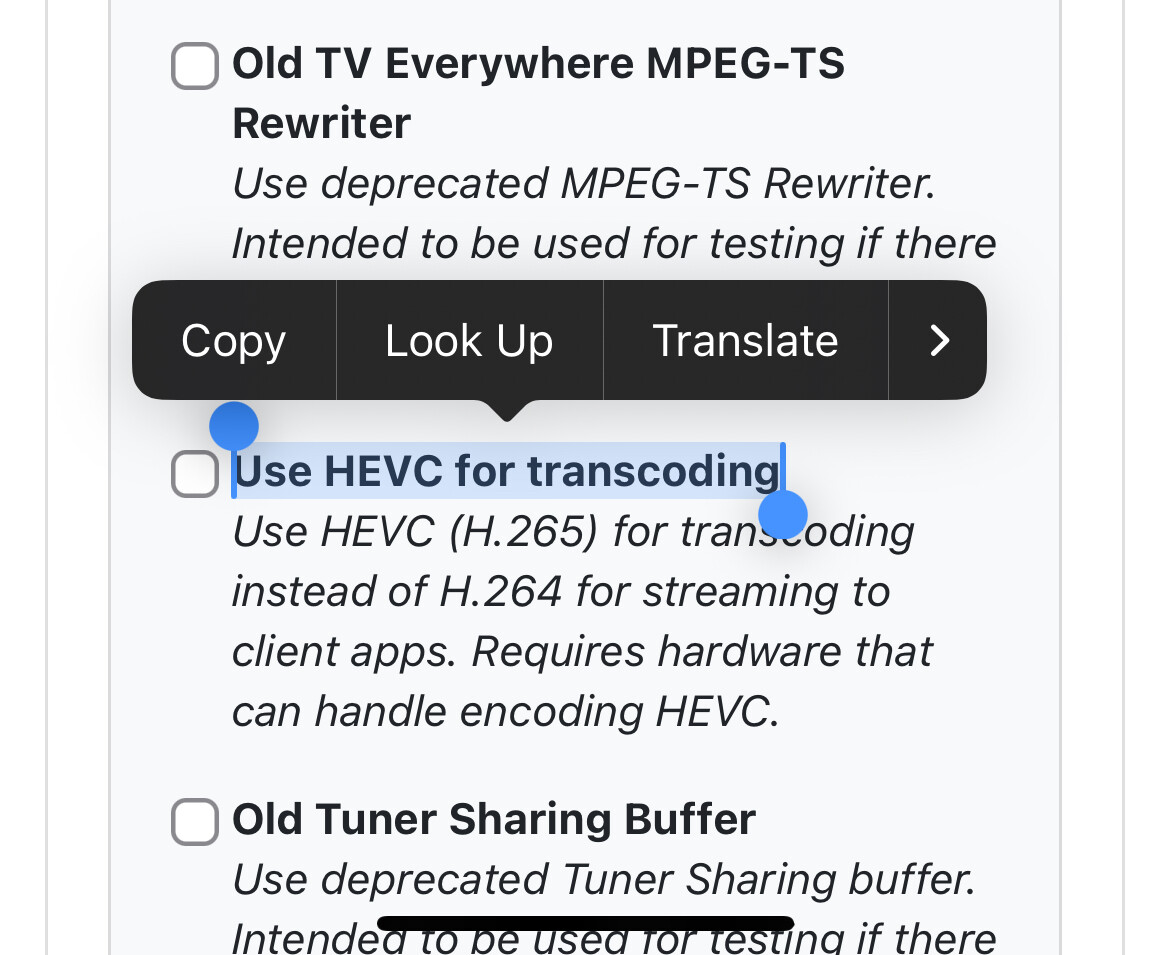
Do you have experimental hevc h265 checked in the server settings advanced towards the bottom? Make sure it is NOT enabled.

1 Like

@Rice You are a genius! Disabling HEVC fixed the issue. I can now stream across the Tailnet IP. Thank you so much!!! This having been driving me crazy.