Issue adding custom channel with the Tubi docker container

Continuing the discussion from Tubi for Channels docker:

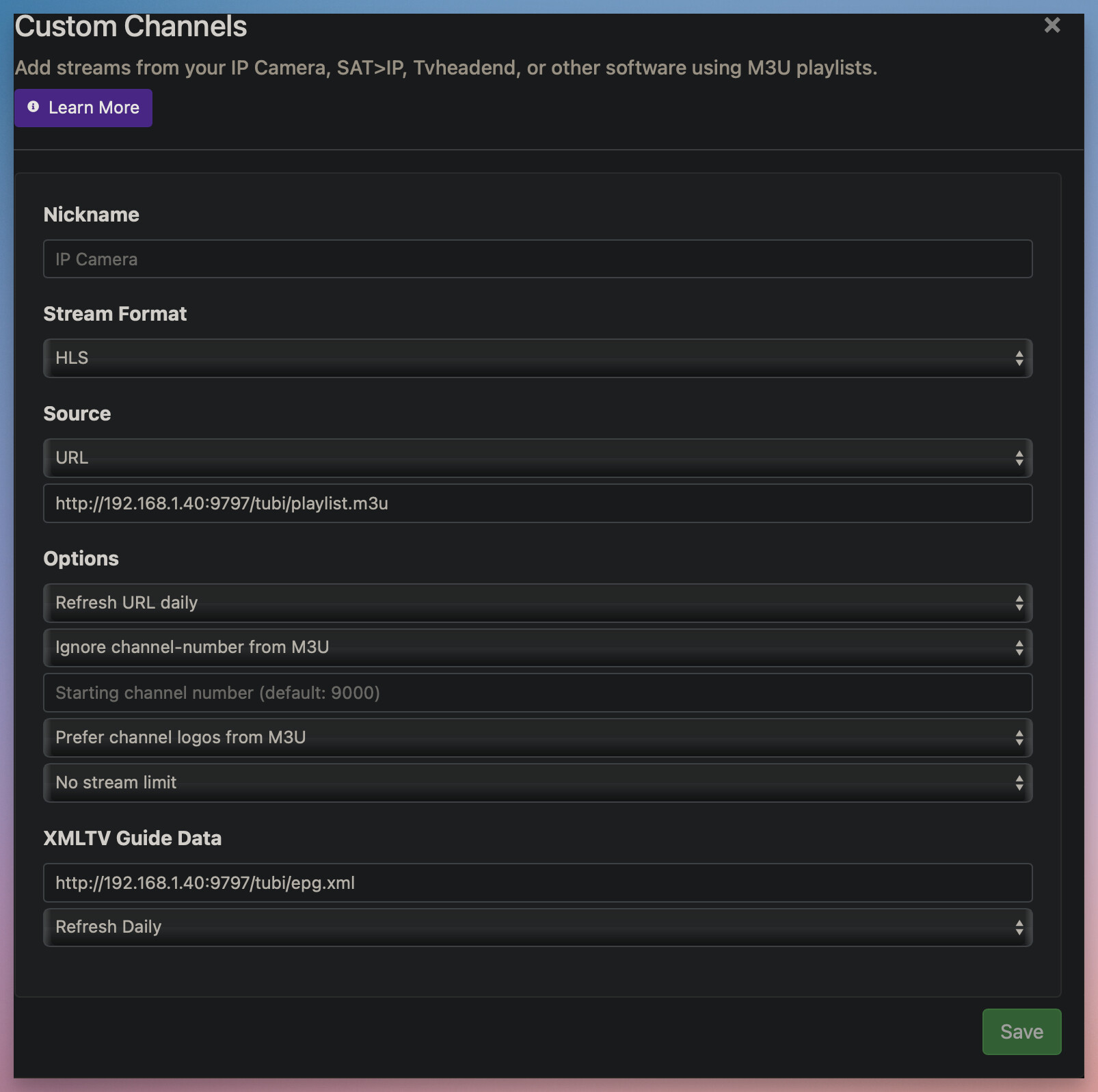
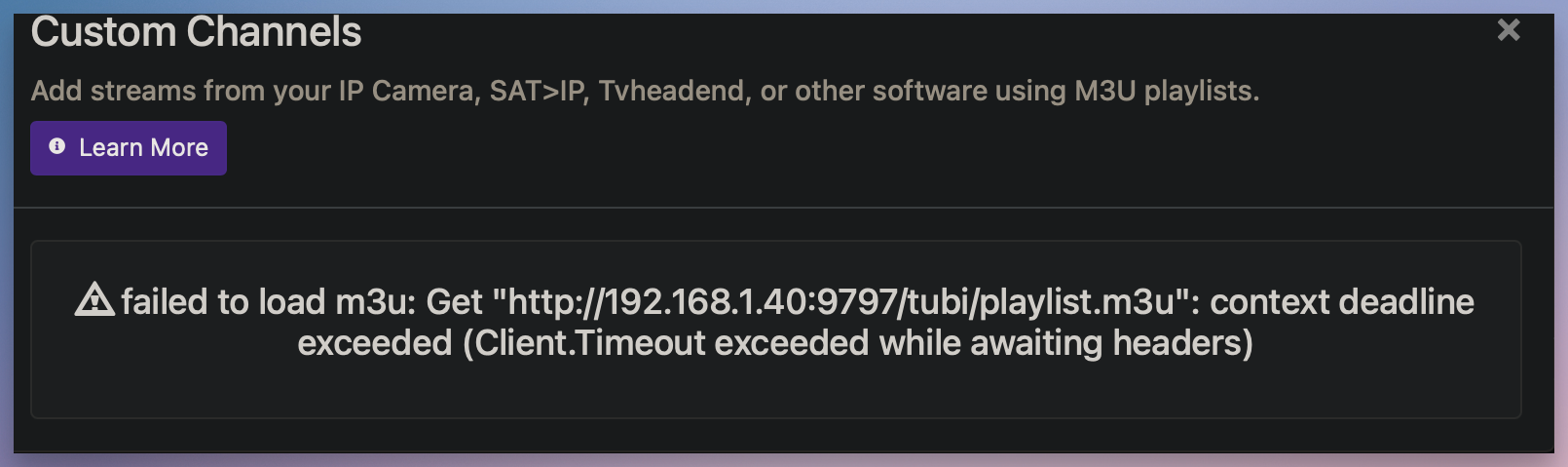
Thank you for the work in creating this docker. I am having issues with installing and was hoping you can help. I have installed the container on my Synology NAS and it appears to be up and running (see images). But when I install the source into channels, I get an error and am unable to add (again refer to image). Please help!

Here is the container log...

The container is serving this...

But when I add the custom channel...

I get this error...

Is Channels also installed on your Synology NAS? If not, has the port been opened so Channels can see it? Is there anything else on network or server that is protecting Channels from being able to access this address/port?

Put that URL http://192.168.1.40:9797/tubi/playlist.m3u in a browser and see if it downloads the playlist.m3u file or times out.
Check the tubi container log.
Until the container generates a channel list, you'll see that error.
Also, sometimes when the container is busy it will timeout on requests.

Channels DVR is installed on the Synology NAS. Cannot think of anything blocking, other containers run fine on the NAS.

The URL does not load, eventually times out. I see these errors in the log:

Connection Error. HTTPSConnectionPool (host='account.production -public.tubi.io', port=443): Max retries exceeded with url: /user/login (Caused by ConnectTimeoutError(<urllib3.connection.HTTPS Connection object at Ox7f7de8fbee40>, 'Connection to account.production-public.tubi.io timed out. (connect timeout=None)'))

[ERROR] Error in use_signin_creds Connection Error. HT TPSConnectionPool (host='account.production -public.tubi.io', port=443): Max retries exceeded with url: /user/login (Caused by ConnectTimeoutError(<urllib3.connection.HTTPS Connection object at Ox7f7de8fbee40>, 'Connection to account.production-public.tubi.io timed out. (connect timeout=None)'))

[ERRORI EPG: Connection Error. HTTPSConnectionPool (host='account.production -public.tubi.io', port=443): Max retries exceeded with url: /user/login (Caused by ConnectTimeoutError(<urllib3.connection.HTTPS Connection object at 0x7f7de8fbee40>, 'Connection to account.production-public.tubi.io timed out. (connect timeout=None)))

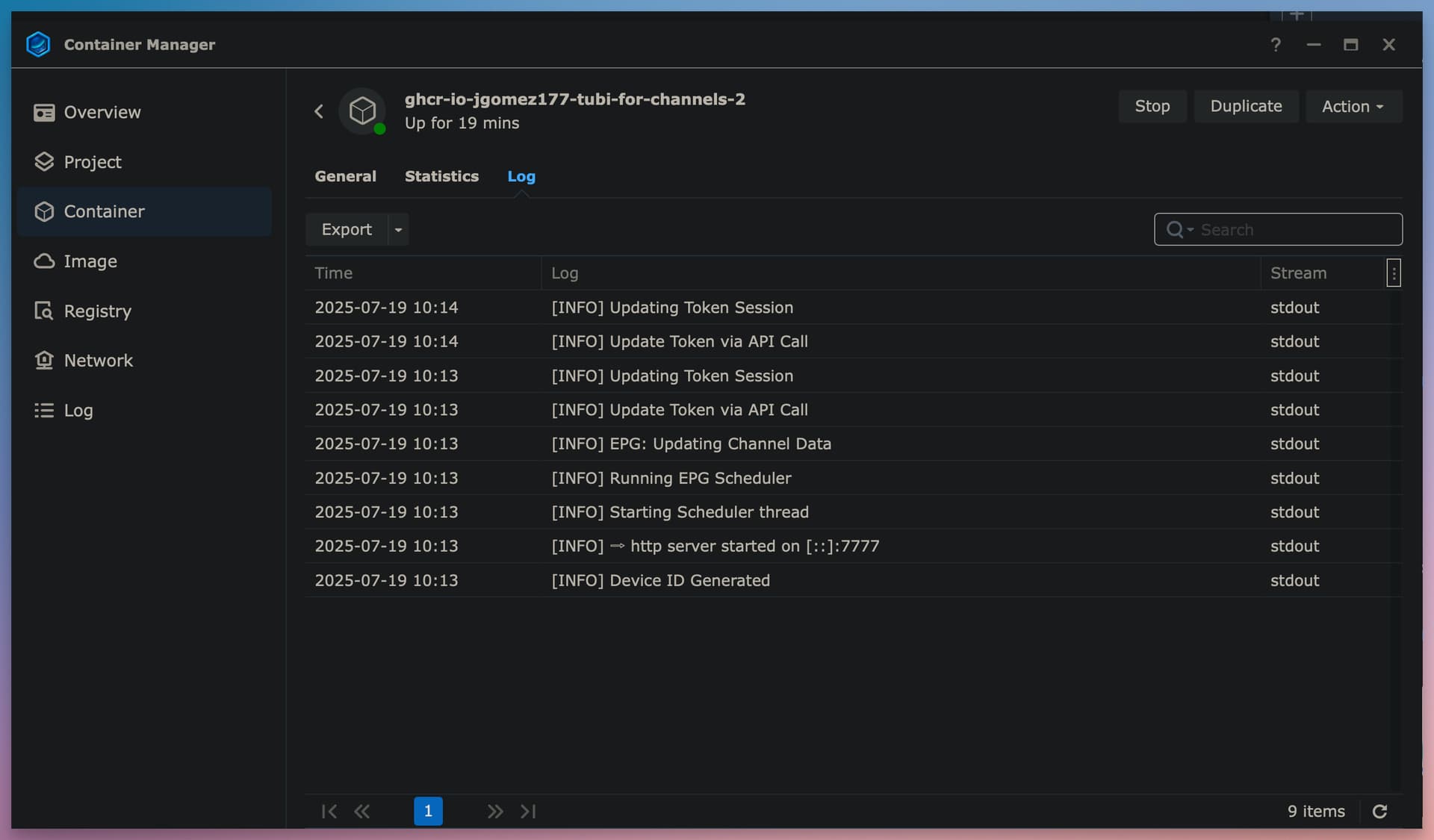
So definitely not a Channels issue, this is a local network issue. You appear to be blocked from accessing a site the container needs to function. Could be you are behind a VPN or doing some other type of tunneling, something that might make Cloudflare or something else bounce your connection. Or even just something in your installation of Docker or your server that is not allowing access. Either way, it's something you'll have to investigate on your end further.

Error in use_signin_creds
Max retries exceeded with url: /user/login

Could be your tubi account username or password are getting mangled when being passed to docker.
Try removing them (TUBI_USER and TUBI_PASS) from the container environment variables.
If there are any special characters in either one, it's best to use a compose statement instead of a docker run command. Otherwise you have to know how to escape the special characters in the shell interpreter being used for the docker run command.