Javascript Error on Mac in Chrome & Safari

Hi - I am using RPi4 image for Channels DVR Server since the beta and recently, I am no longer able to get into my DVR using either: my.channelsdvr.net or http://dvr-server.local:8089/

I noticed it first setting up my new Macbook Air M1, and then I also got it on my older iMac that worked fine until now.

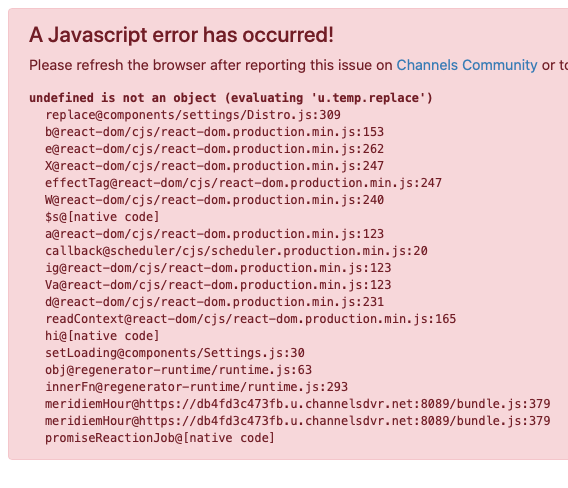
Here are the errors from the iMac that was working fine
Chrome:
image

Safari:
image

Thanks, Chas.

Could you click submit diagnostics on http://dvr-server.local:8089/admin/troubleshooting

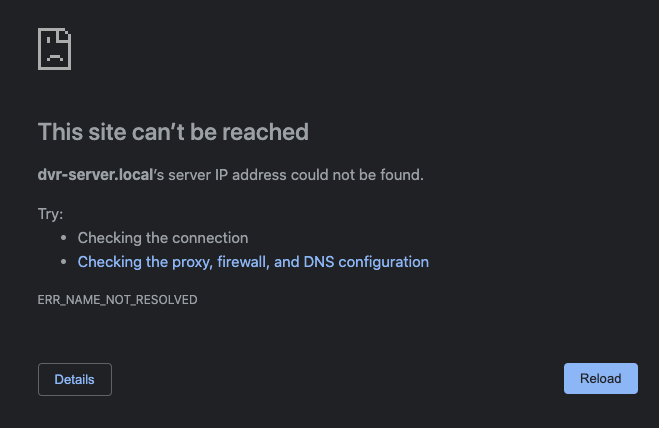
That link does not work for me on either Chrome or Safari
image

Huh. Well whatever page you're seeing that error on, edit the browser url to make it say /admin/troubleshooting and then you should see the diagnostics button

I'm sorry, not quite sure what you are asking for, I will do anything you tell me - This is a full screenshot:

Then I edited the url as you requested and got this:

How about this one http://192.168.1.138:8089/admin/troubleshooting

That got a little further - Do you need me to do anything else now?

Thanks, that's all I needed.

It looks like you're on a mac, so if you open Terminal.app and paste this command it should fix the problem:

curl -XPUT http://192.168.1.138:8089/updater/check/prerelease

That fixed it and I am able to access on both Macs. I saw there was an update so I applied that as well.
Your product and team is a joy to work with!
Thanks!!

2 Likes