
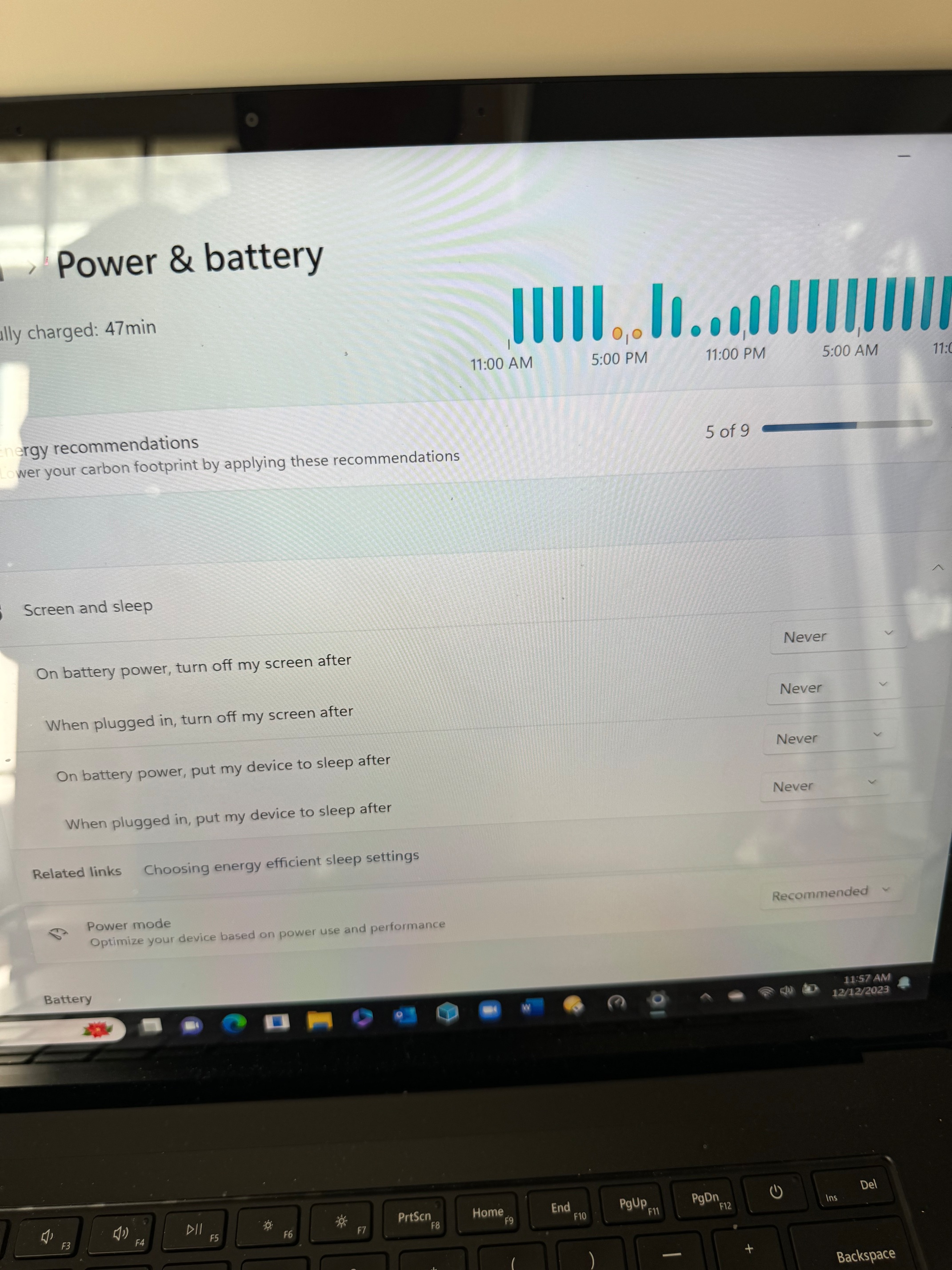
I have a Microsoft Surface 4 laptop to which I have connected a USB external drive. I installed the DVR for Channels and it works perfectly well when the laptop lid is open. However, when I close the lid, the connection drops. I tried to adjust the 4 power settings under System Power and Battery, see below, within windows 11 to “never” and rebooted and it’s still dropping the wi-Fi connection when I close the lid. There must be other settings within windows 11 that tell Windows 11 what to do when the lid is closed but I cannot find them.
You need to use the Control Panel (the one that hasn't changed since Win7 or earlier), and adjust the power options for what to do when the lid closes.
I can’t find those options in the control panel for Windows 11.
Are you sure you were in the Control Panel and not the Settings, as shown in your initial screenshot? (I'm not saying you're wrong, merely that I see it on mine.)
I found many posts online discussing this exact situation with a simple search for "windows 11 lid close not sleep", such as this:
1 Like
Yes, you are definitely correct. I found it under control panel. And now everything is working fine. Thanks very much!!
1 Like
This topic was automatically closed 365 days after the last reply. New replies are no longer allowed.