Library V2 > Movies: Difficult to view and quickly edit Labels per movie

Description of issue: On the new Library V2 page that replaces Manage Recordings, the ability to view and quickly edit Labels for individual movies is missing from the Rows view. I personally use labels extensively for library organization, combined with Smart Rules to create various flexible Library Collections and Playlists. The lack of this feature makes viewing and editing movie labels rather cumbersome. In the legacy Manage > Movies page, it was very easy to quickly label a bunch of movies in short succession with unique combinations of labels per movie.

I expected: The ability to both view and quickly edit labels applied to movies in Library > Movies in the Rows view without extra clicks or opening dialogs.

What actually happened: The Labels editing/viewing area is missing from each movie in Library > Movies in the Rows view, and buried behind three extra clicks:
(1) ••• [More actions] > (2) Edit > (3) Tags > Labels field
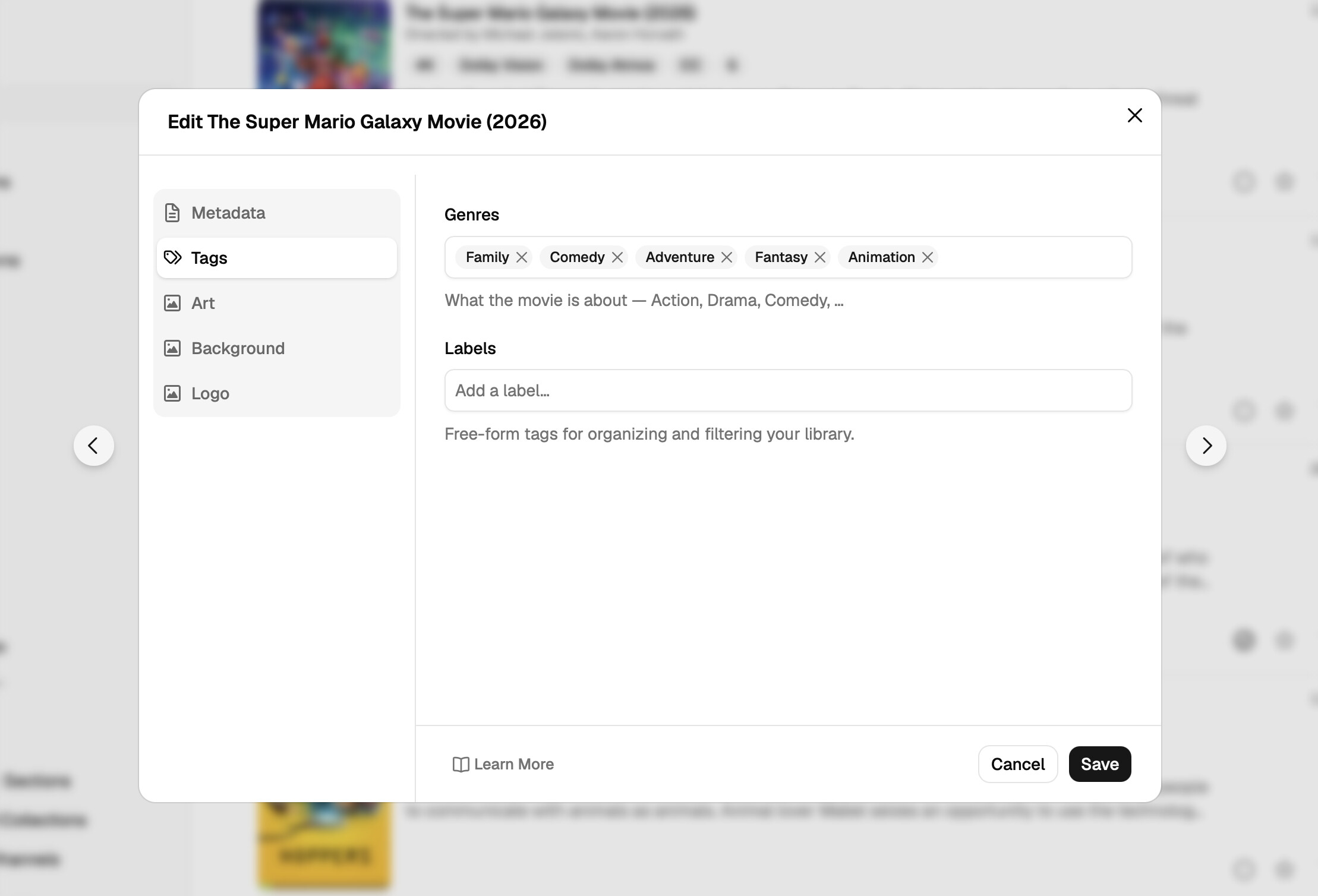
Yes, the Label field was removed from the rows and is now available in the edit modal. You can quickly get to it with the T shortcut key, but this is only available on the Movie page.

I get that this changes your workflow, but there are no plans to change the decision.

Opening the movies you need to edit in new tabs and then toggling to each and pressing the T key would be faster than what you described, but we'll investigate potential workflows for fast editing items.

OK, as of the latest pre-release, you can now cycle through edit modals that you open from the Library. So, using the arrows you can jump back and forth between the content that's presented in the list.

We're hopeful this helps aid in fast editing and curation of many types.

1 Like

Thank you, those arrow buttons definitely help.
It would be even better if there were also keyboard shortcuts for those buttons to move between movies.


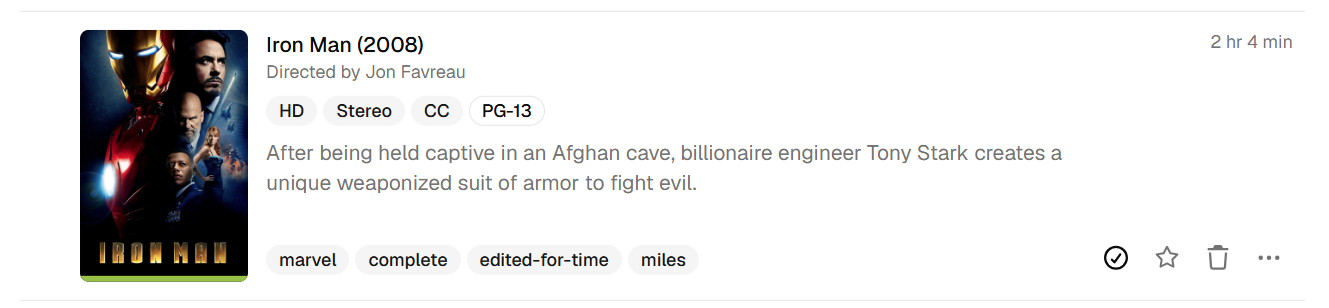
For the viewing labels part of this request, would you please consider displaying the labels directly on each movie row as badges? Maybe the labels could go below the movie description (left-aligned along the bottom of each movie row, vertically aligned with the action buttons) where there is already empty space? (Or alternatively, the labels could be appended to the row of Tags, though this risks confusing their purpose with tags.) Clicking on that row of displayed labels could also open the Edit modal directly to the Tags tab.

What I miss most about the legacy Manage view is being able to look at many movies at once along with their labels and quickly move (scroll) between movies, but with the labels hidden away, we lose that overall context.

Here's a quick mockup of what I'm proposing:

There's no plans to do this. I understand that this is a big part of your workflow, but it's not as big for everyone else to clutter these rows with the items.

I know it's not what you want to hear, but this is what we've decided. We're created multiple ways to optimally curate items including batch editing, quick editing (added here), and shortcut keys to jump directly to it.