
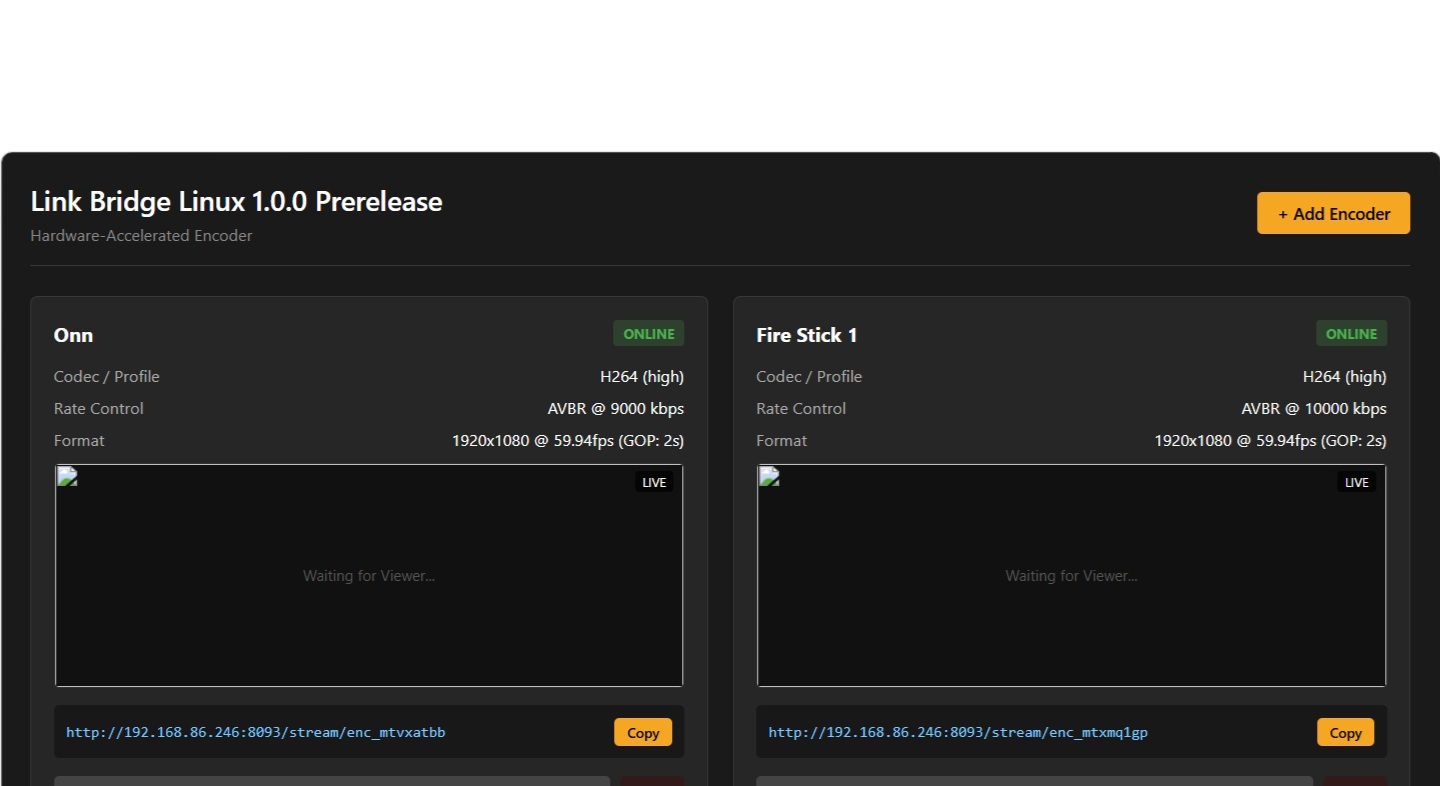
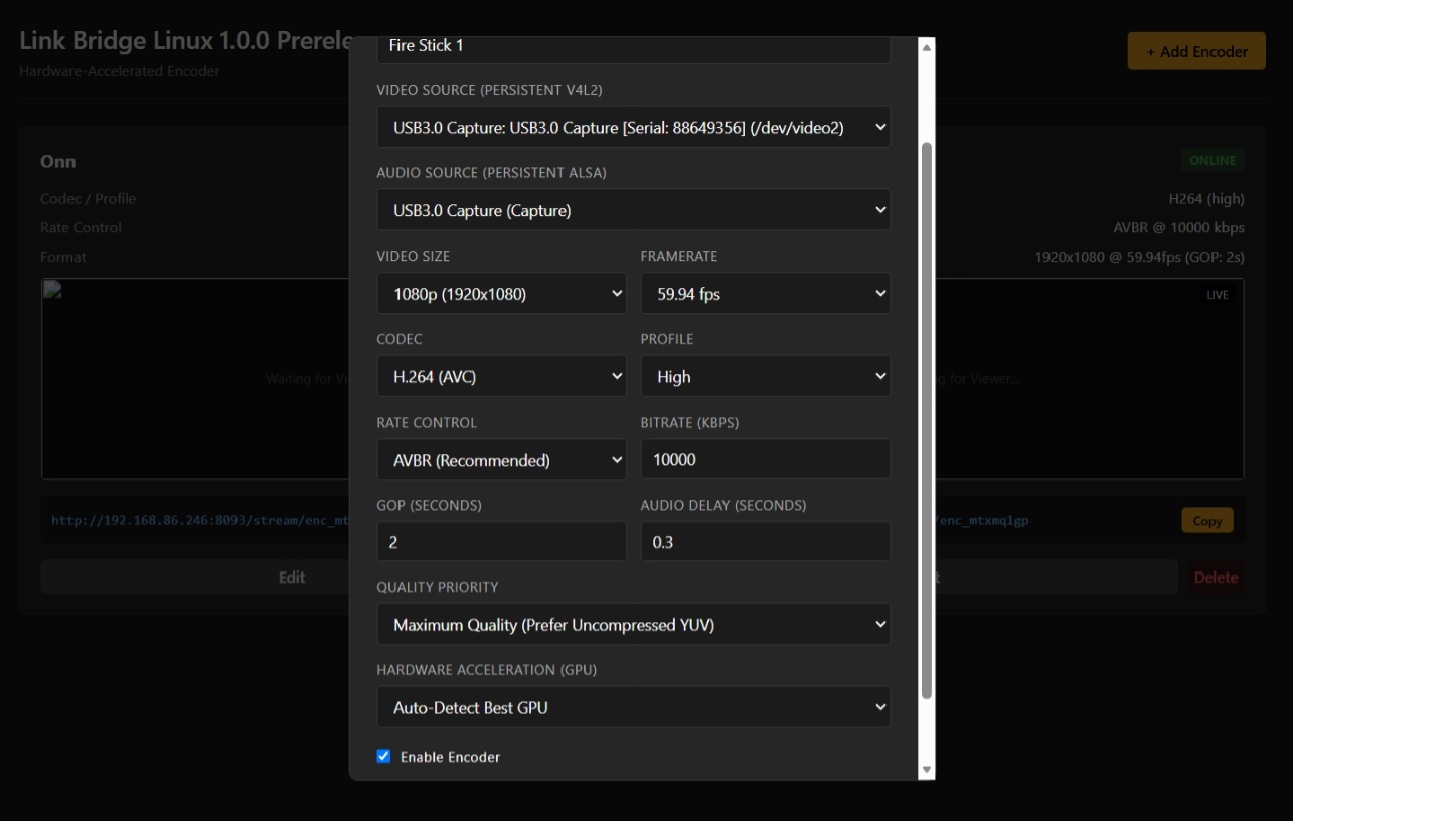
This project is an attempt to bring the power of a LinkPi to the PC. It does not work as well as a LinkPi. I will continue to work on it, but I am taking a break from it for now. This is a prerelease being put out to the community just in case it helps anyone. Instructions for install are on the GitHub repo.
How do you install it? plese dont tell us where the instructions are
Instructions are for losers, right. Instead of telling you where they are, I'll type them here.
- Go the the repo.
- Download the the pre-release.
- Open terminal in the folder that the .Deb downloaded to, usually Downloads, or navigate to the folder with the
cdcommand. - Run
sudo apt install ./linkbridge_1.0.0_amd64.debin terminal
It does not work as well as LinkPi encoders do. The stream quality is dependant on the capture device and the CPU and GPU on the PC. Older CPUs will probably fail due to limited resources and lack of encoding. Keep in mind it is a work in progress.
For anyone that wants to find the instructions, they are on the GitHub repo of the project linked in the first post.
Whats the system requirements? I dont do crappy linux or type things into command prompts
This is not the project for you.
nor is channels dvr anymore apparently
I'm not affiliated with Channels, I am a user that builds a few free projects that may be useful to others. The word Linux is in the title and the brief description tells you and everyone where the instructions are and provides a link to the repo. I try to make things as simple as possible.
Not very useful at all. All this detracts from Channels DVR, lots of links to this and that with no real usefullness.
You're confusing Channels DVR with various community projects and extensions that are available, but totally optional.
1 Like