Local Content Using QNAP

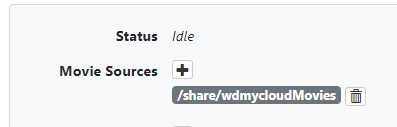
I have channels installed on the QNAP server. My TV Shows are in a directory on the QNAP server but my Movie collection is on a Western Digital (WD) NAS. I mounted the WD movie folder on the QNAP server and then imported it via the Local Content setting screen.
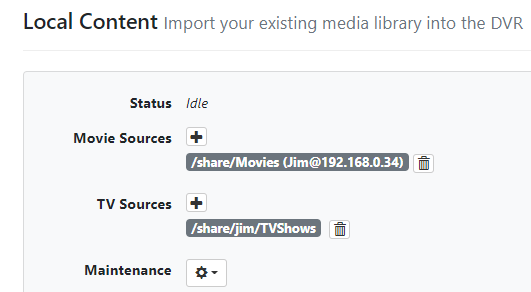
image

I see the tv shows in the LIbrary but not the movies. I see the following error in the log:
Failed to read directory /share/CACHEDEV1_DATA/.qpkg/HD_Station/share: open /share/CACHEDEV1_DATA/.qpkg/HD_Station/share: permission denied

I assume this is the issue but not sure where I would enable permission for that.
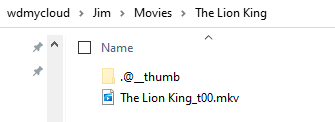
Can you screenshot what's inside that movies share?

Here is the typical structure:
image

Please submit diagnostics

Submitted
d95b947b-56c1-427b-8f8e-ac131955bd19

The only thing I can think of is that its getting confused by the parens and @ sign in the share name. Are you able to rename it to something simpler when creating the mount?

I tried this and no dice. I'm not seeing any new log entries either.
image

Please update to latest prerelease, then scan sources and submit diagnostics

Here you go 25691bcc-c21a-4d44-9ae9-029692c6624a

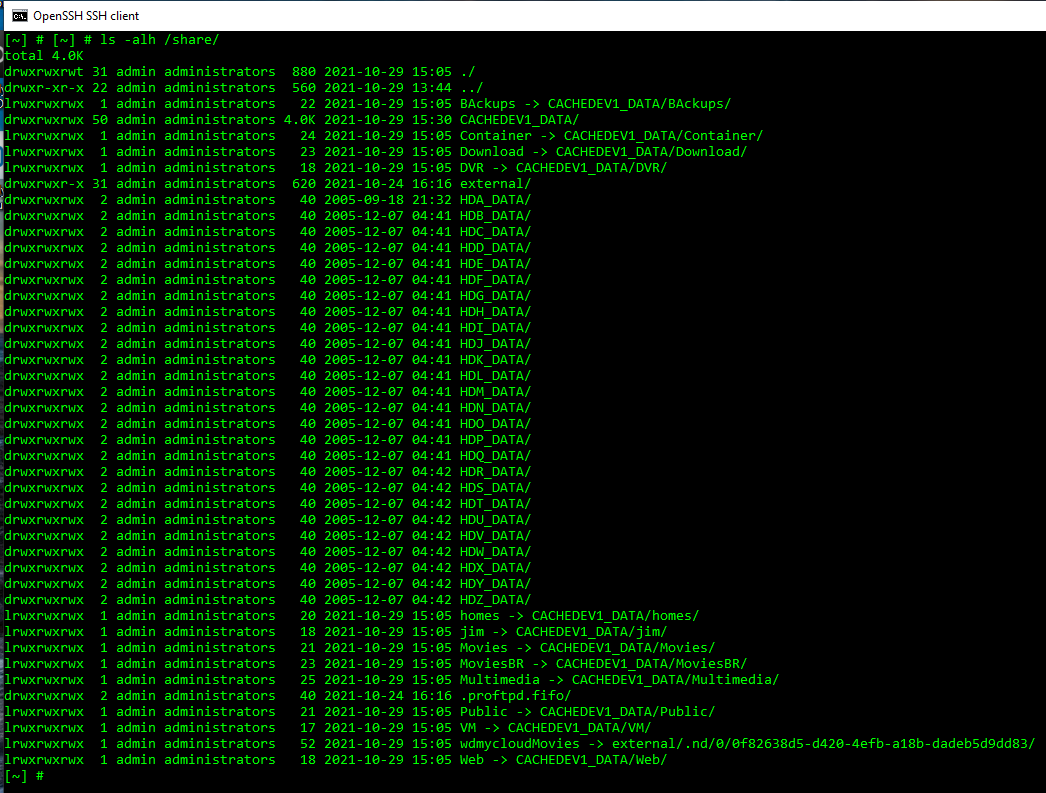
Can you SSH into the QNAP and run this command, then paste the output shown here:

ls -alh /share/

I don't have SSH enabled. Should it be for this to work?

Yea you would need to enable that and figure out how to SSH in from your mac or PC to run that command.

Enabled now but it won't accept my admin password. I haven't done ssh much but I thought I would need a public key to do this which QNAP didn't offer when I enabled it.

I'm going to have to come back to this later.

I use PenguiNet to ssh to my Qnap. I do not believe they use keys. My user is : admin (and I have a password) and can connect.

When you do get in, you'll probably see a "Console Management" menu (not a true shell yet), so you'll then need to type "Q" to quit, then "Y" to confirm at which point you'd then be in a normal shell to run commands.

Thanks, I had forgotten to add admin@...

Here is the list.

1 Like

Are you using HybridMount to mount the remote share? If not try that.

Possible fix coming in v2021.10.29.2303

Great. I'll try it when I get back.

Yes I am. Thanks.

I was able to get further with the new build but still no dice. The third attempt was after removing the Local Content movie path from Channels and adding it back in. Prior to doing that, I confirmed that the mount was still there in QNAP and it could see the wdmycloud server.

submitted log 6fddf8b0-718a-4e1f-b5e5-64a5ae6bfe51